K Kituwa Automations
--:--
KF

Facebook Pages · Facebook Page

Kituwa Facebook Page

The Kituwa.com Page plan: 100 daily pixel-art posts at 03:00 ET, extended by a rolling 25-day scheduler.

Healthy 3/day · 09:00, 15:00, 21:00 ET Facebook Page ↗

Control panel

Run it now or change the timing.

Read-only view. Unlock the controls to run jobs, post now, or change schedules.

Actions

Kituwa Facebook Page controls

Run the scheduler

Reschedule the next post

Shift the future plan

Only posts not yet natively scheduled are moved.

Rolling scheduler cron

Changes when the daily 25-day window extension runs.

Posts per day

Change the cadence

3/day · 207 future posts

At 3/day these 207 posts cover 69 day(s). Uses the pending posts with images; it does not create new content. Updates schedule.json in one pass. Native-scheduled posts are left alone.

This cadence covers 69 days. Facebook native scheduling only reaches about 30 days ahead; increase posts per day to keep the whole plan schedulable.

Review

Ready for the owner.

Review the next posts before they go out. The scheduler only publishes posts marked approved in content/posts.json.

Post 1 artwork

2026-11-17 · 09:00 ET · image

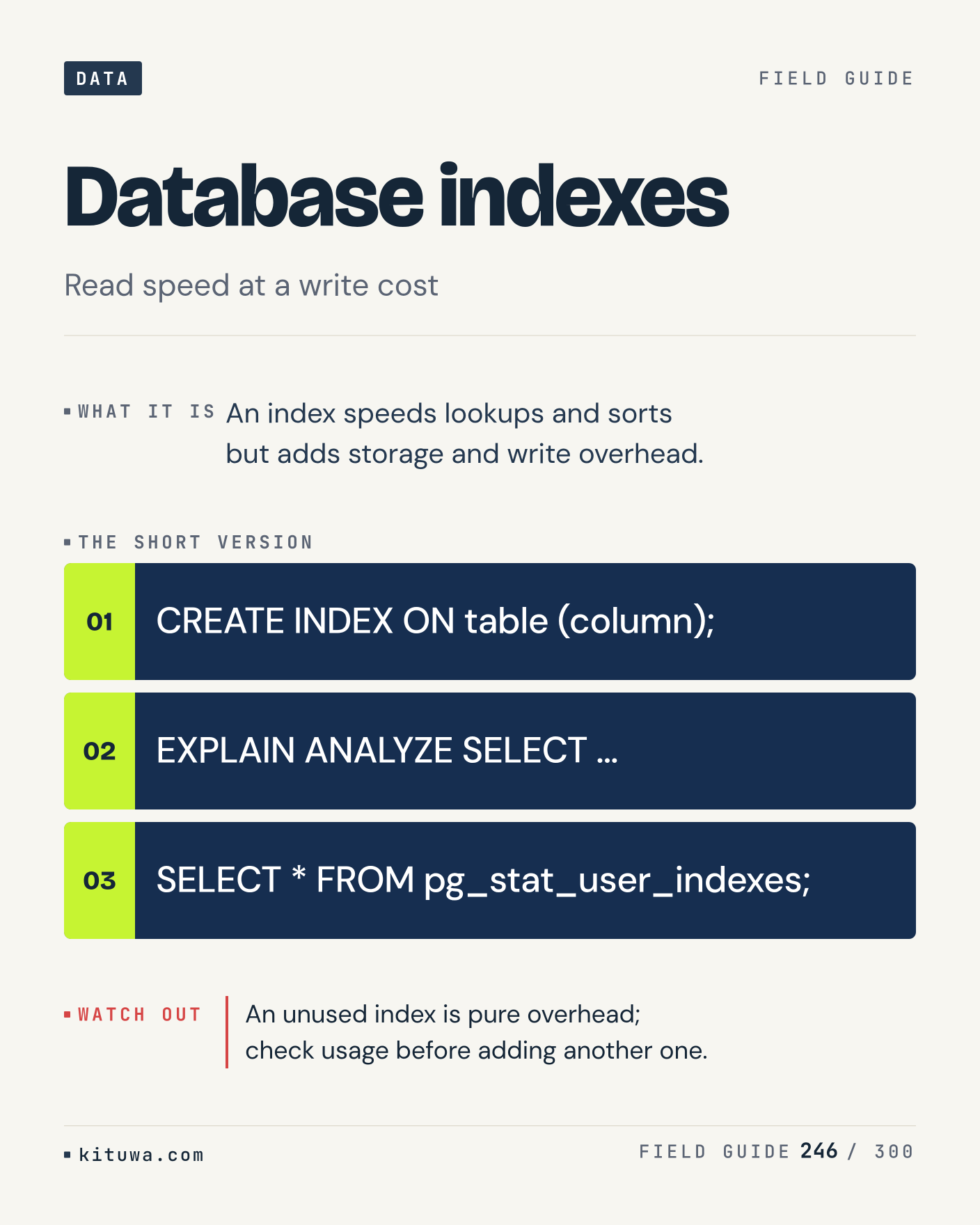
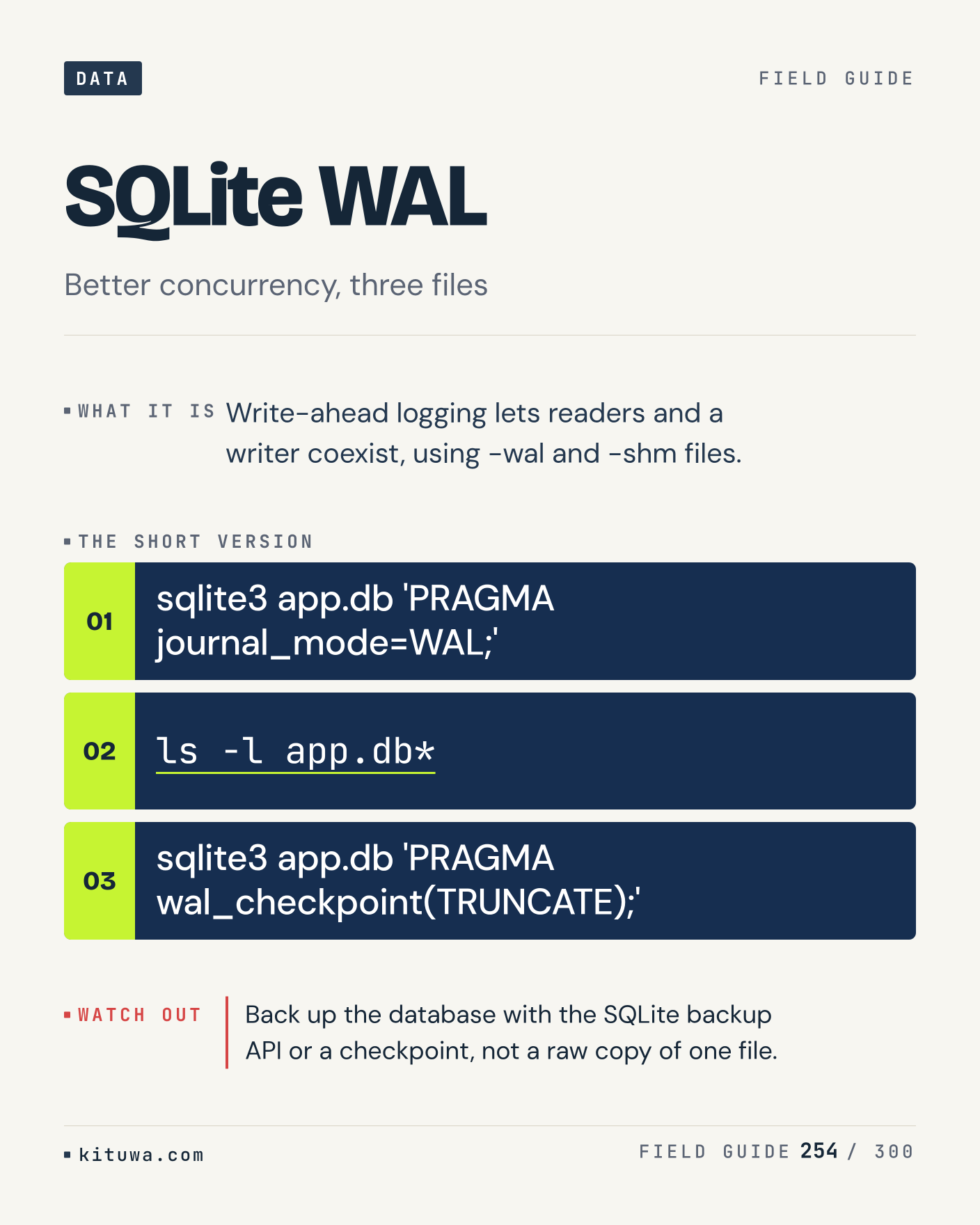
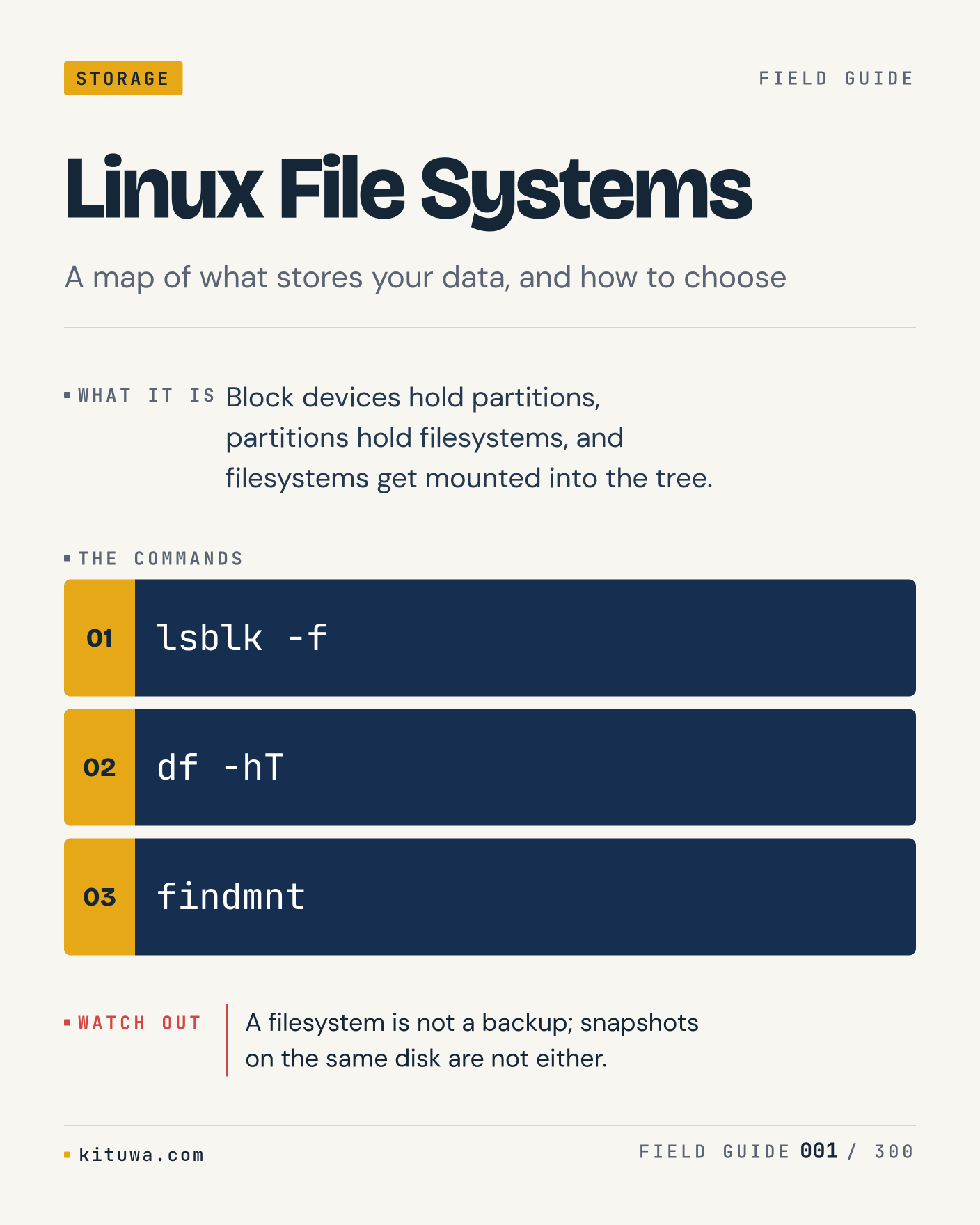
1. Linux File Systems

Block devices hold partitions, partitions hold filesystems, and filesystems get mounted into the tree. Try `lsblk -f` first; `df -hT` is the next step. A filesystem is not a backup; snapshots on the same disk are not either. Which one would you check first?

#Linux #FileSystems #TechTips

Approval: approved · Facebook: scheduled
Post 2 artwork

2026-11-17 · 15:00 ET · image

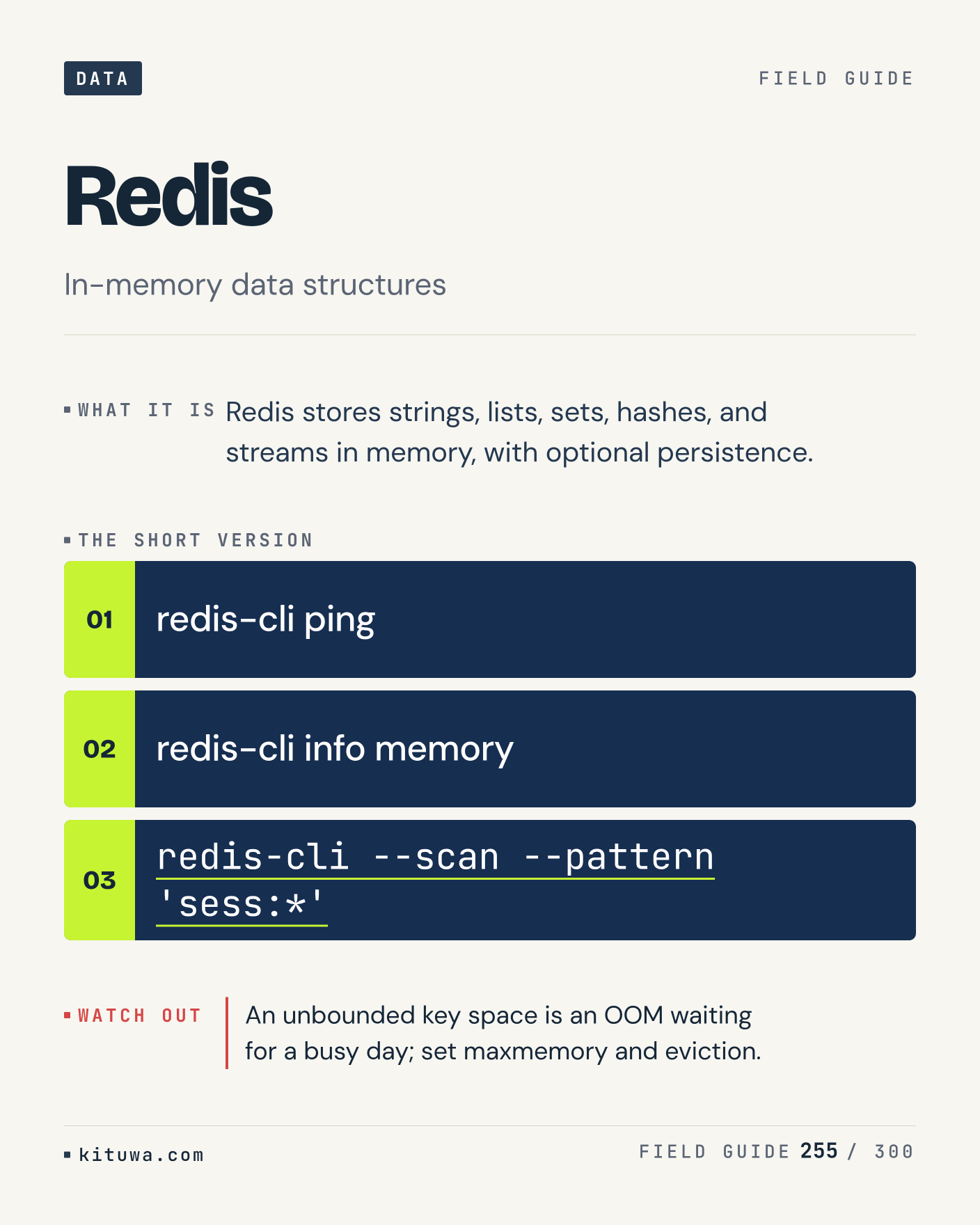
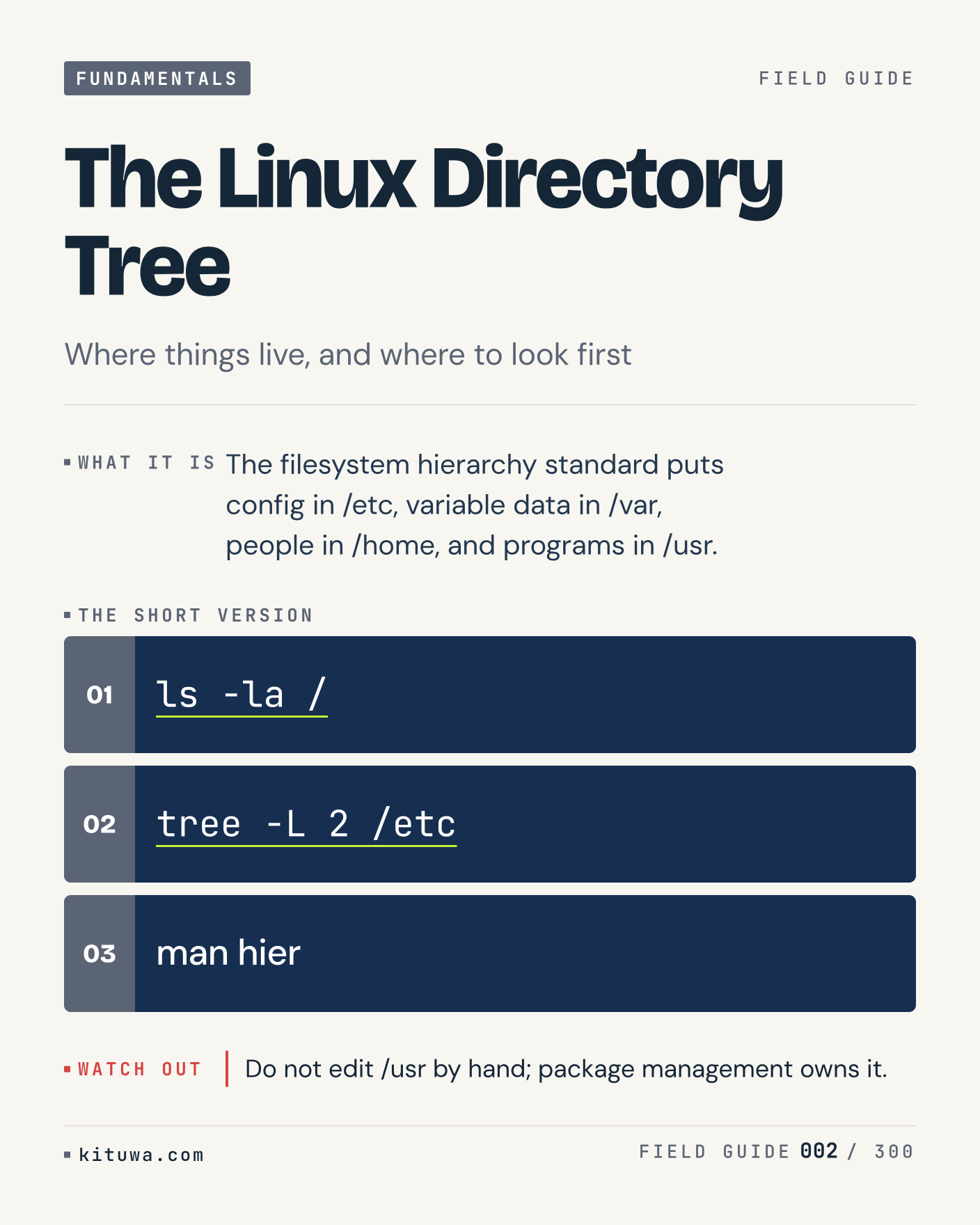
2. The Linux Directory Tree

The short version of The Linux Directory Tree — The filesystem hierarchy standard puts config in /etc, variable data in /var, people in /home, and programs in /usr. `ls -la /` shows the state; `tree -L 2 /etc` changes it. Do not edit /usr by hand; package management owns it. Sound familiar?

#Linux #SysAdmin #TechTips

Approval: approved · Facebook: scheduled
Post 3 artwork

2026-11-17 · 21:00 ET · image

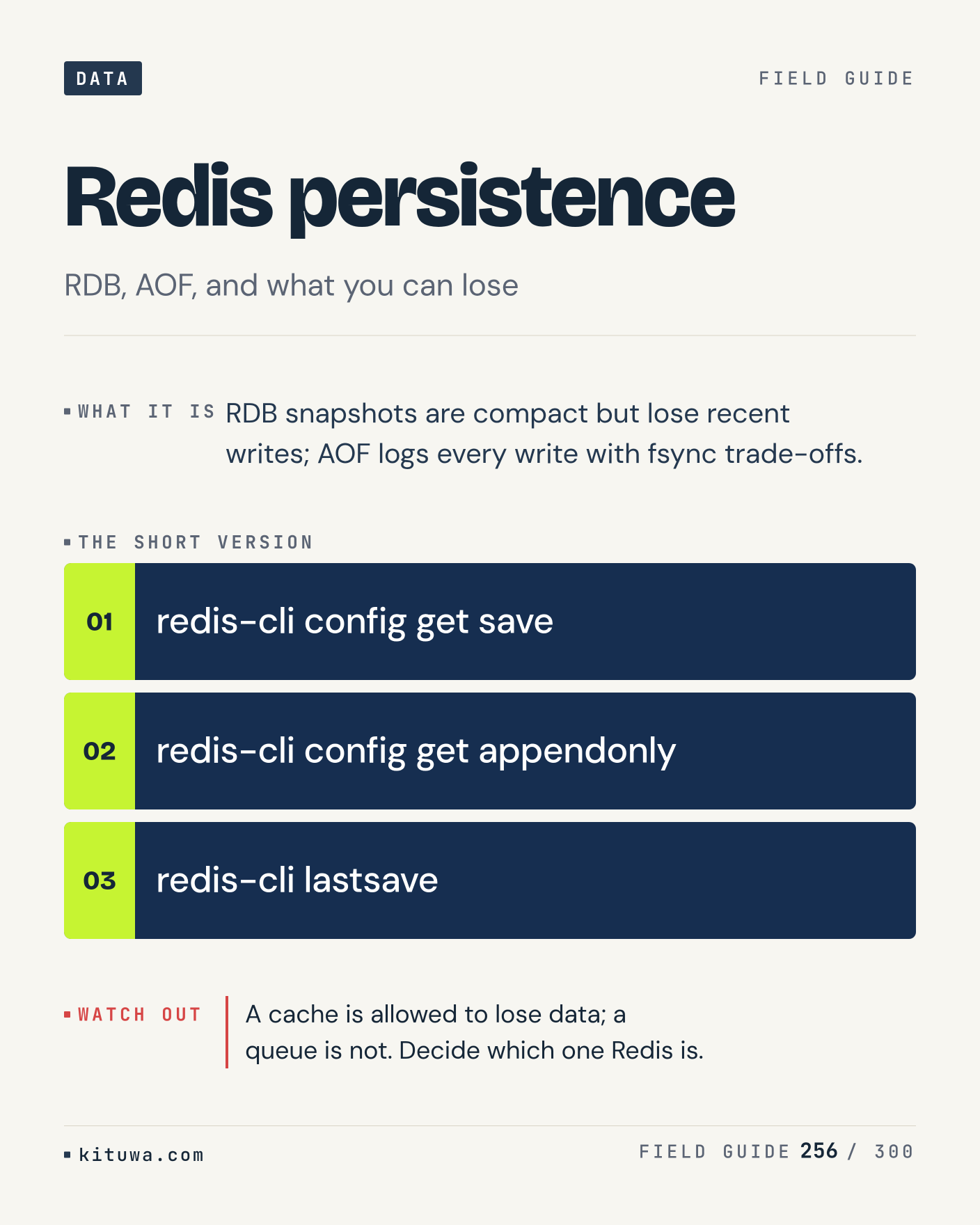
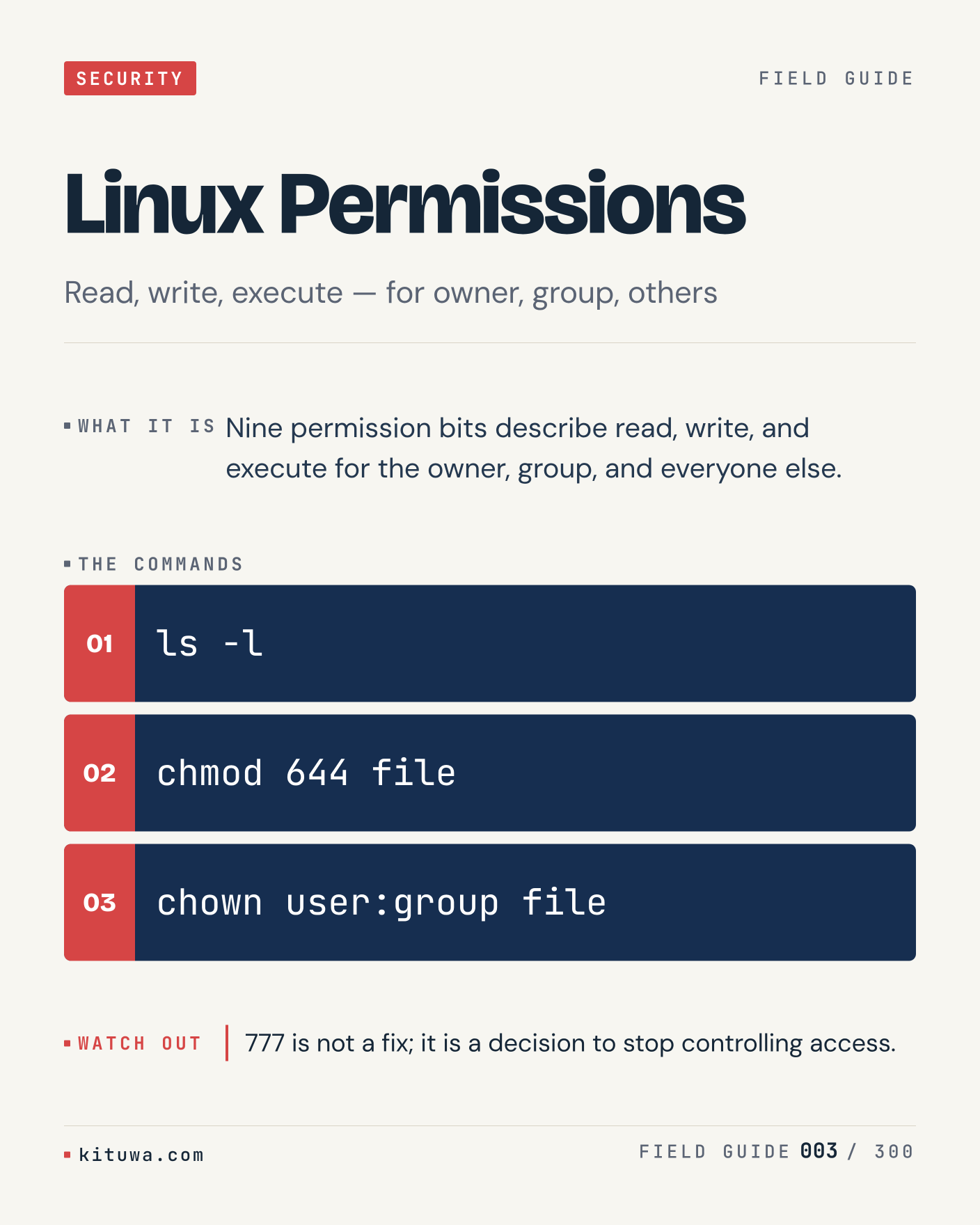
3. Linux Permissions

There is no magic in Linux Permissions. Nine permission bits describe read, write, and execute for the owner, group, and everyone else. Use `ls -l` before `chmod 644 file`. 777 is not a fix; it is a decision to stop controlling access. What is your default?

#Linux #Security #TechTips

Approval: approved · Facebook: scheduled
Post 4 artwork

2026-11-18 · 09:00 ET · image

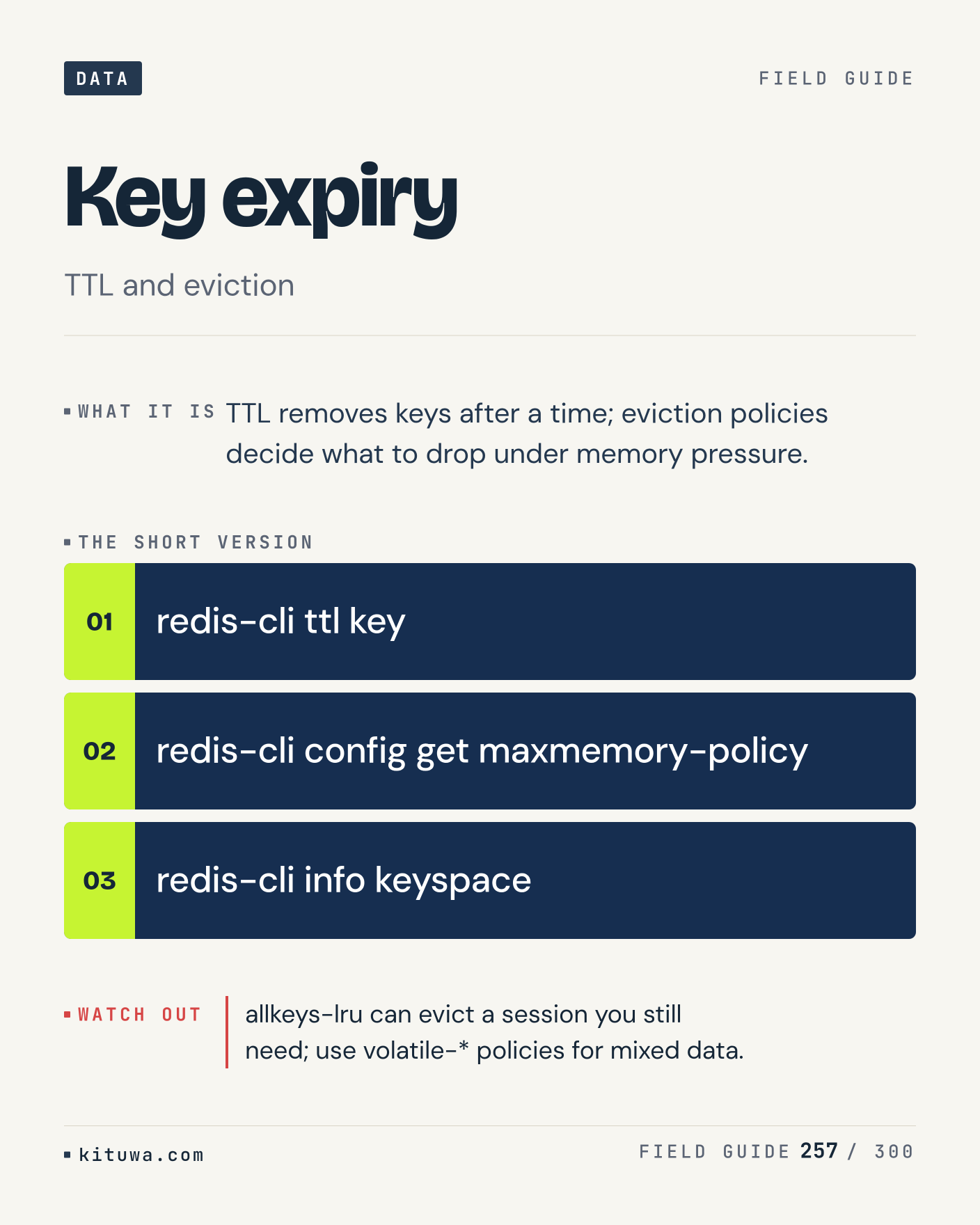
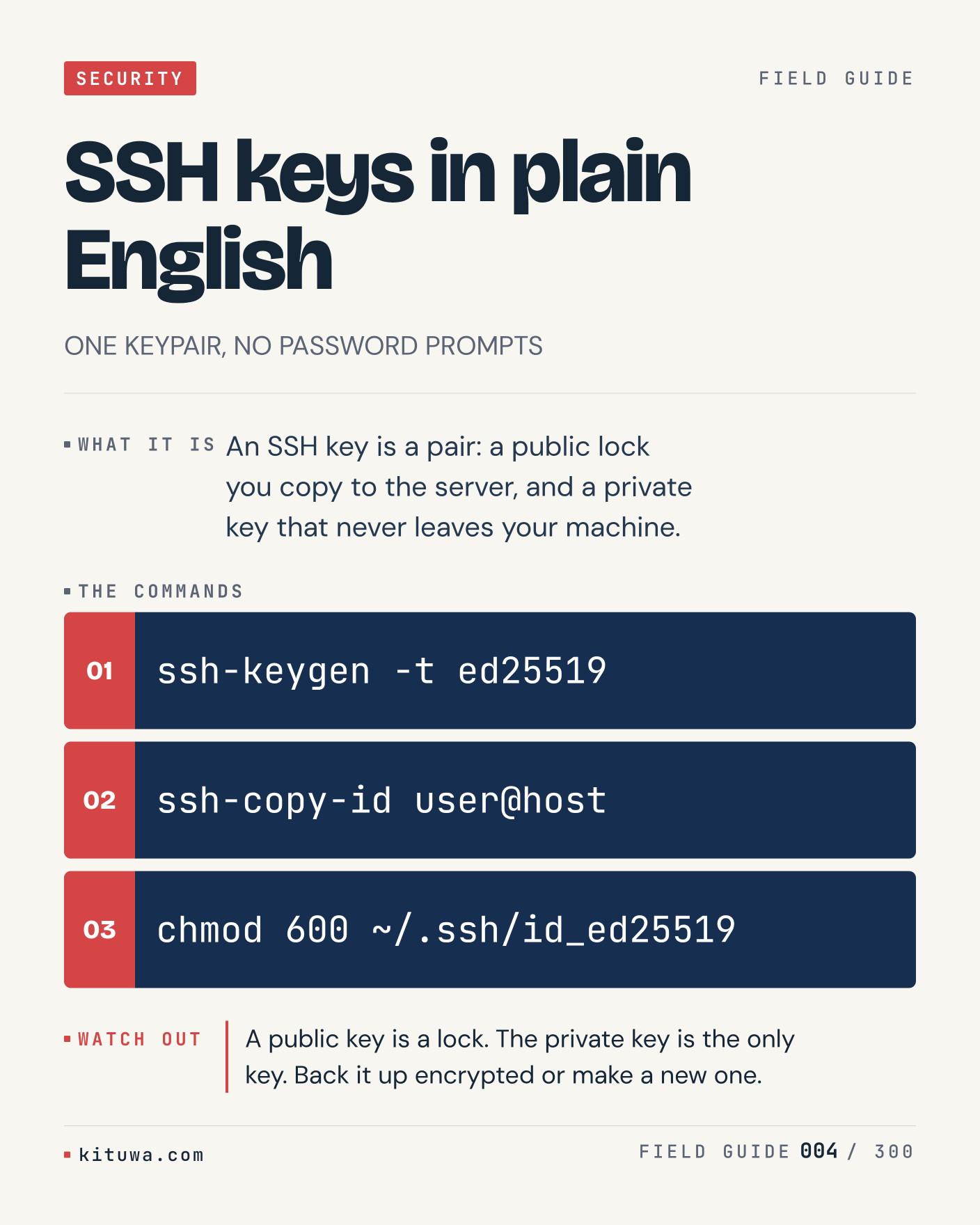
4. SSH keys in plain English

One thing about SSH keys in plain English — An SSH key is a pair: a public lock you copy to the server, and a private key that never leaves your machine. `ssh-keygen -t ed25519` is the fastest check. A public key is a lock. The private key is the only key. Back it up encrypted or make a new one. What would you add?

#SSH #Linux #Security

Approval: approved · Facebook: scheduled
Post 5 artwork

2026-11-18 · 15:00 ET · image

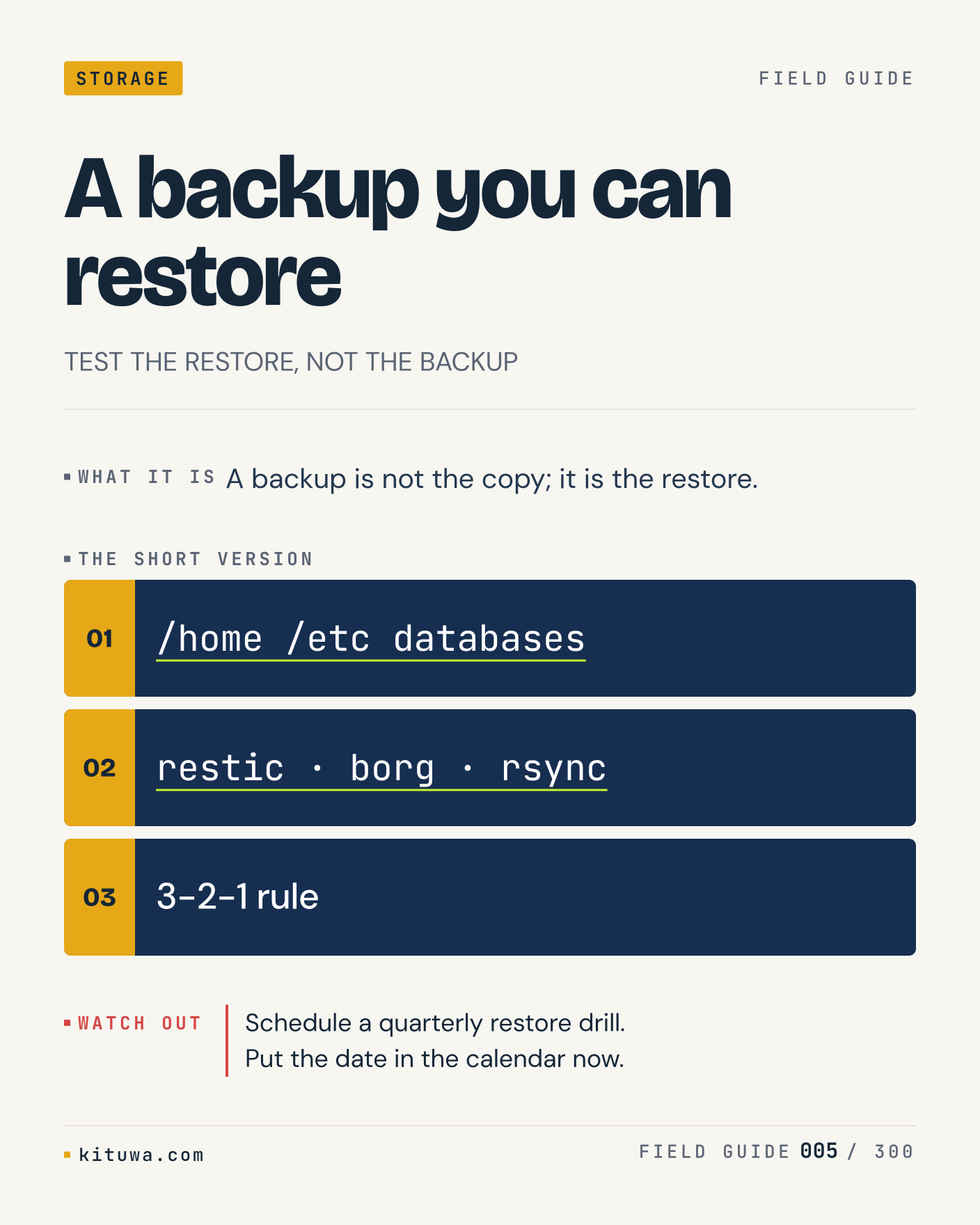
5. A backup you can restore

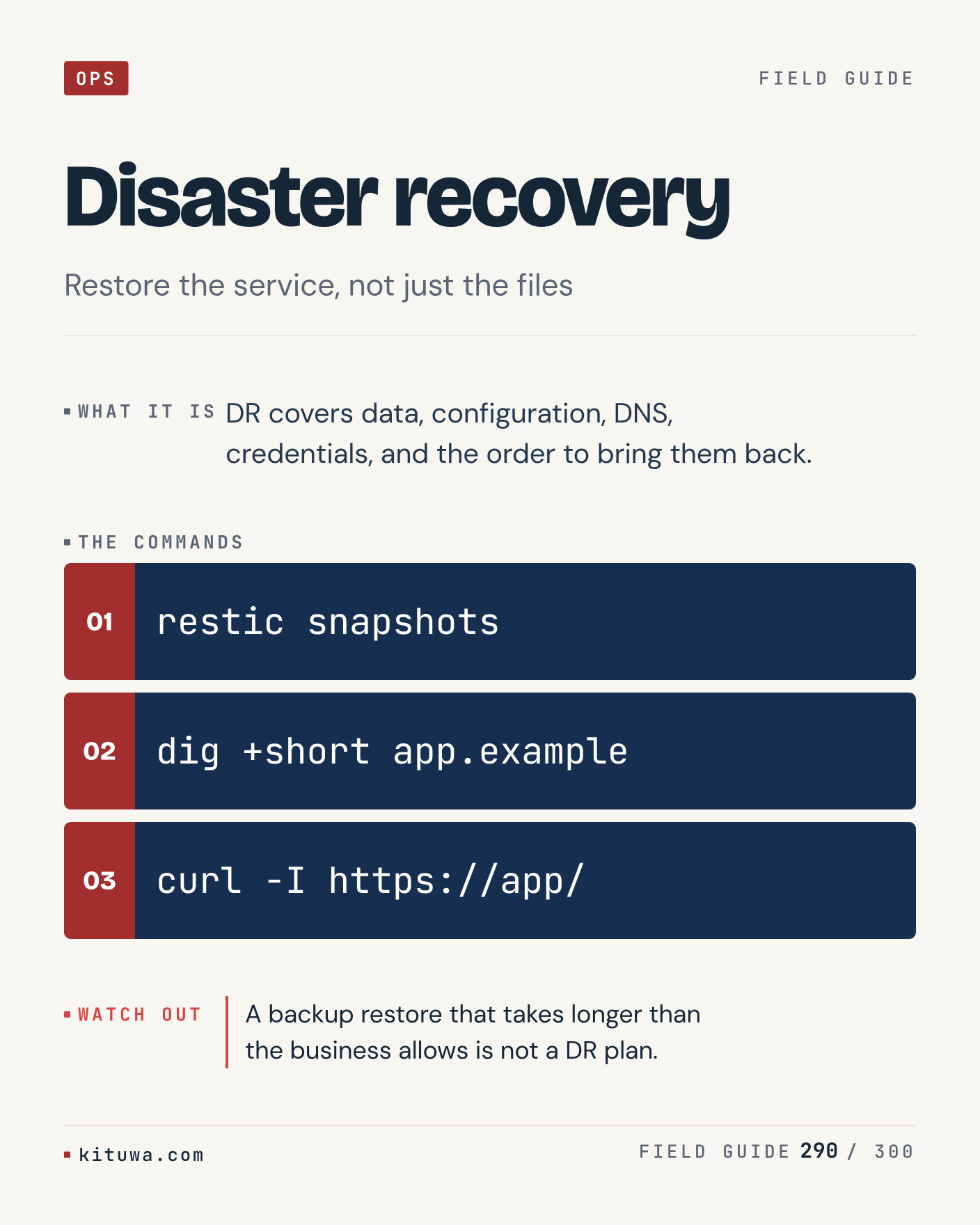
A backup is not the copy; it is the restore. The useful habit: run `/home /etc databases`, read the output, then decide. Schedule a quarterly restore drill. Put the date in the calendar now. What is the last thing it caught?

#Backups #Linux #SelfHosted

Approval: approved · Facebook: scheduled
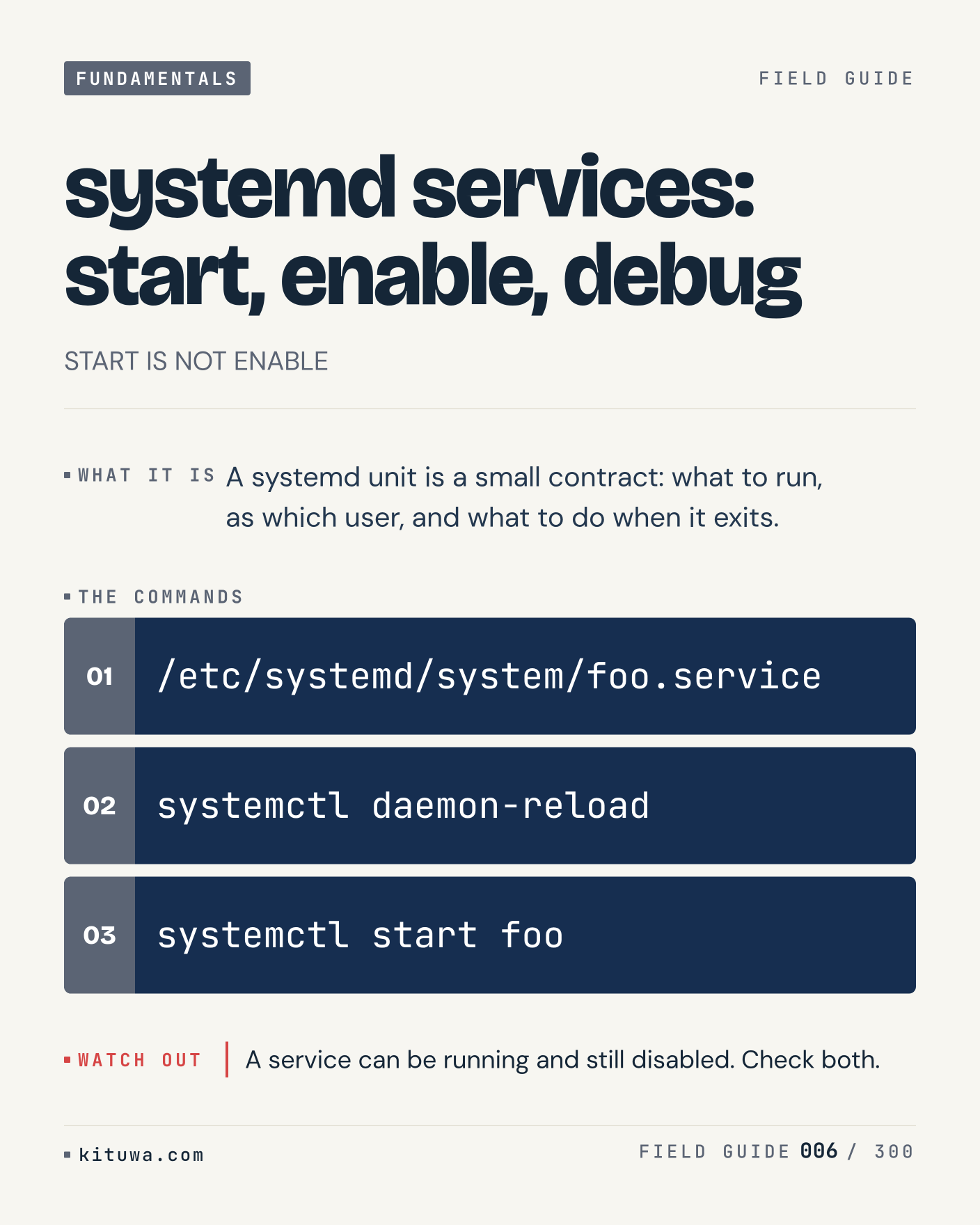
Post 6 artwork

2026-11-18 · 21:00 ET · image

6. systemd services: start, enable, debug

Systemd services: start, enable, debug, without the ceremony — A systemd unit is a small contract: what to run, as which user, and what to do when it exits. `/etc/systemd/system/foo.service` first, `systemctl daemon-reload` when you need the detail. A service can be running and still disabled. Check both. Which output do you trust?

#systemd #Linux #SysAdmin

Approval: approved · Facebook: scheduled
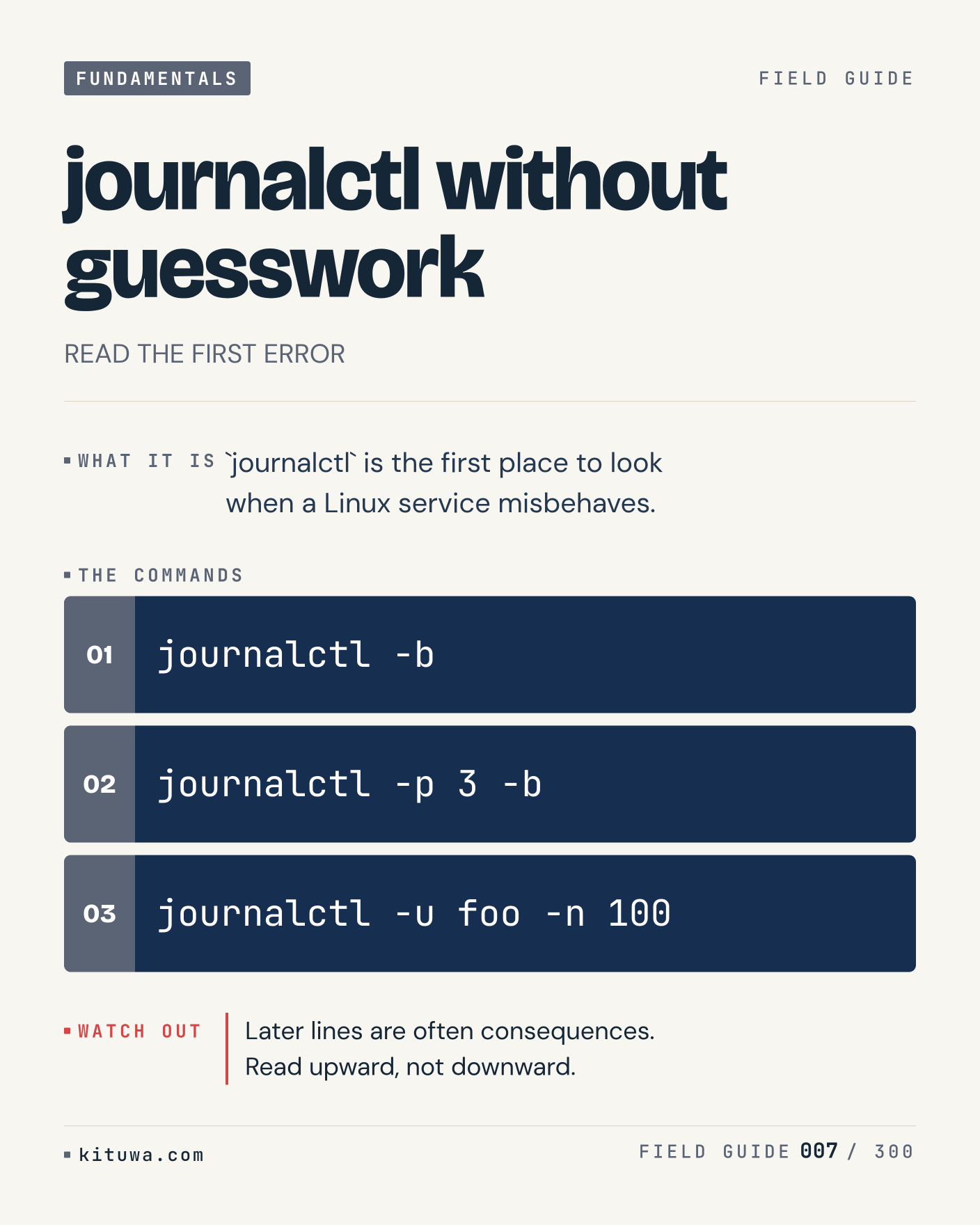
Post 7 artwork

2026-11-19 · 09:00 ET · image

7. journalctl without guesswork

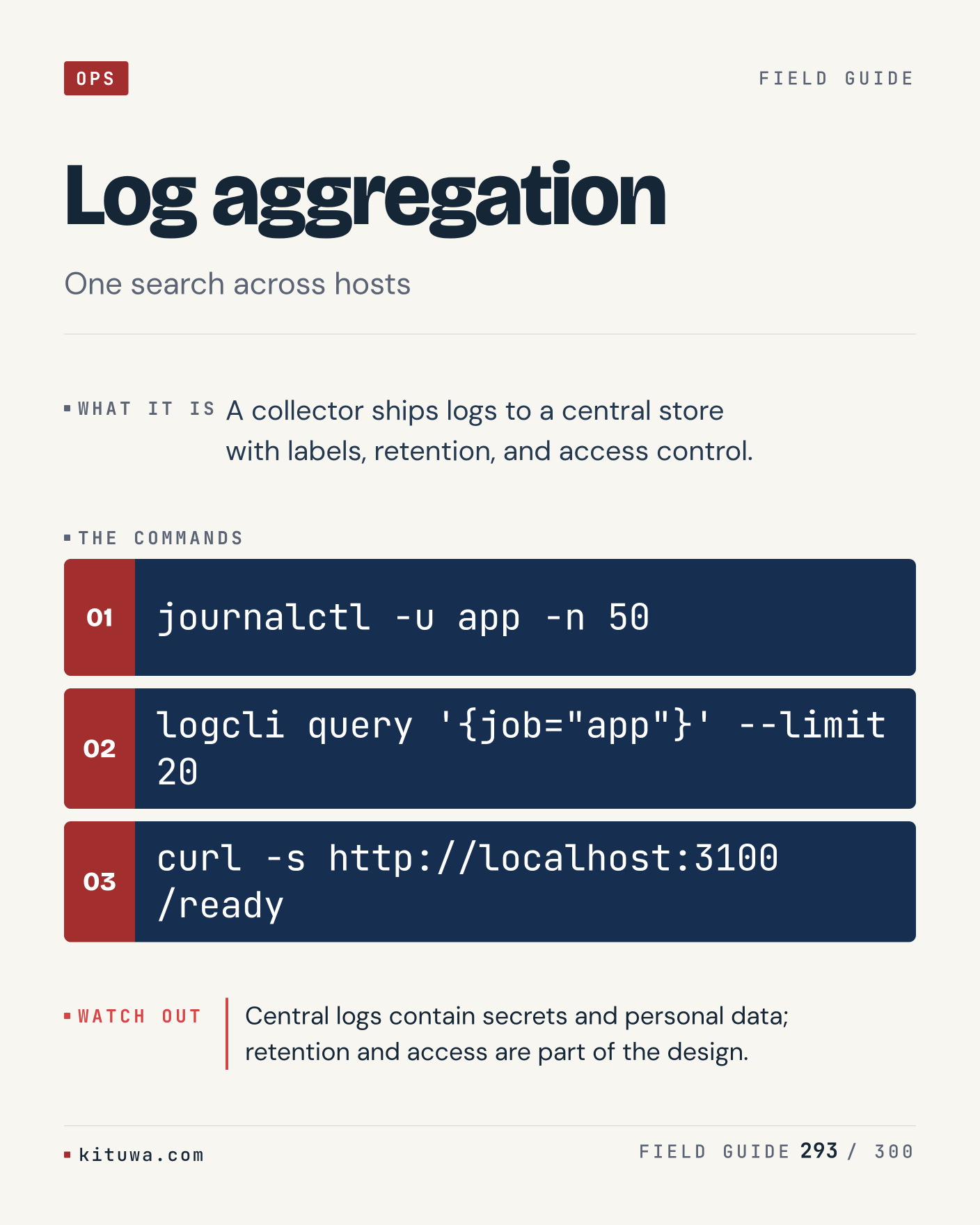
`journalctl` is the first place to look when a Linux service misbehaves. Keep `journalctl -b` and `journalctl -p 3 -b` in reach. Later lines are often consequences. Read upward, not downward. What breaks first on your setup?

#Linux #Logs #Troubleshooting

Approval: approved · Facebook: scheduled
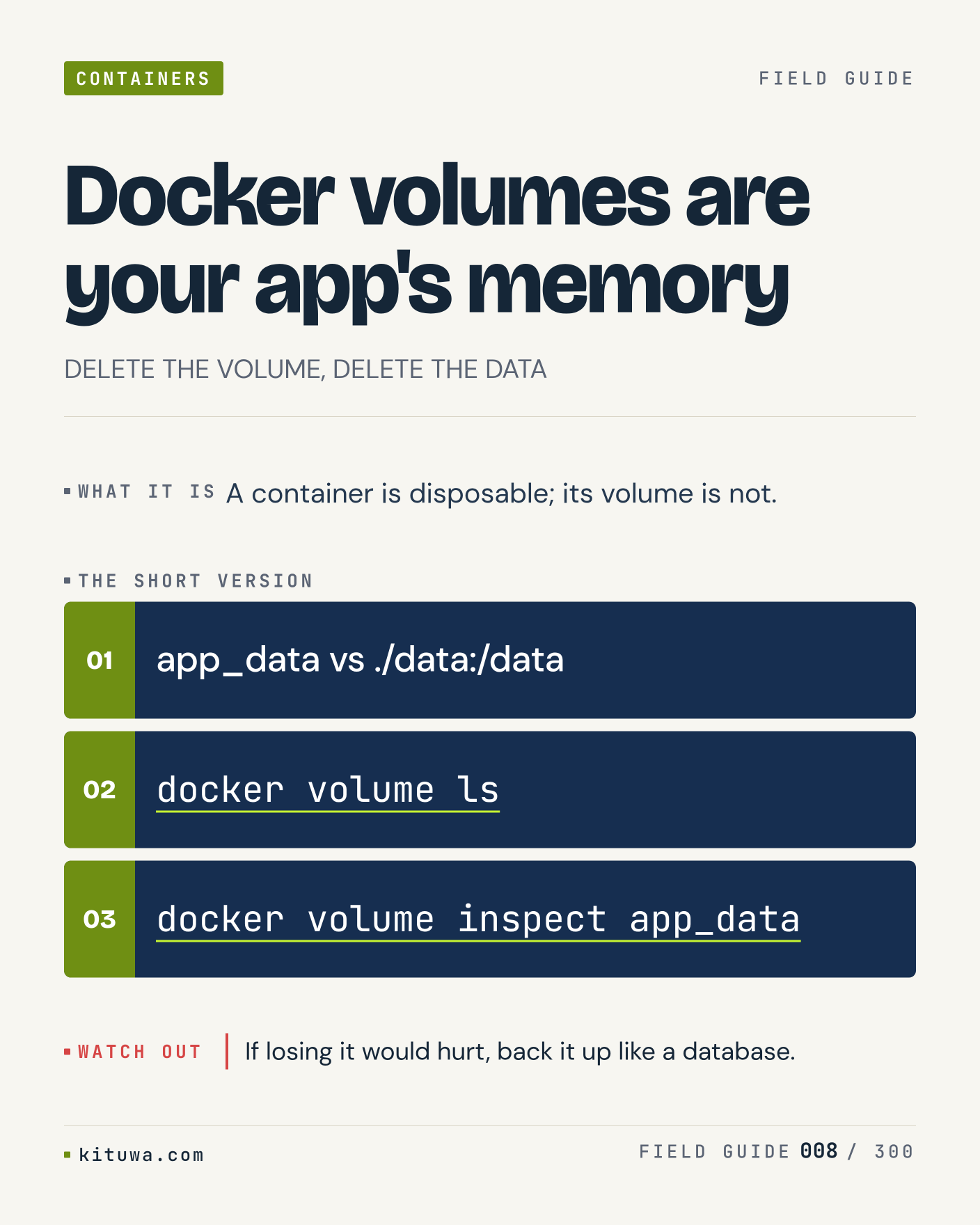
Post 8 artwork

2026-11-19 · 15:00 ET · image

8. Docker volumes are your app's memory

Docker volumes are your app's memory — A container is disposable; its volume is not. Start with `app_data vs ./data:/data`. If losing it would hurt, back it up like a database. What does it show on your box?

#Docker #SelfHosted #Backups

Approval: approved · Facebook: scheduled
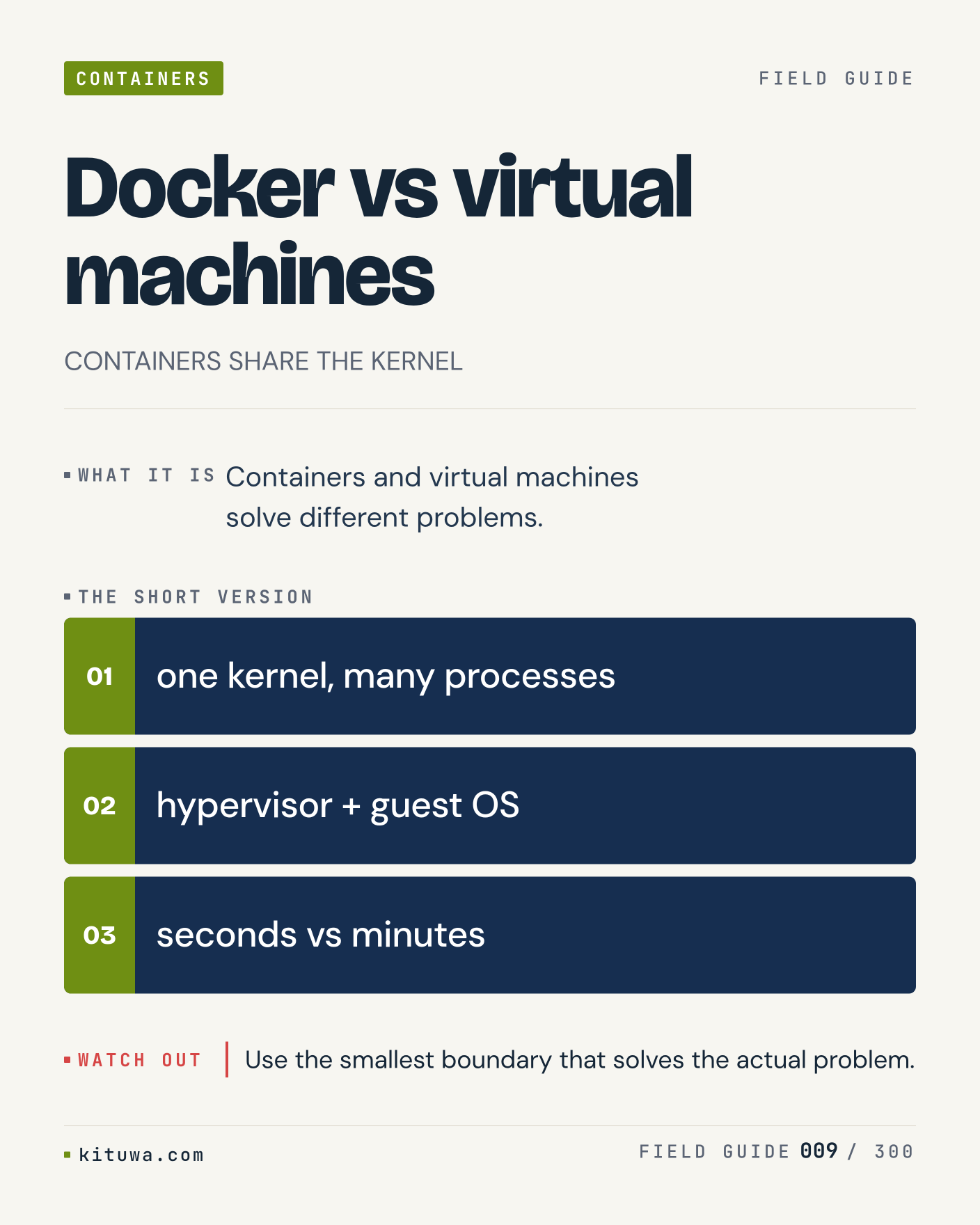
Post 9 artwork

2026-11-19 · 21:00 ET · image

9. Docker vs virtual machines

Containers and virtual machines solve different problems. Try `one kernel, many processes` first; `hypervisor + guest OS` is the next step. Use the smallest boundary that solves the actual problem. Which one would you check first?

#Docker #Virtualization #HomeLab

Approval: approved · Facebook: scheduled
Post 10 artwork

2026-11-20 · 09:00 ET · image

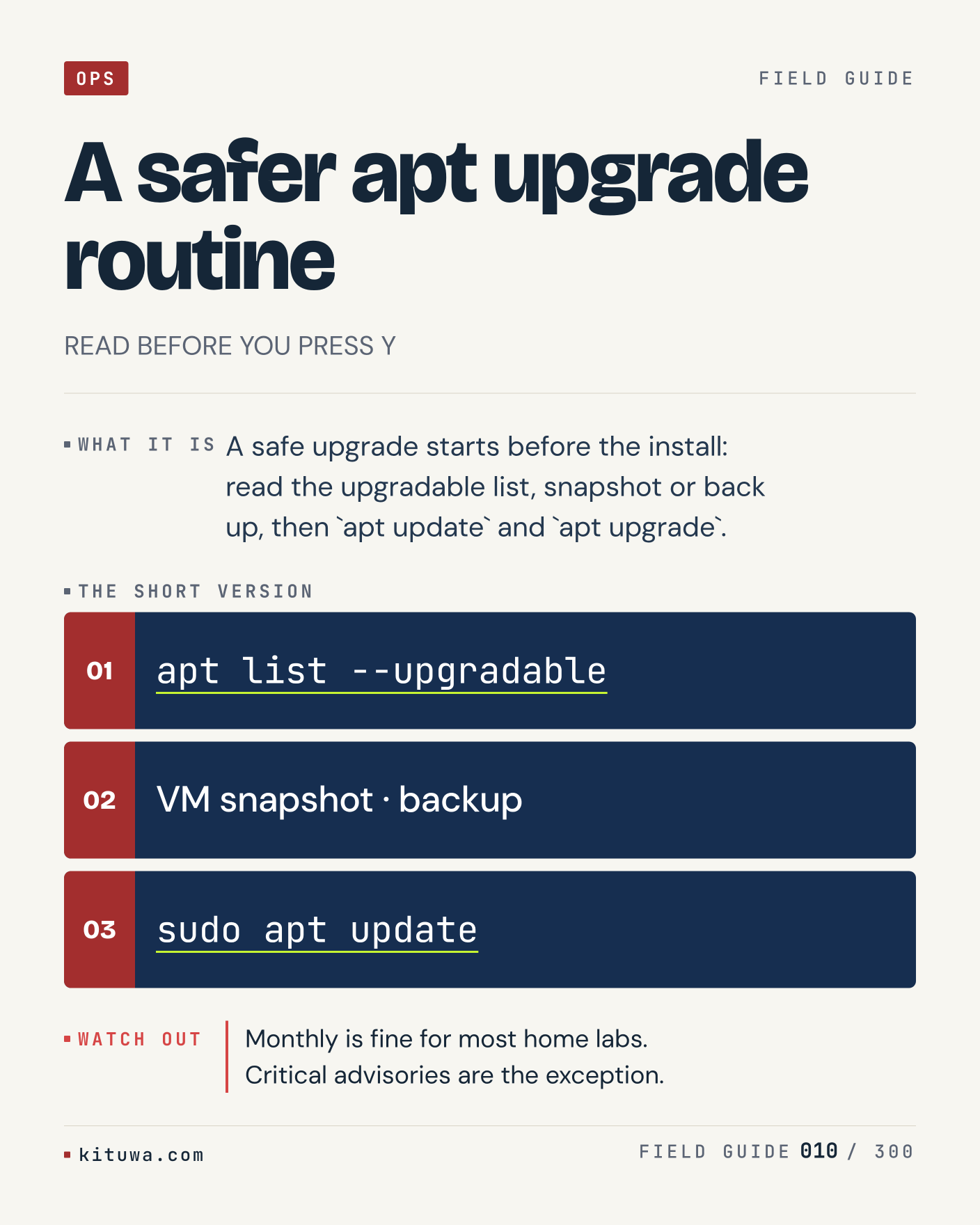
10. A safer apt upgrade routine

The short version of A safer apt upgrade routine — A safe upgrade starts before the install: read the upgradable list, snapshot or back up, then `apt update` and `apt upgrade`. `apt list --upgradable` shows the state; `VM snapshot · backup` changes it. Monthly is fine for most home labs. Critical advisories are the exception. Sound familiar?

#Ubuntu #Linux #Patching

Approval: approved · Facebook: scheduled
Post 11 artwork

2026-11-20 · 15:00 ET · image

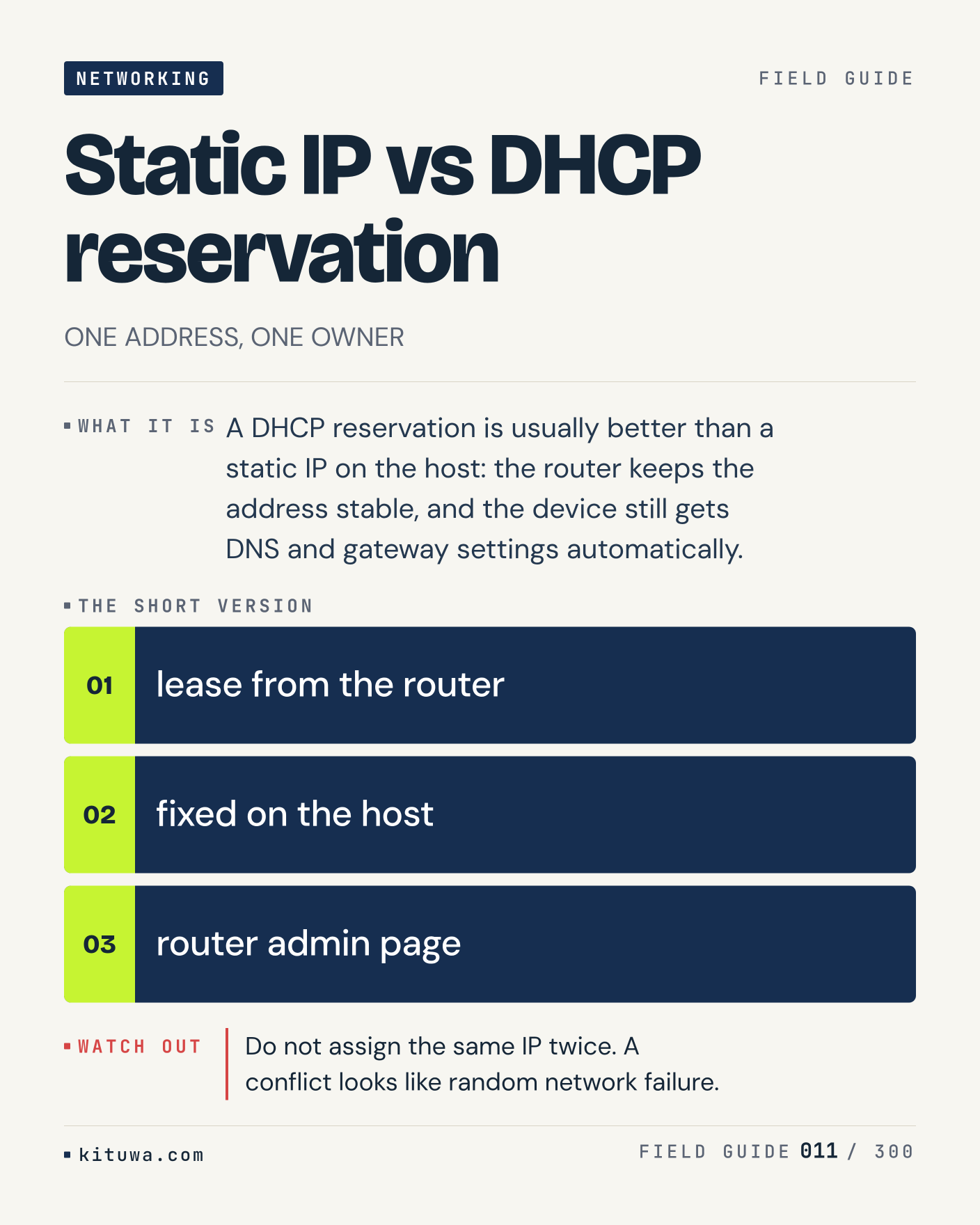
11. Static IP vs DHCP reservation

There is no magic in Static IP vs DHCP reservation. A DHCP reservation is usually better than a static IP on the host: the router keeps the address stable, and the device still gets DNS and gateway settings automatically. Use `lease from the router` before `fixed on the host`. Do not assign the same IP twice. A conflict looks like random network failure. What is your default?

#Networking #HomeLab #Linux

Approval: approved · Facebook: scheduled
Post 12 artwork

2026-11-20 · 21:00 ET · image

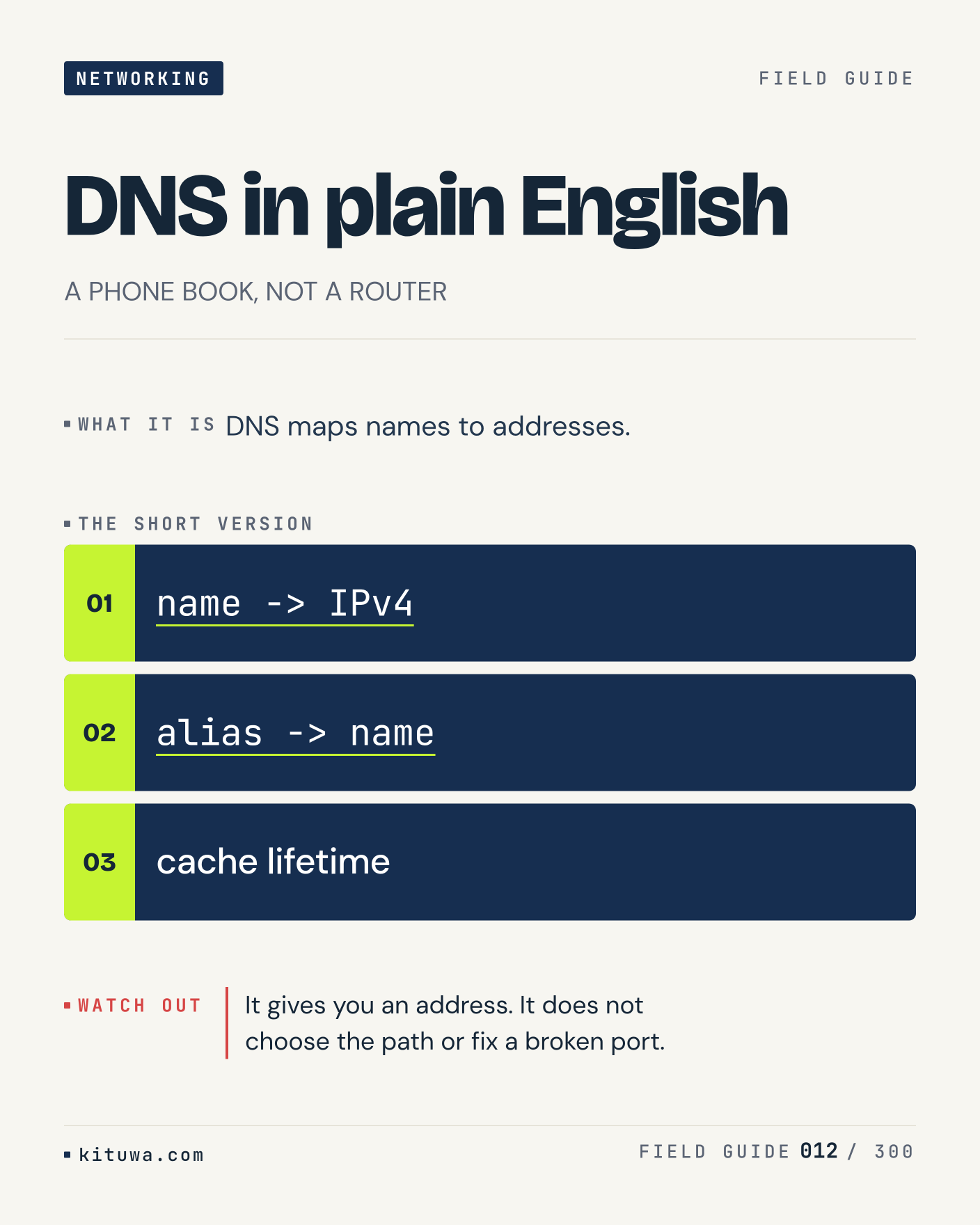
12. DNS in plain English

One thing about DNS in plain English — DNS maps names to addresses. `name -> IPv4` is the fastest check. It gives you an address. It does not choose the path or fix a broken port. What would you add?

#DNS #Networking #Linux

Approval: approved · Facebook: scheduled
Post 13 artwork

2026-11-21 · 09:00 ET · image

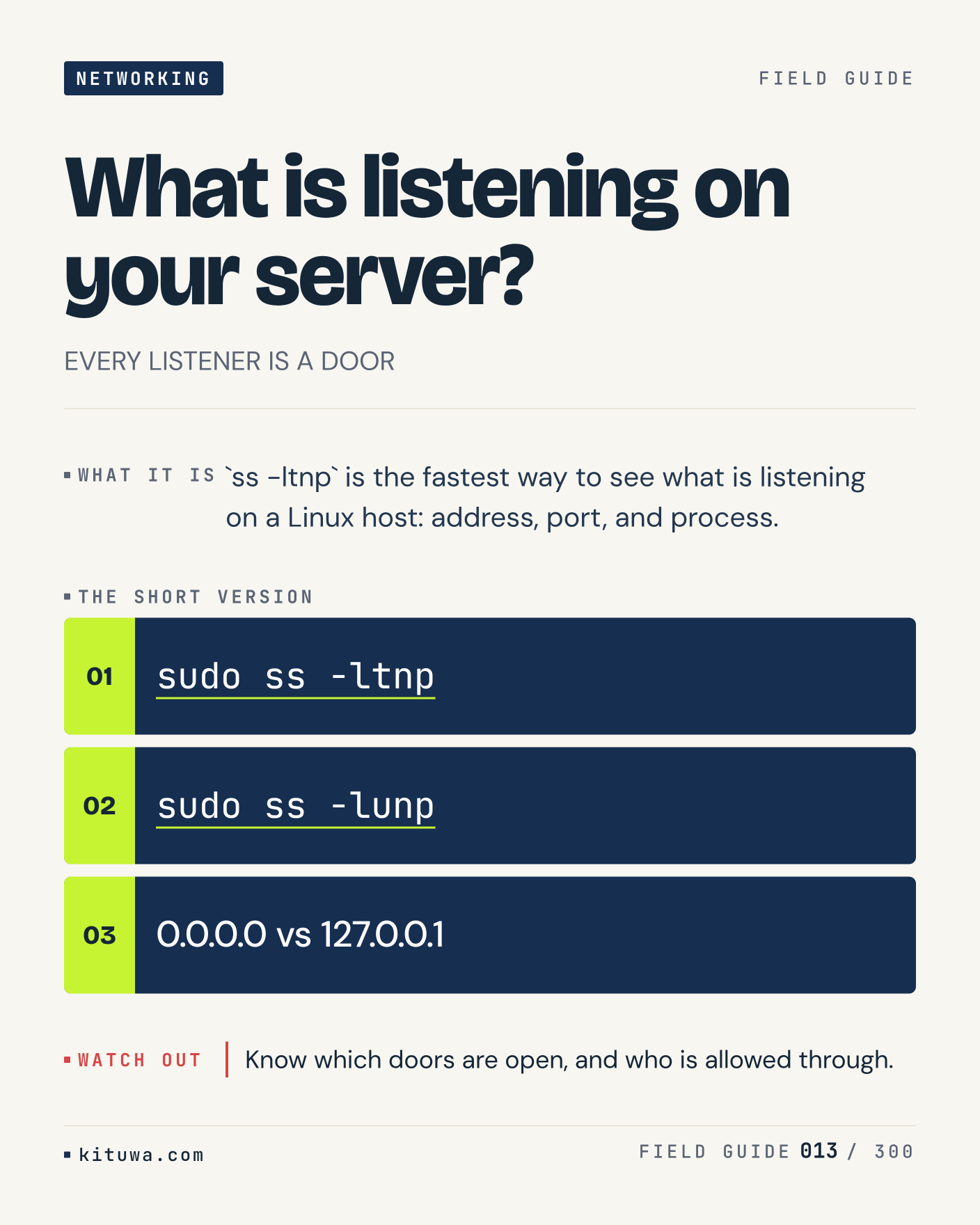
13. What is listening on your server?

`ss -ltnp` is the fastest way to see what is listening on a Linux host: address, port, and process. The useful habit: run `sudo ss -ltnp`, read the output, then decide. Know which doors are open, and who is allowed through. What is the last thing it caught?

#Linux #Security #Networking

Approval: approved · Facebook: scheduled
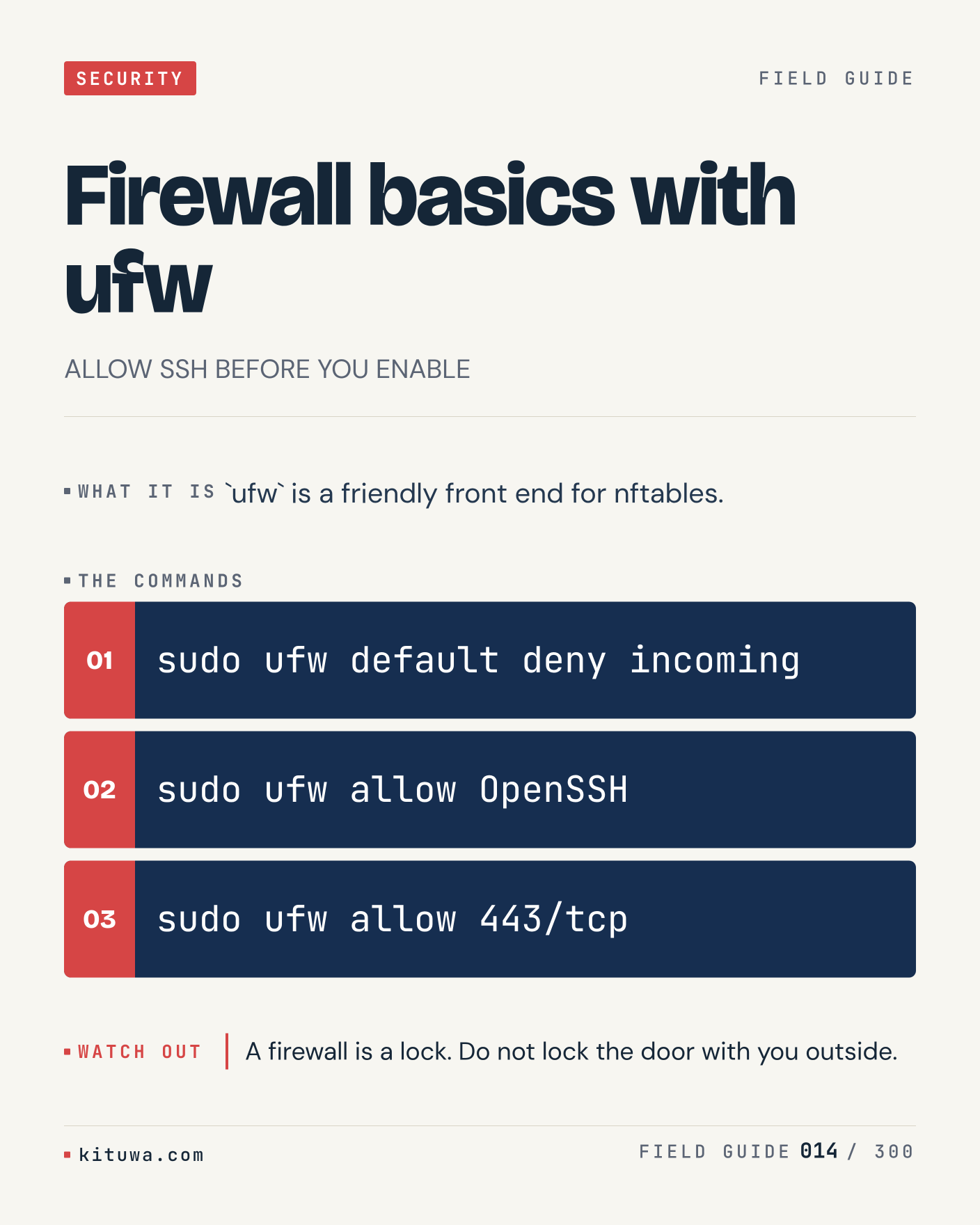
Post 14 artwork

2026-11-21 · 15:00 ET · image

14. Firewall basics with ufw

Firewall basics with ufw, without the ceremony — `ufw` is a friendly front end for nftables. `sudo ufw default deny incoming` first, `sudo ufw allow OpenSSH` when you need the detail. A firewall is a lock. Do not lock the door with you outside. Which output do you trust?

#Linux #Security #Firewall

Approval: approved · Facebook: scheduled
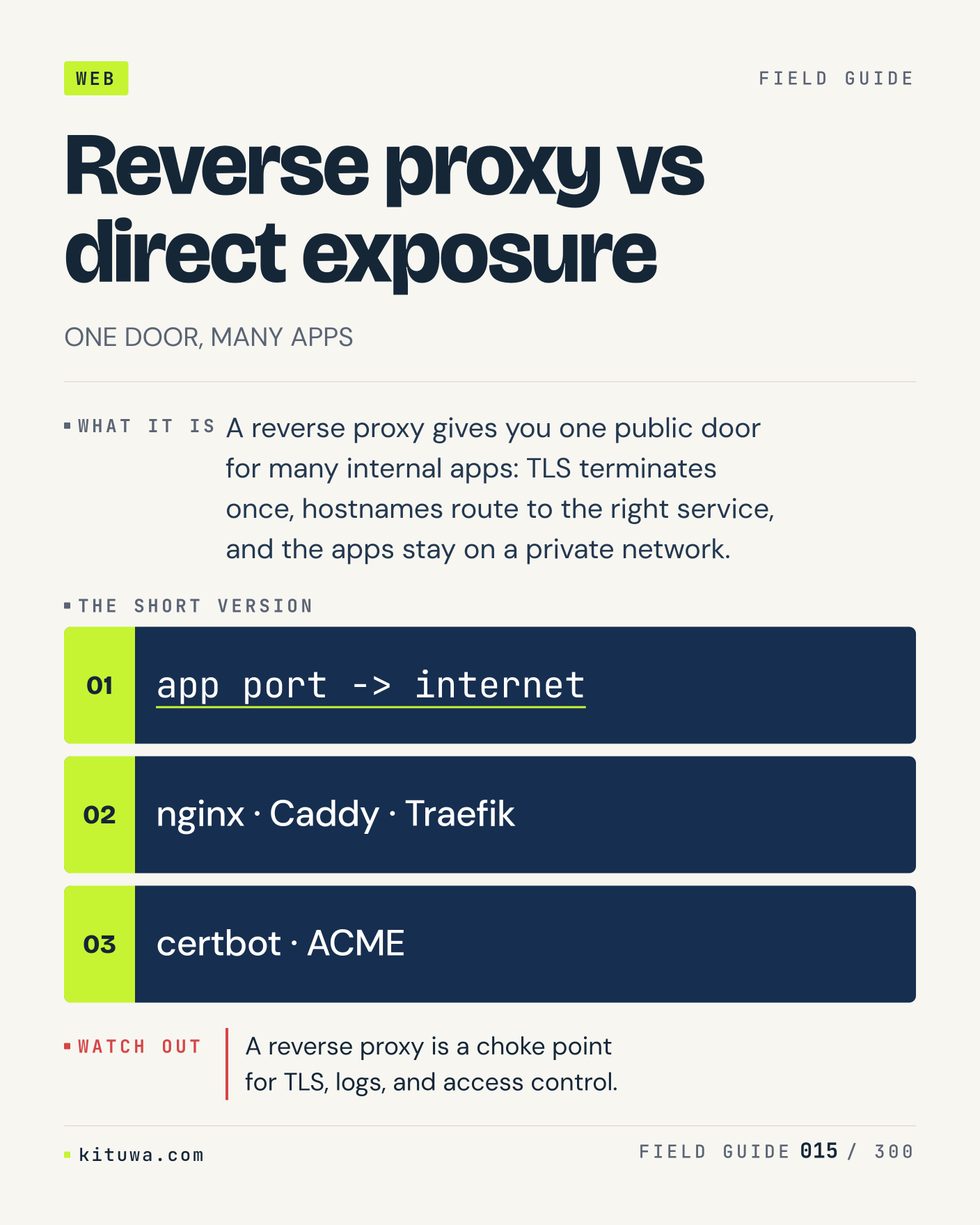
Post 15 artwork

2026-11-21 · 21:00 ET · image

15. Reverse proxy vs direct exposure

A reverse proxy gives you one public door for many internal apps: TLS terminates once, hostnames route to the right service, and the apps stay on a private network. Keep `app port -> internet` and `nginx · Caddy · Traefik` in reach. A reverse proxy is a choke point for TLS, logs, and access control. What breaks first on your setup?

#Nginx #SelfHosted #Security

Approval: approved · Facebook: scheduled
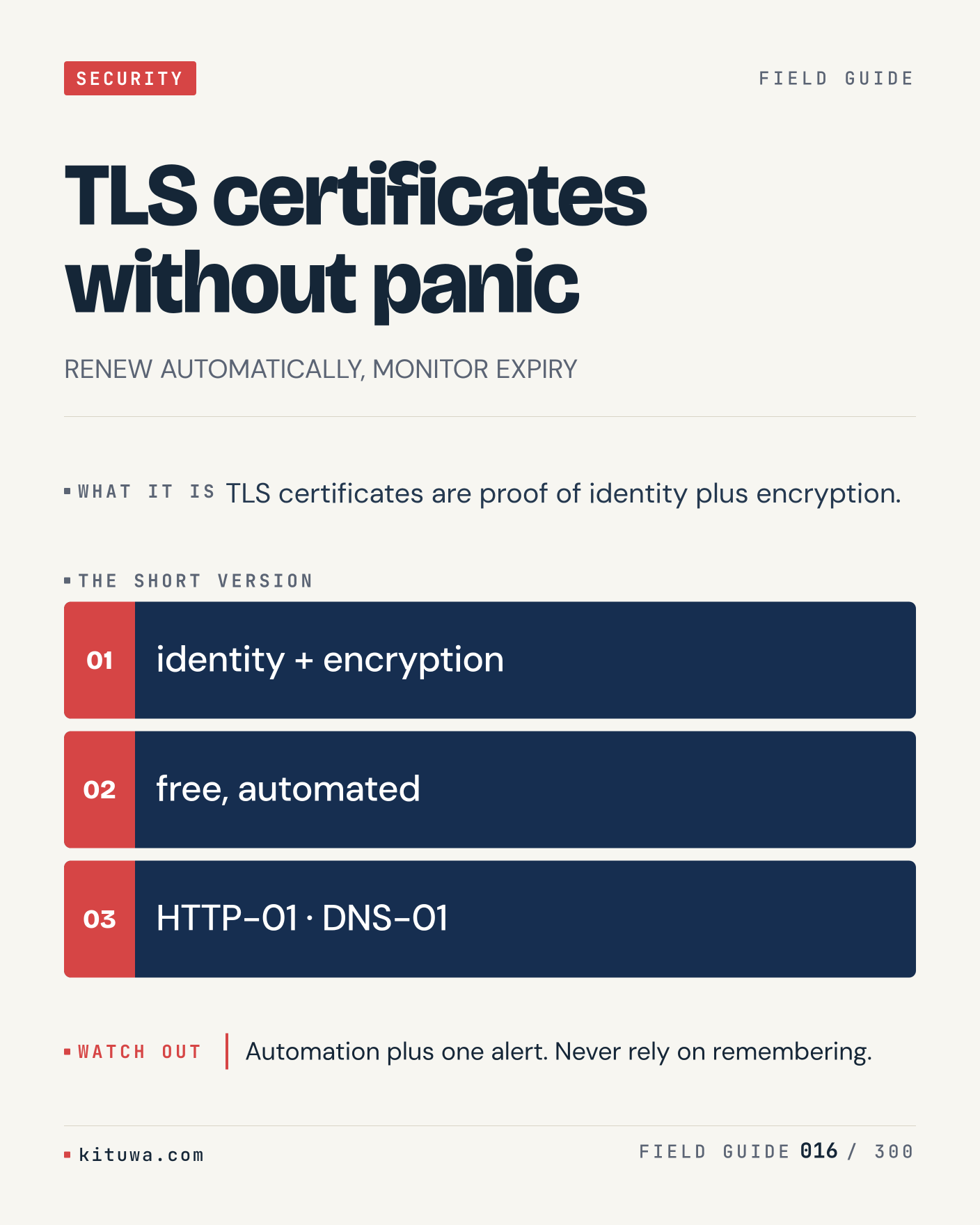
Post 16 artwork

2026-11-22 · 09:00 ET · image

16. TLS certificates without panic

TLS certificates without panic — TLS certificates are proof of identity plus encryption. Start with `identity + encryption`. Automation plus one alert. Never rely on remembering. What does it show on your box?

#TLS #Linux #Security

Approval: approved · Facebook: scheduled
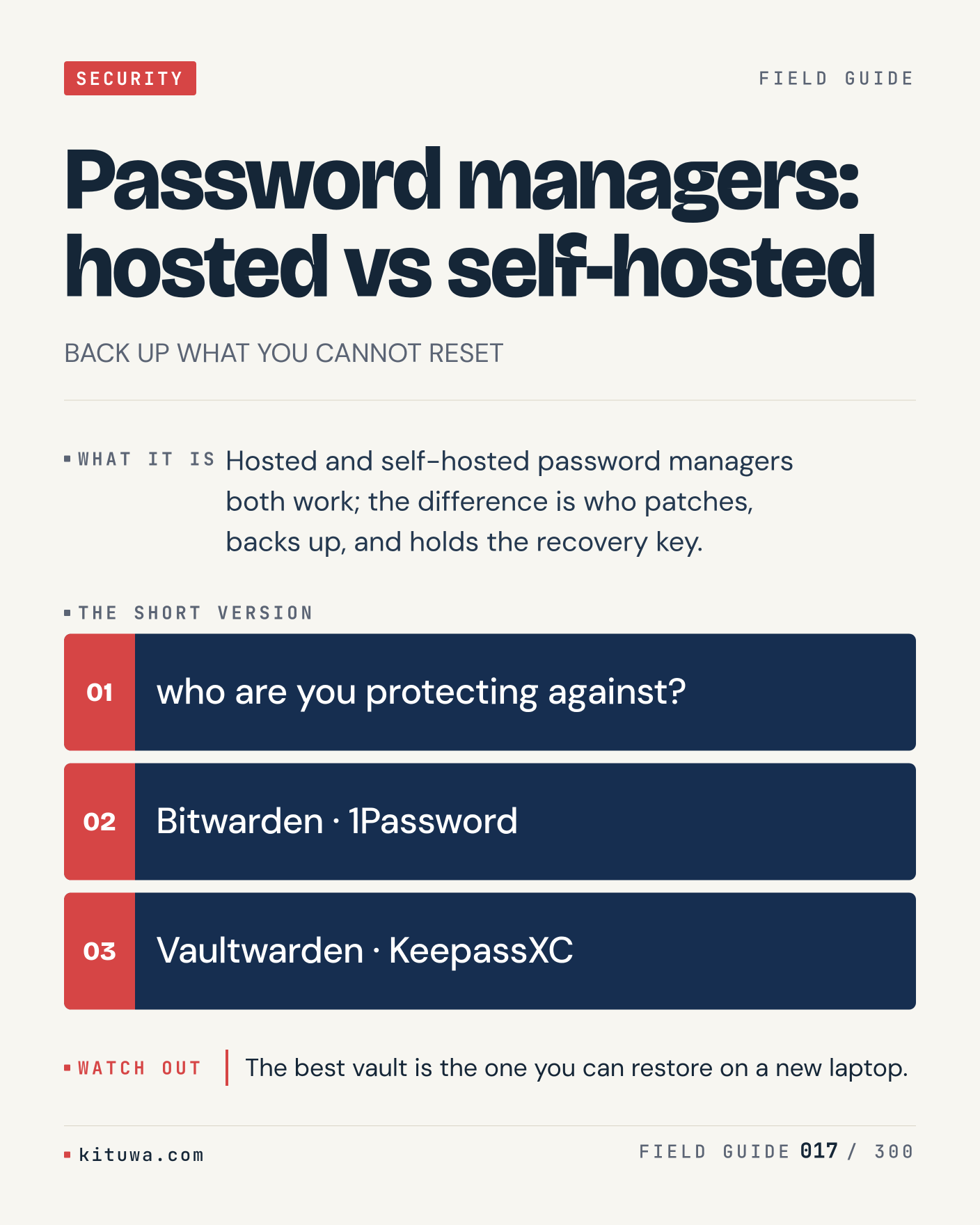
Post 17 artwork

2026-11-22 · 15:00 ET · image

17. Password managers: hosted vs self-hosted

Hosted and self-hosted password managers both work; the difference is who patches, backs up, and holds the recovery key. Try `who are you protecting against?` first; `Bitwarden · 1Password` is the next step. The best vault is the one you can restore on a new laptop. Which one would you check first?

#Security #Passwords #SelfHosted

Approval: approved · Facebook: scheduled
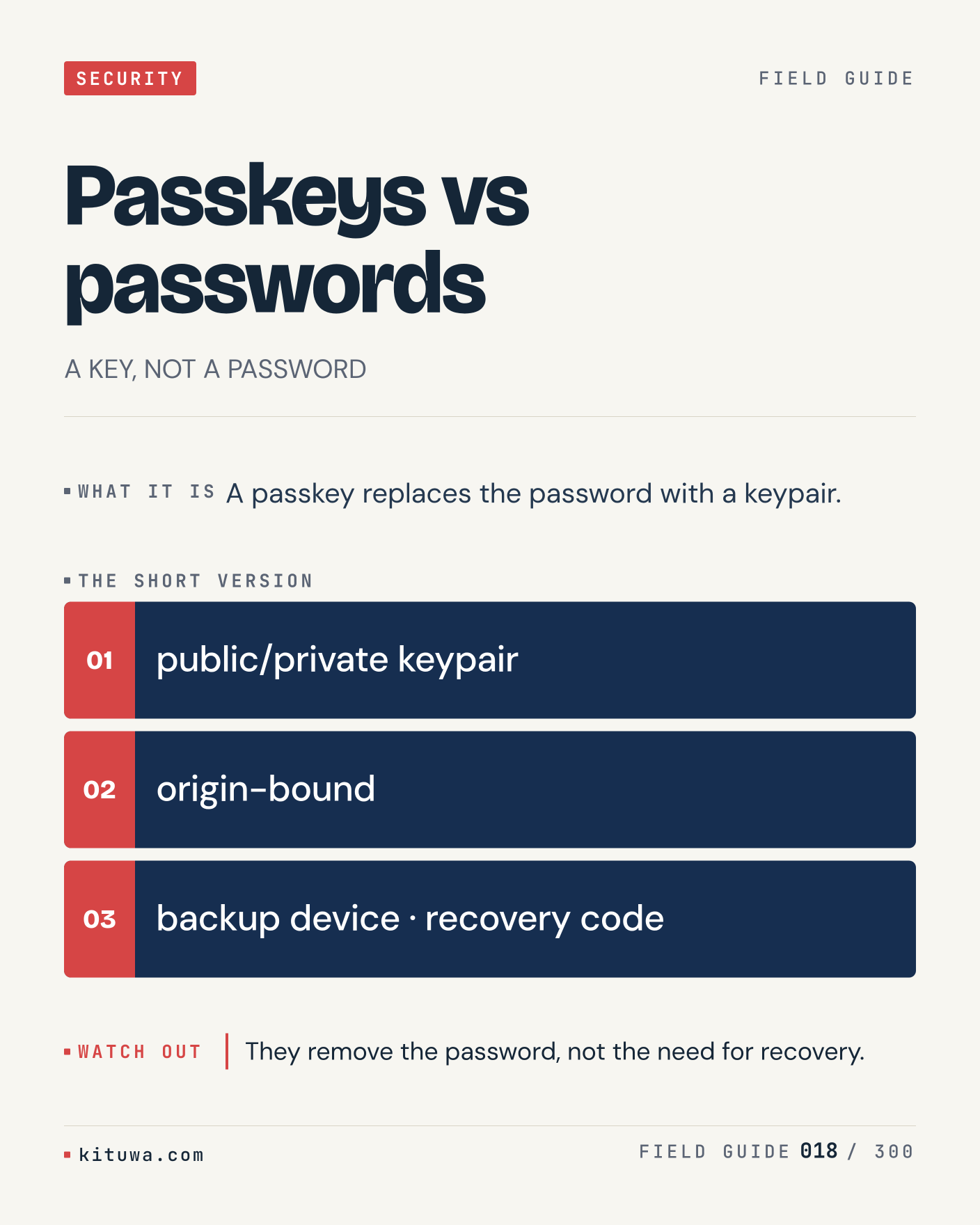
Post 18 artwork

2026-11-22 · 21:00 ET · image

18. Passkeys vs passwords

The short version of Passkeys vs passwords — A passkey replaces the password with a keypair. `public/private keypair` shows the state; `origin-bound` changes it. They remove the password, not the need for recovery. Sound familiar?

#Passkeys #Security #WebAuthn

Approval: approved · Facebook: scheduled
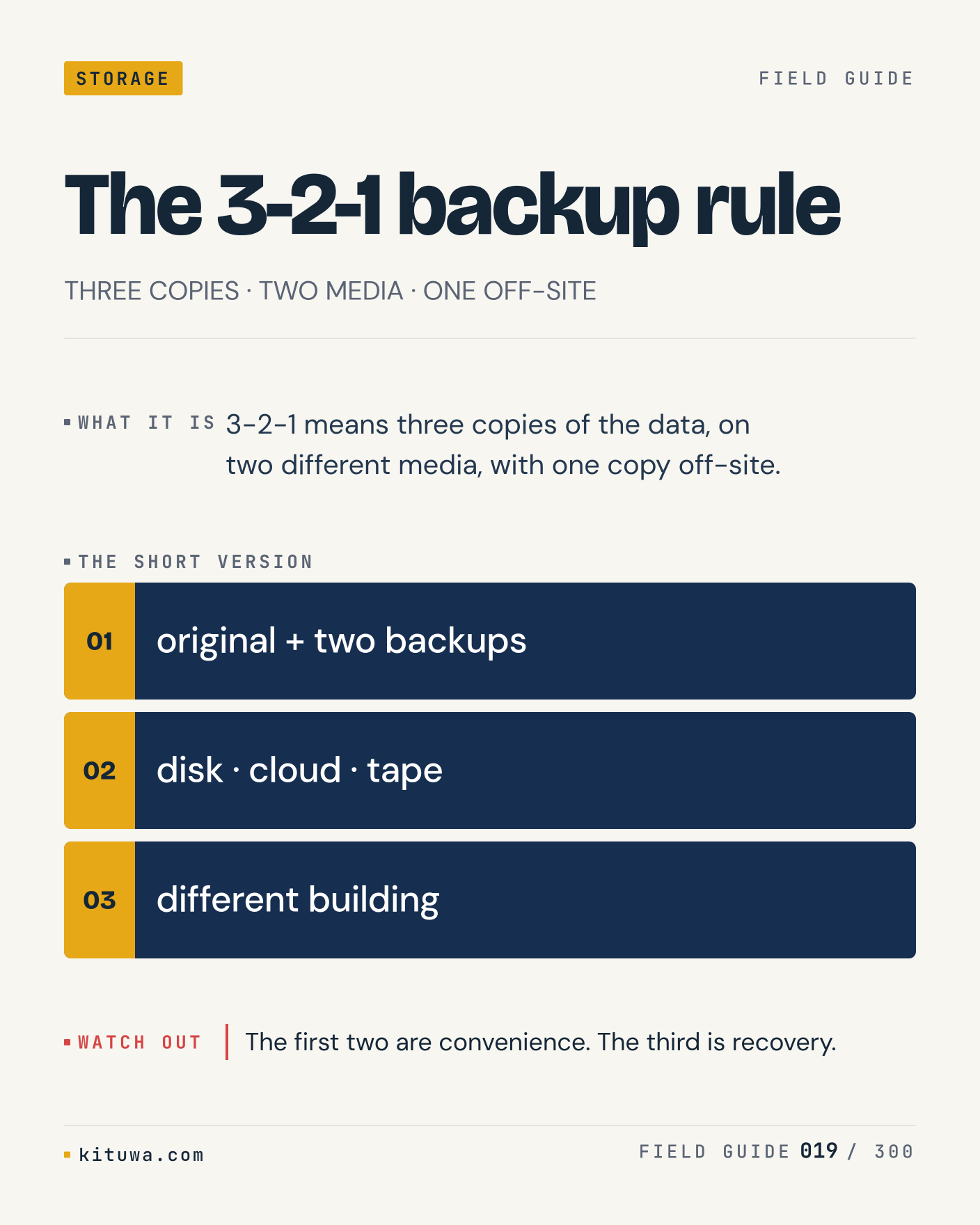
Post 19 artwork

2026-11-23 · 09:00 ET · image

19. The 3-2-1 backup rule

There is no magic in The 3-2-1 backup rule. 3-2-1 means three copies of the data, on two different media, with one copy off-site. Use `original + two backups` before `disk · cloud · tape`. The first two are convenience. The third is recovery. What is your default?

#Backups #SelfHosted #Security

Approval: approved · Facebook: scheduled
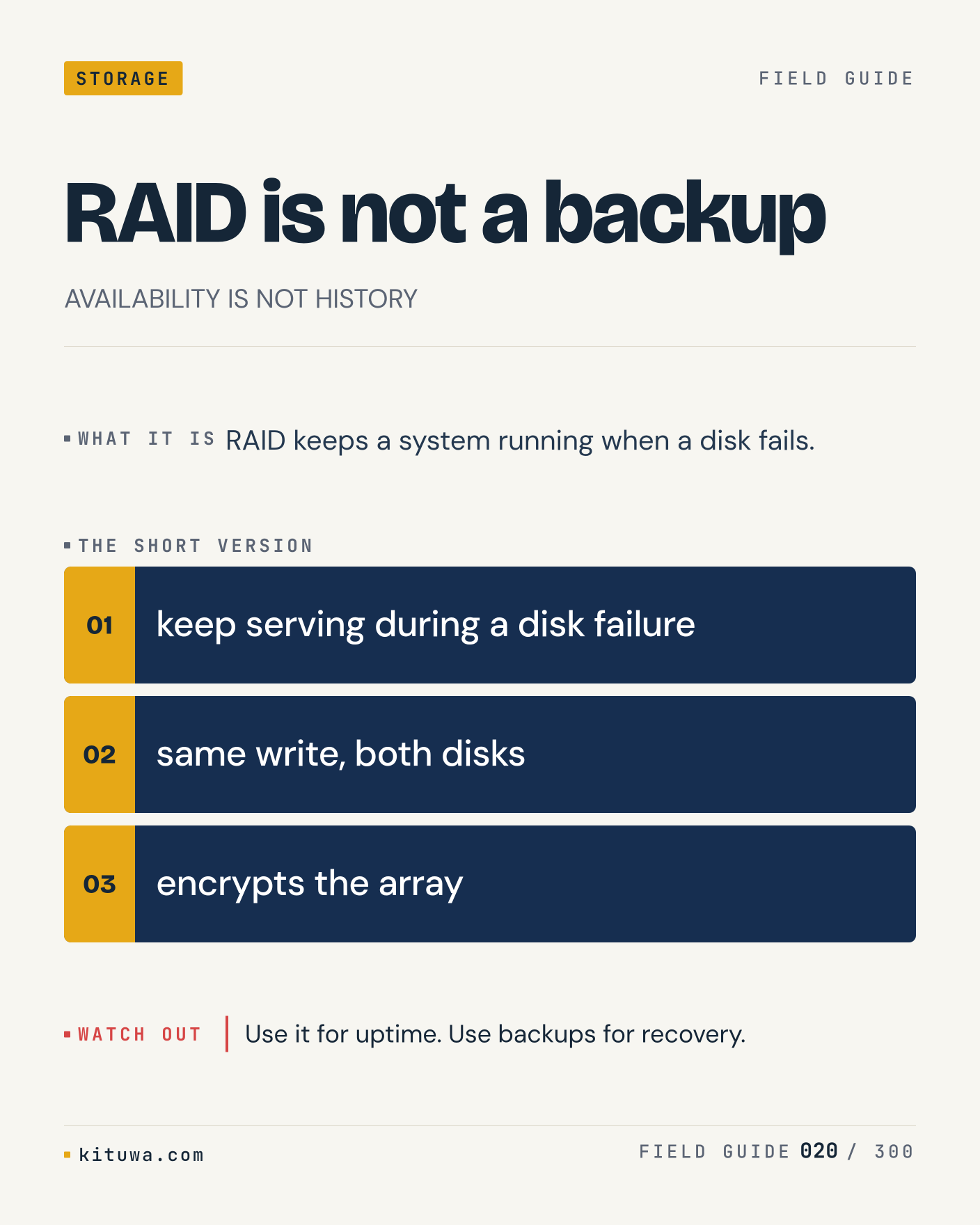
Post 20 artwork

2026-11-23 · 15:00 ET · image

20. RAID is not a backup

One thing about RAID is not a backup — RAID keeps a system running when a disk fails. `keep serving during a disk failure` is the fastest check. Use it for uptime. Use backups for recovery. What would you add?

#RAID #Backups #HomeLab

Approval: approved · Facebook: scheduled
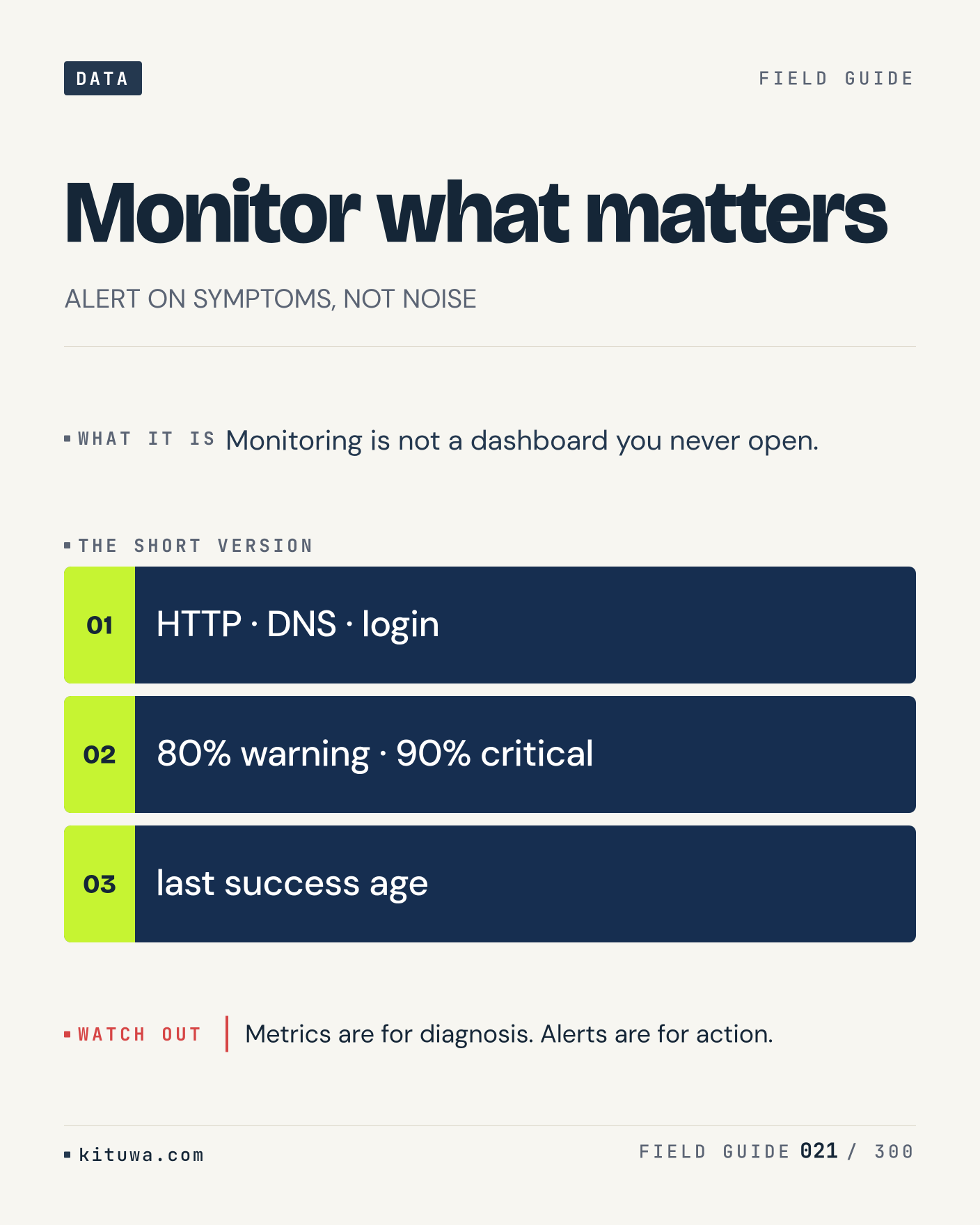
Post 21 artwork

2026-11-23 · 21:00 ET · image

21. Monitor what matters

Monitoring is not a dashboard you never open. The useful habit: run `HTTP · DNS · login`, read the output, then decide. Metrics are for diagnosis. Alerts are for action. What is the last thing it caught?

#Monitoring #Linux #SelfHosted

Approval: approved · Facebook: scheduled
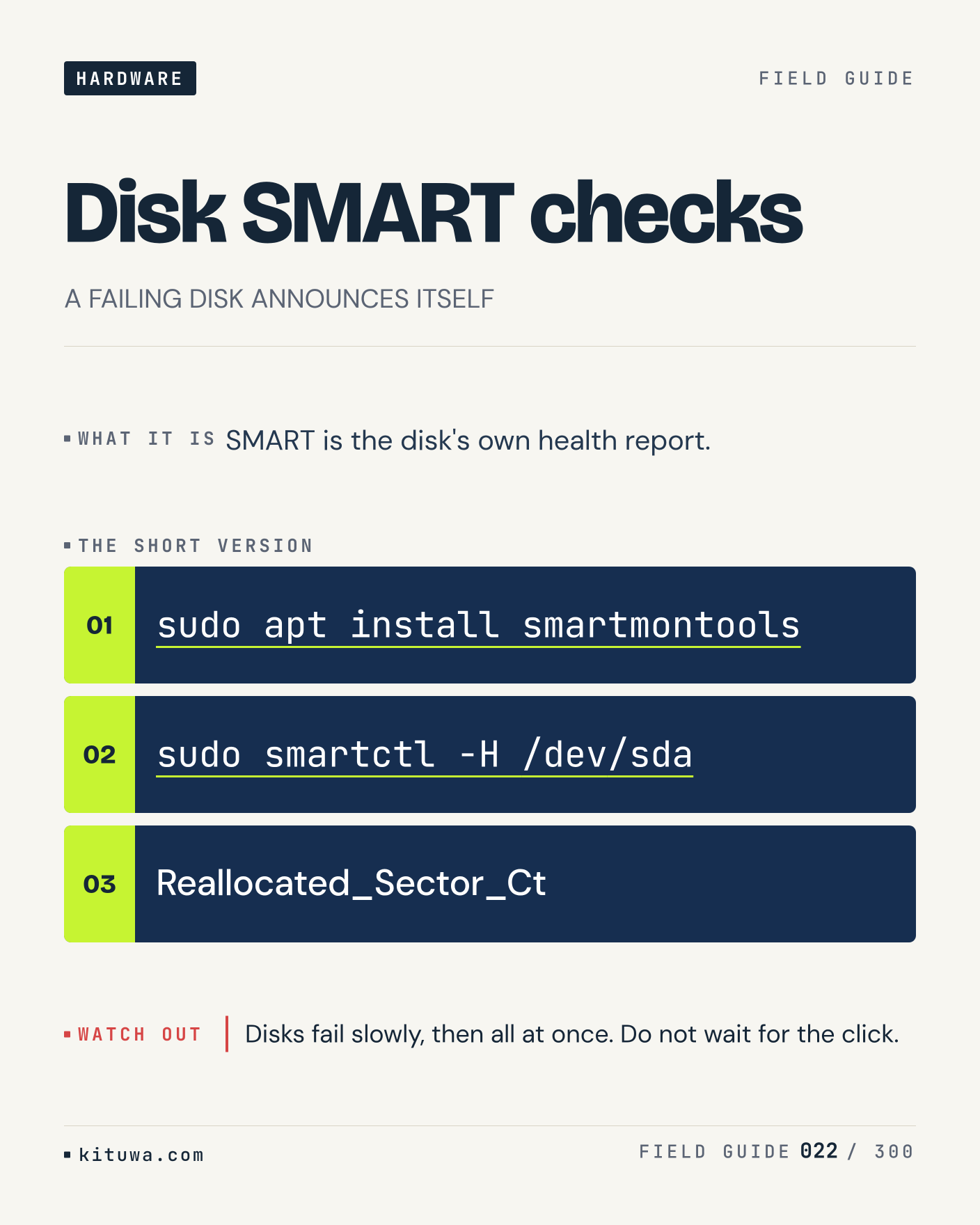
Post 22 artwork

2026-11-24 · 09:00 ET · image

22. Disk SMART checks

Disk SMART checks, without the ceremony — SMART is the disk's own health report. `sudo apt install smartmontools` first, `sudo smartctl -H /dev/sda` when you need the detail. Disks fail slowly, then all at once. Do not wait for the click. Which output do you trust?

#Linux #Storage #Backups

Approval: approved · Facebook: scheduled
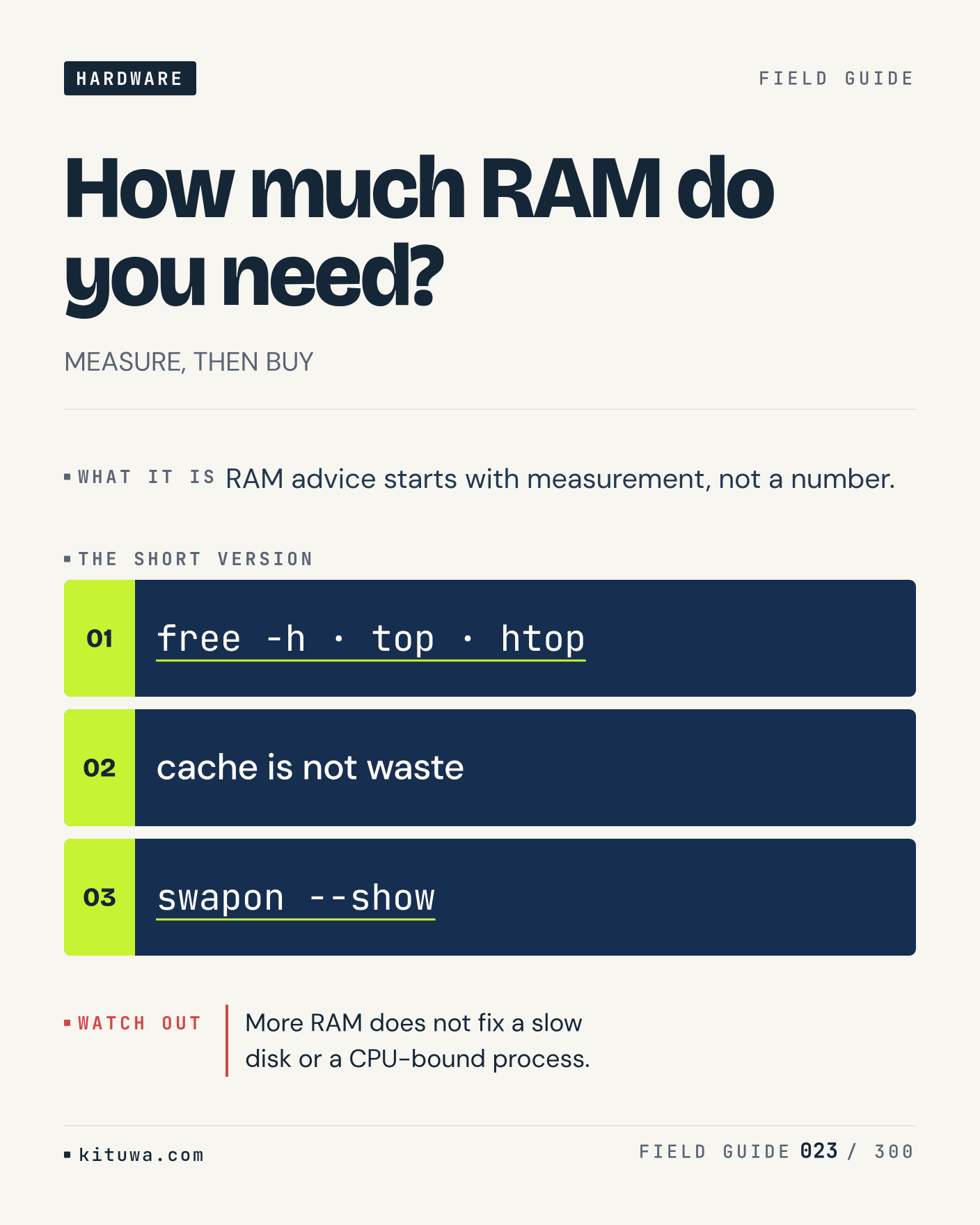
Post 23 artwork

2026-11-24 · 15:00 ET · image

23. How much RAM do you need?

RAM advice starts with measurement, not a number. Keep `free -h · top · htop` and `cache is not waste` in reach. More RAM does not fix a slow disk or a CPU-bound process. What breaks first on your setup?

#Linux #Hardware #Performance

Approval: approved · Facebook: scheduled
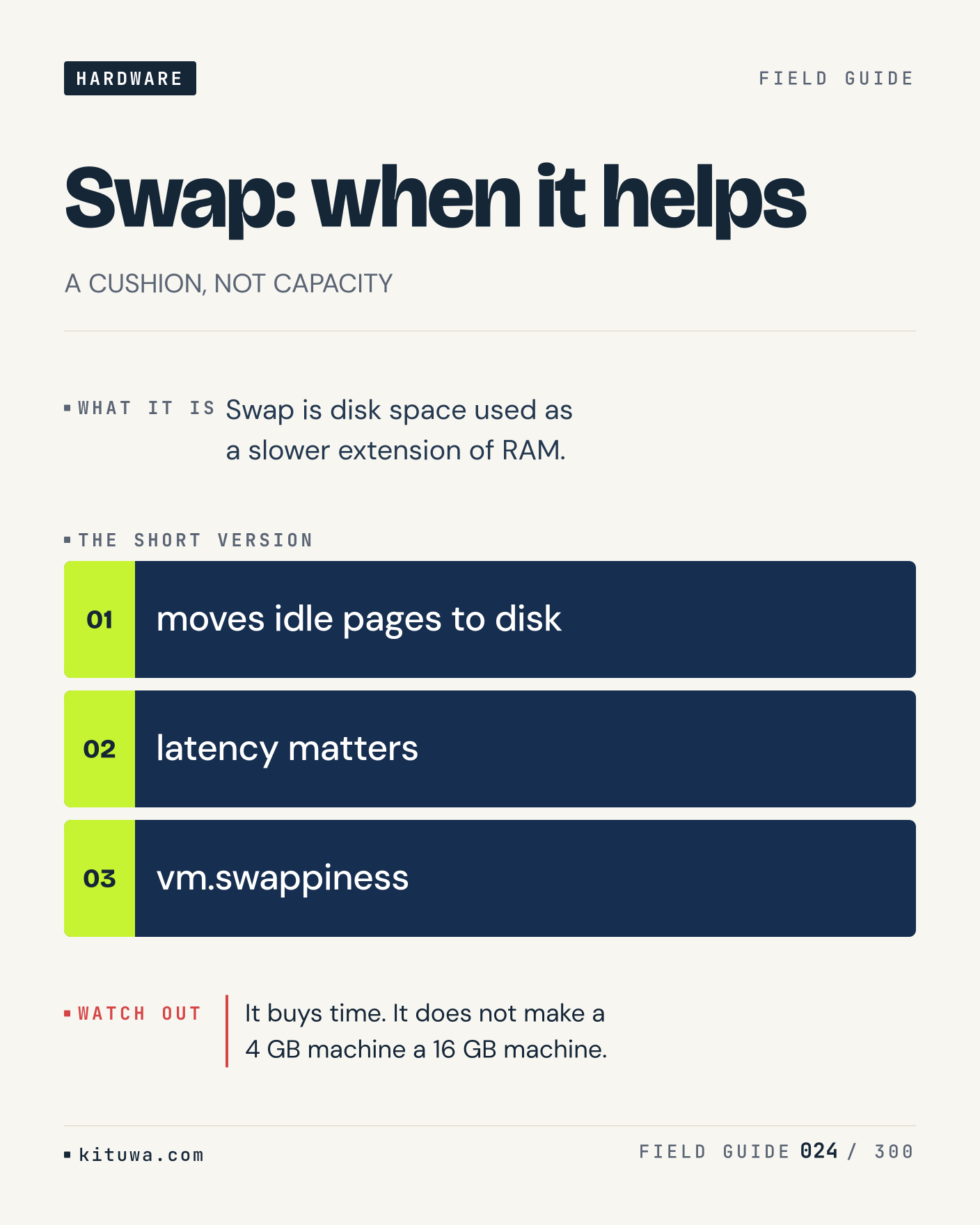
Post 24 artwork

2026-11-24 · 21:00 ET · image

24. Swap: when it helps

Swap: when it helps — Swap is disk space used as a slower extension of RAM. Start with `moves idle pages to disk`. It buys time. It does not make a 4 GB machine a 16 GB machine. What does it show on your box?

#Linux #Performance #Memory

Approval: approved · Facebook: scheduled
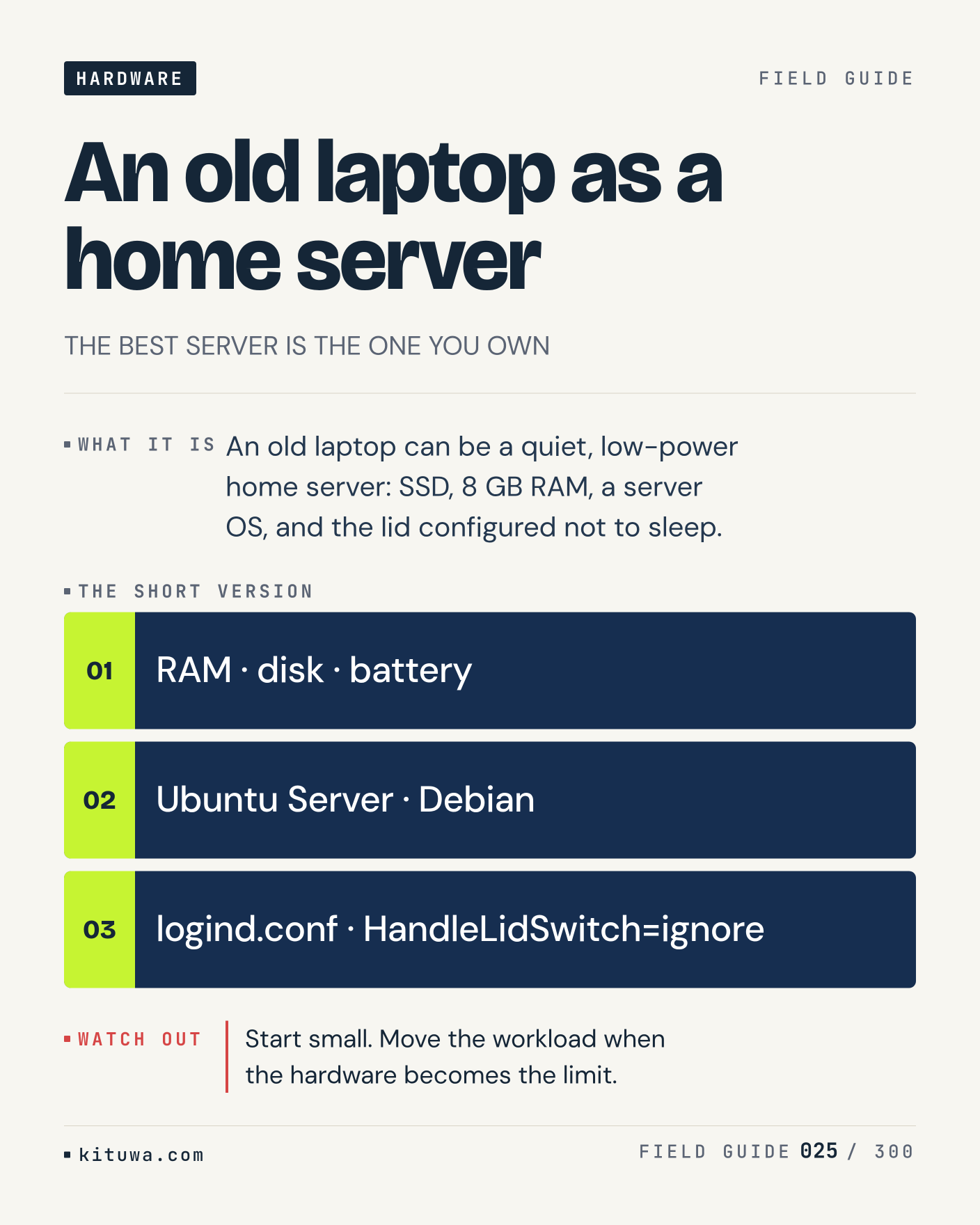
Post 25 artwork

2026-11-25 · 09:00 ET · image

25. An old laptop as a home server

An old laptop can be a quiet, low-power home server: SSD, 8 GB RAM, a server OS, and the lid configured not to sleep. Try `RAM · disk · battery` first; `Ubuntu Server · Debian` is the next step. Start small. Move the workload when the hardware becomes the limit. Which one would you check first?

#HomeLab #Linux #SelfHosted

Approval: approved · Facebook: scheduled
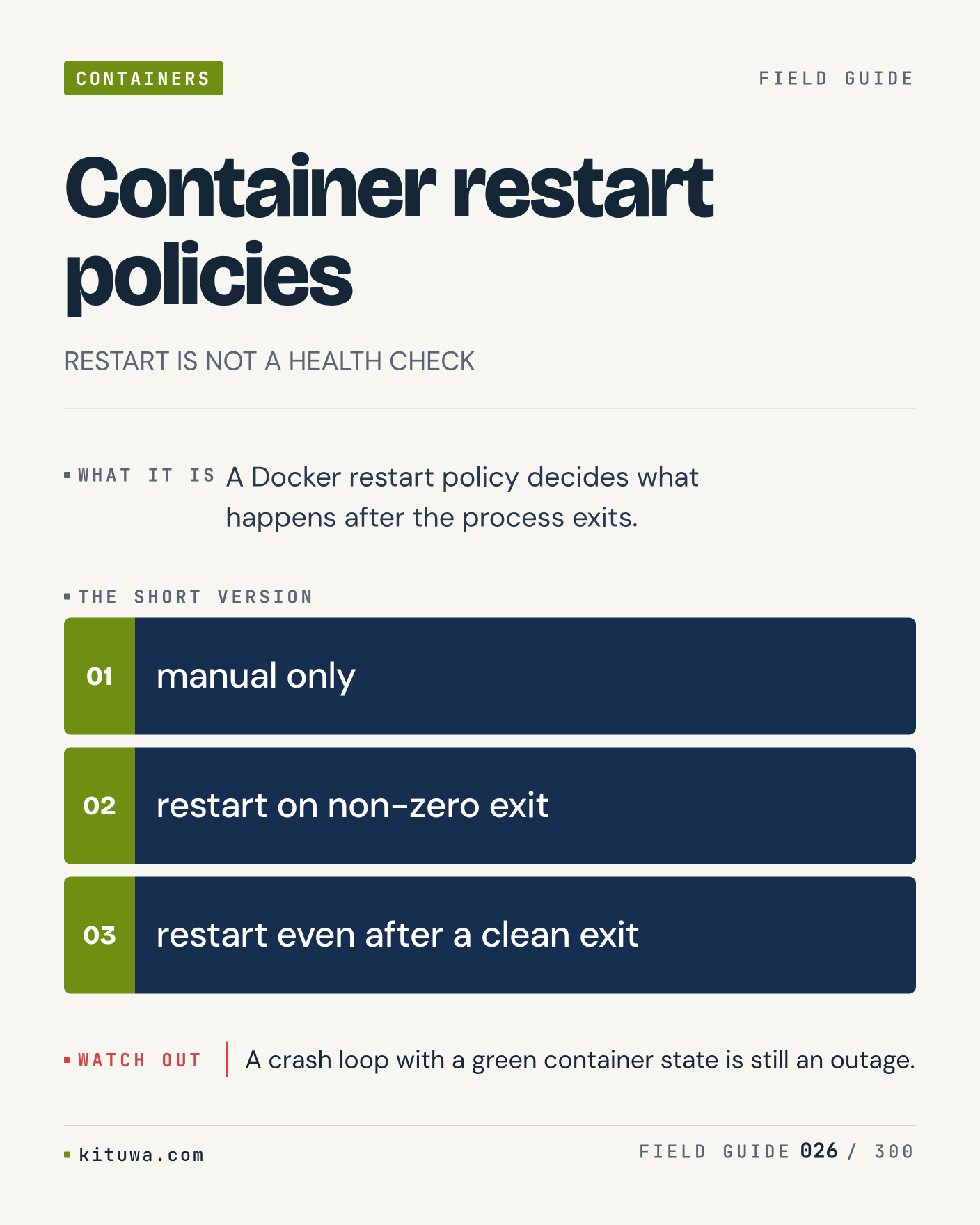
Post 26 artwork

2026-11-25 · 15:00 ET · image

26. Container restart policies

The short version of Container restart policies — A Docker restart policy decides what happens after the process exits. `manual only` shows the state; `restart on non-zero exit` changes it. A crash loop with a green container state is still an outage. Sound familiar?

#Docker #SelfHosted #Reliability

Approval: approved · Facebook: scheduled
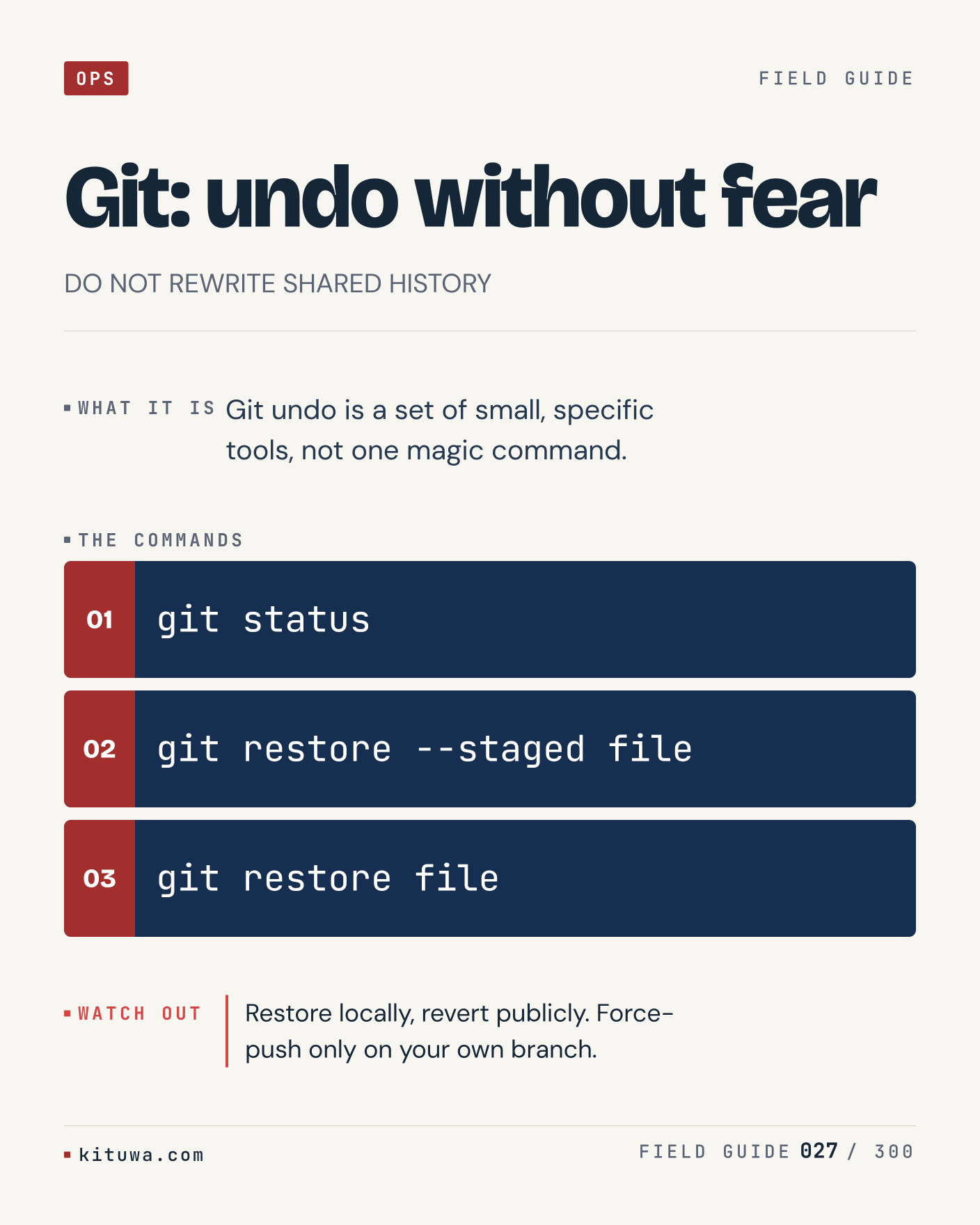
Post 27 artwork

2026-11-25 · 21:00 ET · image

27. Git: undo without fear

There is no magic in Git: undo without fear. Git undo is a set of small, specific tools, not one magic command. Use `git status` before `git restore --staged file`. Restore locally, revert publicly. Force-push only on your own branch. What is your default?

#Git #Linux #DevOps

Approval: approved · Facebook: scheduled
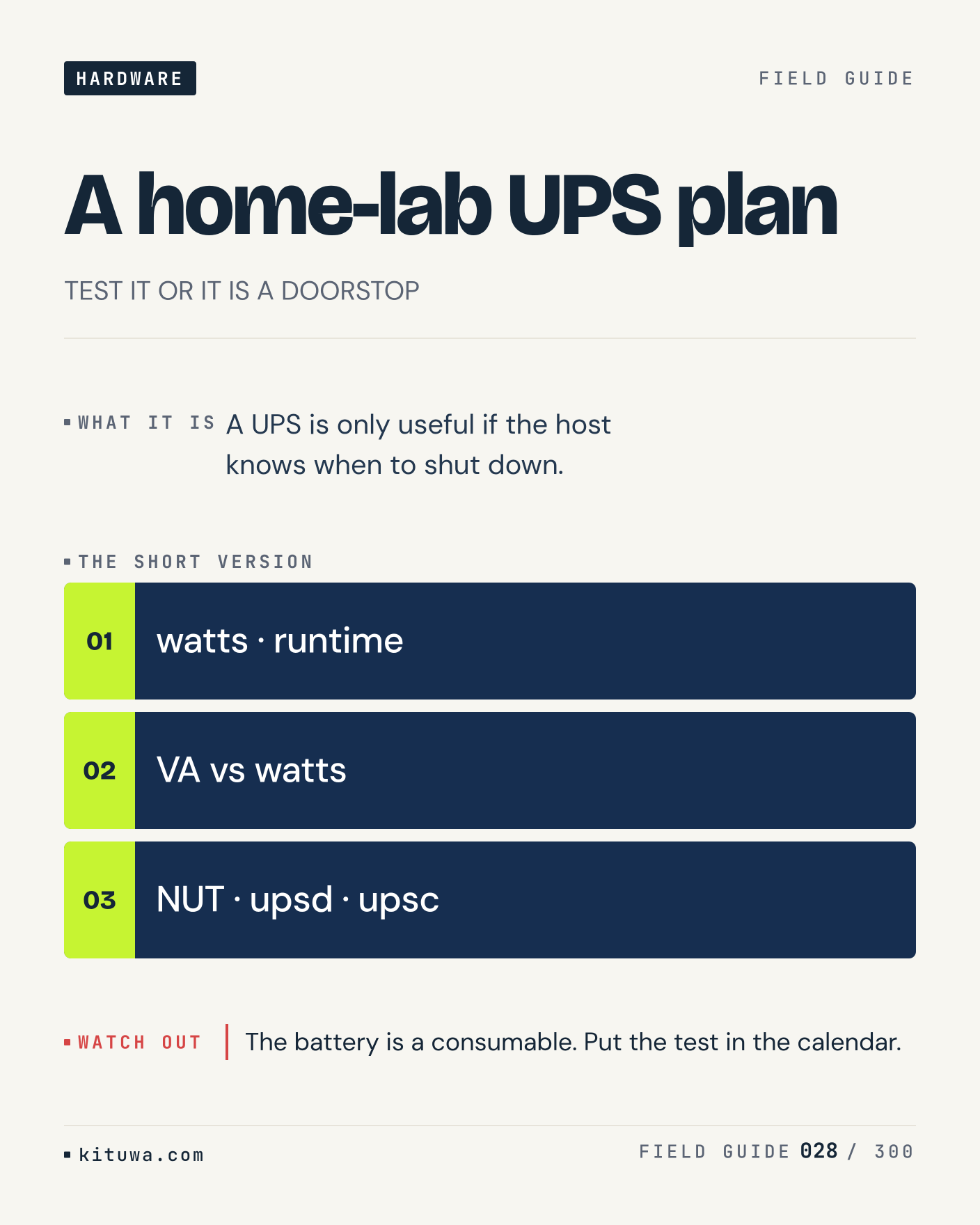
Post 28 artwork

2026-11-26 · 09:00 ET · image

28. A home-lab UPS plan

One thing about A home-lab UPS plan — A UPS is only useful if the host knows when to shut down. `watts · runtime` is the fastest check. The battery is a consumable. Put the test in the calendar. What would you add?

#HomeLab #UPS #SelfHosted

Approval: approved · Facebook: scheduled
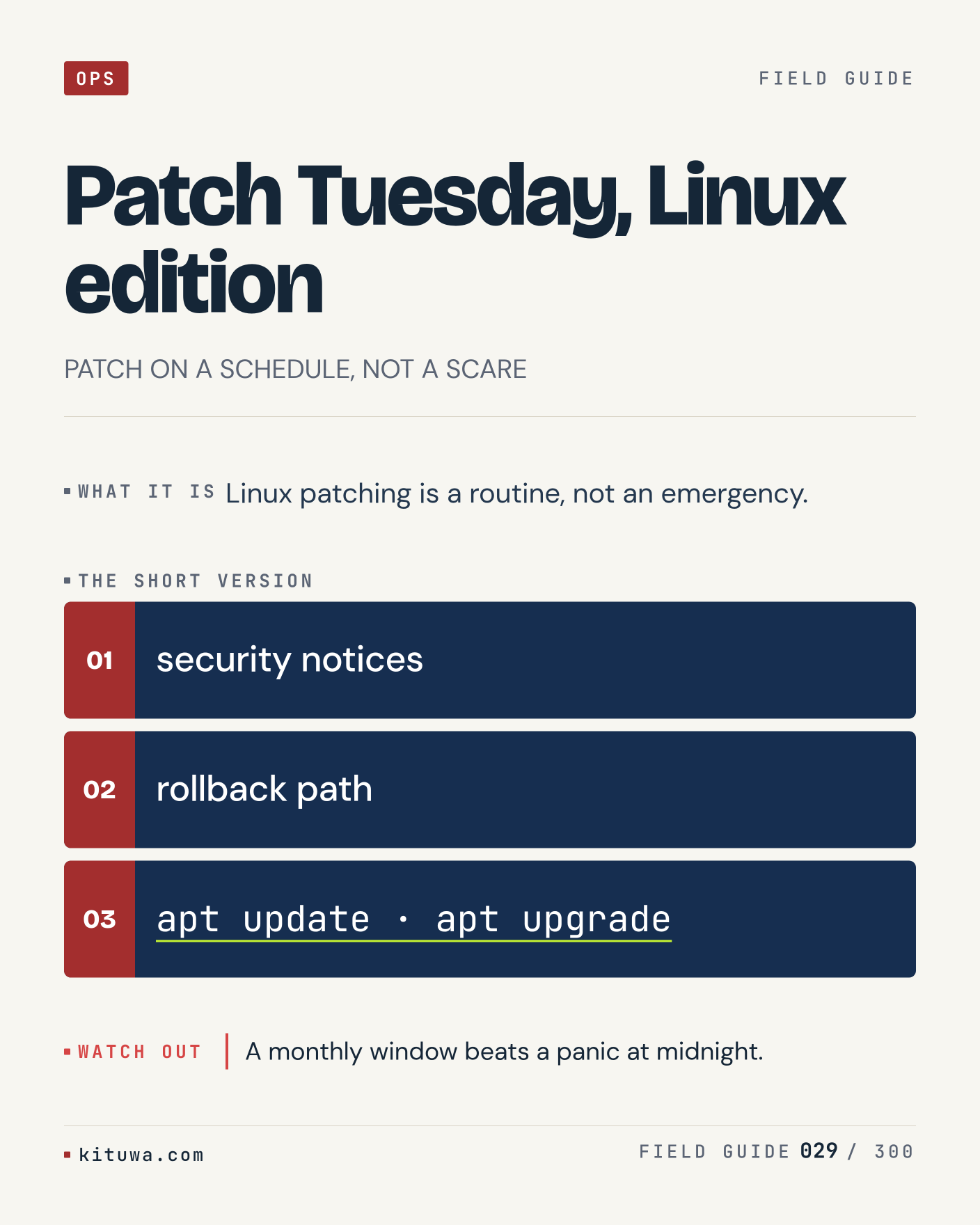
Post 29 artwork

2026-11-26 · 15:00 ET · image

29. Patch Tuesday, Linux edition

Linux patching is a routine, not an emergency. The useful habit: run `security notices`, read the output, then decide. A monthly window beats a panic at midnight. What is the last thing it caught?

#Linux #Patching #Security

Approval: approved · Facebook: scheduled
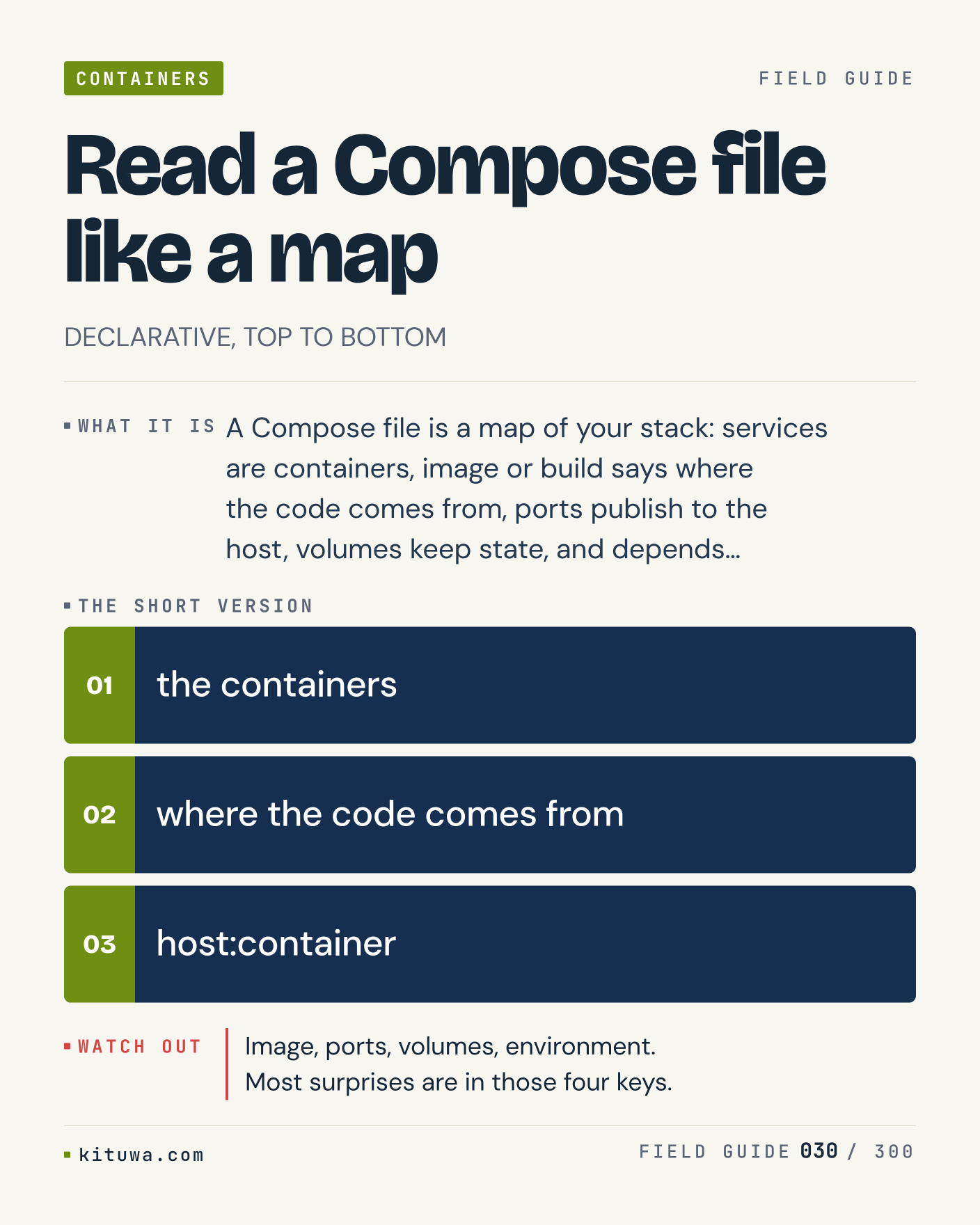
Post 30 artwork

2026-11-26 · 21:00 ET · image

30. Read a Compose file like a map

Read a Compose file like a map, without the ceremony — A Compose file is a map of your stack: services are containers, image or build says where the code comes from, ports publish to the host, volumes keep state, and depends…. `the containers` first, `where the code comes from` when you need the detail. Image, ports, volumes, environment. Most surprises are in those four keys. Which output do you trust?

#Docker #Compose #SelfHosted

Approval: approved · Facebook: scheduled
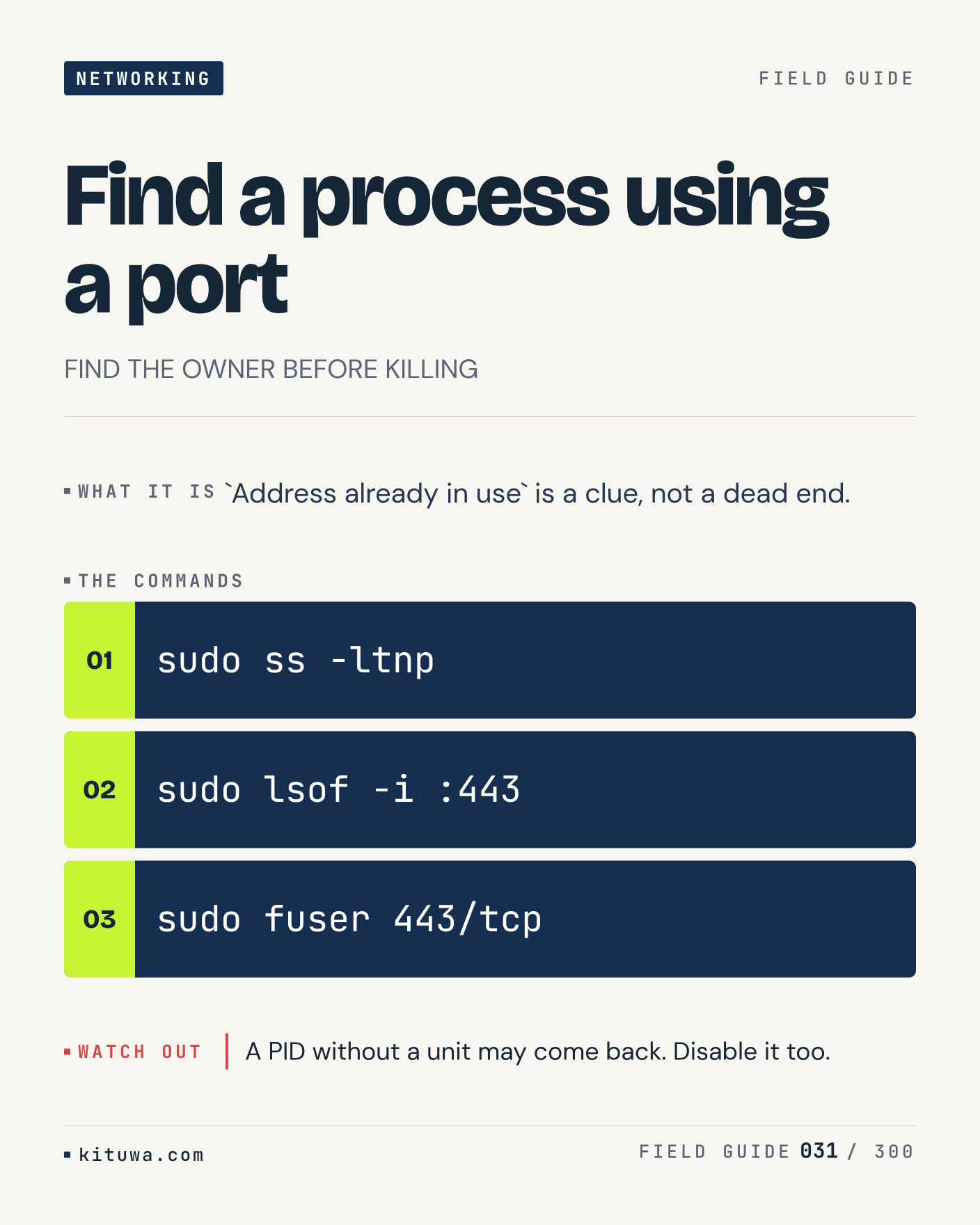
Post 31 artwork

2026-11-27 · 09:00 ET · image

31. Find a process using a port

`Address already in use` is a clue, not a dead end. Keep `sudo ss -ltnp` and `sudo lsof -i :443` in reach. A PID without a unit may come back. Disable it too. What breaks first on your setup?

#Linux #Networking #SysAdmin

Approval: approved · Facebook: scheduled
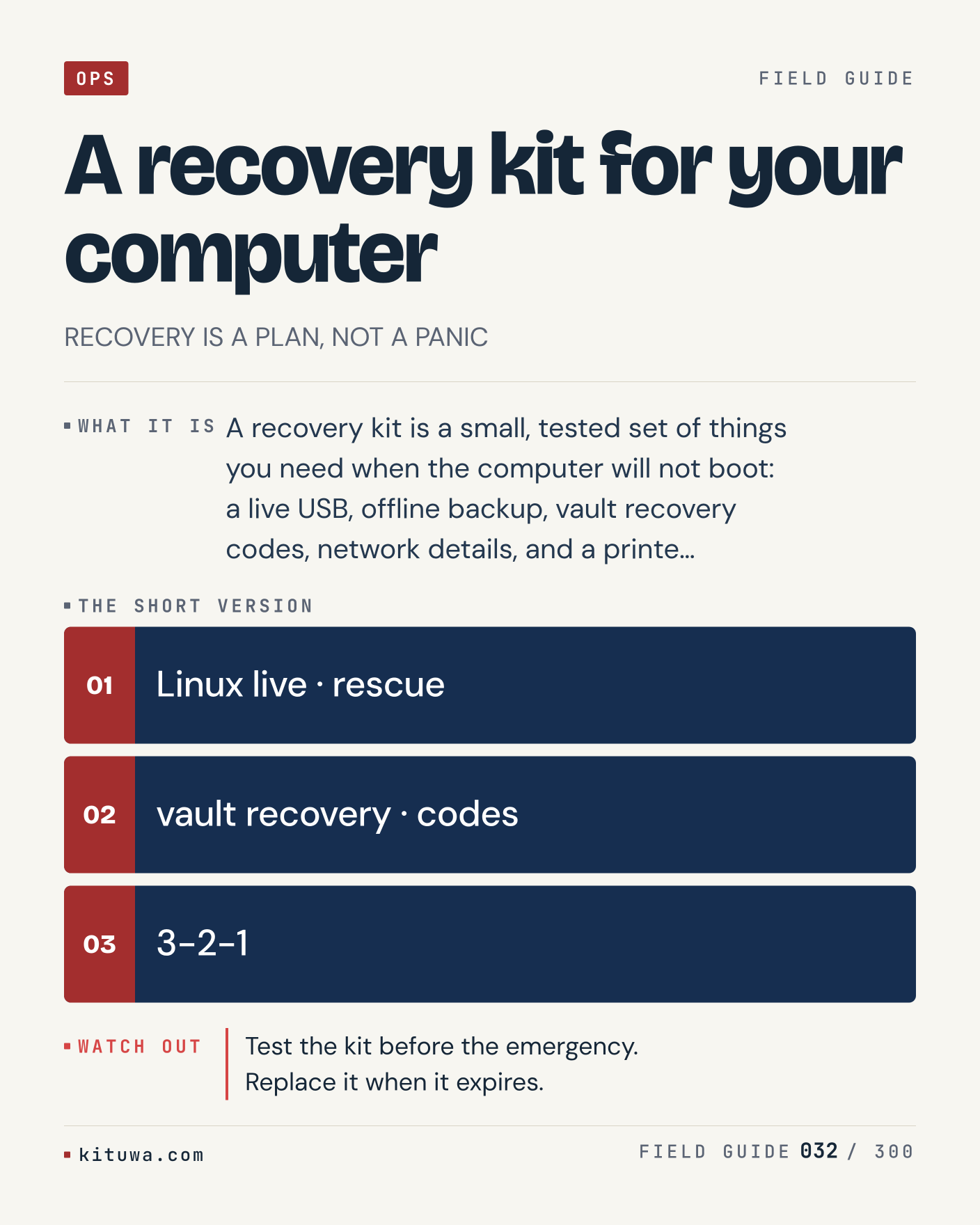
Post 32 artwork

2026-11-27 · 15:00 ET · image

32. A recovery kit for your computer

A recovery kit for your computer — A recovery kit is a small, tested set of things you need when the computer will not boot: a live USB, offline backup, vault recovery codes, network details, and a printe…. Start with `Linux live · rescue`. Test the kit before the emergency. Replace it when it expires. What does it show on your box?

#Backups #Security #Linux

Approval: approved · Facebook: scheduled
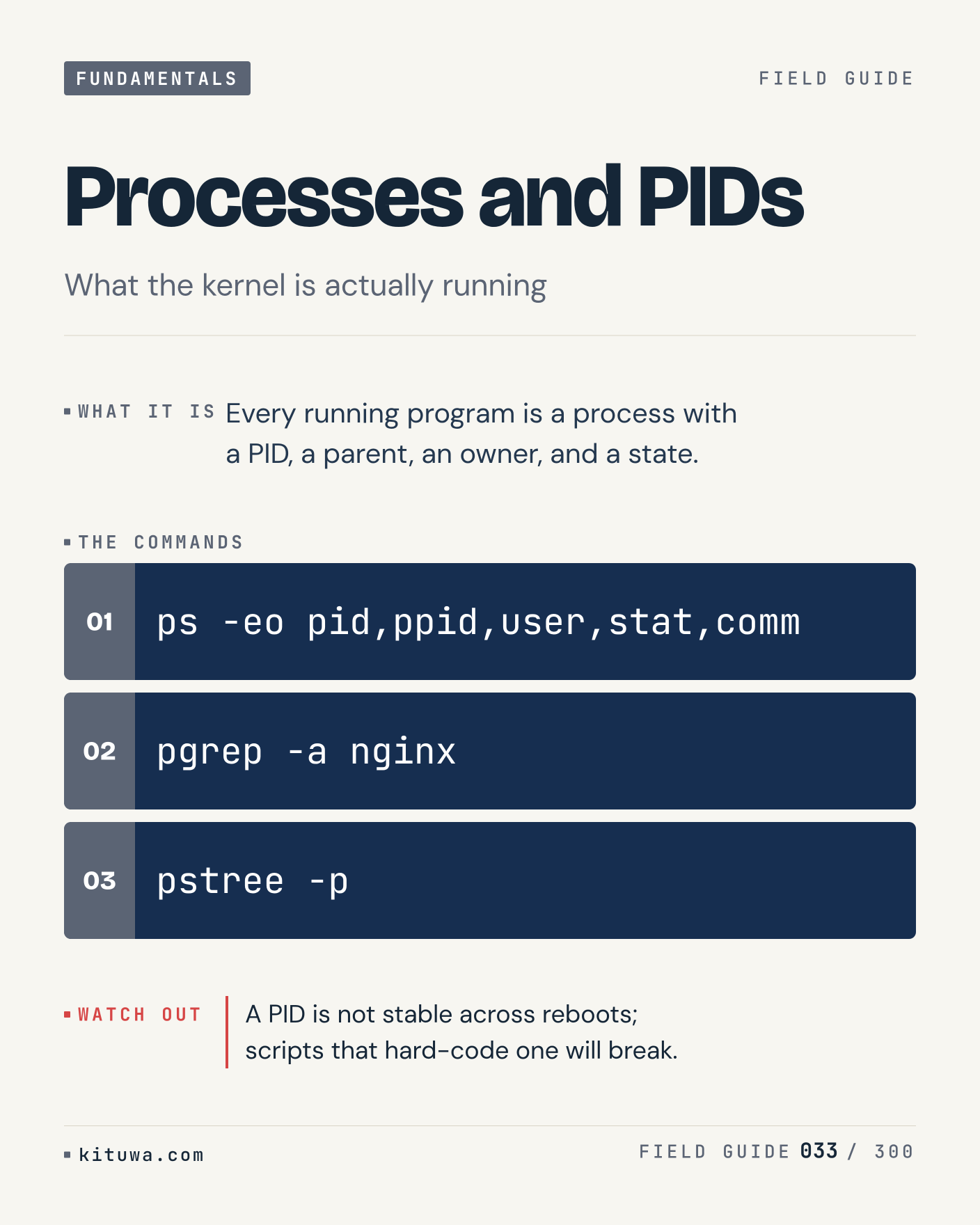
Post 33 artwork

2026-11-27 · 21:00 ET · image

33. Processes and PIDs

Every running program is a process with a PID, a parent, an owner, and a state. Try `ps -eo pid,ppid,user,stat,comm` first; `pgrep -a nginx` is the next step. A PID is not stable across reboots; scripts that hard-code one will break. Which one would you check first?

#Linux #SysAdmin #Fundamentals

Approval: approved · Facebook: scheduled
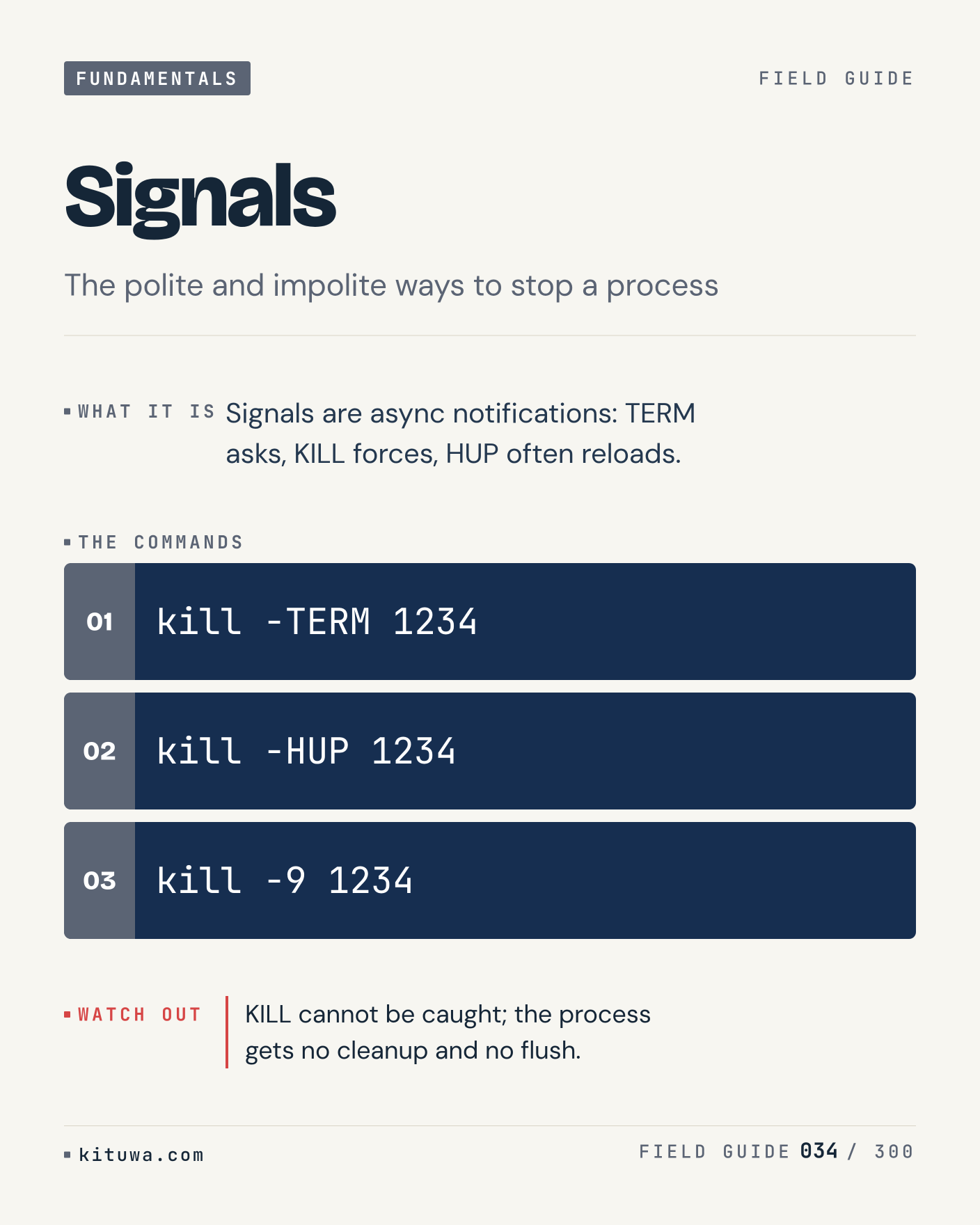
Post 34 artwork

2026-11-28 · 09:00 ET · image

34. Signals

The short version of Signals — Signals are async notifications: TERM asks, KILL forces, HUP often reloads. `kill -TERM 1234` shows the state; `kill -HUP 1234` changes it. KILL cannot be caught; the process gets no cleanup and no flush. Sound familiar?

#Linux #SysAdmin #Fundamentals

Approval: approved · Facebook: scheduled
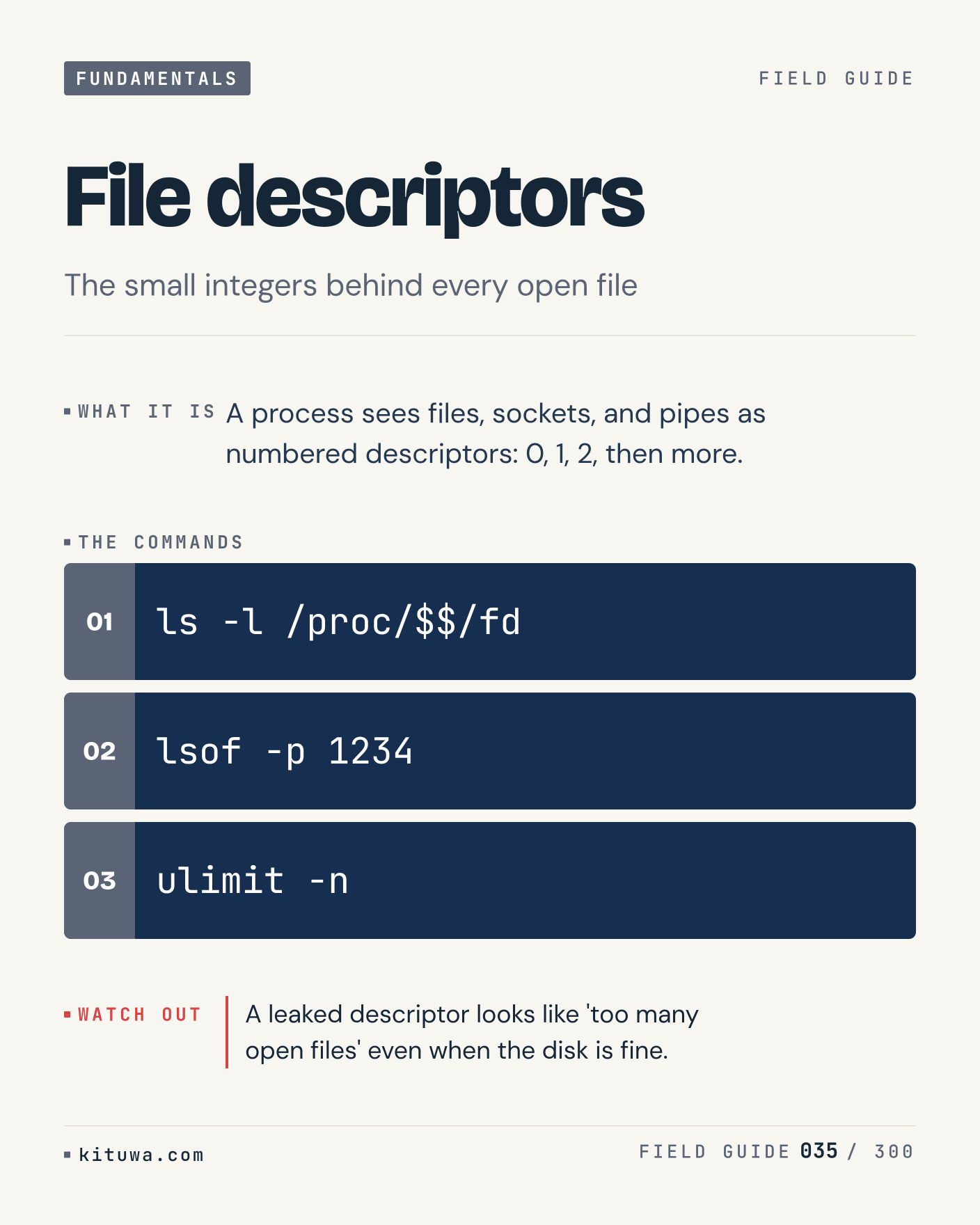
Post 35 artwork

2026-11-28 · 15:00 ET · image

35. File descriptors

There is no magic in File descriptors. A process sees files, sockets, and pipes as numbered descriptors: 0, 1, 2, then more. Use `ls -l /proc/$$/fd` before `lsof -p 1234`. A leaked descriptor looks like 'too many open files' even when the disk is fine. What is your default?

#Linux #SysAdmin #Fundamentals

Approval: approved · Facebook: scheduled
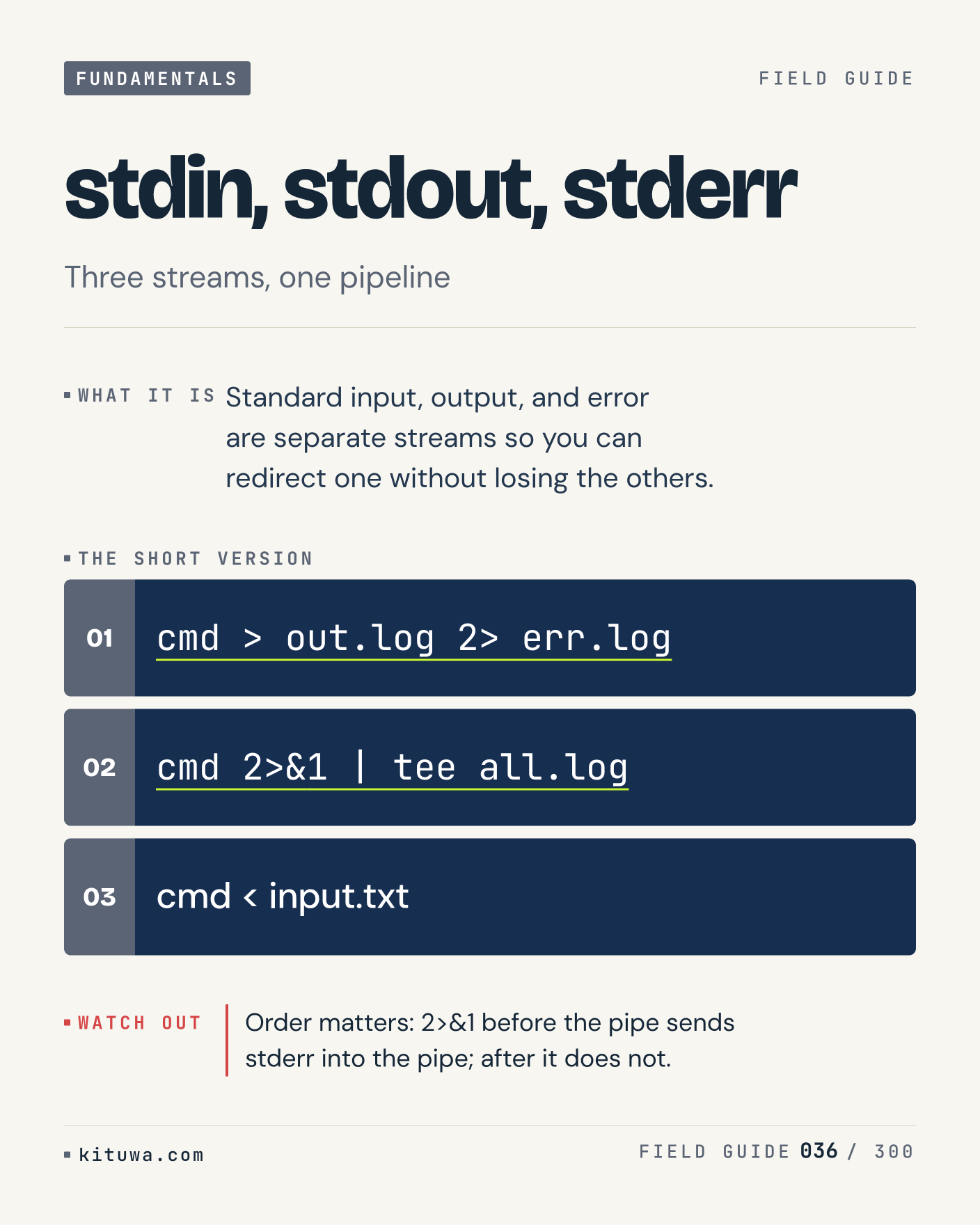
Post 36 artwork

2026-11-28 · 21:00 ET · image

36. stdin, stdout, stderr

One thing about Stdin, stdout, stderr — Standard input, output, and error are separate streams so you can redirect one without losing the others. `cmd > out.log 2> err.log` is the fastest check. Order matters: 2>&1 before the pipe sends stderr into the pipe; after it does not. What would you add?

#Linux #SysAdmin #Fundamentals

Approval: approved · Facebook: scheduled
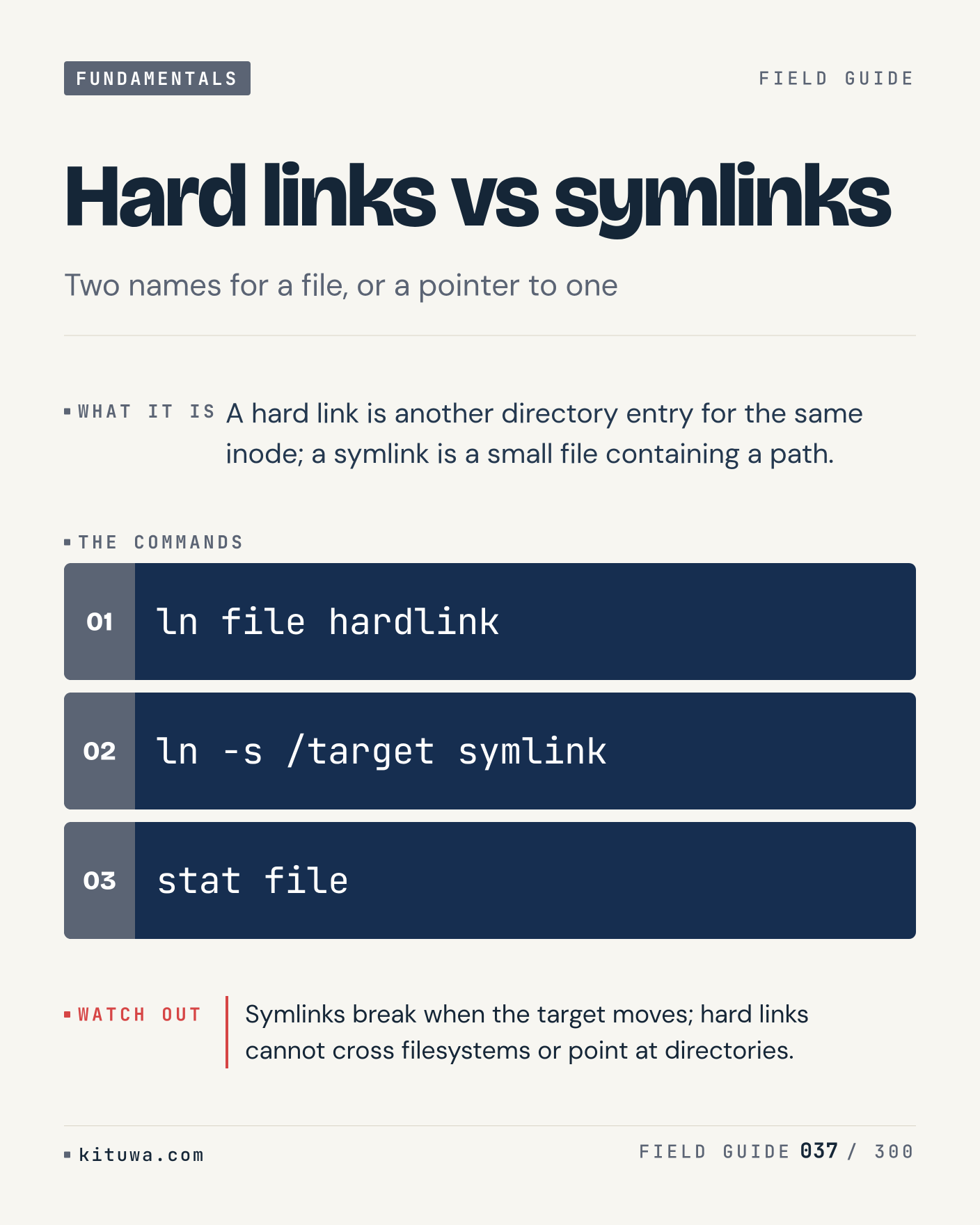
Post 37 artwork

2026-11-29 · 09:00 ET · image

37. Hard links vs symlinks

A hard link is another directory entry for the same inode; a symlink is a small file containing a path. The useful habit: run `ln file hardlink`, read the output, then decide. Symlinks break when the target moves; hard links cannot cross filesystems or point at directories. What is the last thing it caught?

#Linux #SysAdmin #Fundamentals

Approval: approved · Facebook: scheduled
Post 38 artwork

2026-11-29 · 15:00 ET · image

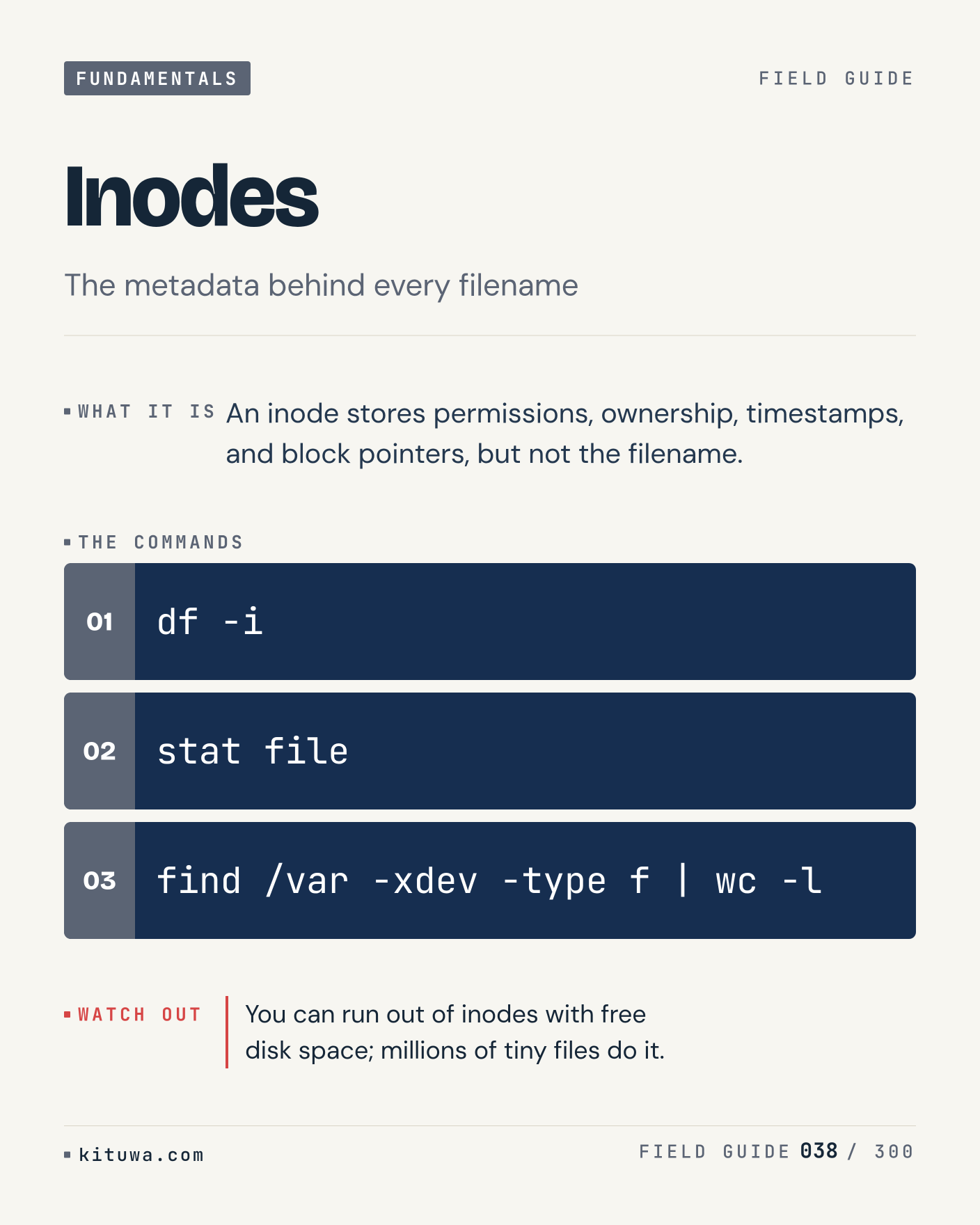
38. Inodes

Inodes, without the ceremony — An inode stores permissions, ownership, timestamps, and block pointers, but not the filename. `df -i` first, `stat file` when you need the detail. You can run out of inodes with free disk space; millions of tiny files do it. Which output do you trust?
#Linux #SysAdmin #Fundamentals

Approval: approved · Facebook: scheduled
Post 39 artwork

2026-11-29 · 21:00 ET · image

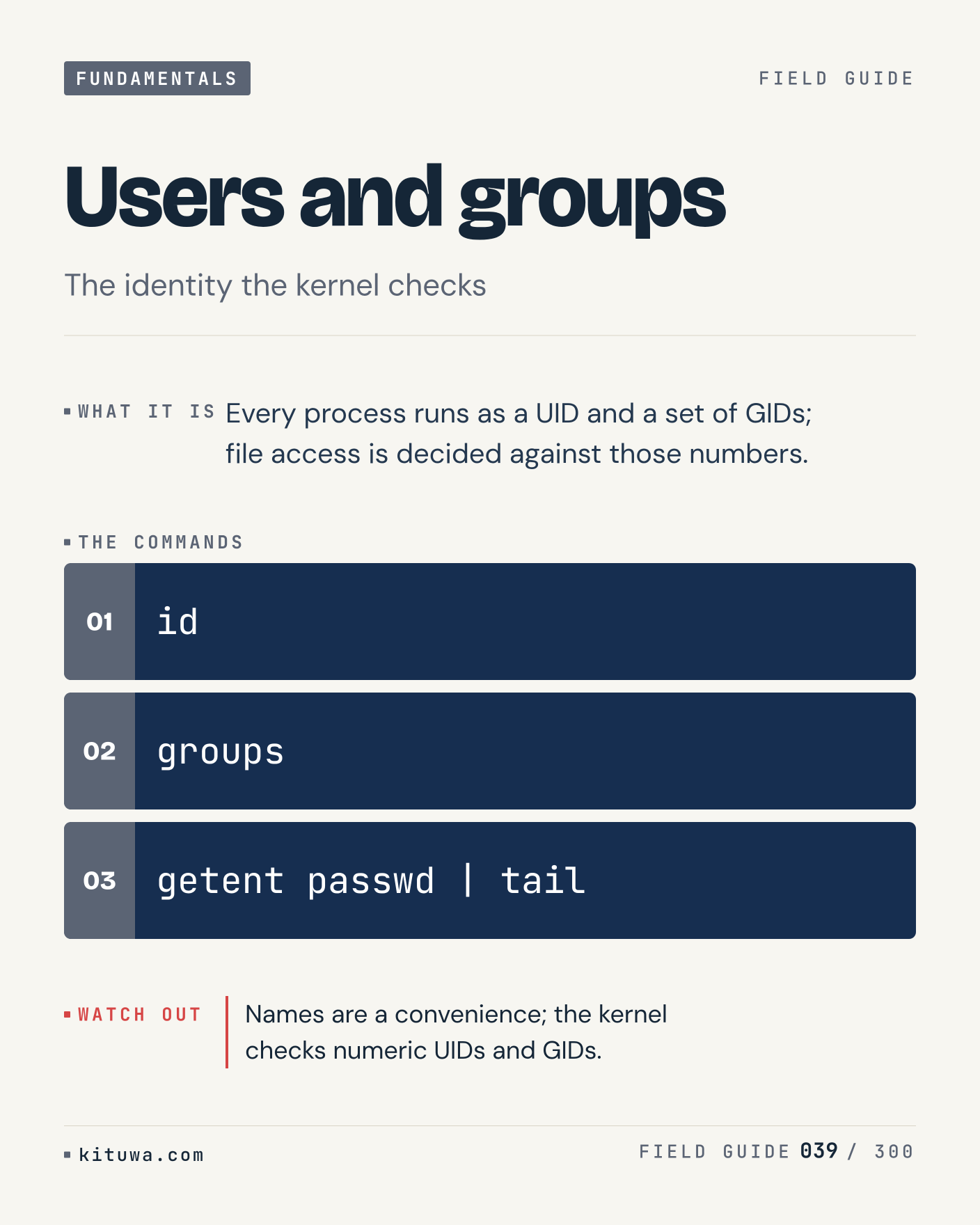
39. Users and groups

Every process runs as a UID and a set of GIDs; file access is decided against those numbers. Keep `id` and `groups` in reach. Names are a convenience; the kernel checks numeric UIDs and GIDs. What breaks first on your setup?

#Linux #SysAdmin #Fundamentals

Approval: approved · Facebook: scheduled

Post 40 artwork

2026-11-30 · 09:00 ET · image

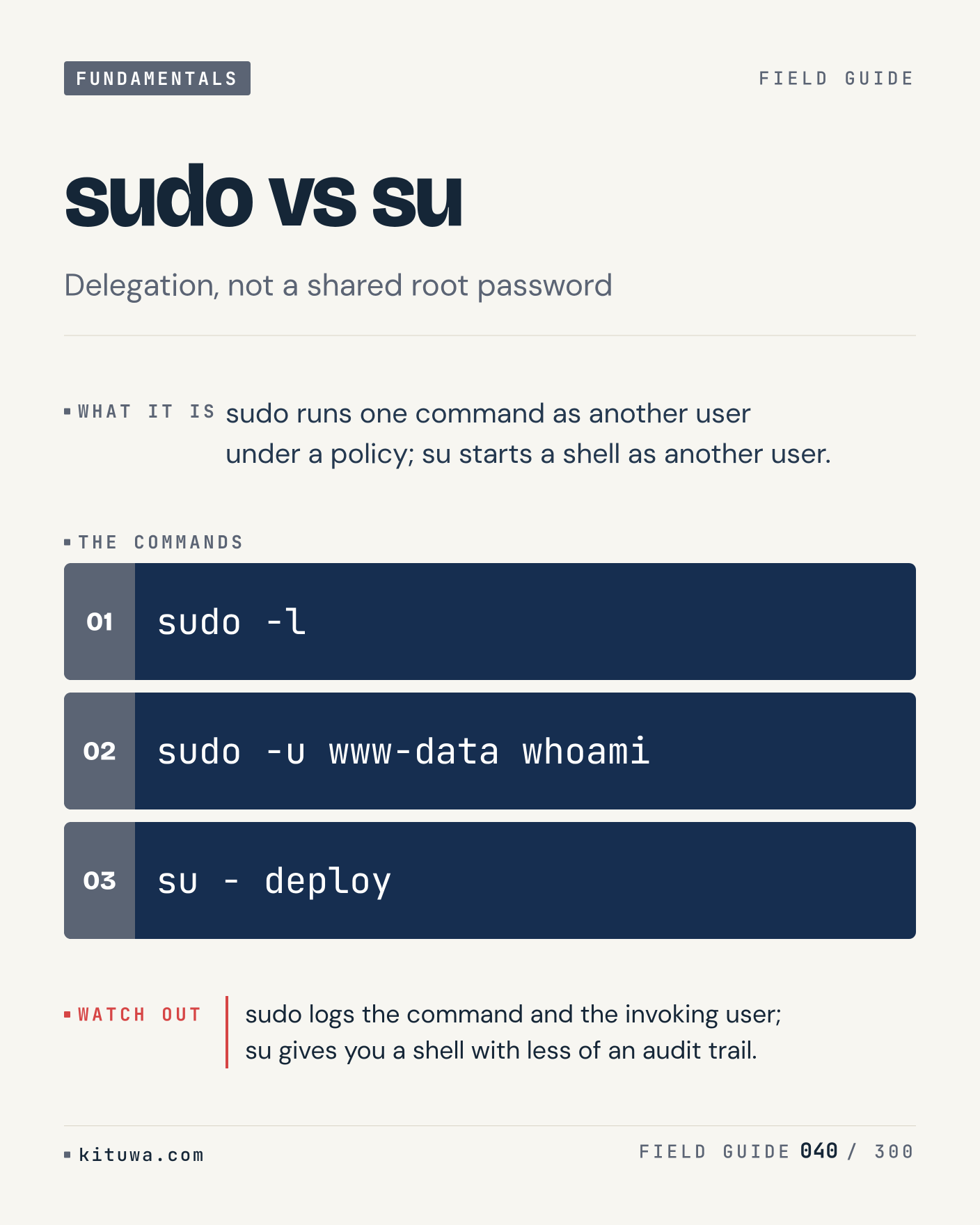
40. sudo vs su

Sudo vs su — Sudo runs one command as another user under a policy; su starts a shell as another user. Start with `sudo -l`. sudo logs the command and the invoking user; su gives you a shell with less of an audit trail. What does it show on your box?

#Linux #SysAdmin #Fundamentals

Approval: approved · Facebook: scheduled

Post 41 artwork

2026-11-30 · 15:00 ET · image

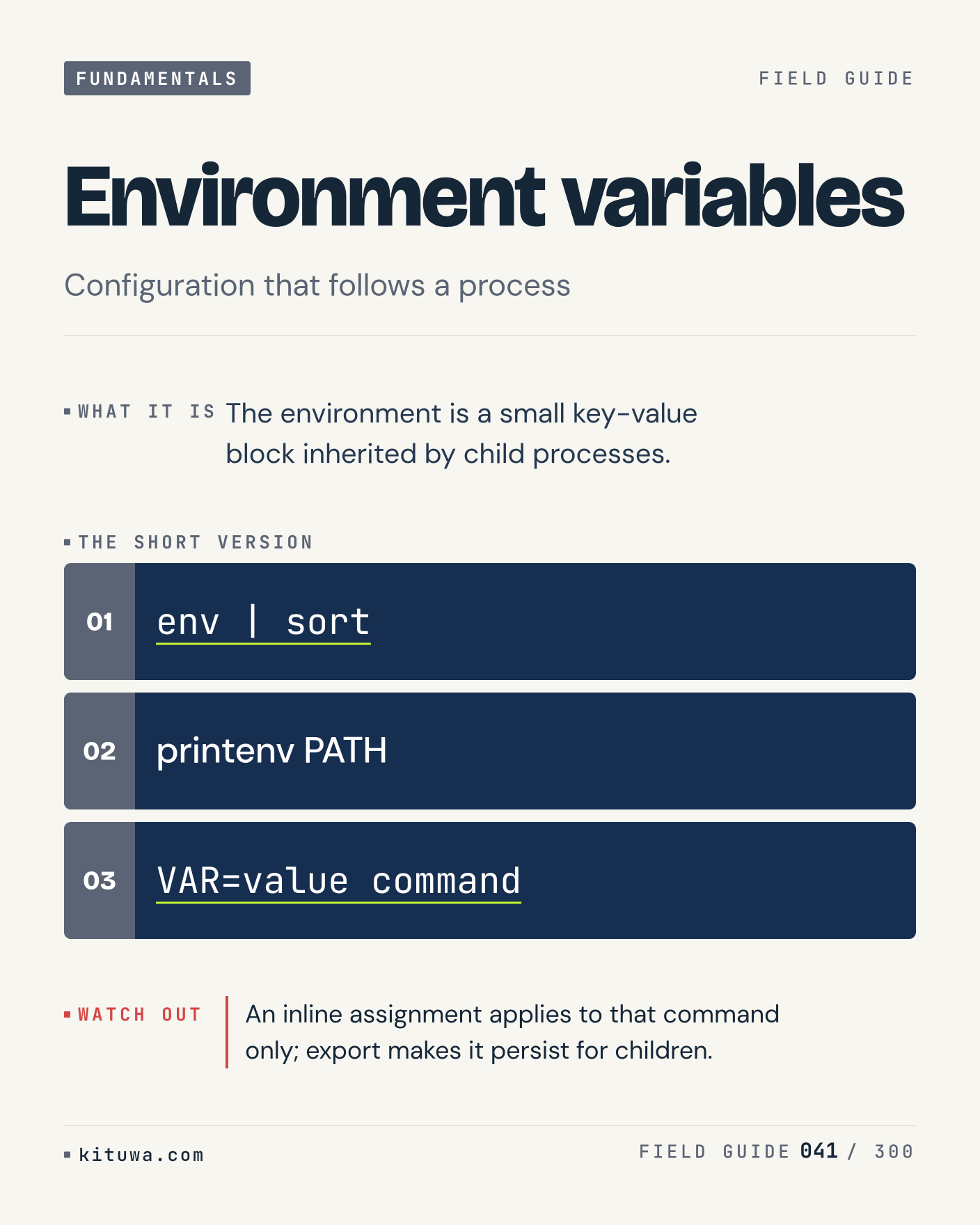
41. Environment variables

The environment is a small key-value block inherited by child processes. Try `env | sort` first; `printenv PATH` is the next step. An inline assignment applies to that command only; export makes it persist for children. Which one would you check first?

#Linux #SysAdmin #Fundamentals

Approval: approved · Facebook: scheduled

Post 42 artwork

2026-11-30 · 21:00 ET · image

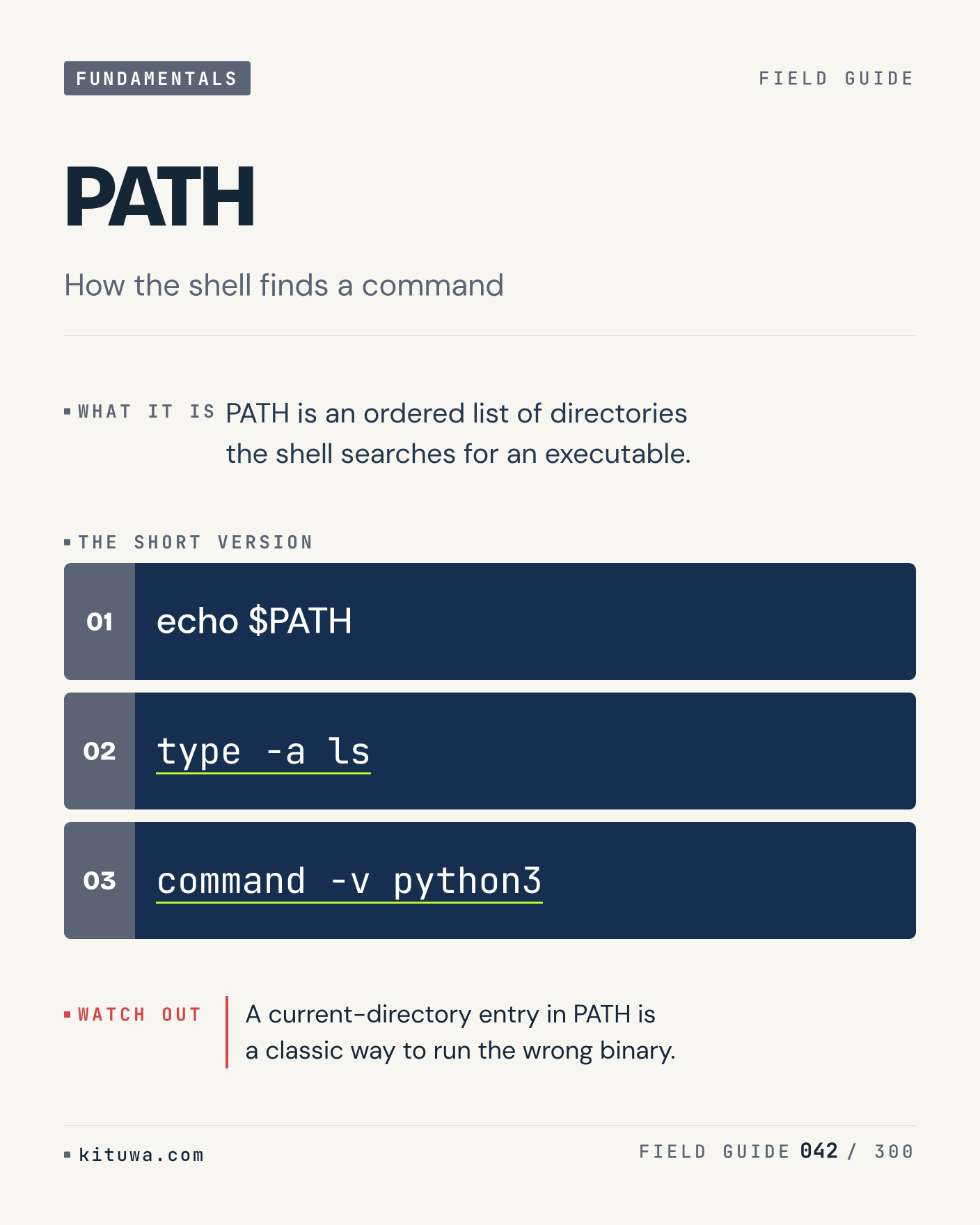
42. PATH

The short version of PATH — PATH is an ordered list of directories the shell searches for an executable. `echo $PATH` shows the state; `type -a ls` changes it. A current-directory entry in PATH is a classic way to run the wrong binary. Sound familiar?

#Linux #SysAdmin #Fundamentals

Approval: approved · Facebook: scheduled

Post 43 artwork

2026-12-01 · 09:00 ET · image

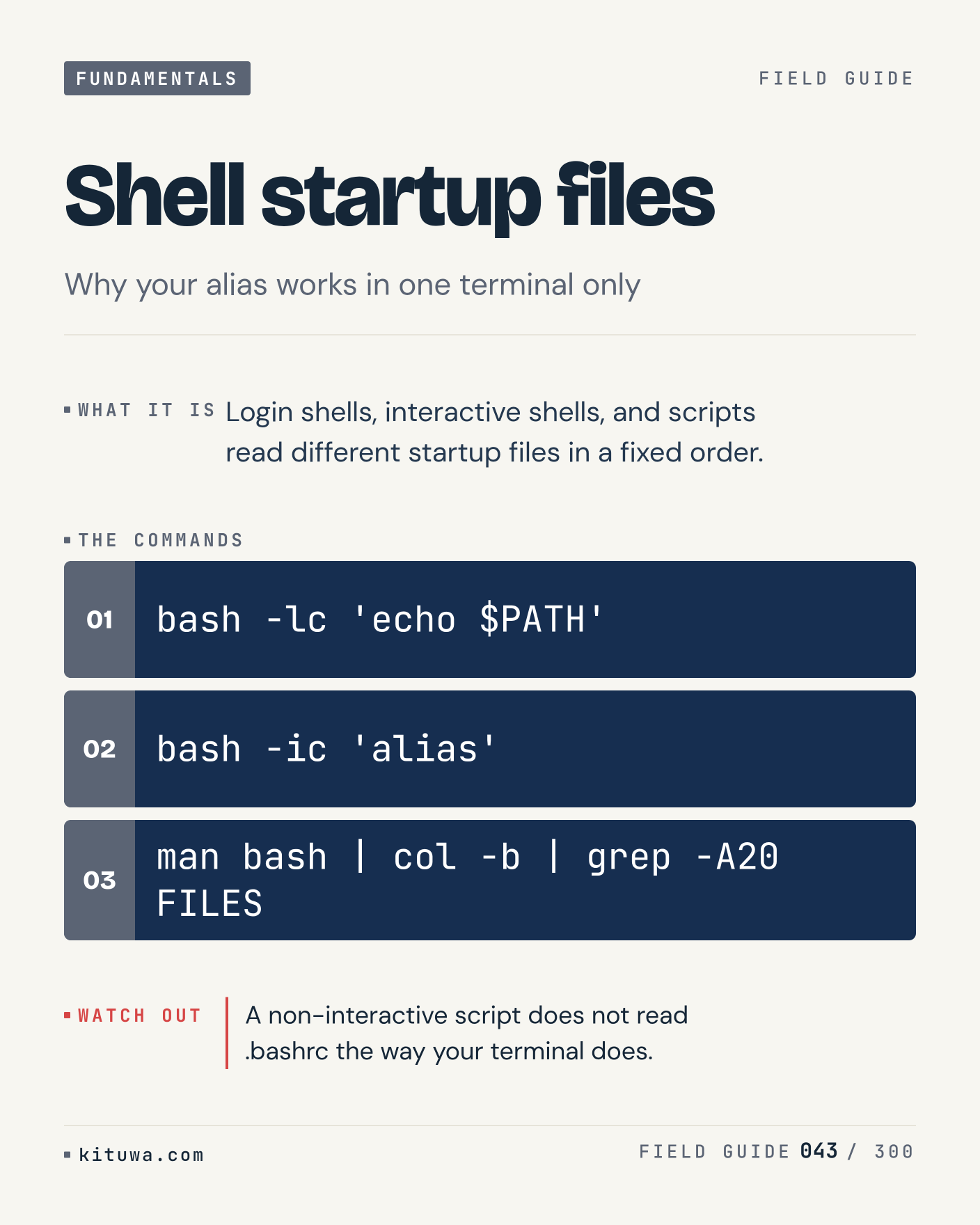
43. Shell startup files

There is no magic in Shell startup files. Login shells, interactive shells, and scripts read different startup files in a fixed order. Use `bash -lc 'echo $PATH'` before `bash -ic 'alias'`. A non-interactive script does not read .bashrc the way your terminal does. What is your default?

#Linux #SysAdmin #Fundamentals

Approval: approved · Facebook: scheduled

Post 44 artwork

2026-12-01 · 15:00 ET · image

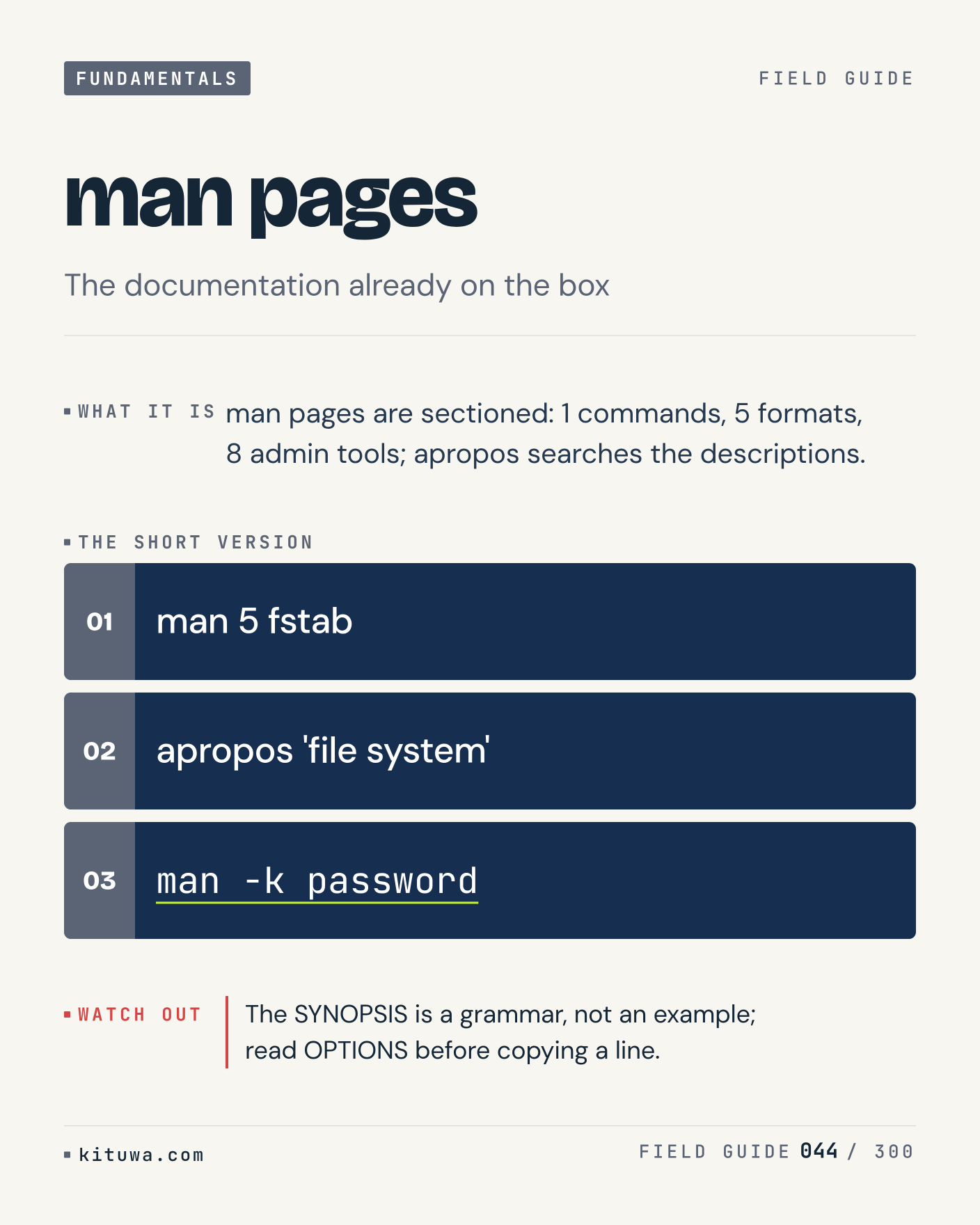
44. man pages

One thing about Man pages — Man pages are sectioned: 1 commands, 5 formats, 8 admin tools; apropos searches the descriptions. `man 5 fstab` is the fastest check. The SYNOPSIS is a grammar, not an example; read OPTIONS before copying a line. What would you add?

#Linux #SysAdmin #Fundamentals

Approval: approved · Facebook: scheduled

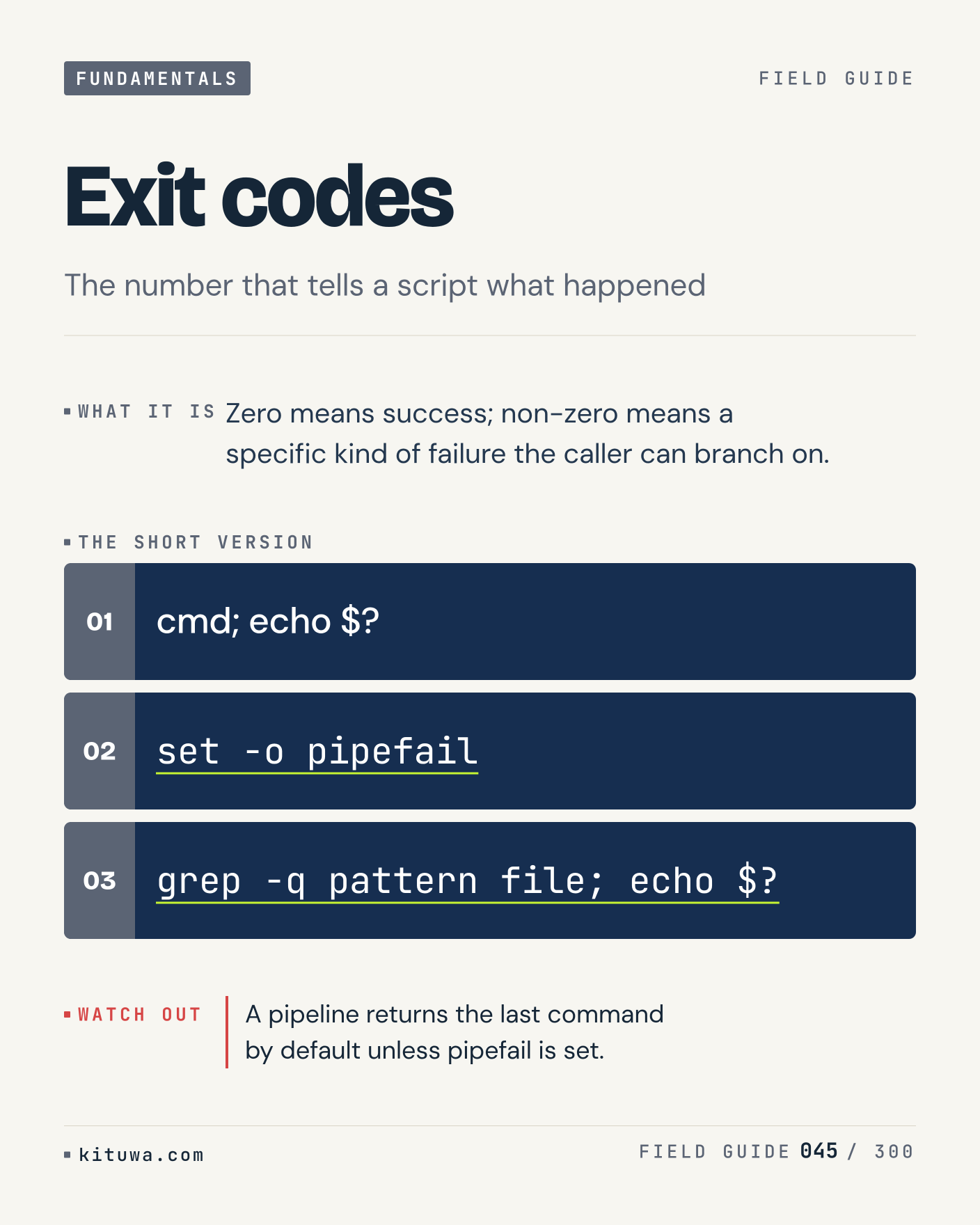
Post 45 artwork

2026-12-01 · 21:00 ET · image

45. Exit codes

Zero means success; non-zero means a specific kind of failure the caller can branch on. The useful habit: run `cmd; echo $?`, read the output, then decide. A pipeline returns the last command by default unless pipefail is set. What is the last thing it caught?

#Linux #SysAdmin #Fundamentals

Approval: approved · Facebook: scheduled

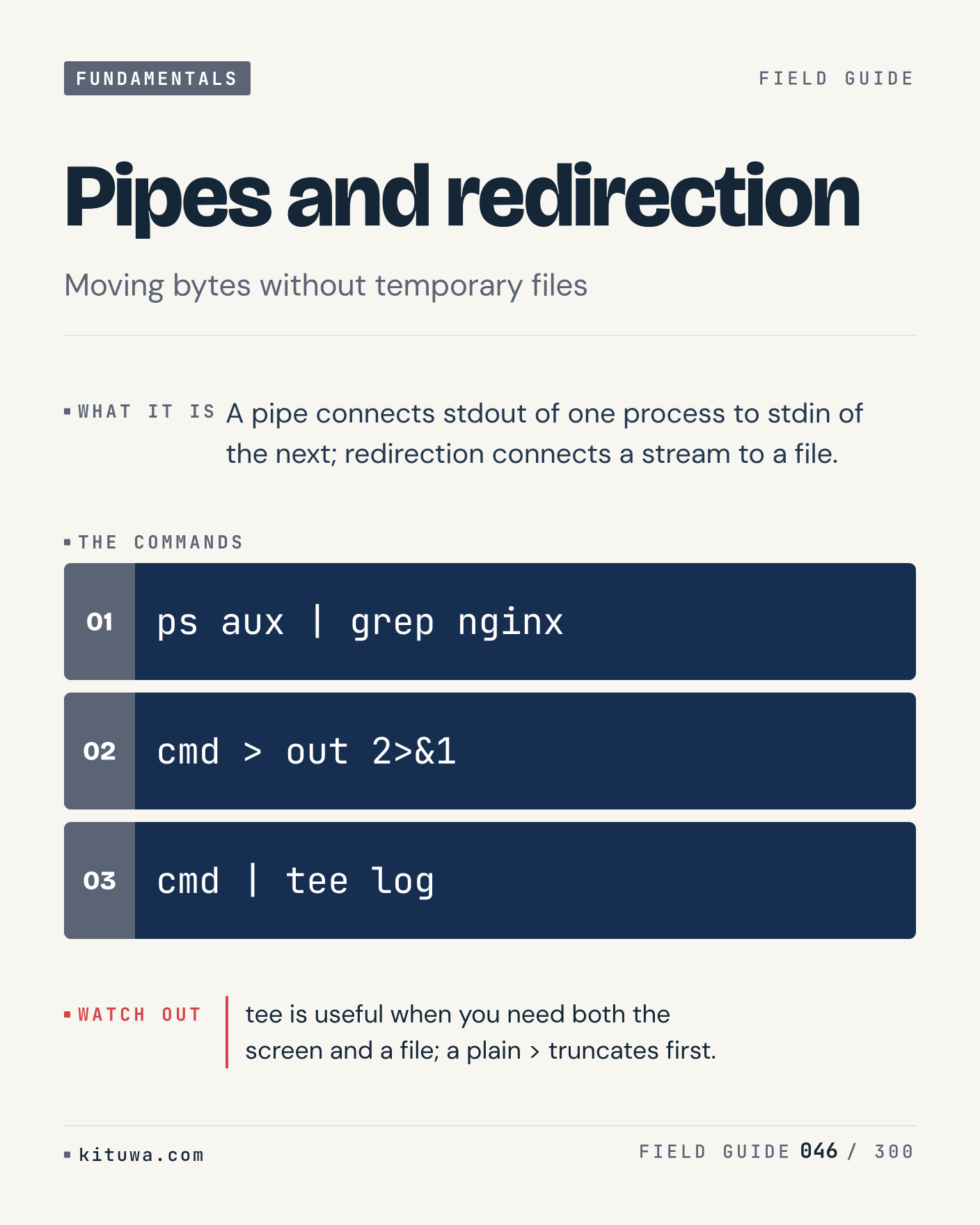
Post 46 artwork

2026-12-02 · 09:00 ET · image

46. Pipes and redirection

Pipes and redirection, without the ceremony — A pipe connects stdout of one process to stdin of the next; redirection connects a stream to a file. `ps aux | grep nginx` first, `cmd > out 2>&1` when you need the detail. tee is useful when you need both the screen and a file; a plain > truncates first. Which output do you trust?

#Linux #SysAdmin #Fundamentals

Approval: approved · Facebook: scheduled

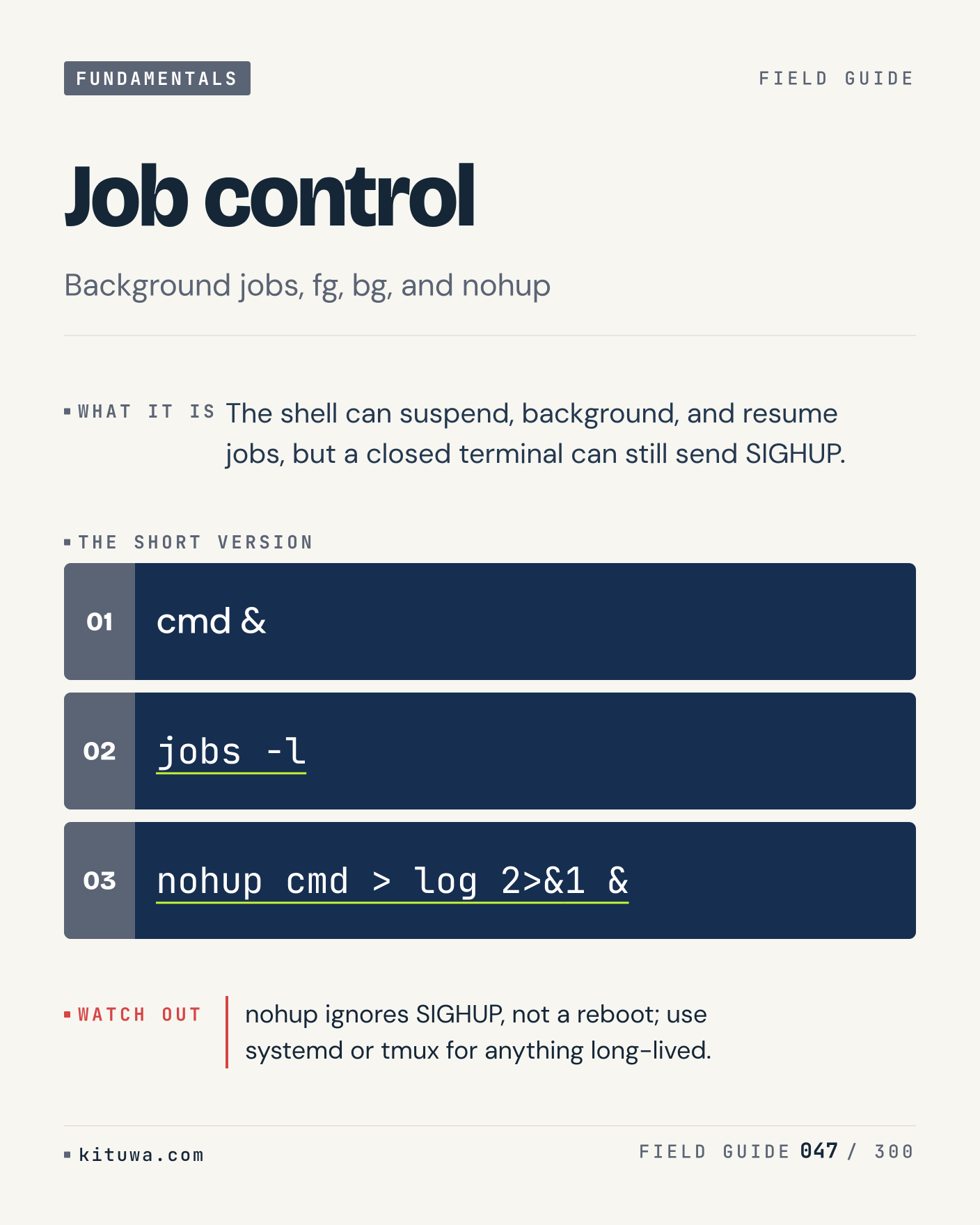
Post 47 artwork

2026-12-02 · 15:00 ET · image

47. Job control

The shell can suspend, background, and resume jobs, but a closed terminal can still send SIGHUP. Keep `cmd &` and `jobs -l` in reach. nohup ignores SIGHUP, not a reboot; use systemd or tmux for anything long-lived. What breaks first on your setup?

#Linux #SysAdmin #Fundamentals

Approval: approved · Facebook: scheduled

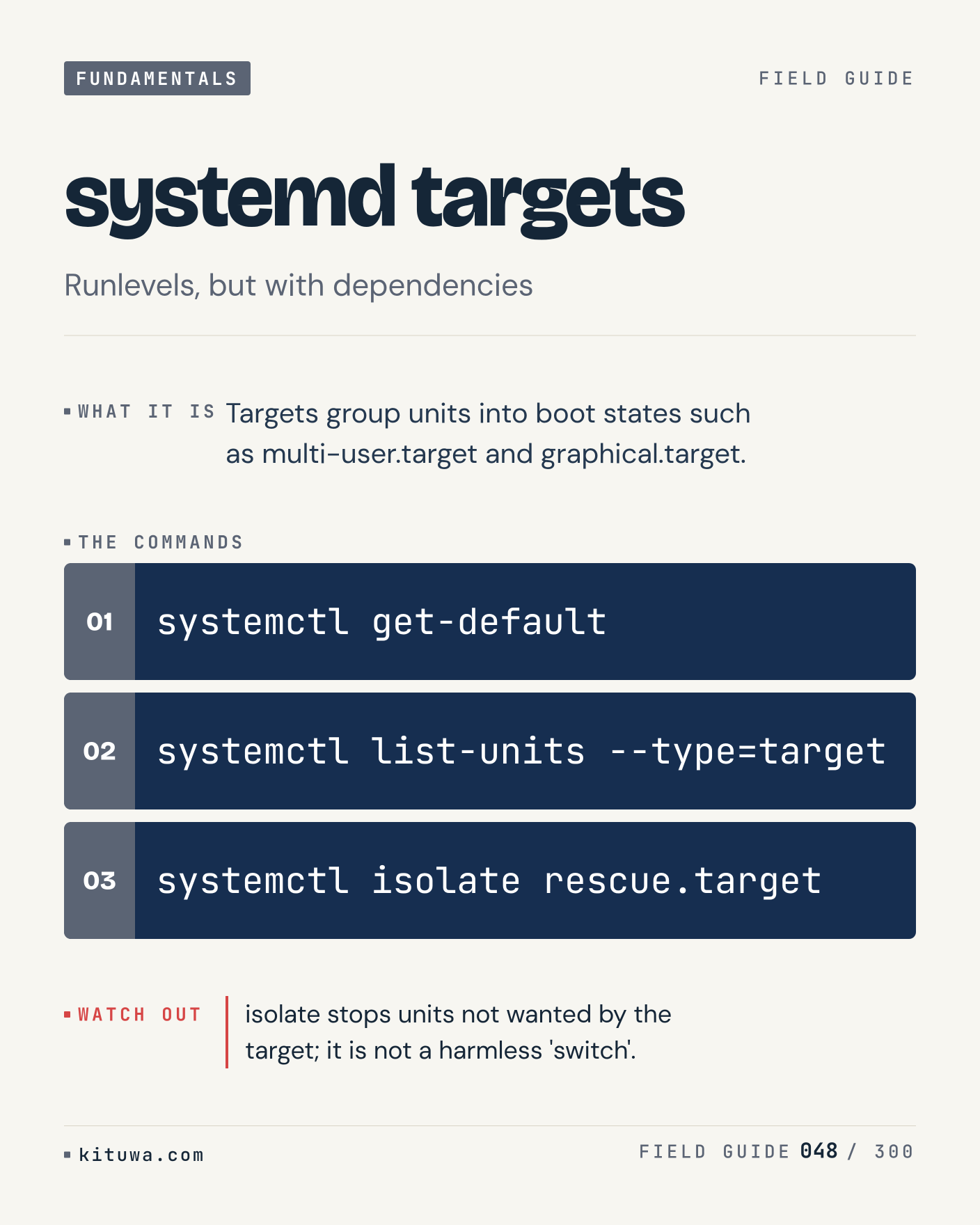
Post 48 artwork

2026-12-02 · 21:00 ET · image

48. systemd targets

Systemd targets — Targets group units into boot states such as multi-user.target and graphical.target. Start with `systemctl get-default`. isolate stops units not wanted by the target; it is not a harmless 'switch'. What does it show on your box?

#Linux #SysAdmin #Fundamentals

Approval: approved · Facebook: scheduled

Post 49 artwork

2026-12-03 · 09:00 ET · image

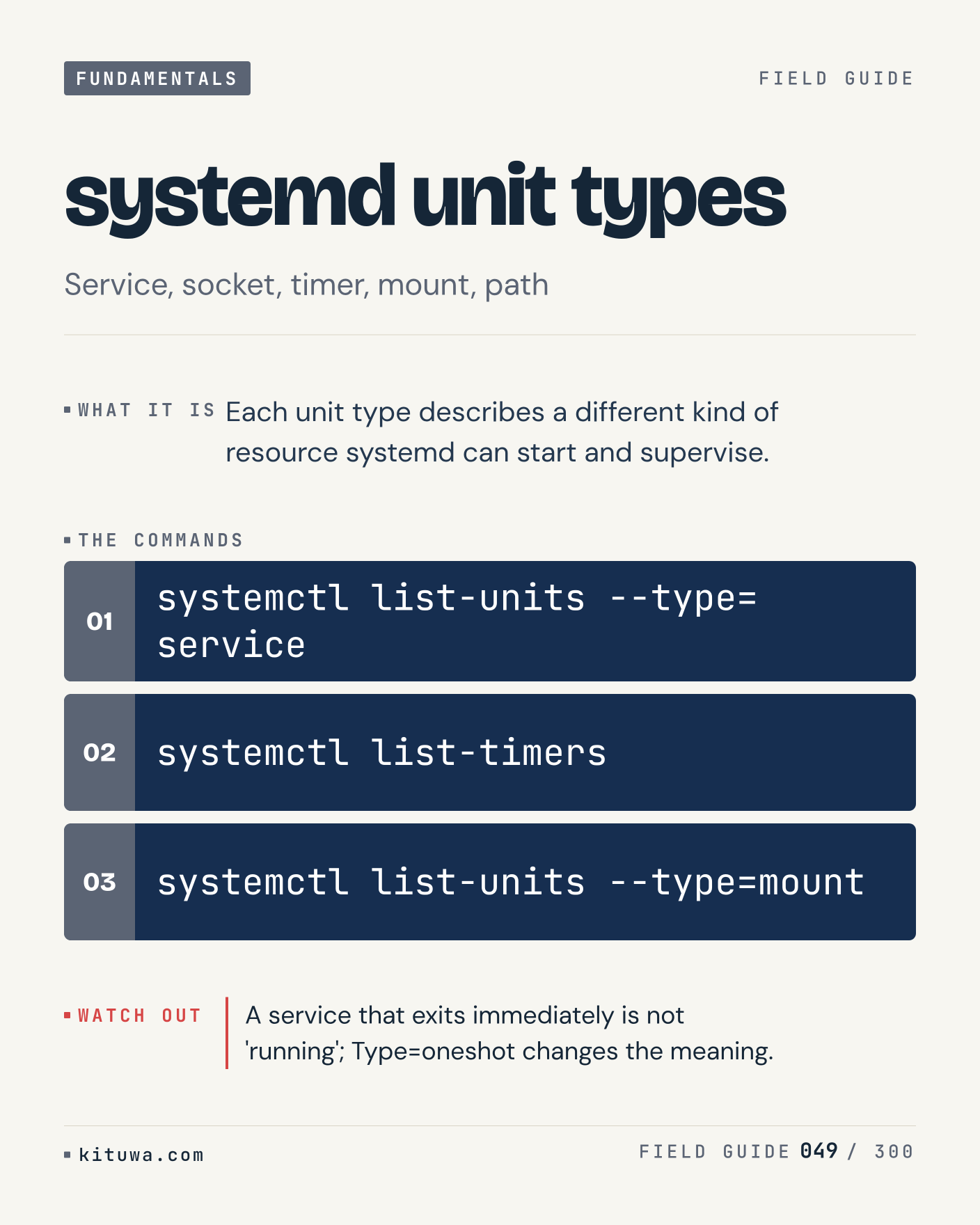
49. systemd unit types

Each unit type describes a different kind of resource systemd can start and supervise. Try `systemctl list-units --type=service` first; `systemctl list-timers` is the next step. A service that exits immediately is not 'running'; Type=oneshot changes the meaning. Which one would you check first?

#Linux #SysAdmin #Fundamentals

Approval: approved · Facebook: scheduled

Post 50 artwork

2026-12-03 · 15:00 ET · image

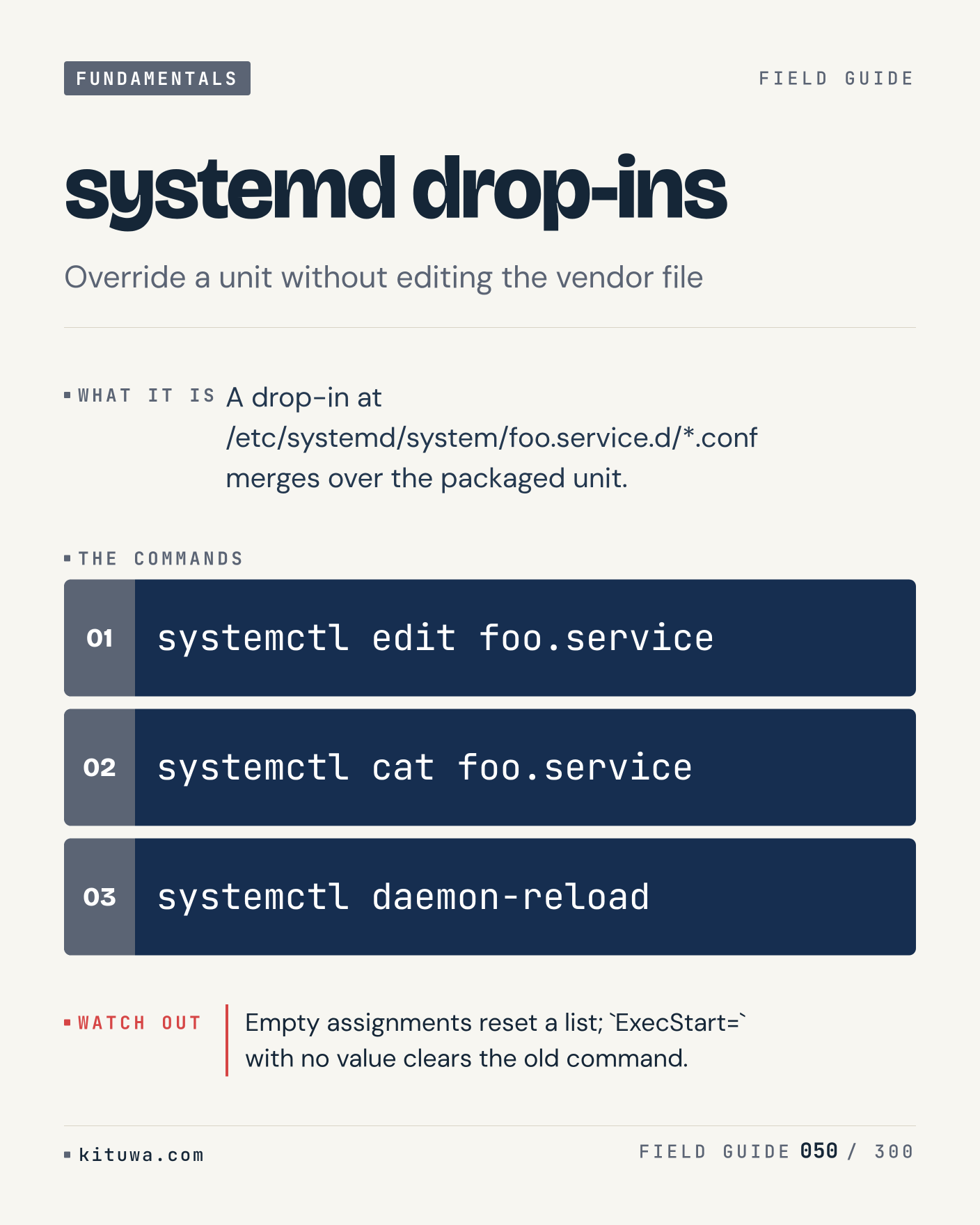
50. systemd drop-ins

The short version of Systemd drop-ins — A drop-in at /etc/systemd/system/foo.service.d/*.conf merges over the packaged unit. `systemctl edit foo.service` shows the state; `systemctl cat foo.service` changes it. Empty assignments reset a list; `ExecStart=` with no value clears the old command. Sound familiar?

#Linux #SysAdmin #Fundamentals

Approval: approved · Facebook: scheduled

Post 51 artwork

2026-12-03 · 21:00 ET · image

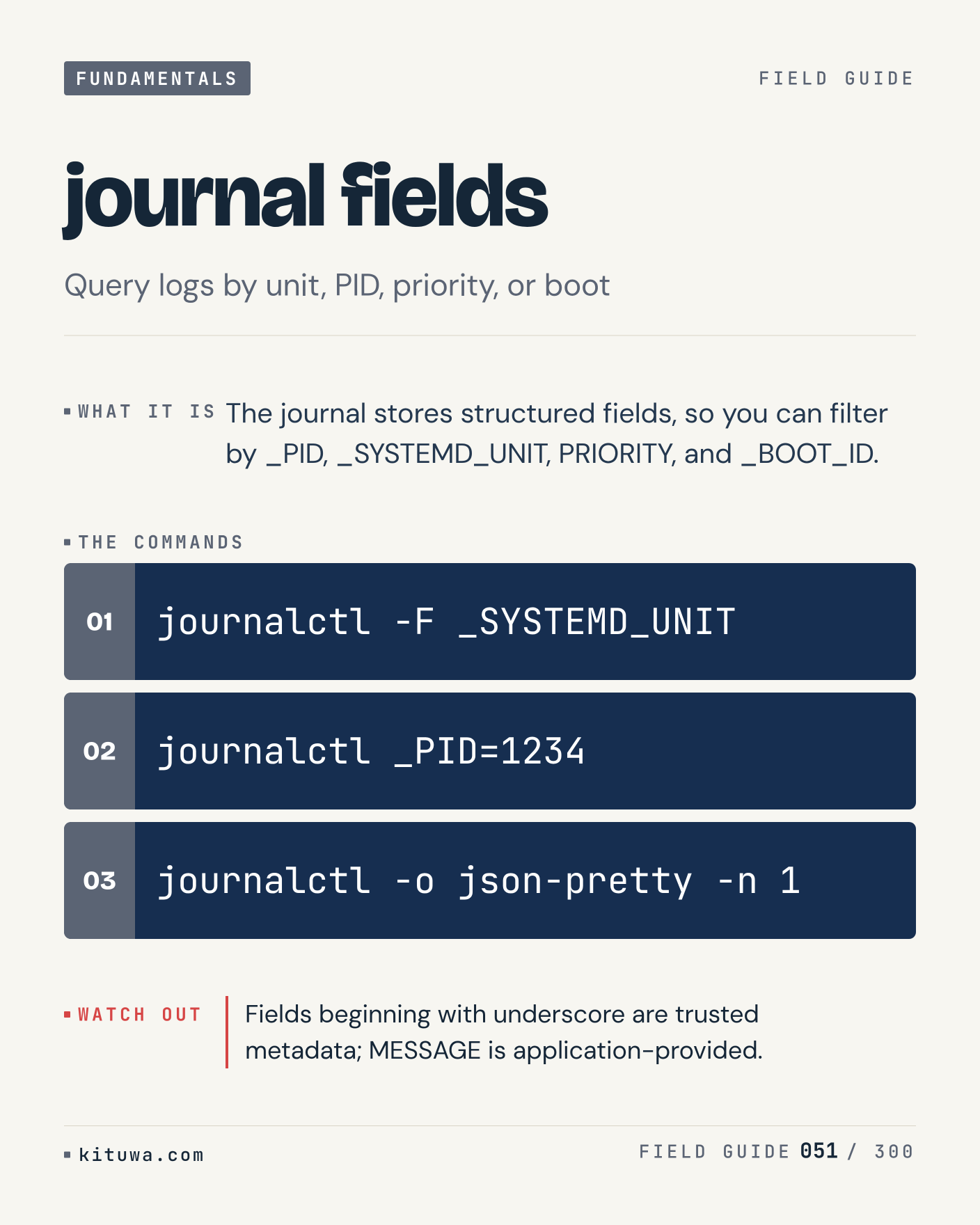
51. journal fields

There is no magic in Journal fields. The journal stores structured fields, so you can filter by _PID, _SYSTEMD_UNIT, PRIORITY, and _BOOT_ID. Use `journalctl -F _SYSTEMD_UNIT` before `journalctl _PID=1234`. Fields beginning with underscore are trusted metadata; MESSAGE is application-provided. What is your default?

#Linux #SysAdmin #Fundamentals

Approval: approved · Facebook: scheduled

Post 52 artwork

2026-12-04 · 09:00 ET · image

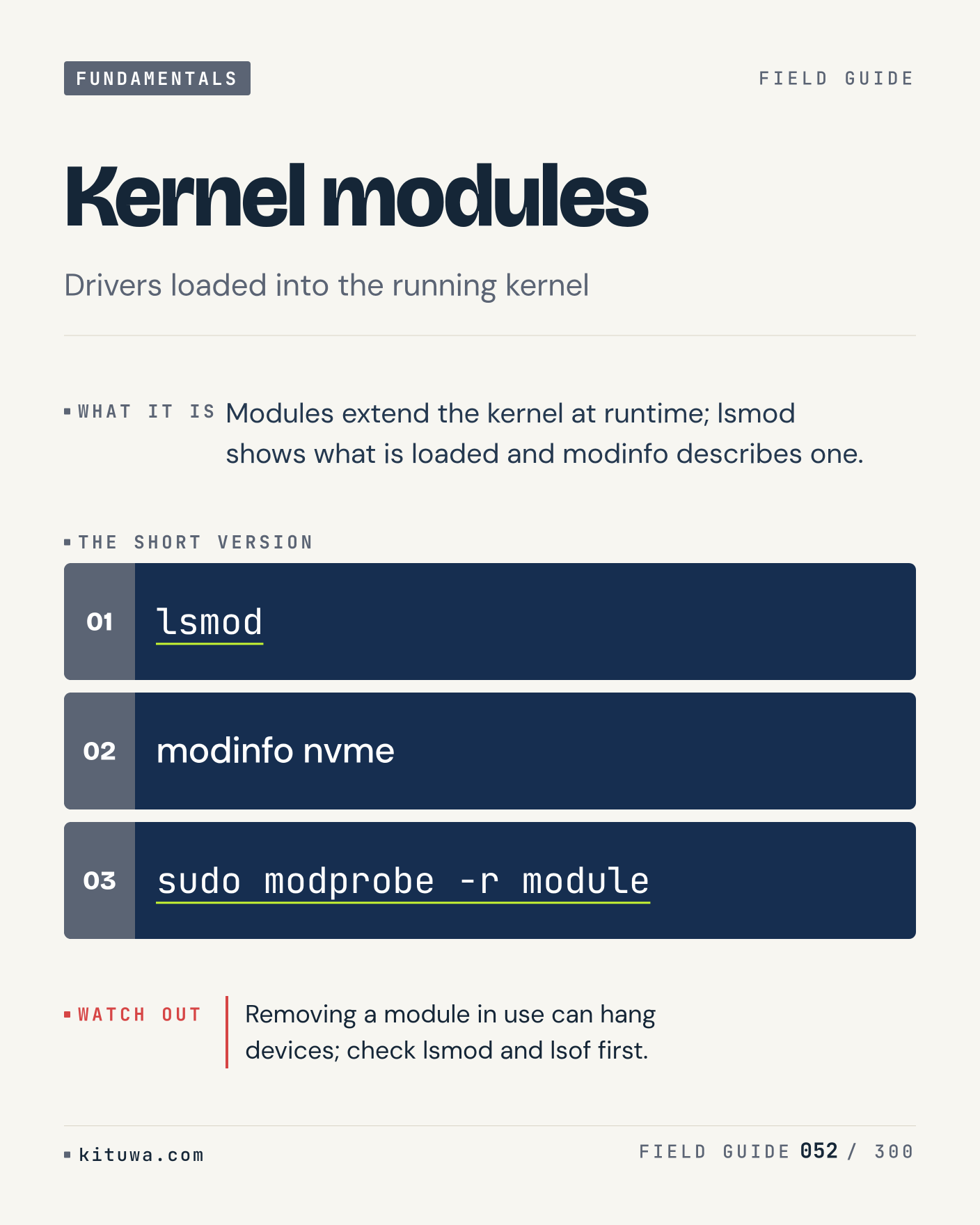
52. Kernel modules

One thing about Kernel modules — Modules extend the kernel at runtime; lsmod shows what is loaded and modinfo describes one. `lsmod` is the fastest check. Removing a module in use can hang devices; check lsmod and lsof first. What would you add?

#Linux #SysAdmin #Fundamentals

Approval: approved · Facebook: scheduled

Post 53 artwork

2026-12-04 · 15:00 ET · image

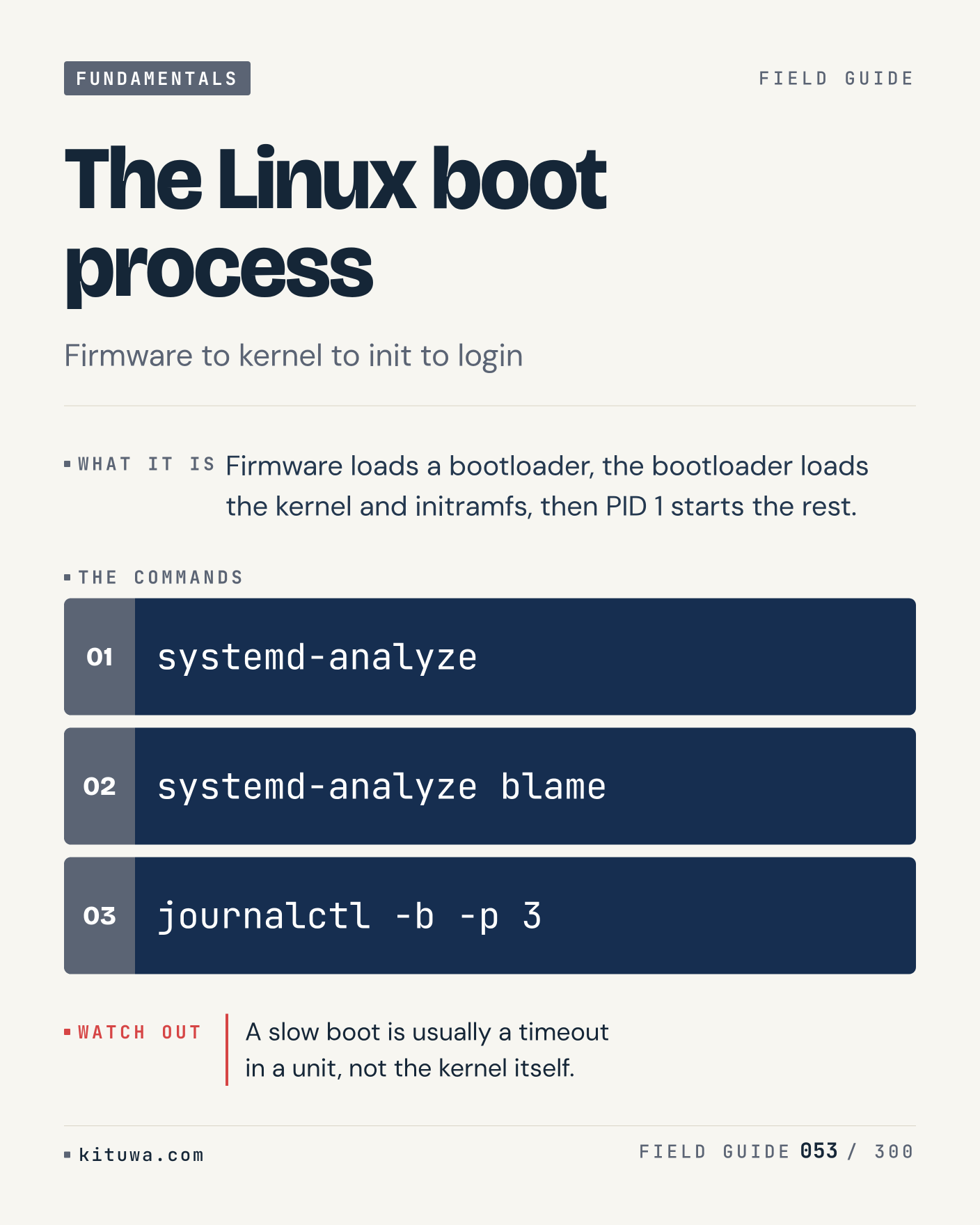
53. The Linux boot process

Firmware loads a bootloader, the bootloader loads the kernel and initramfs, then PID 1 starts the rest. The useful habit: run `systemd-analyze`, read the output, then decide. A slow boot is usually a timeout in a unit, not the kernel itself. What is the last thing it caught?

#Linux #SysAdmin #Fundamentals

Approval: approved · Facebook: scheduled

Post 54 artwork

2026-12-04 · 21:00 ET · image

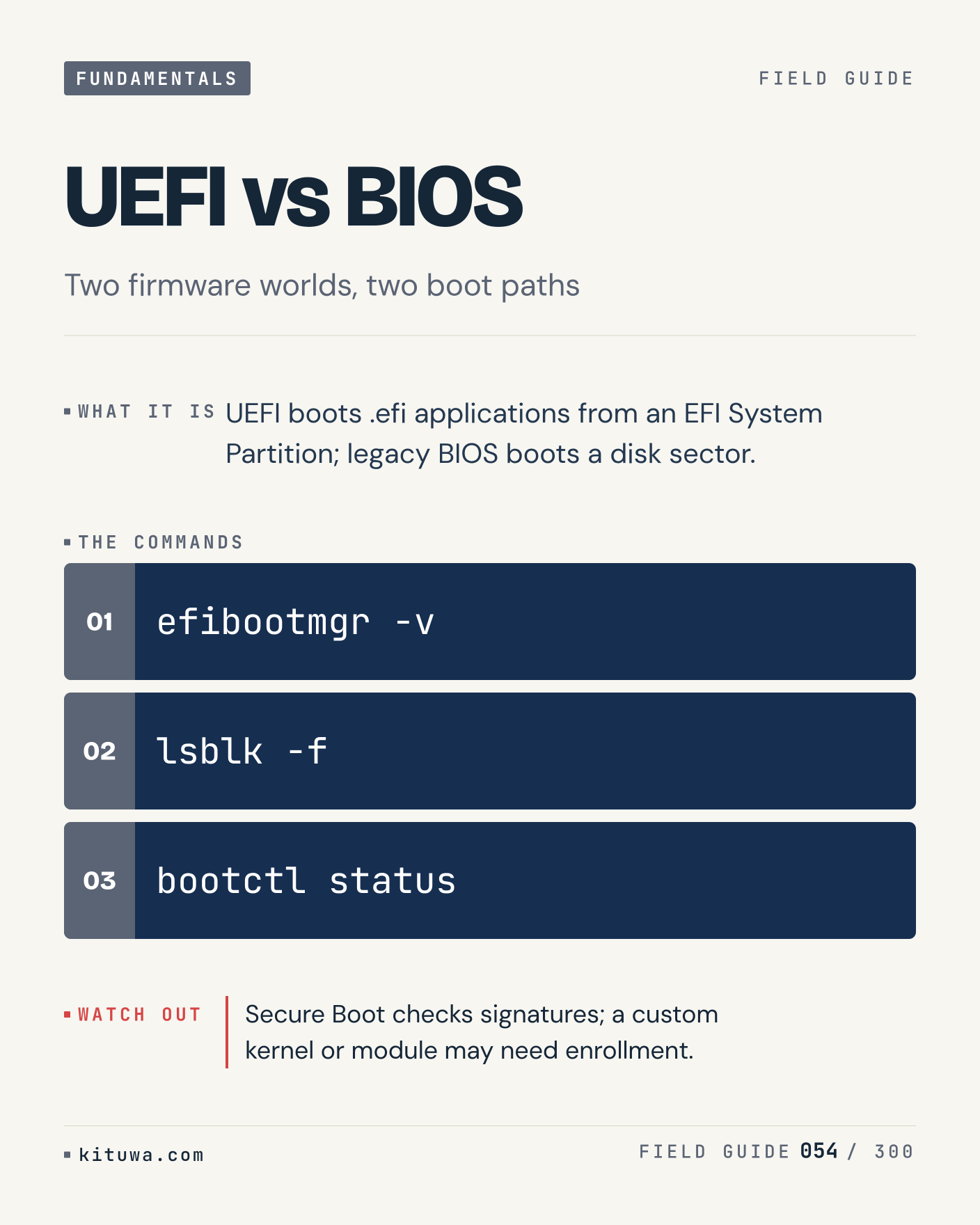
54. UEFI vs BIOS

UEFI vs BIOS, without the ceremony — UEFI boots .efi applications from an EFI System Partition; legacy BIOS boots a disk sector. `efibootmgr -v` first, `lsblk -f` when you need the detail. Secure Boot checks signatures; a custom kernel or module may need enrollment. Which output do you trust?

#Linux #SysAdmin #Fundamentals

Approval: approved · Facebook: scheduled

Post 55 artwork

2026-12-05 · 09:00 ET · image

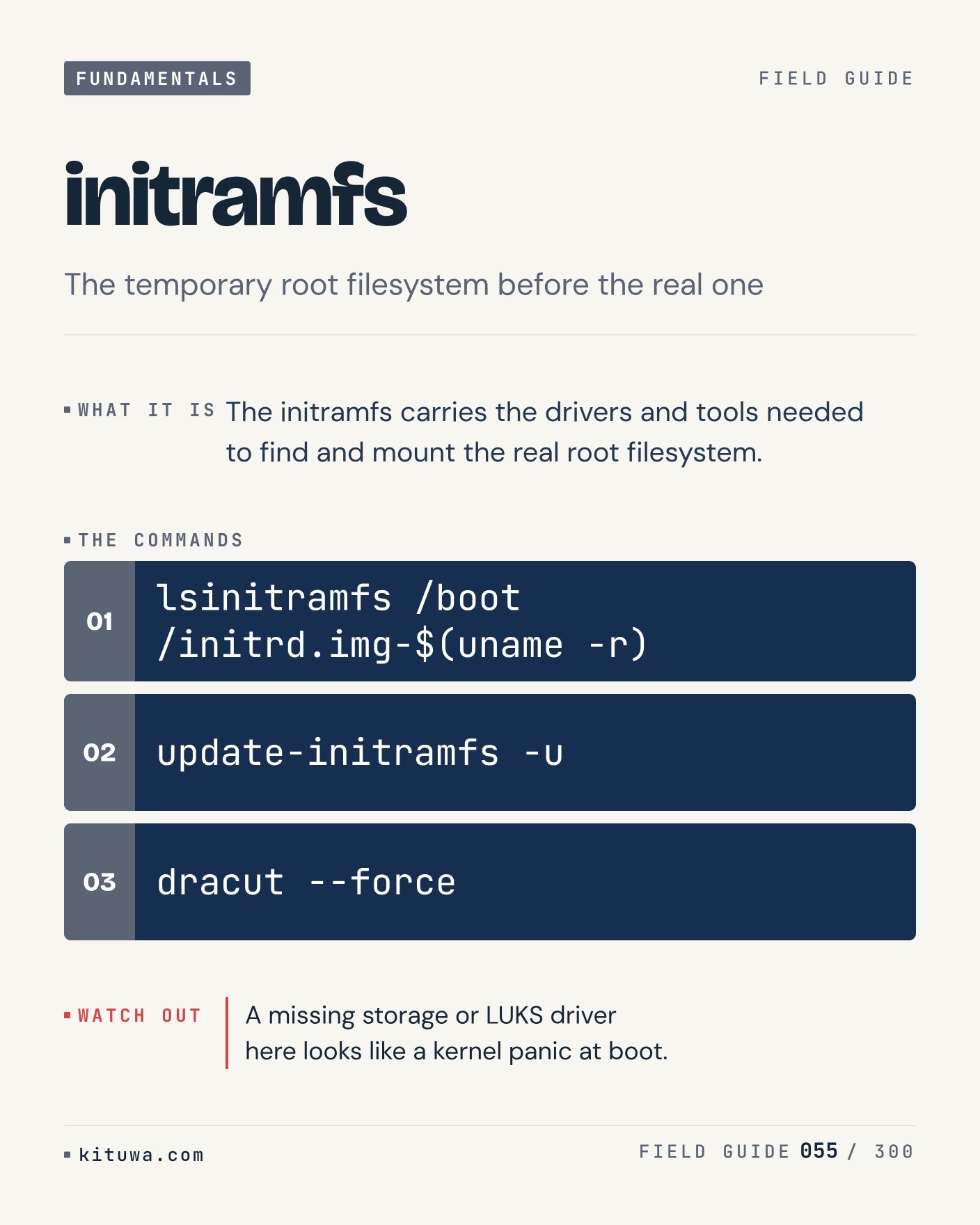
55. initramfs

The initramfs carries the drivers and tools needed to find and mount the real root filesystem. Keep `lsinitramfs /boot/initrd.img-$(uname -r)` and `update-initramfs -u` in reach. A missing storage or LUKS driver here looks like a kernel panic at boot. What breaks first on your setup?

#Linux #SysAdmin #Fundamentals

Approval: approved · Facebook: scheduled

Post 56 artwork

2026-12-05 · 15:00 ET · image

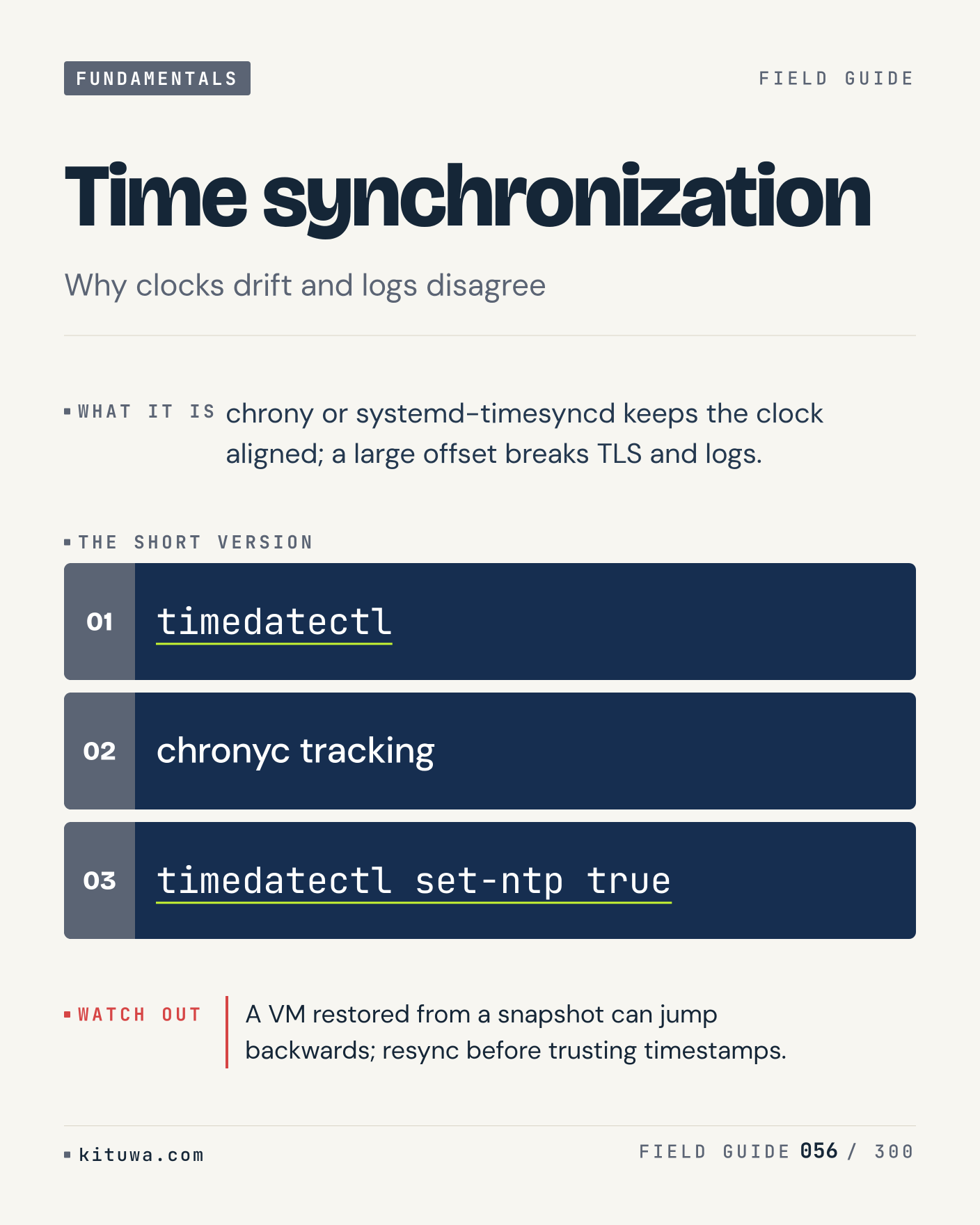
56. Time synchronization

Time synchronization — Chrony or systemd-timesyncd keeps the clock aligned; a large offset breaks TLS and logs. Start with `timedatectl`. A VM restored from a snapshot can jump backwards; resync before trusting timestamps. What does it show on your box?

#Linux #SysAdmin #Fundamentals

Approval: approved · Facebook: scheduled

Post 57 artwork

2026-12-05 · 21:00 ET · image

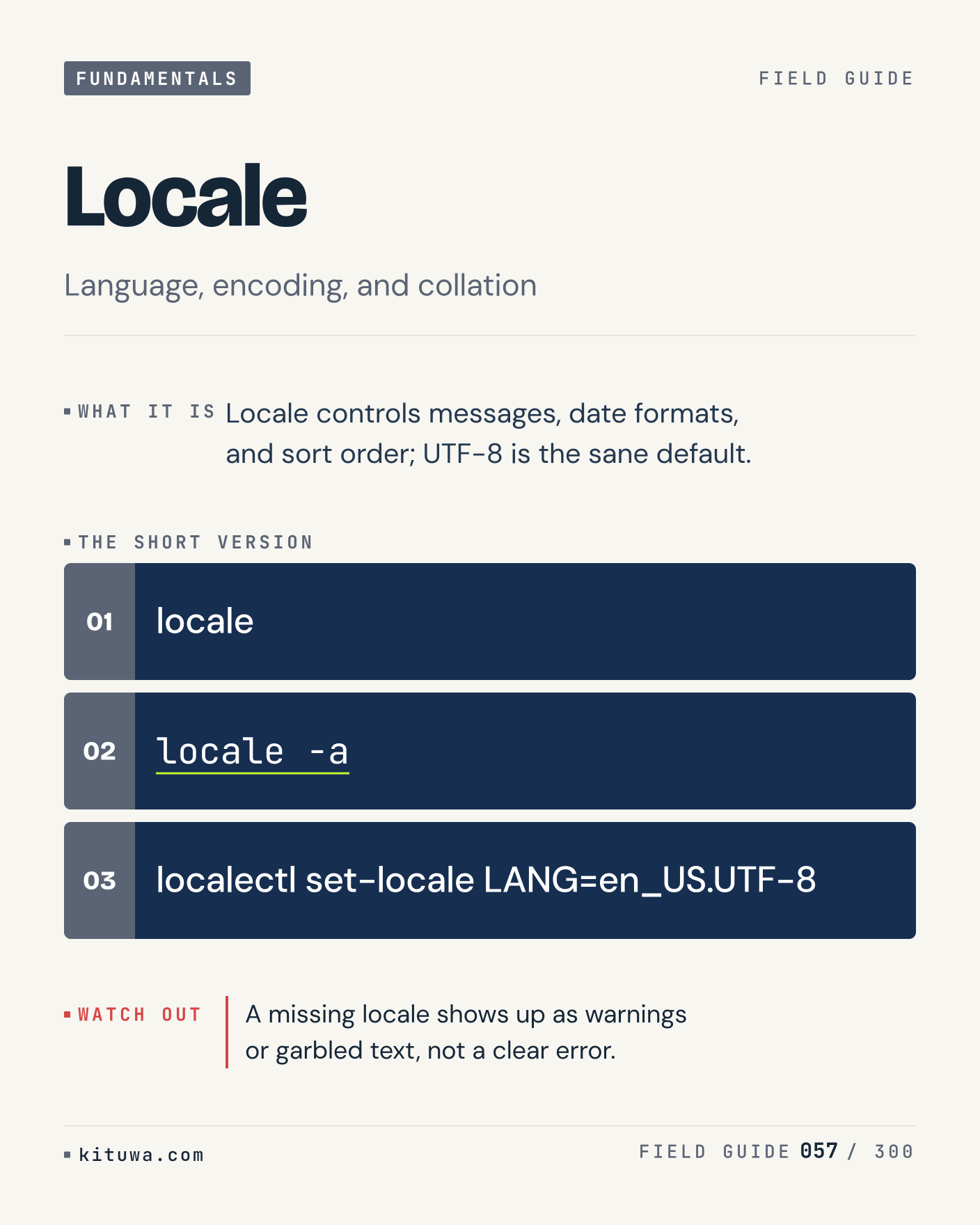
57. Locale

Locale controls messages, date formats, and sort order; UTF-8 is the sane default. Try `locale` first; `locale -a` is the next step. A missing locale shows up as warnings or garbled text, not a clear error. Which one would you check first?

#Linux #SysAdmin #Fundamentals

Approval: approved · Facebook: scheduled

Post 58 artwork

2026-12-06 · 09:00 ET · image

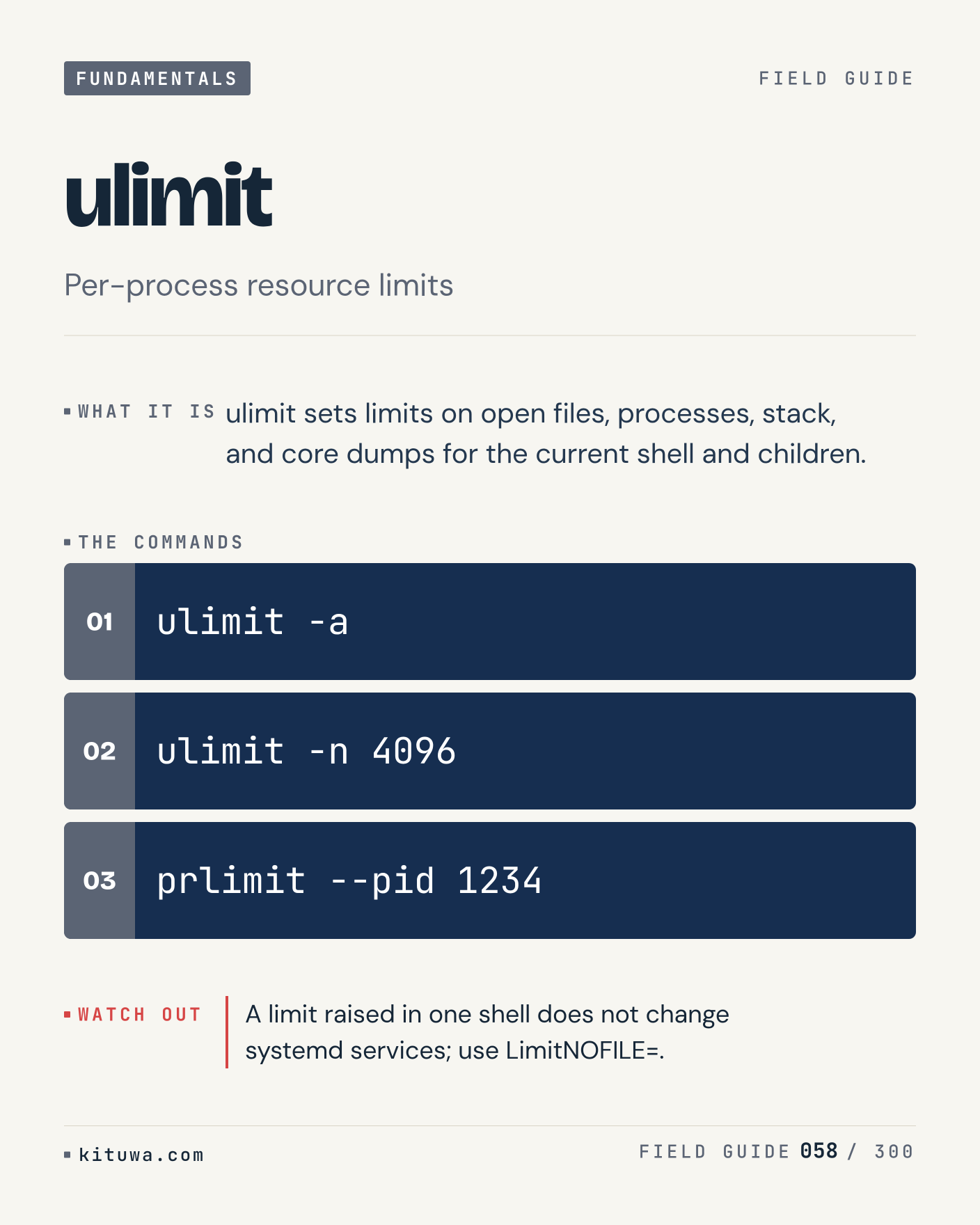
58. ulimit

The short version of Ulimit — Ulimit sets limits on open files, processes, stack, and core dumps for the current shell and children. `ulimit -a` shows the state; `ulimit -n 4096` changes it. A limit raised in one shell does not change systemd services; use LimitNOFILE=. Sound familiar?

#Linux #SysAdmin #Fundamentals

Approval: approved · Facebook: scheduled

Post 59 artwork

2026-12-06 · 15:00 ET · image

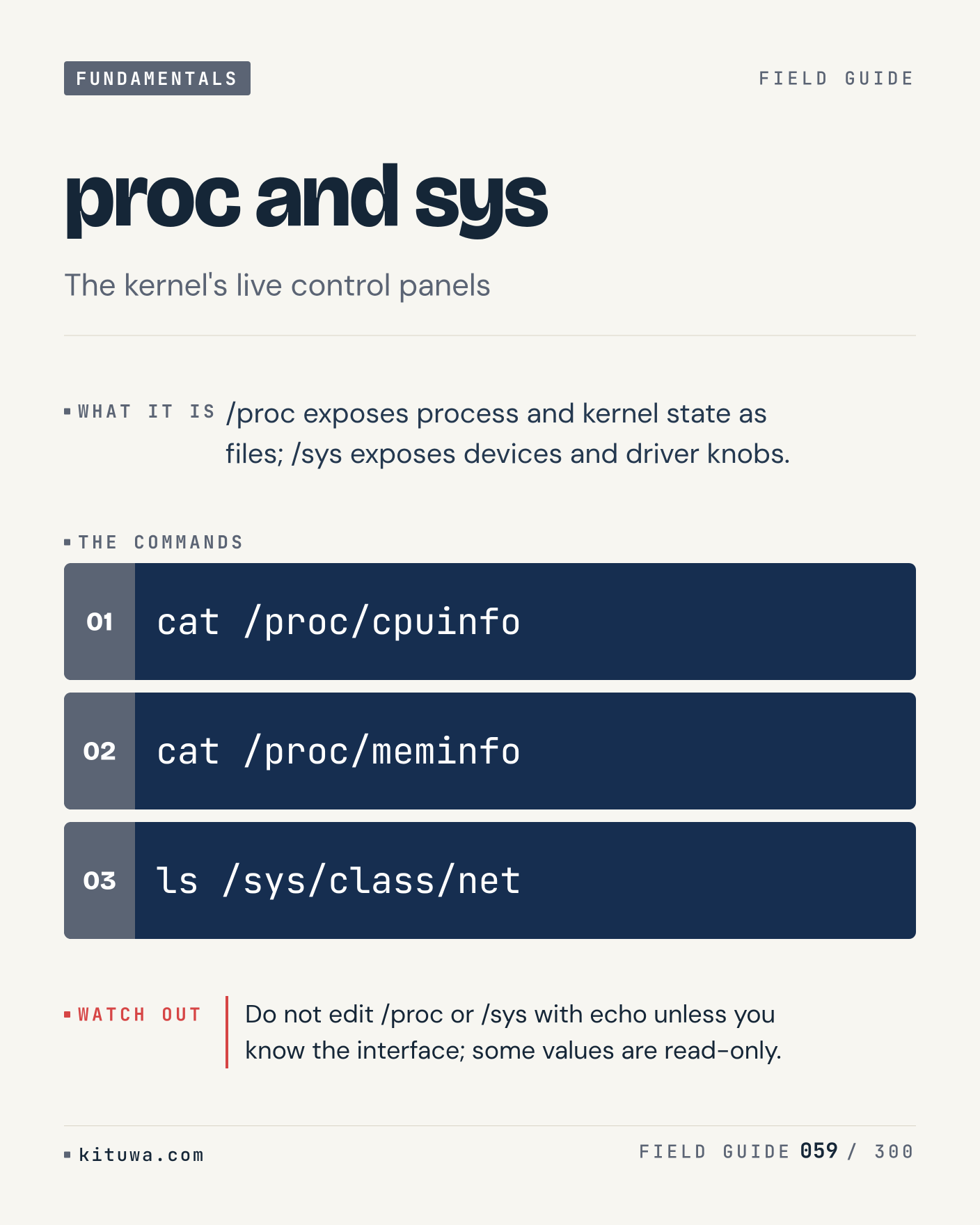
59. proc and sys

There is no magic in Proc and sys. /proc exposes process and kernel state as files; /sys exposes devices and driver knobs. Use `cat /proc/cpuinfo` before `cat /proc/meminfo`. Do not edit /proc or /sys with echo unless you know the interface; some values are read-only. What is your default?

#Linux #SysAdmin #Fundamentals

Approval: approved · Facebook: scheduled

Post 60 artwork

2026-12-06 · 21:00 ET · image

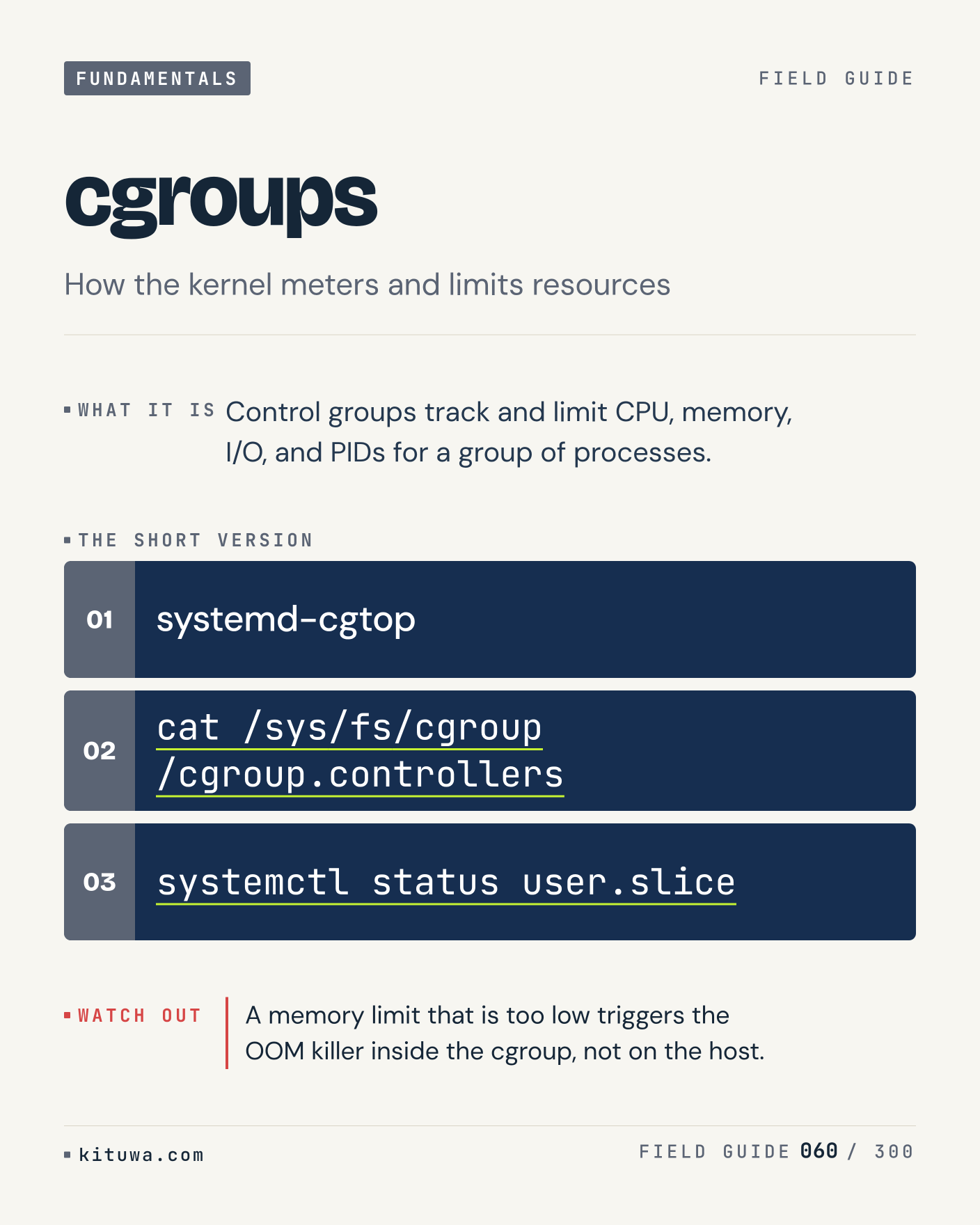
60. cgroups

One thing about Cgroups — Control groups track and limit CPU, memory, I/O, and PIDs for a group of processes. `systemd-cgtop` is the fastest check. A memory limit that is too low triggers the OOM killer inside the cgroup, not on the host. What would you add?

#Linux #SysAdmin #Fundamentals

Approval: approved · Facebook: scheduled

Post 61 artwork

2026-12-07 · 09:00 ET · image

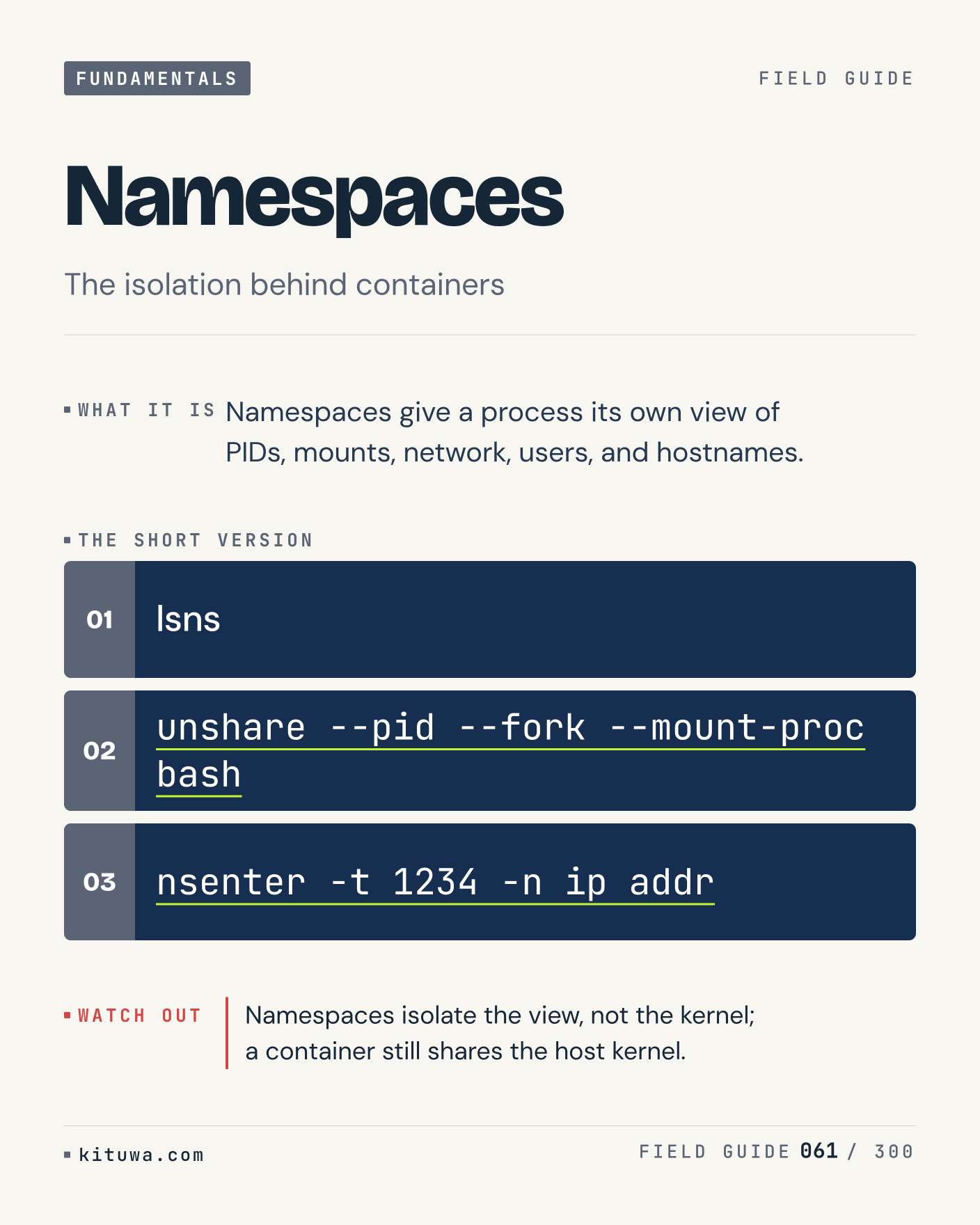
61. Namespaces

Namespaces give a process its own view of PIDs, mounts, network, users, and hostnames. The useful habit: run `lsns`, read the output, then decide. Namespaces isolate the view, not the kernel; a container still shares the host kernel. What is the last thing it caught?

#Linux #SysAdmin #Fundamentals

Approval: approved · Facebook: scheduled

Post 62 artwork

2026-12-07 · 15:00 ET · image

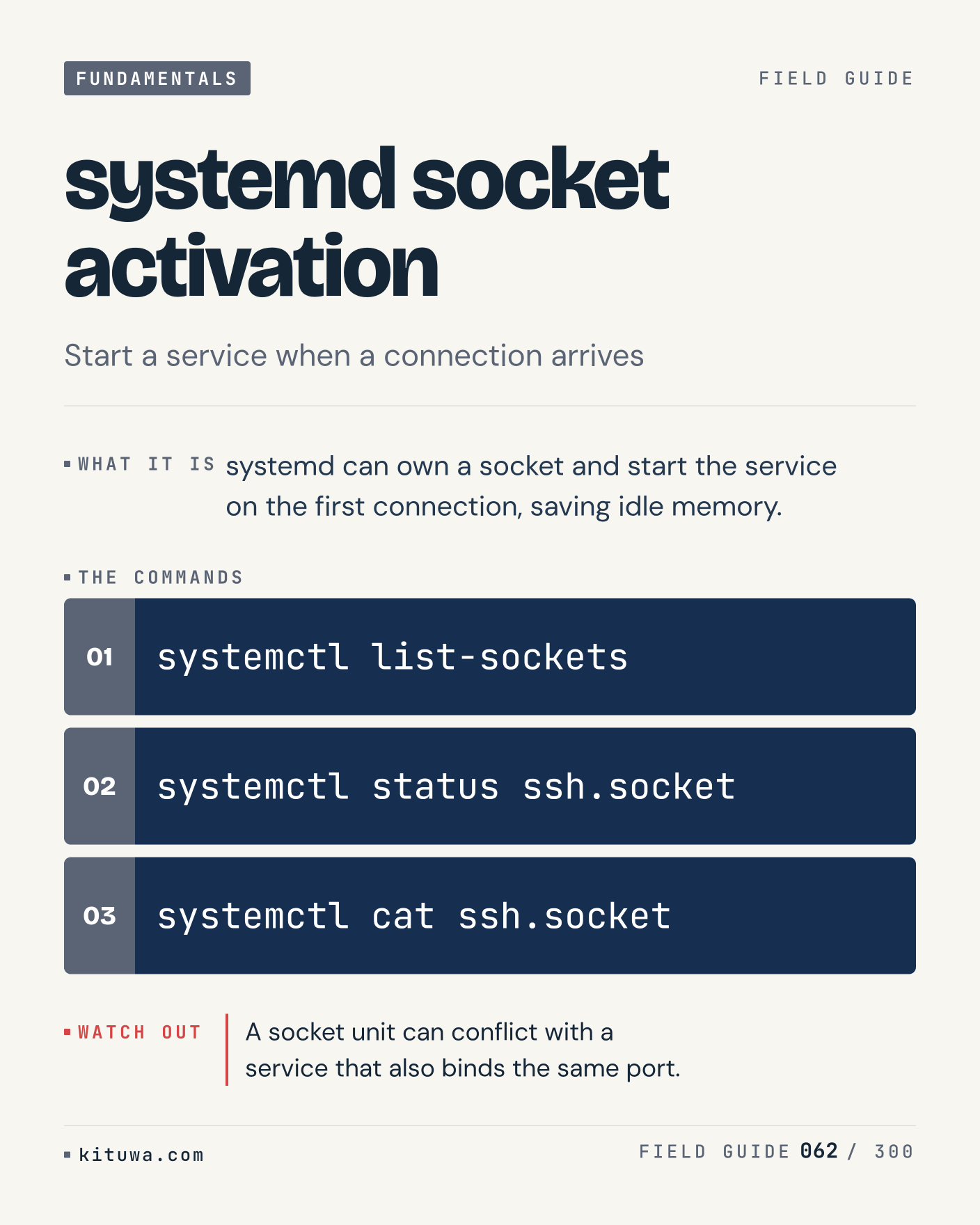
62. systemd socket activation

Systemd socket activation, without the ceremony — Systemd can own a socket and start the service on the first connection, saving idle memory. `systemctl list-sockets` first, `systemctl status ssh.socket` when you need the detail. A socket unit can conflict with a service that also binds the same port. Which output do you trust?

#Linux #SysAdmin #Fundamentals

Approval: approved · Facebook: scheduled

Post 63 artwork

2026-12-07 · 21:00 ET · image

63. Partitions vs filesystems

A partition is a slice of a disk; a filesystem is the structure you mount from that slice. Keep `lsblk -f` and `sudo fdisk -l` in reach. You can have a partition with no filesystem, or a filesystem on LVM without a classic partition. What breaks first on your setup?

#Linux #Storage #Backups

Approval: approved · Facebook: scheduled
Post 64 artwork

2026-12-08 · 09:00 ET · image

64. MBR vs GPT

MBR vs GPT — MBR is limited to 2 TiB and four primary partitions; GPT handles larger disks and many partitions. Start with `sudo parted -l`. Converting a boot disk between MBR and GPT can leave the firmware unable to boot. What does it show on your box?

#Linux #Storage #Backups

Approval: approved · Facebook: scheduled
Post 65 artwork

2026-12-08 · 15:00 ET · image

65. fdisk vs parted

Fdisk is a small interactive editor; parted can script changes and understands GPT well. Try `sudo fdisk /dev/sdb` first; `sudo parted /dev/sdb print` is the next step. Both write immediately; there is no undo. Save the partition table before editing. Which one would you check first?

#Linux #Storage #Backups

Approval: approved · Facebook: scheduled
Post 66 artwork

2026-12-08 · 21:00 ET · image

66. mkfs

The short version of Mkfs — Mkfs writes the filesystem structures onto a block device; the old contents are gone. `sudo mkfs.ext4 /dev/sdb1` shows the state; `sudo mkfs.xfs /dev/sdb1` changes it. Double-check the device name; mkfs on the wrong disk is not recoverable. Sound familiar?

#Linux #Storage #Backups

Approval: approved · Facebook: scheduled
Post 67 artwork

2026-12-09 · 09:00 ET · image

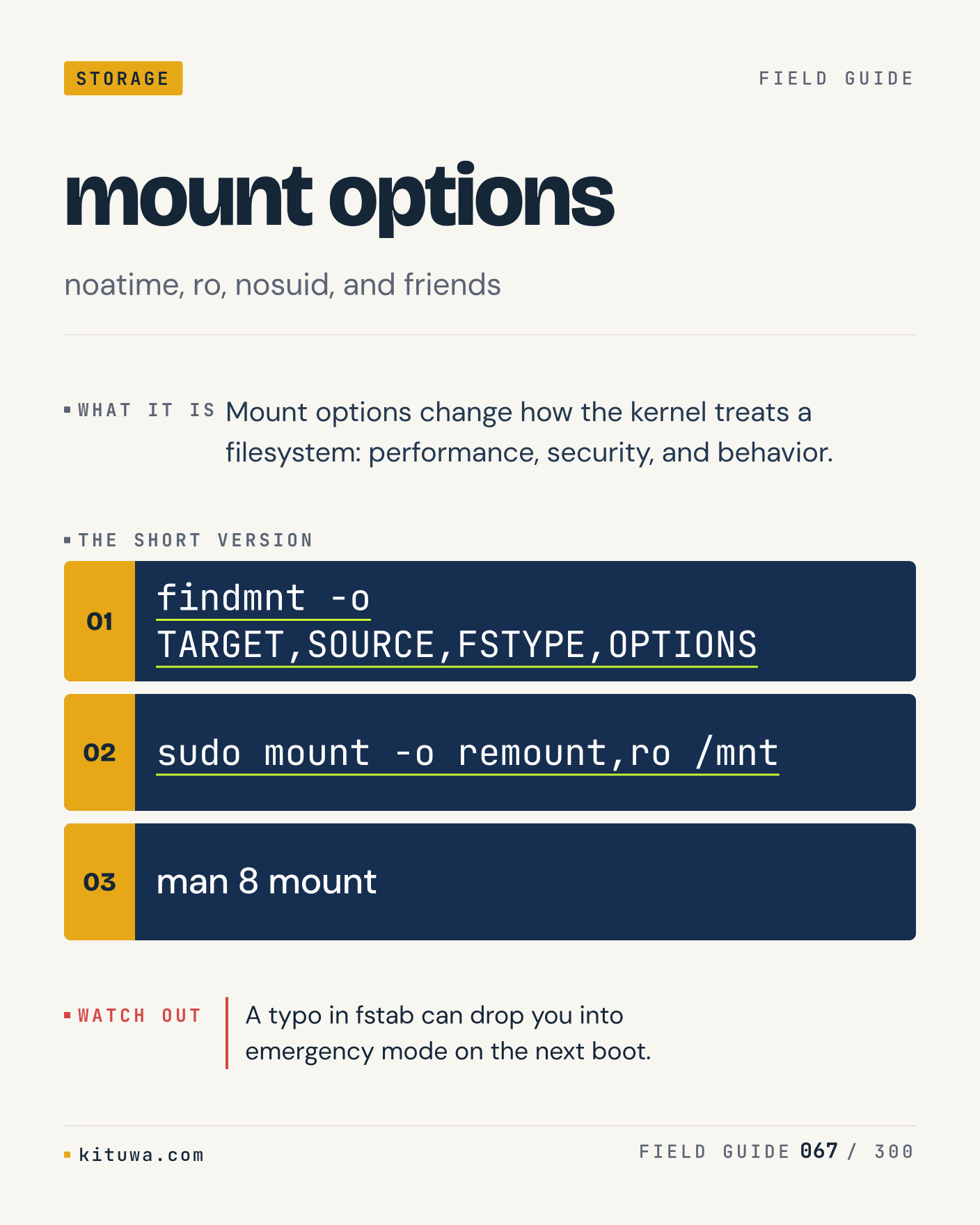
67. mount options

There is no magic in Mount options. Mount options change how the kernel treats a filesystem: performance, security, and behavior. Use `findmnt -o TARGET,SOURCE,FSTYPE,OPTIONS` before `sudo mount -o remount,ro /mnt`. A typo in fstab can drop you into emergency mode on the next boot. What is your default?

#Linux #Storage #Backups

Approval: approved · Facebook: scheduled
Post 68 artwork

2026-12-09 · 15:00 ET · image

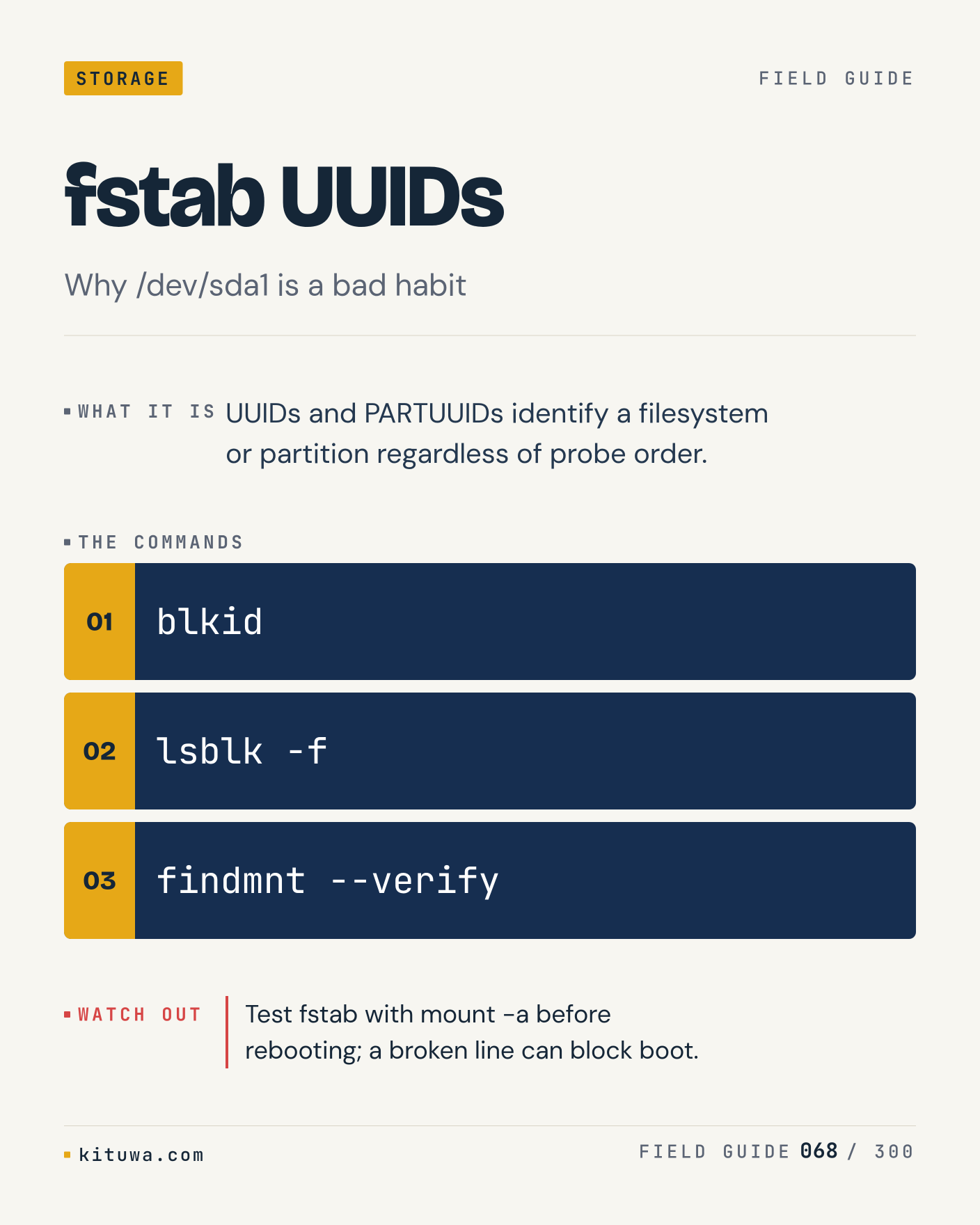
68. fstab UUIDs

One thing about Fstab UUIDs — UUIDs and PARTUUIDs identify a filesystem or partition regardless of probe order. `blkid` is the fastest check. Test fstab with mount -a before rebooting; a broken line can block boot. What would you add?

#Linux #Storage #Backups

Approval: approved · Facebook: scheduled
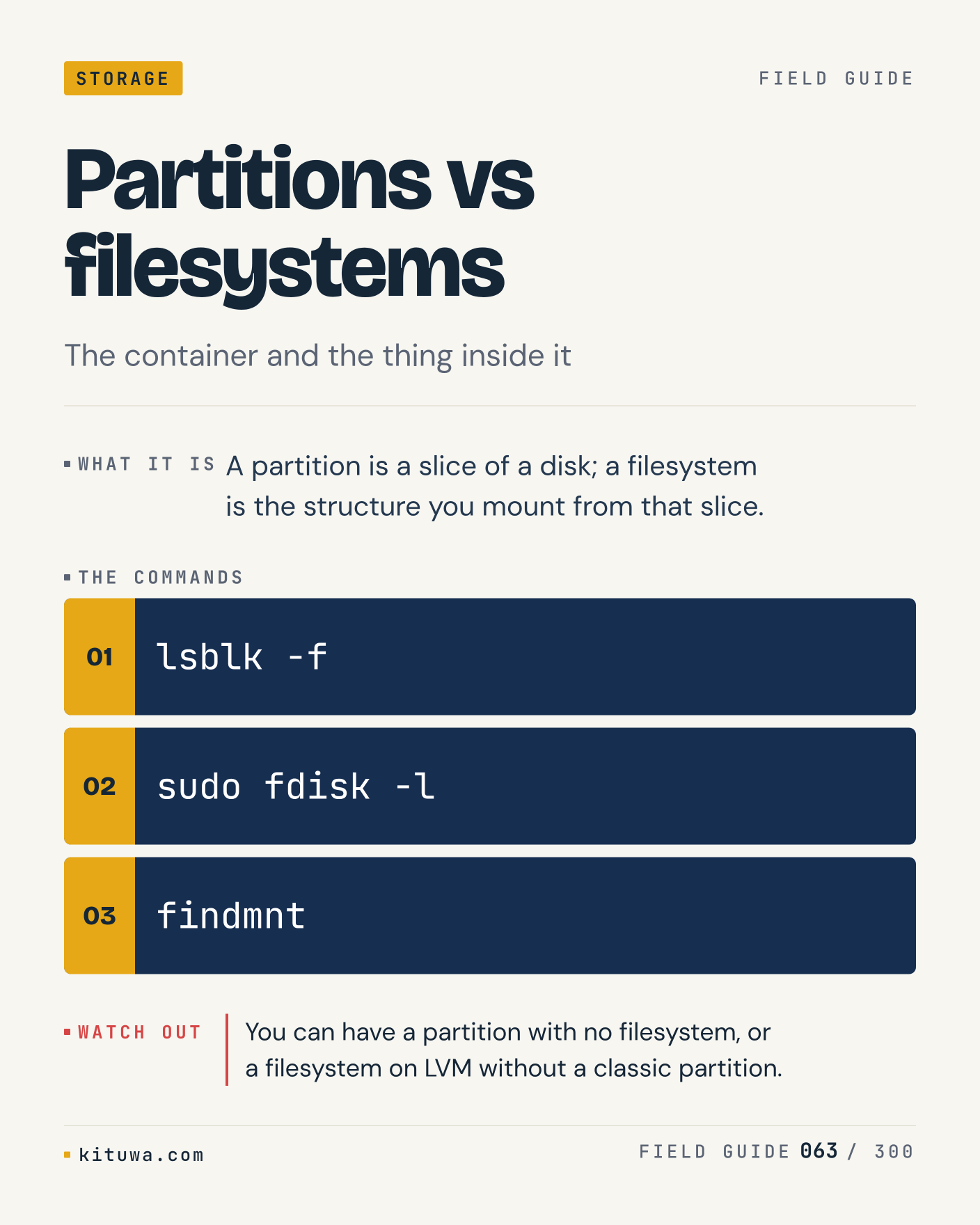
Post 69 artwork

2026-12-09 · 21:00 ET · image

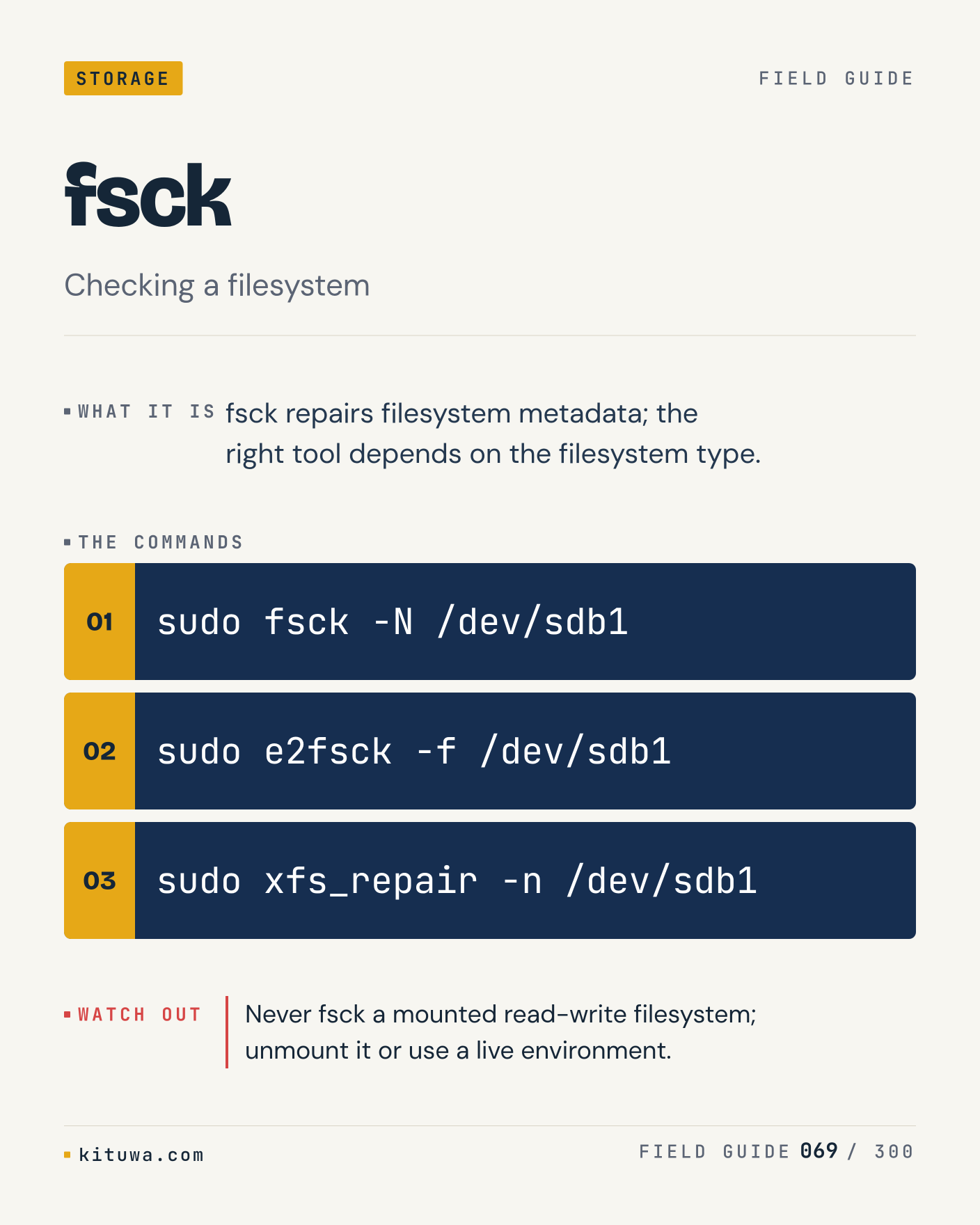
69. fsck

Fsck repairs filesystem metadata; the right tool depends on the filesystem type. The useful habit: run `sudo fsck -N /dev/sdb1`, read the output, then decide. Never fsck a mounted read-write filesystem; unmount it or use a live environment. What is the last thing it caught?

#Linux #Storage #Backups

Approval: approved · Facebook: scheduled
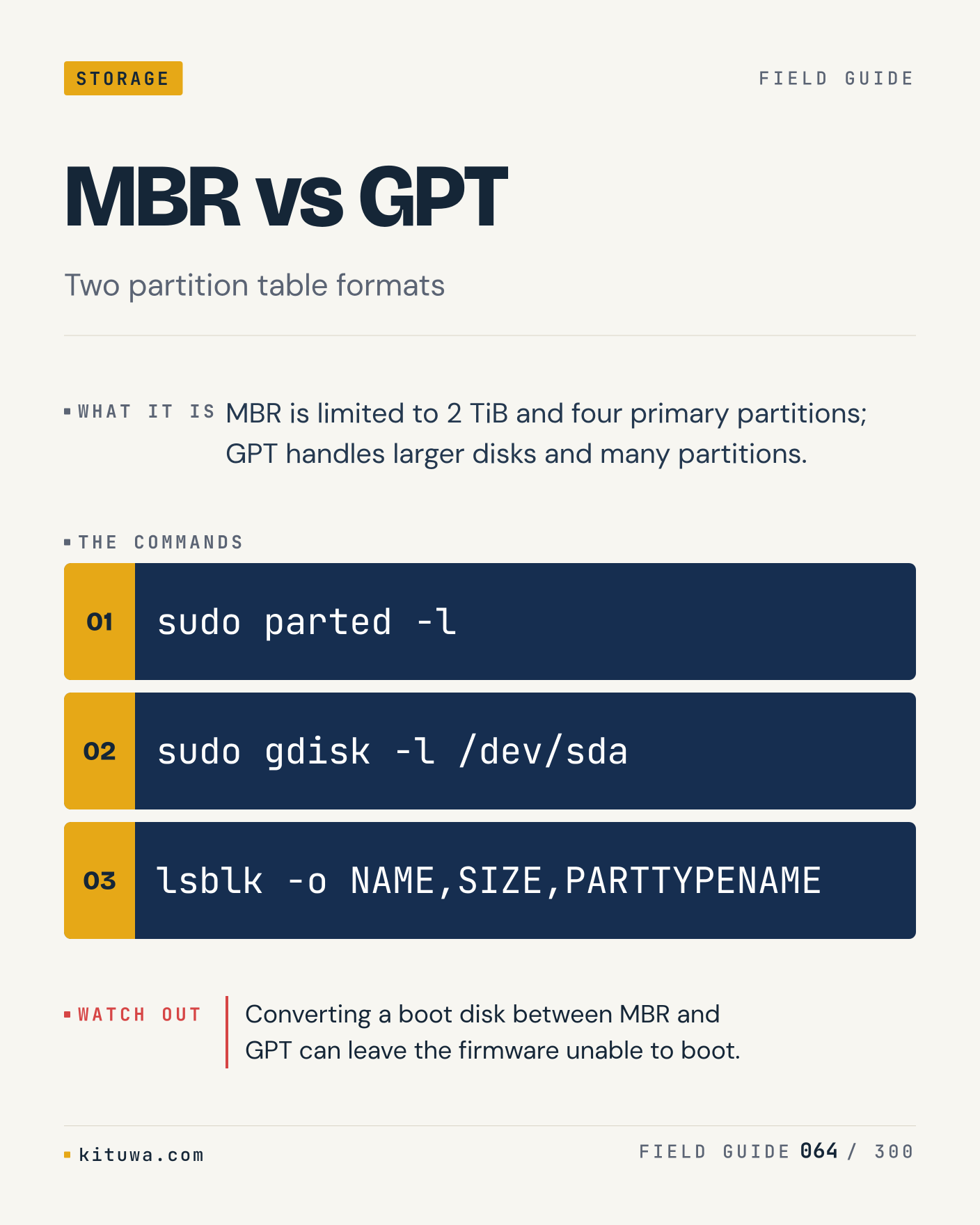
Post 70 artwork

2026-12-10 · 09:00 ET · image

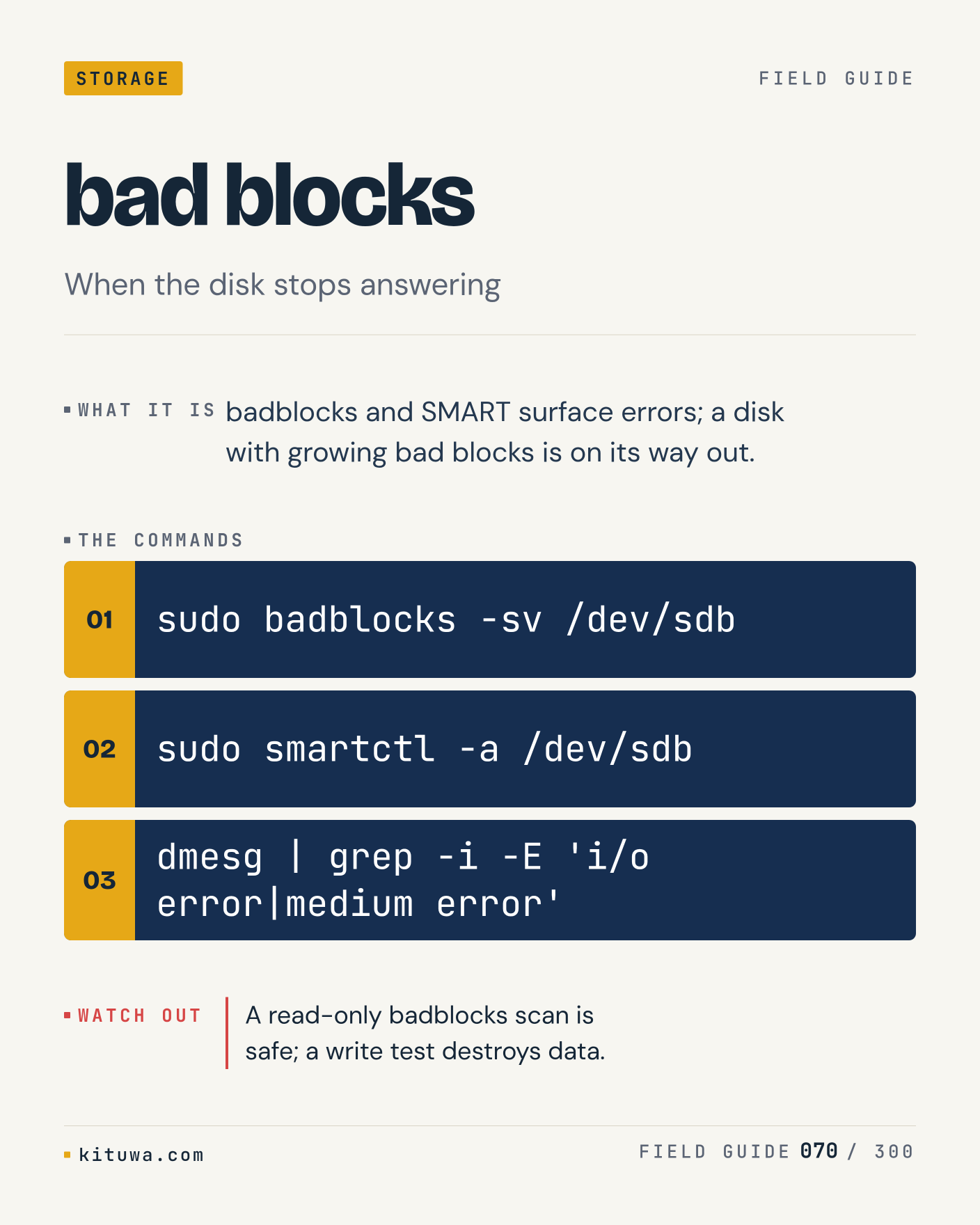
70. bad blocks

Bad blocks, without the ceremony — Badblocks and SMART surface errors; a disk with growing bad blocks is on its way out. `sudo badblocks -sv /dev/sdb` first, `sudo smartctl -a /dev/sdb` when you need the detail. A read-only badblocks scan is safe; a write test destroys data. Which output do you trust?

#Linux #Storage #Backups

Approval: approved · Facebook: scheduled
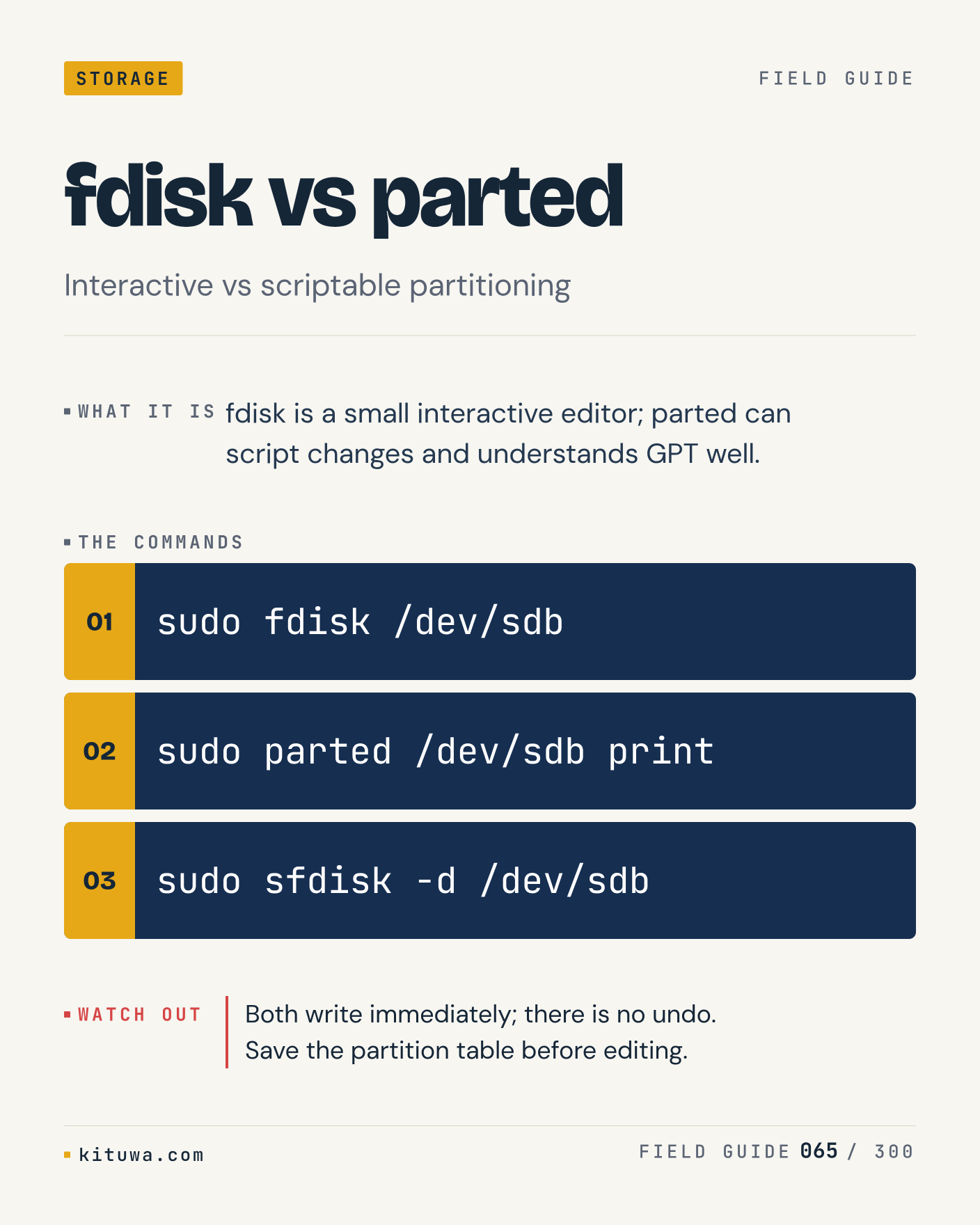
Post 71 artwork

2026-12-10 · 15:00 ET · image

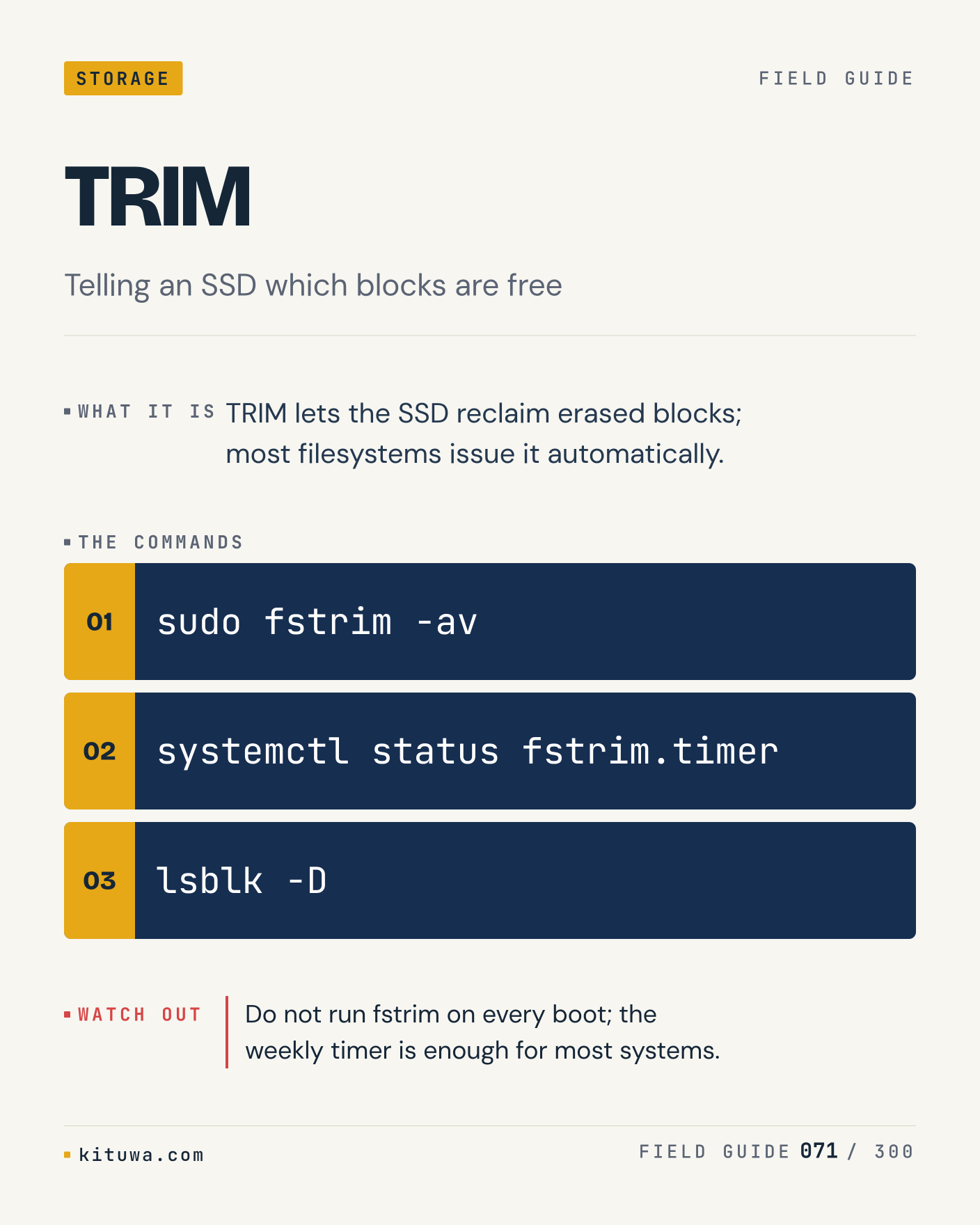
71. TRIM

TRIM lets the SSD reclaim erased blocks; most filesystems issue it automatically. Keep `sudo fstrim -av` and `systemctl status fstrim.timer` in reach. Do not run fstrim on every boot; the weekly timer is enough for most systems. What breaks first on your setup?

#Linux #Storage #Backups

Approval: approved · Facebook: scheduled
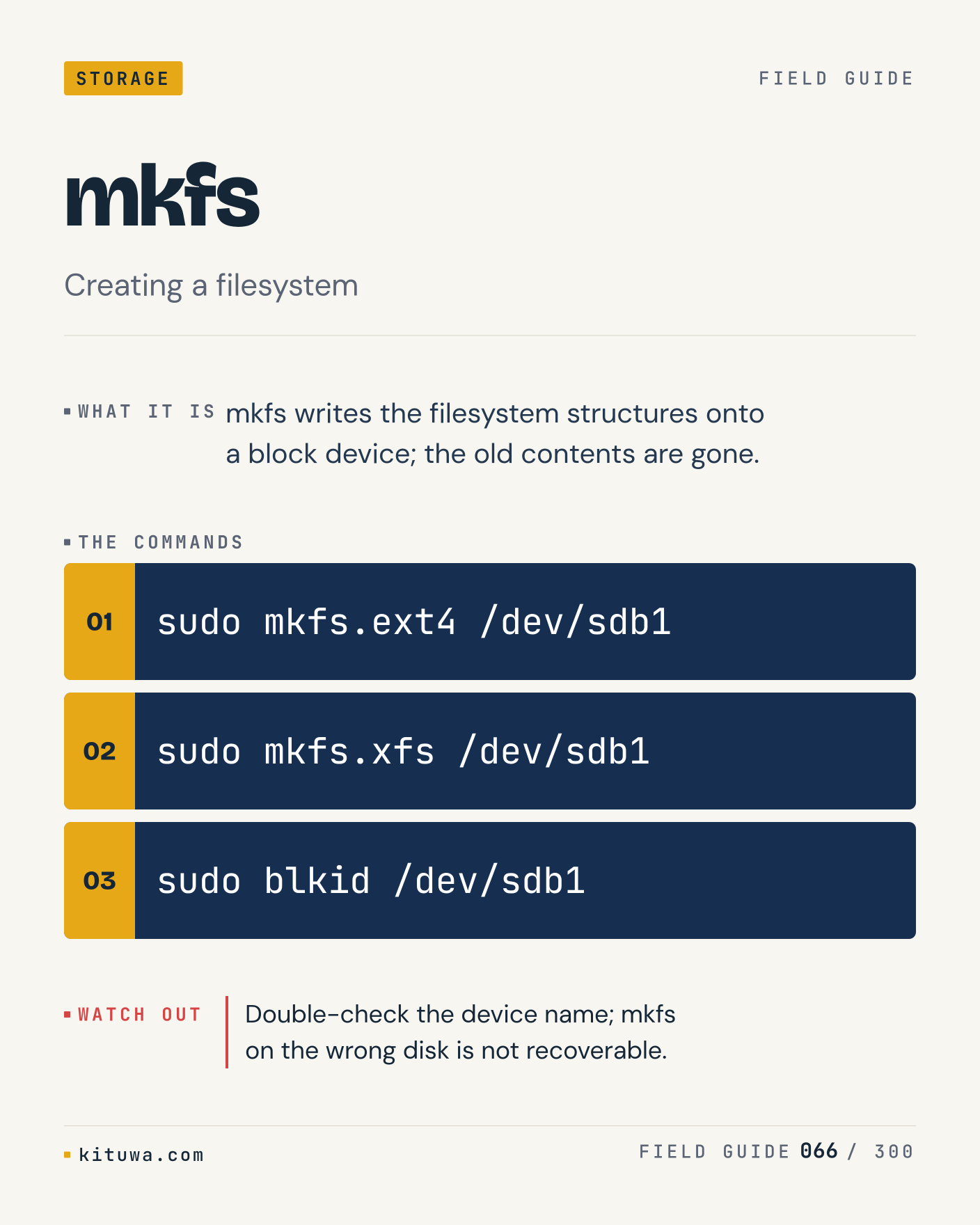
Post 72 artwork

2026-12-10 · 21:00 ET · image

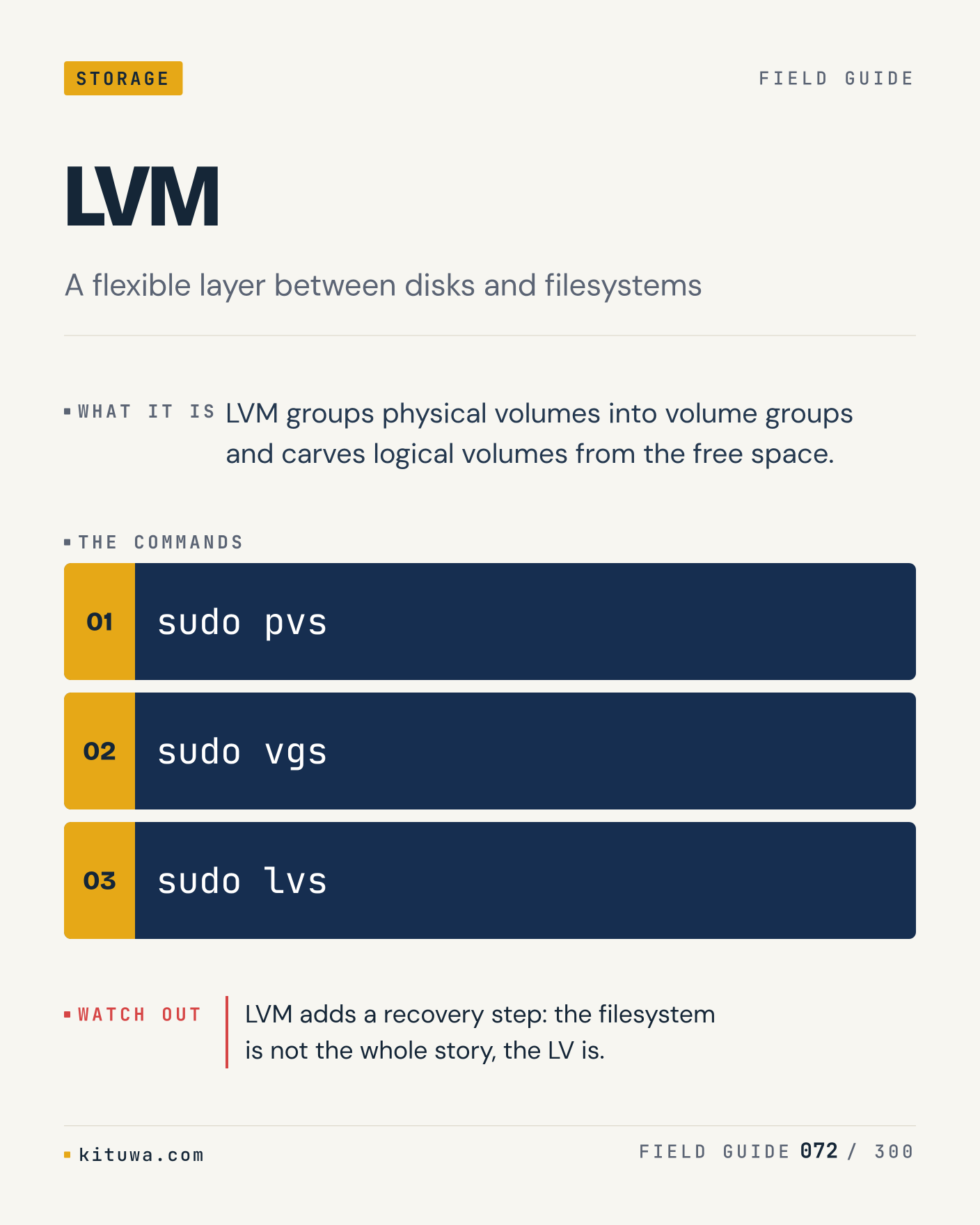
72. LVM

LVM — LVM groups physical volumes into volume groups and carves logical volumes from the free space. Start with `sudo pvs`. LVM adds a recovery step: the filesystem is not the whole story, the LV is. What does it show on your box?

#Linux #Storage #Backups

Approval: approved · Facebook: scheduled
Post 73 artwork

2026-12-11 · 09:00 ET · image

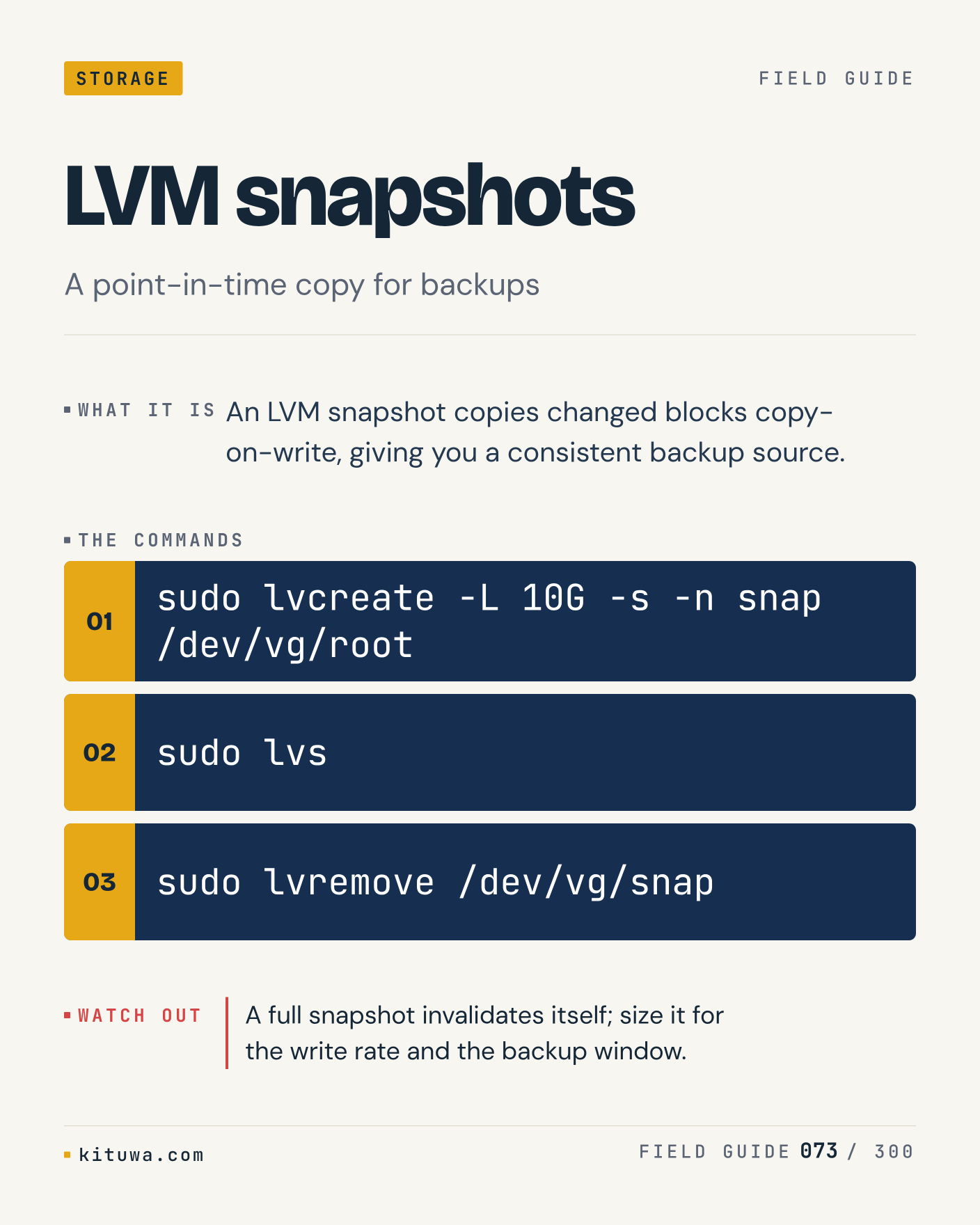
73. LVM snapshots

An LVM snapshot copies changed blocks copy-on-write, giving you a consistent backup source. Try `sudo lvcreate -L 10G -s -n snap /dev/vg/root` first; `sudo lvs` is the next step. A full snapshot invalidates itself; size it for the write rate and the backup window. Which one would you check first?

#Linux #Storage #Backups

Approval: approved · Facebook: scheduled
Post 74 artwork

2026-12-11 · 15:00 ET · image

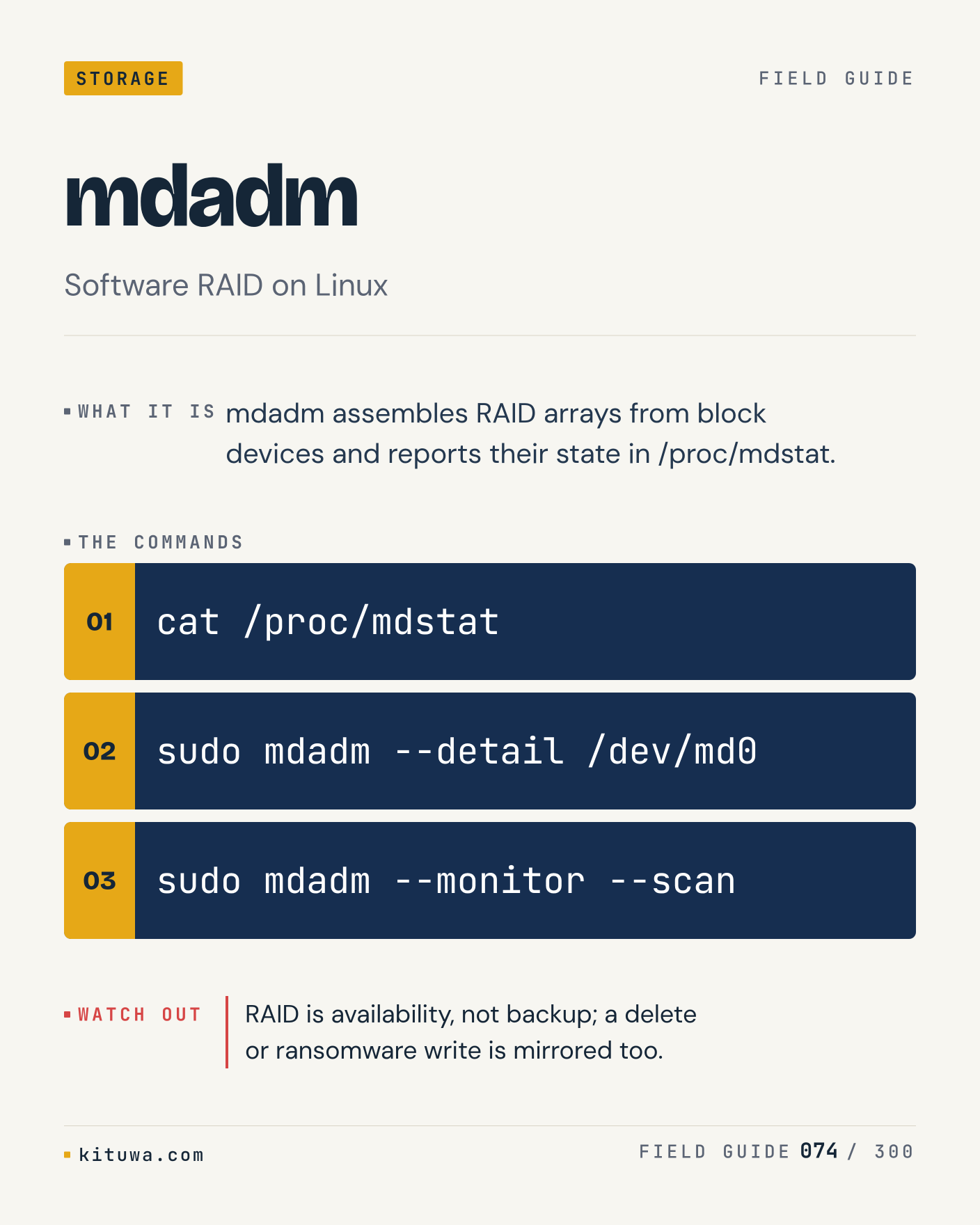
74. mdadm

The short version of Mdadm — Mdadm assembles RAID arrays from block devices and reports their state in /proc/mdstat. `cat /proc/mdstat` shows the state; `sudo mdadm --detail /dev/md0` changes it. RAID is availability, not backup; a delete or ransomware write is mirrored too. Sound familiar?

#Linux #Storage #Backups

Approval: approved · Facebook: scheduled
Post 75 artwork

2026-12-11 · 21:00 ET · image

75. ZFS

There is no magic in ZFS. ZFS combines volume management and filesystem features: checksums, snapshots, send/receive. Use `zpool status` before `zfs list`. ZFS wants ECC RAM for peace of mind, and 80% pool usage is already full for performance. What is your default?

#Linux #Storage #Backups

Approval: approved · Facebook: scheduled
Post 76 artwork

2026-12-12 · 09:00 ET · image

76. Btrfs subvolumes

One thing about Btrfs subvolumes — Subvolumes are independent filesystem trees inside one Btrfs pool, snapshotable and sendable. `sudo btrfs subvolume list /` is the fastest check. Snapshots share blocks until they diverge; they are not a backup on the same disk. What would you add?

#Linux #Storage #Backups

Approval: approved · Facebook: scheduled
Post 77 artwork

2026-12-12 · 15:00 ET · image

77. XFS repair

Xfs_repair fixes XFS metadata; xfs_repair -n checks without writing. The useful habit: run `sudo xfs_repair -n /dev/sdb1`, read the output, then decide. XFS cannot shrink, and a dirty log may need a mount cycle before repair. What is the last thing it caught?

#Linux #Storage #Backups

Approval: approved · Facebook: scheduled
Post 78 artwork

2026-12-12 · 21:00 ET · image

78. NFS

NFS, without the ceremony — NFS exports a directory from a server and mounts it on clients; permissions and root squash matter. `showmount -e server` first, `sudo mount -t nfs server:/export /mnt` when you need the detail. NFS is not a backup target by itself; a server failure is a single point of failure. Which output do you trust?

#Linux #Storage #Backups

Approval: approved · Facebook: scheduled
Post 79 artwork

2026-12-13 · 09:00 ET · image

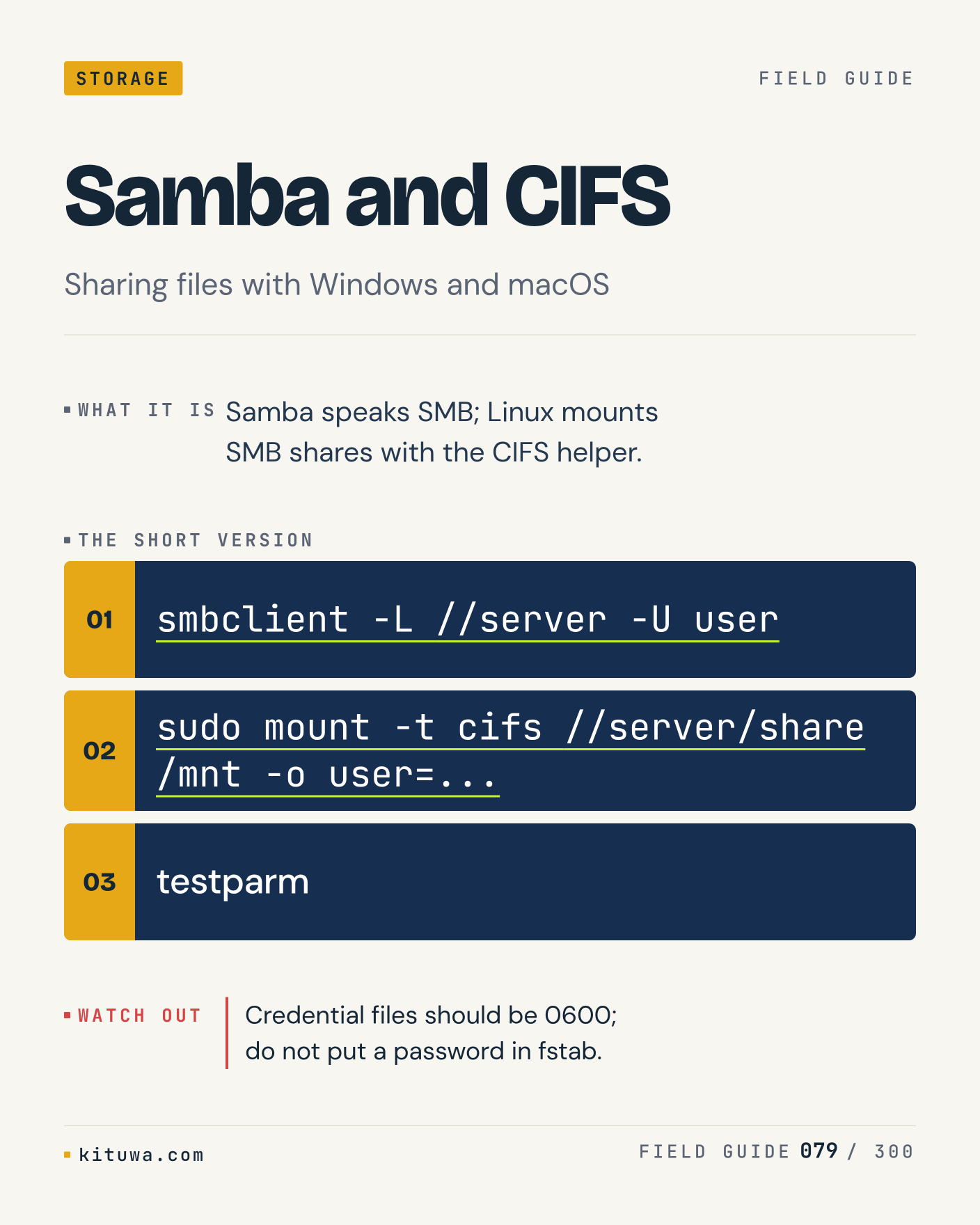
79. Samba and CIFS

Samba speaks SMB; Linux mounts SMB shares with the CIFS helper. Keep `smbclient -L //server -U user` and `sudo mount -t cifs //server/share /mnt -o user=...` in reach. Credential files should be 0600; do not put a password in fstab. What breaks first on your setup?

#Linux #Storage #Backups

Approval: approved · Facebook: scheduled
Post 80 artwork

2026-12-13 · 15:00 ET · image

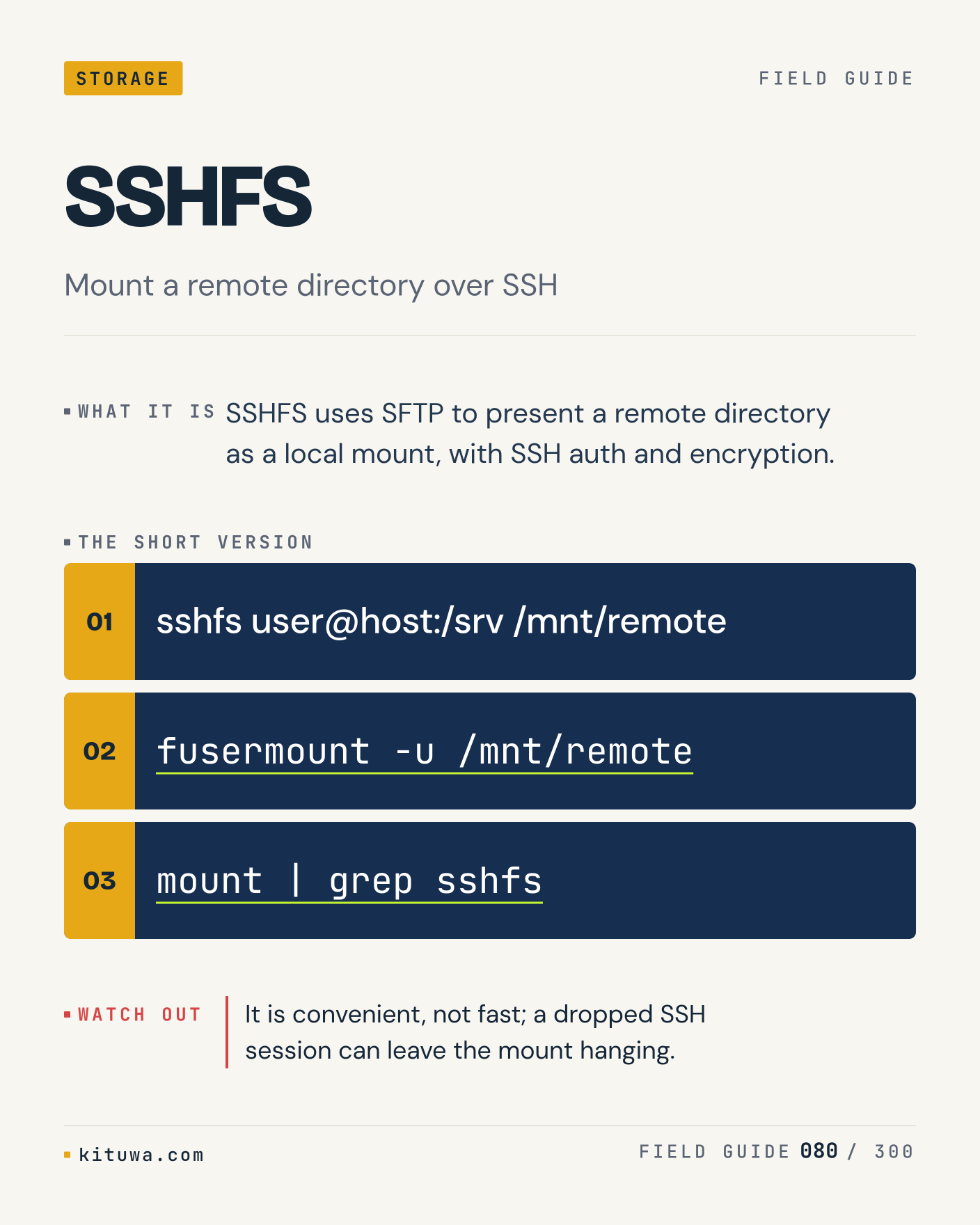
80. SSHFS

SSHFS — SSHFS uses SFTP to present a remote directory as a local mount, with SSH auth and encryption. Start with `sshfs user@host:/srv /mnt/remote`. It is convenient, not fast; a dropped SSH session can leave the mount hanging. What does it show on your box?

#Linux #Storage #Backups

Approval: approved · Facebook: scheduled
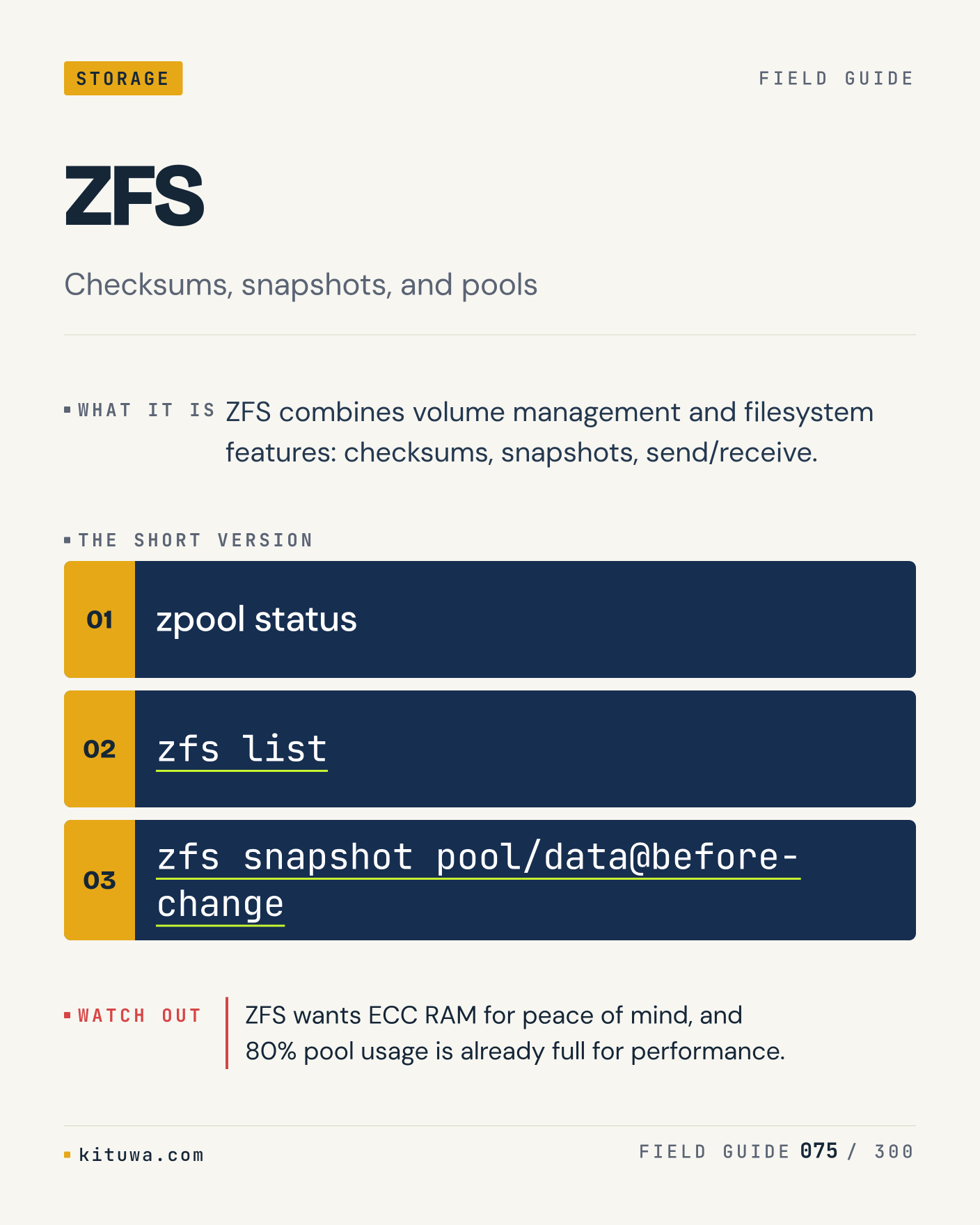
Post 81 artwork

2026-12-13 · 21:00 ET · image

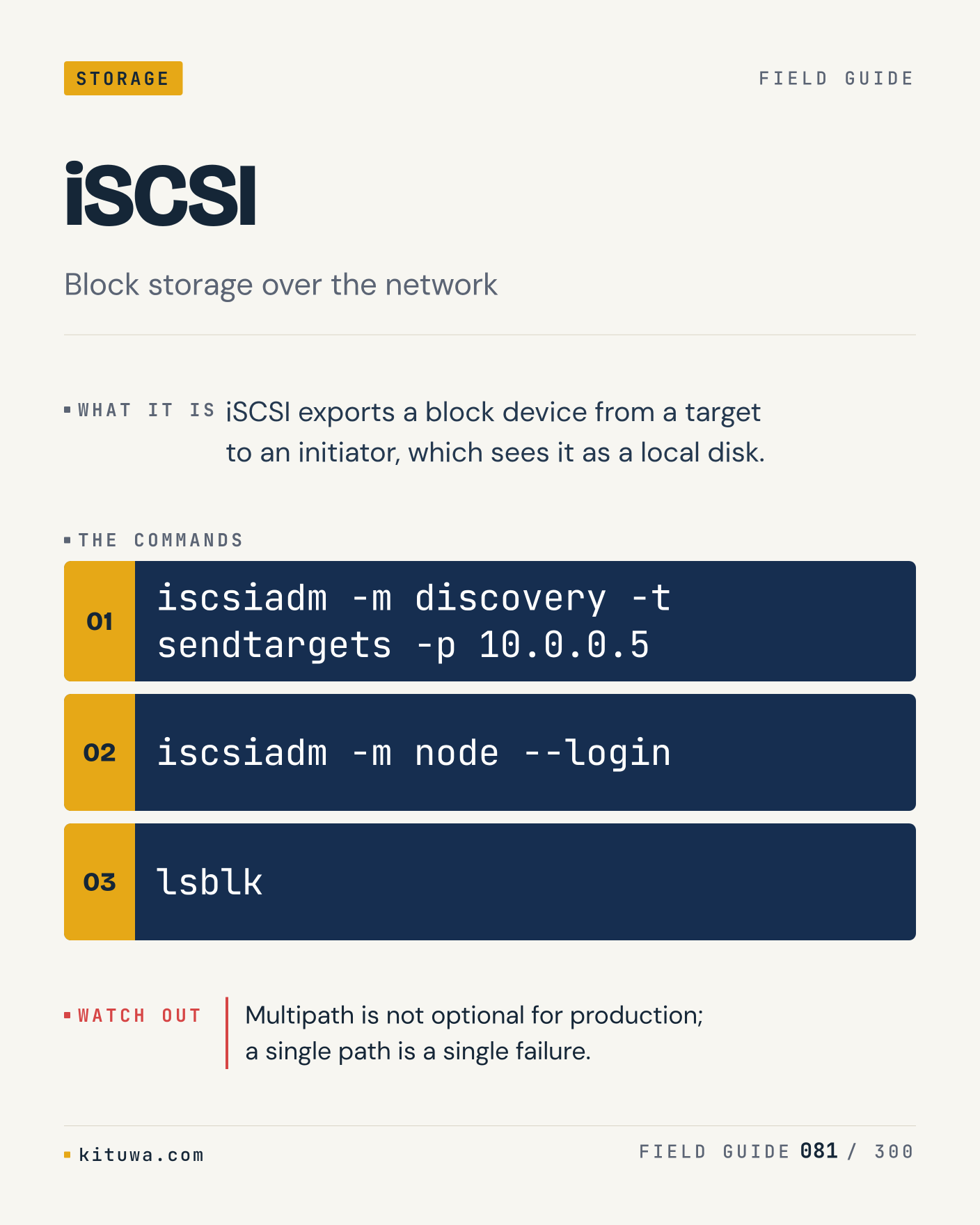
81. iSCSI

ISCSI exports a block device from a target to an initiator, which sees it as a local disk. Try `iscsiadm -m discovery -t sendtargets -p 10.0.0.5` first; `iscsiadm -m node --login` is the next step. Multipath is not optional for production; a single path is a single failure. Which one would you check first?

#Linux #Storage #Backups

Approval: approved · Facebook: scheduled
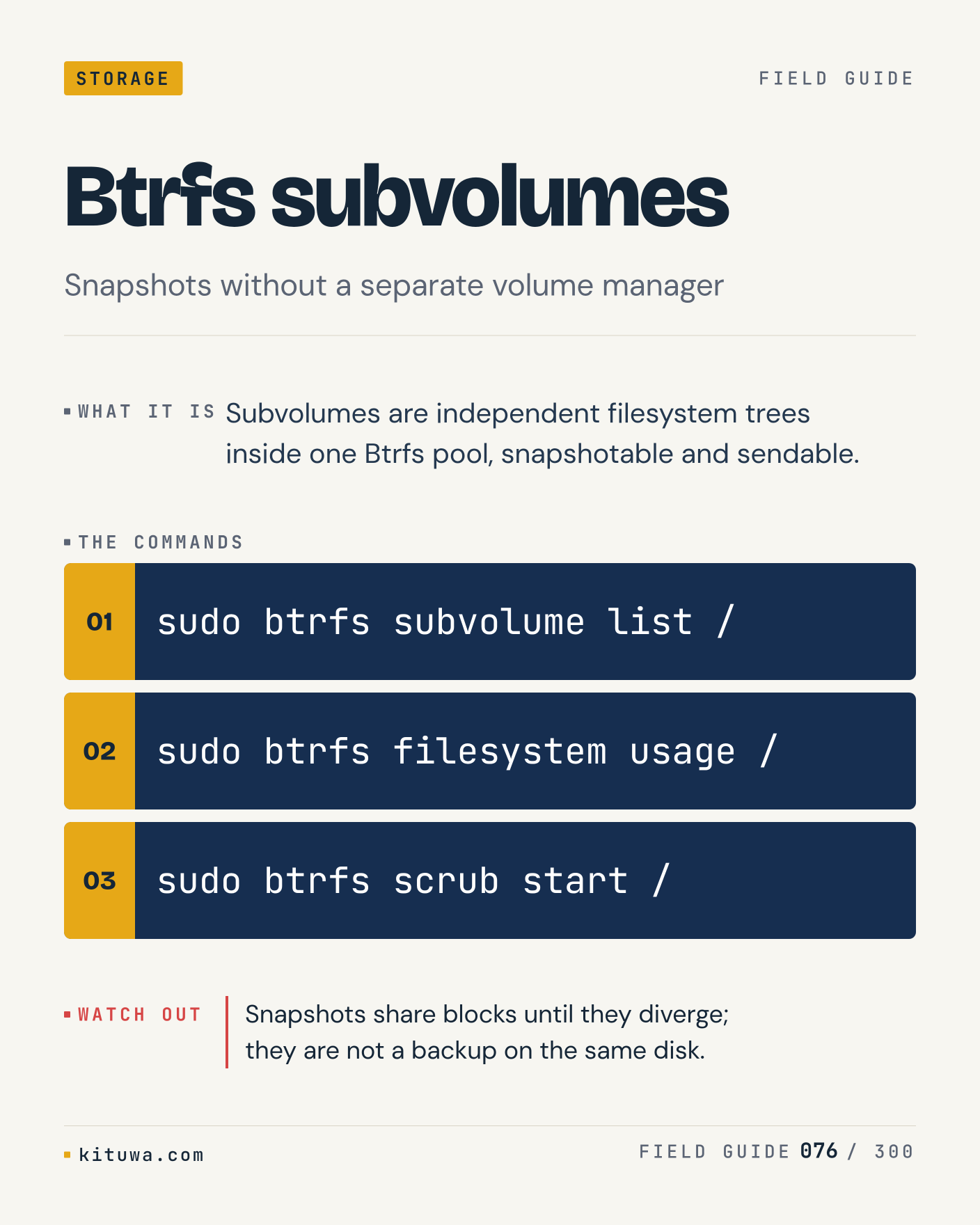
Post 82 artwork

2026-12-14 · 09:00 ET · image

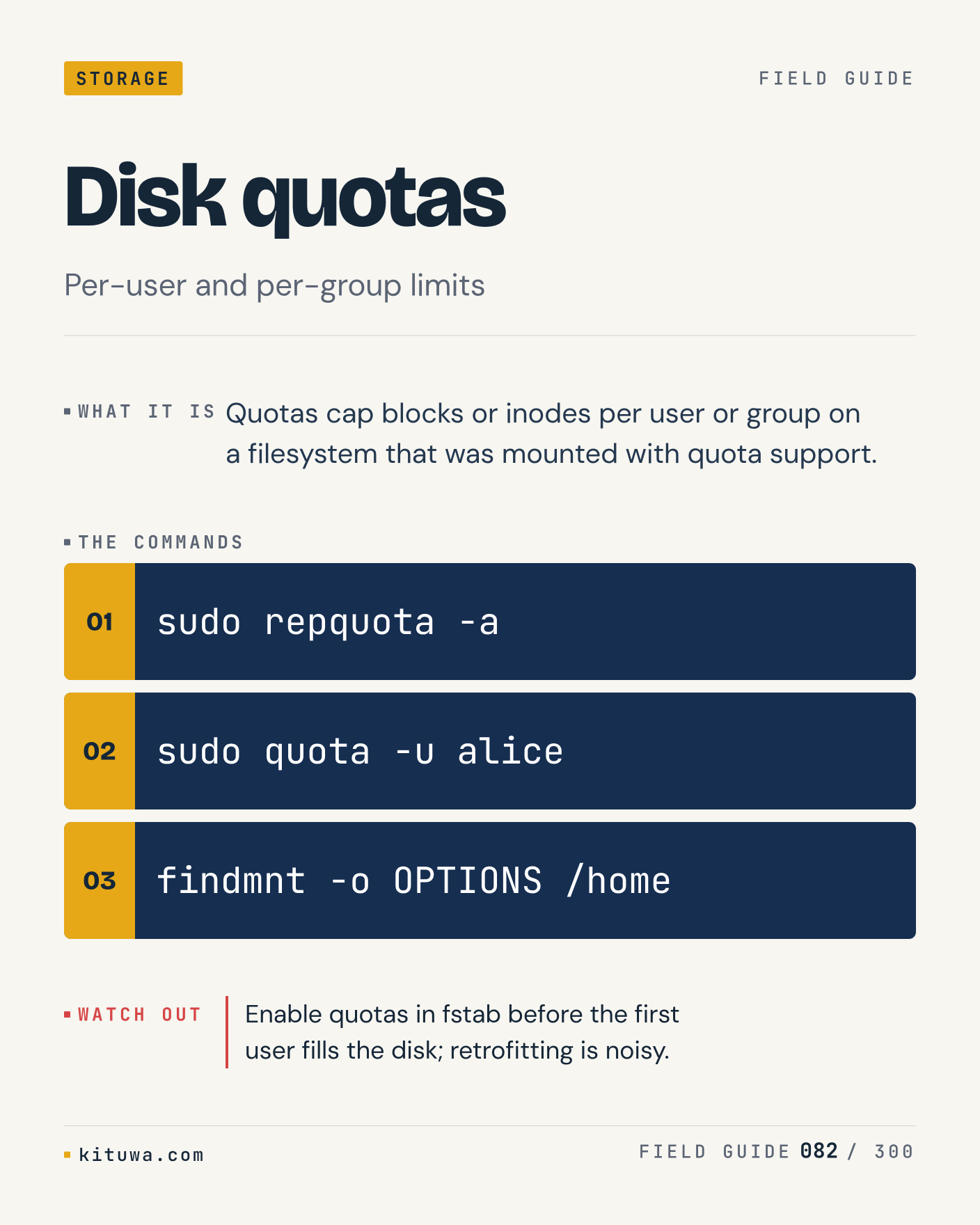
82. Disk quotas

The short version of Disk quotas — Quotas cap blocks or inodes per user or group on a filesystem that was mounted with quota support. `sudo repquota -a` shows the state; `sudo quota -u alice` changes it. Enable quotas in fstab before the first user fills the disk; retrofitting is noisy. Sound familiar?

#Linux #Storage #Backups

Approval: approved · Facebook: scheduled
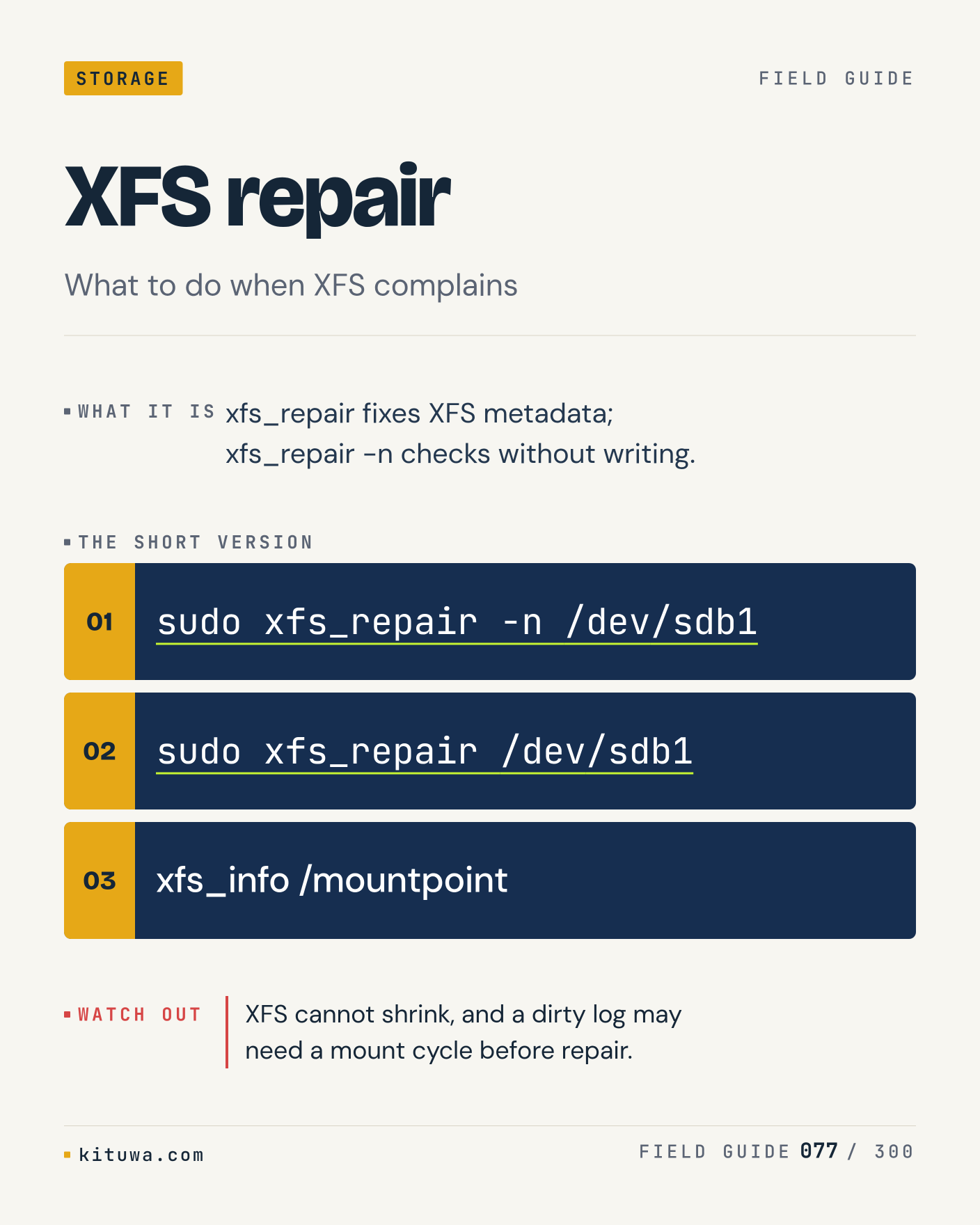
Post 83 artwork

2026-12-14 · 15:00 ET · image

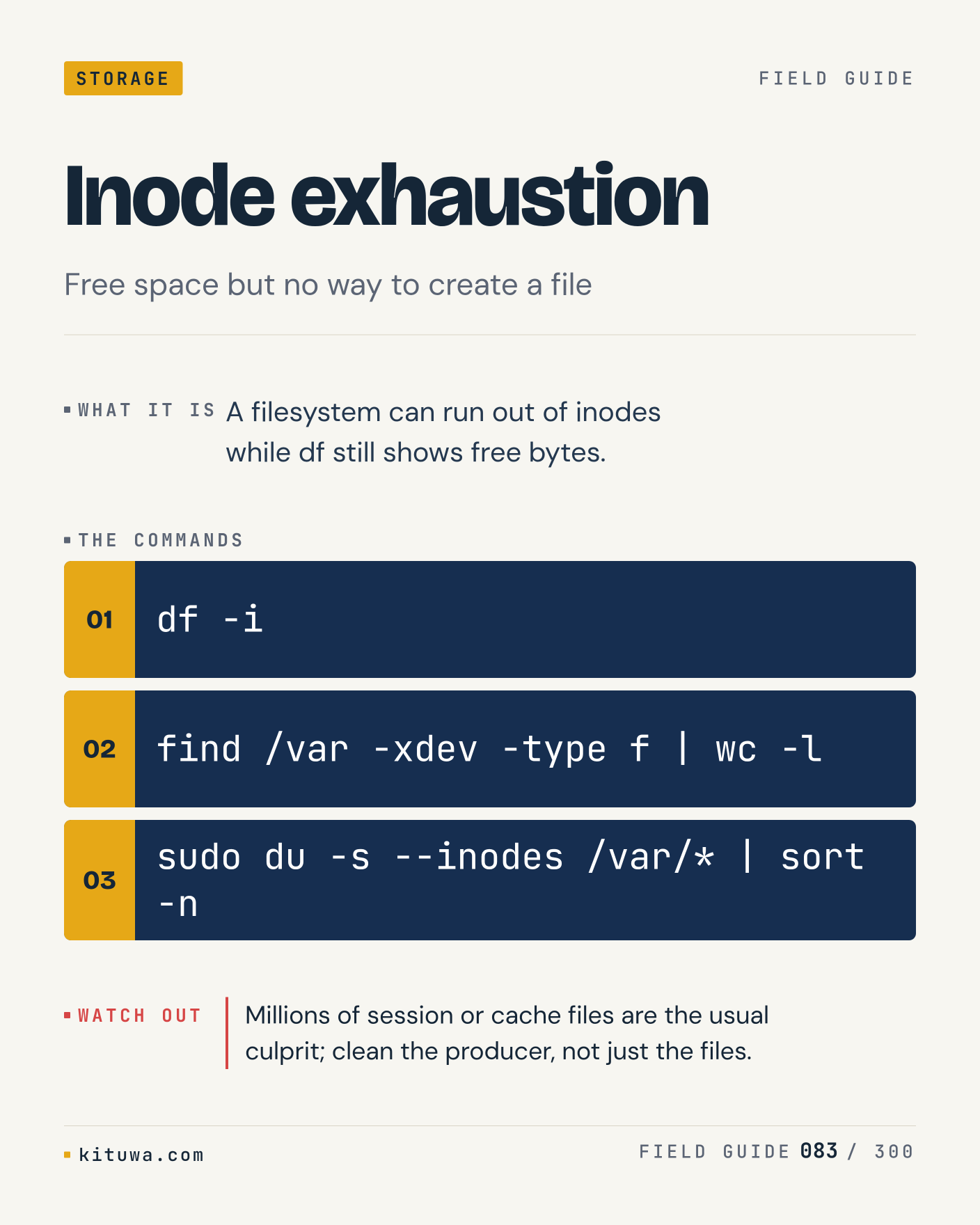
83. Inode exhaustion

There is no magic in Inode exhaustion. A filesystem can run out of inodes while df still shows free bytes. Use `df -i` before `find /var -xdev -type f | wc -l`. Millions of session or cache files are the usual culprit; clean the producer, not just the files. What is your default?

#Linux #Storage #Backups

Approval: approved · Facebook: scheduled
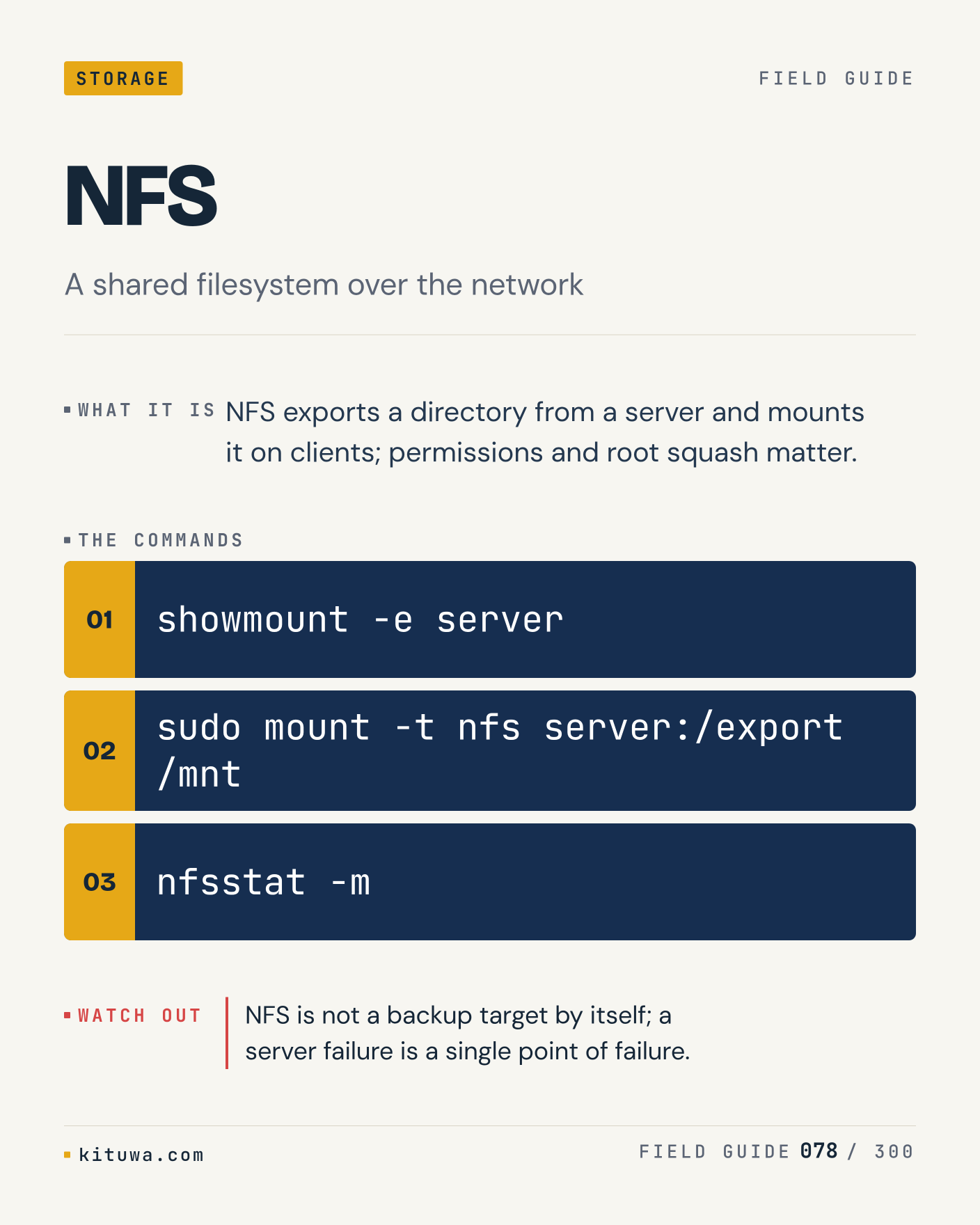
Post 84 artwork

2026-12-14 · 21:00 ET · image

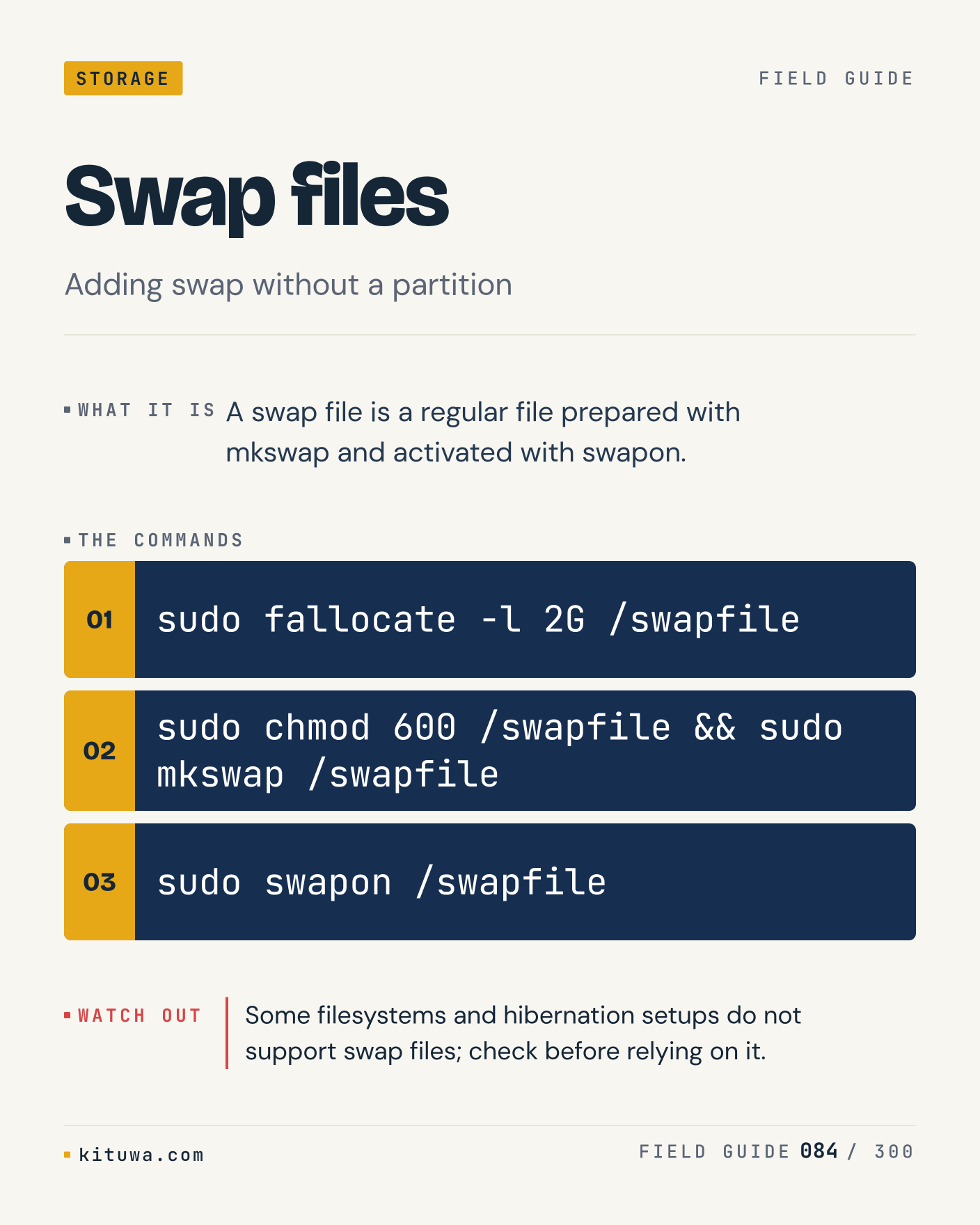
84. Swap files

One thing about Swap files — A swap file is a regular file prepared with mkswap and activated with swapon. `sudo fallocate -l 2G /swapfile` is the fastest check. Some filesystems and hibernation setups do not support swap files; check before relying on it. What would you add?

#Linux #Storage #Backups

Approval: approved · Facebook: scheduled
Post 85 artwork

2026-12-15 · 09:00 ET · image

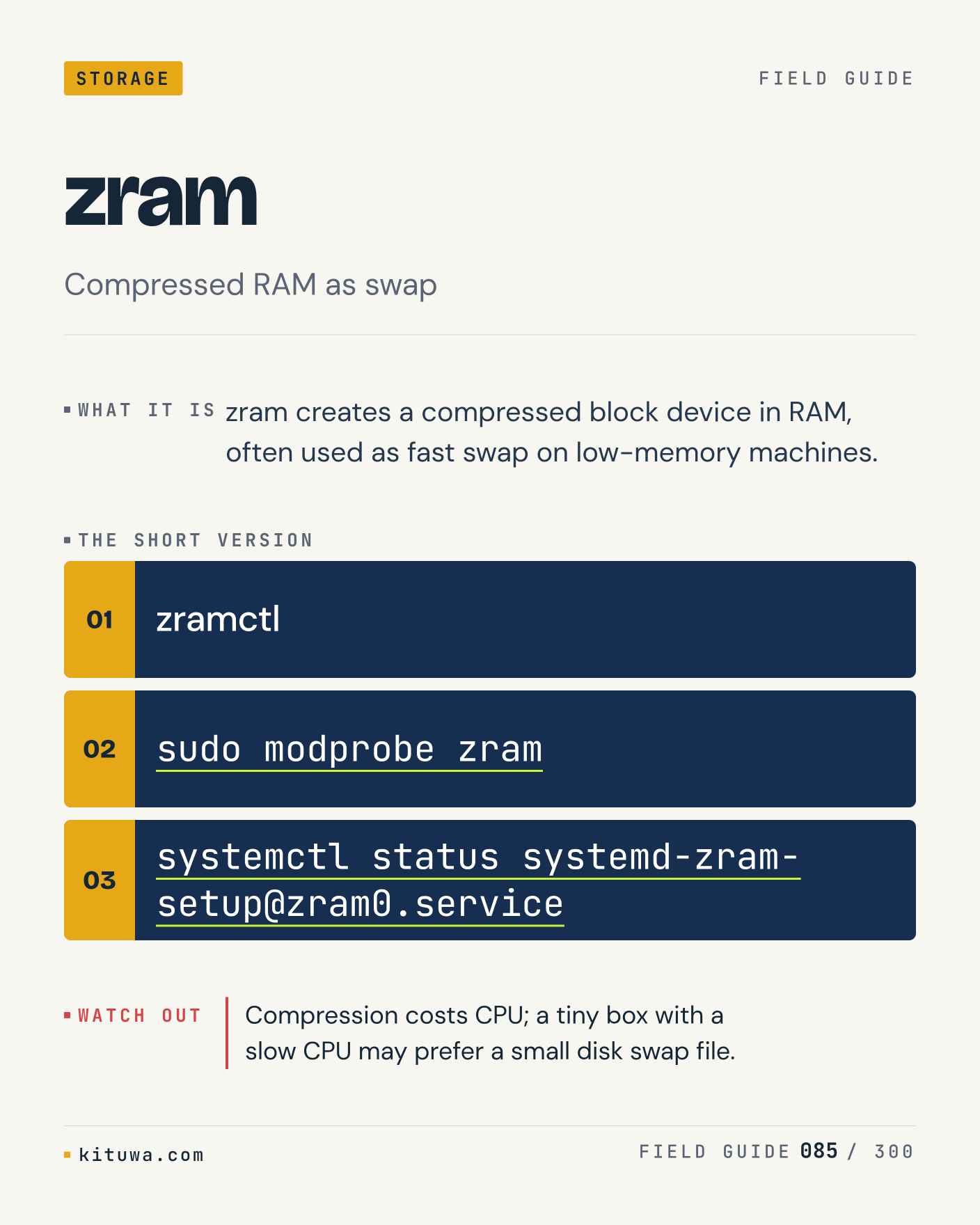
85. zram

Zram creates a compressed block device in RAM, often used as fast swap on low-memory machines. The useful habit: run `zramctl`, read the output, then decide. Compression costs CPU; a tiny box with a slow CPU may prefer a small disk swap file. What is the last thing it caught?

#Linux #Storage #Backups

Approval: approved · Facebook: scheduled
Post 86 artwork

2026-12-15 · 15:00 ET · image

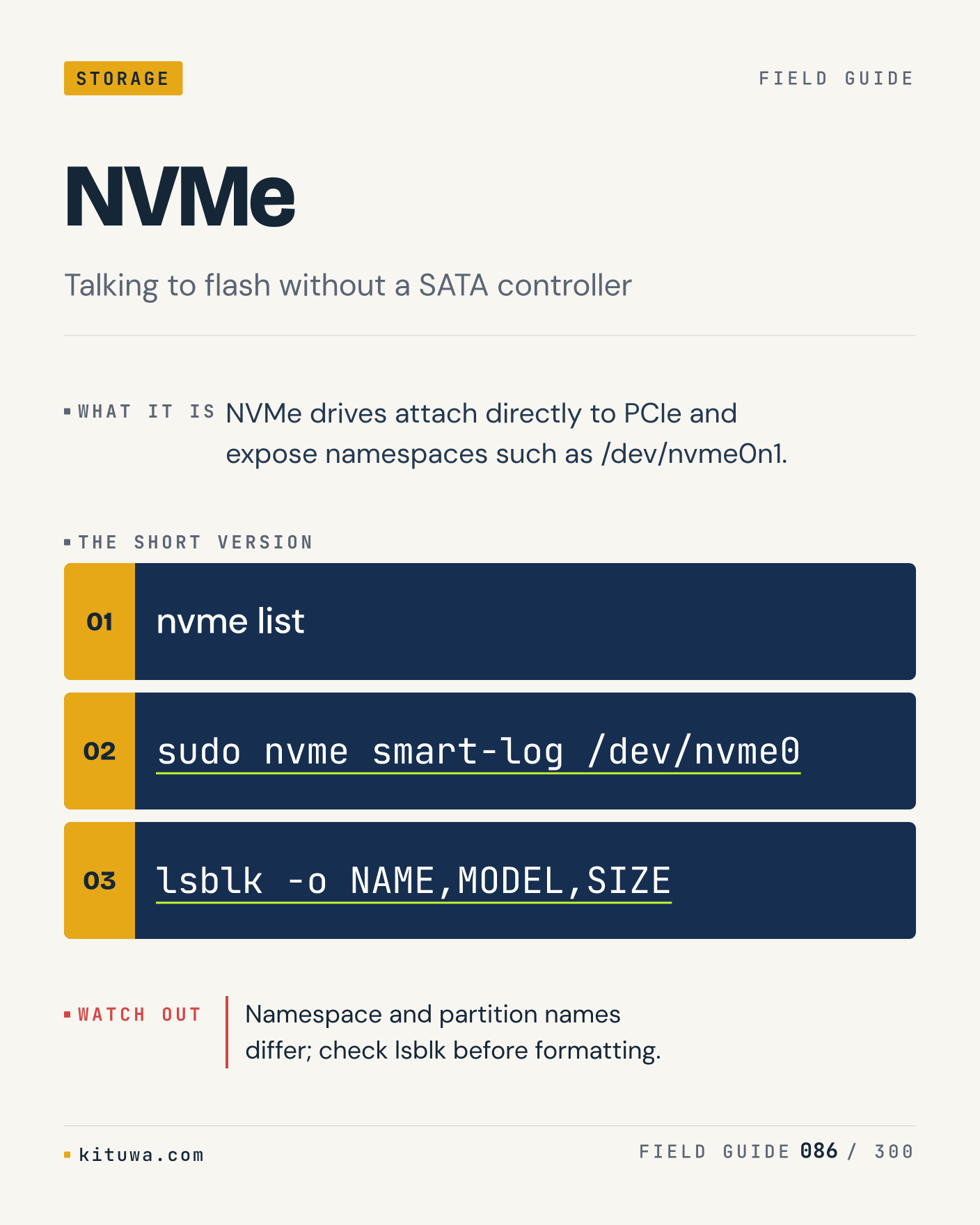
86. NVMe

NVMe, without the ceremony — NVMe drives attach directly to PCIe and expose namespaces such as /dev/nvme0n1. `nvme list` first, `sudo nvme smart-log /dev/nvme0` when you need the detail. Namespace and partition names differ; check lsblk before formatting. Which output do you trust?

#Linux #Storage #Backups

Approval: approved · Facebook: scheduled
Post 87 artwork

2026-12-15 · 21:00 ET · image

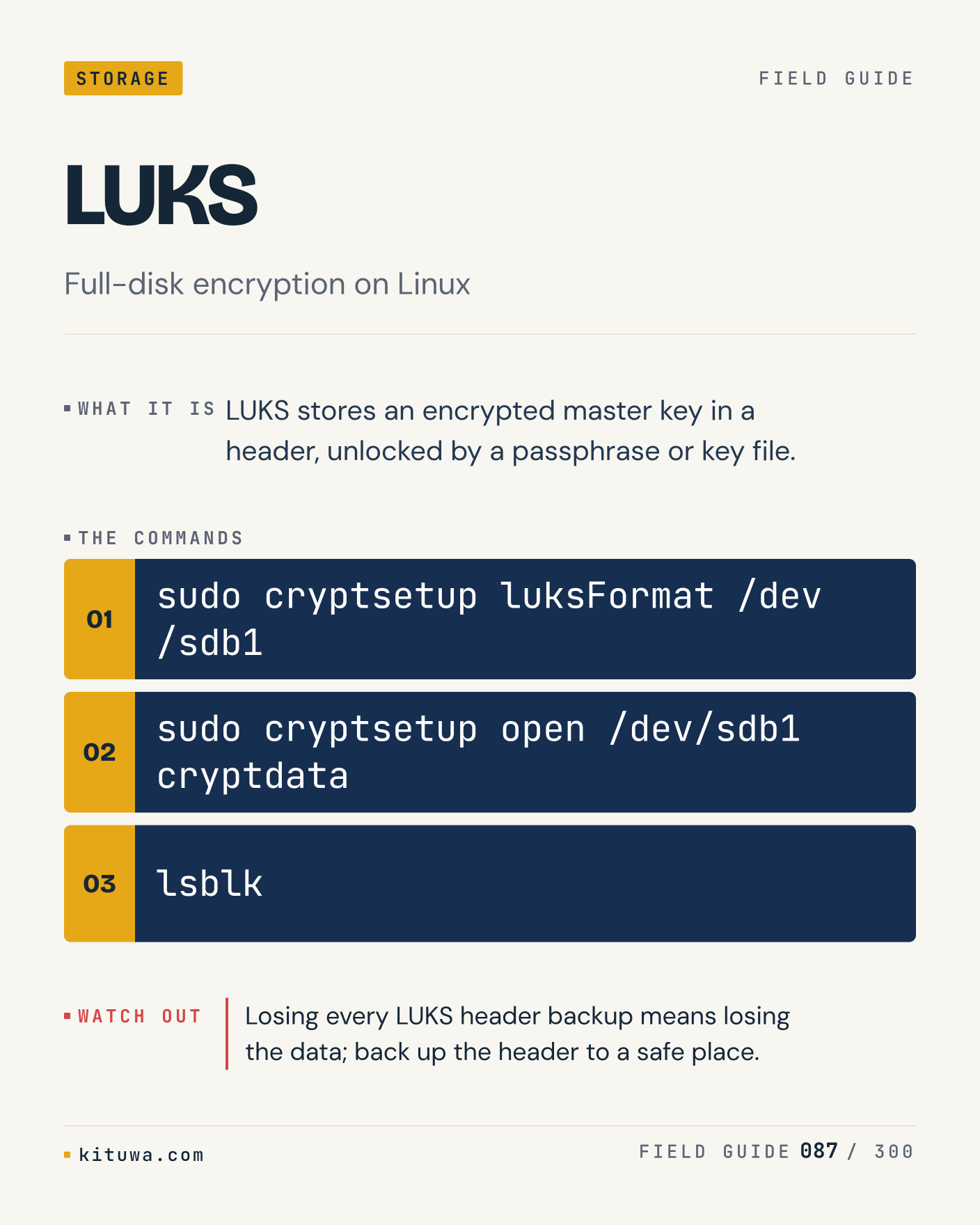
87. LUKS

LUKS stores an encrypted master key in a header, unlocked by a passphrase or key file. Keep `sudo cryptsetup luksFormat /dev/sdb1` and `sudo cryptsetup open /dev/sdb1 cryptdata` in reach. Losing every LUKS header backup means losing the data; back up the header to a safe place. What breaks first on your setup?

#Linux #Storage #Backups

Approval: approved · Facebook: scheduled
Post 88 artwork

2026-12-16 · 09:00 ET · image

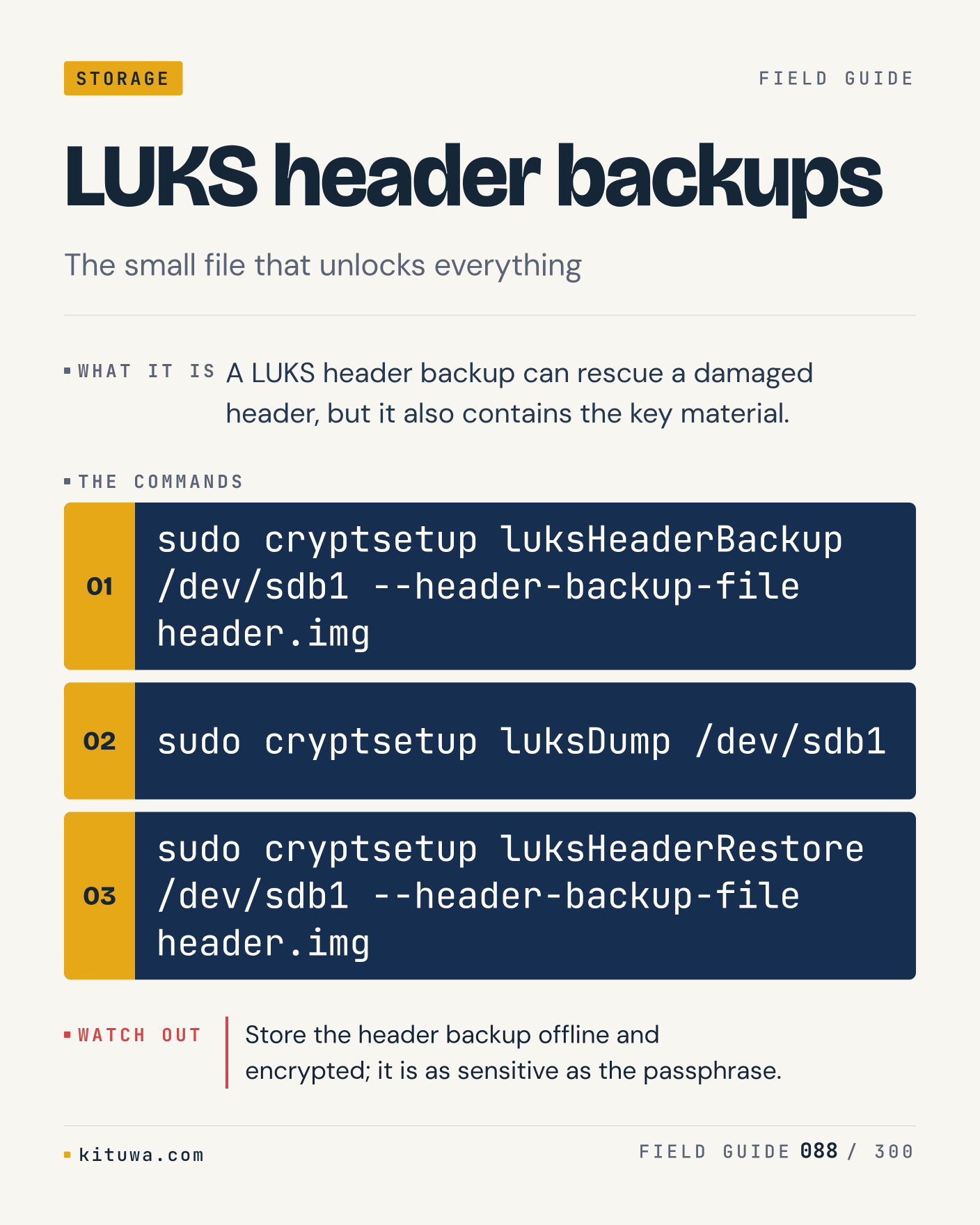
88. LUKS header backups

LUKS header backups — A LUKS header backup can rescue a damaged header, but it also contains the key material. Start with `sudo cryptsetup luksHeaderBackup /dev/sdb1 --header-backup-file header.img`. Store the header backup offline and encrypted; it is as sensitive as the passphrase. What does it show on your box?

#Linux #Storage #Backups

Approval: approved · Facebook: scheduled
Post 89 artwork

2026-12-16 · 15:00 ET · image

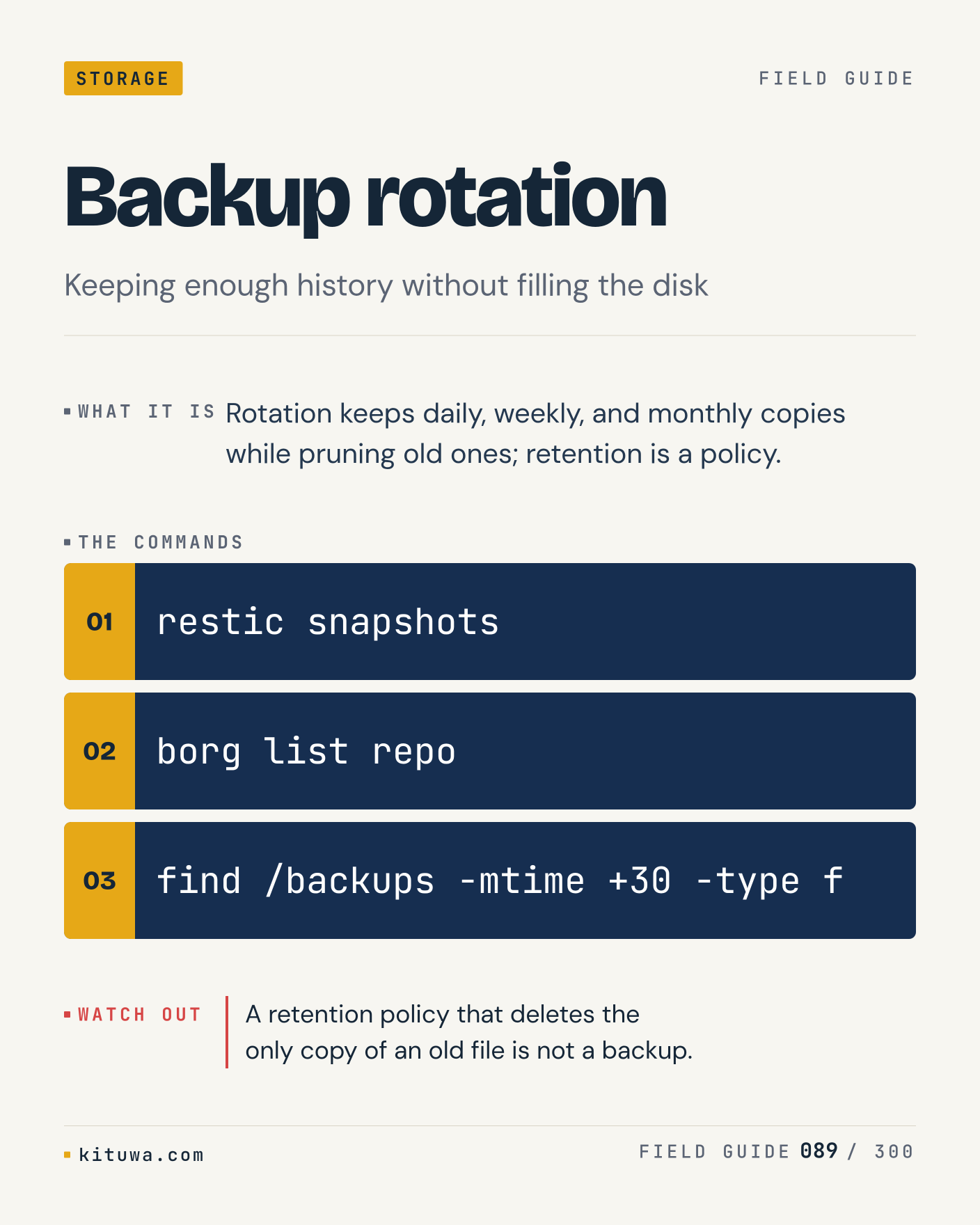
89. Backup rotation

Rotation keeps daily, weekly, and monthly copies while pruning old ones; retention is a policy. Try `restic snapshots` first; `borg list repo` is the next step. A retention policy that deletes the only copy of an old file is not a backup. Which one would you check first?

#Linux #Storage #Backups

Approval: approved · Facebook: scheduled
Post 90 artwork

2026-12-16 · 21:00 ET · image

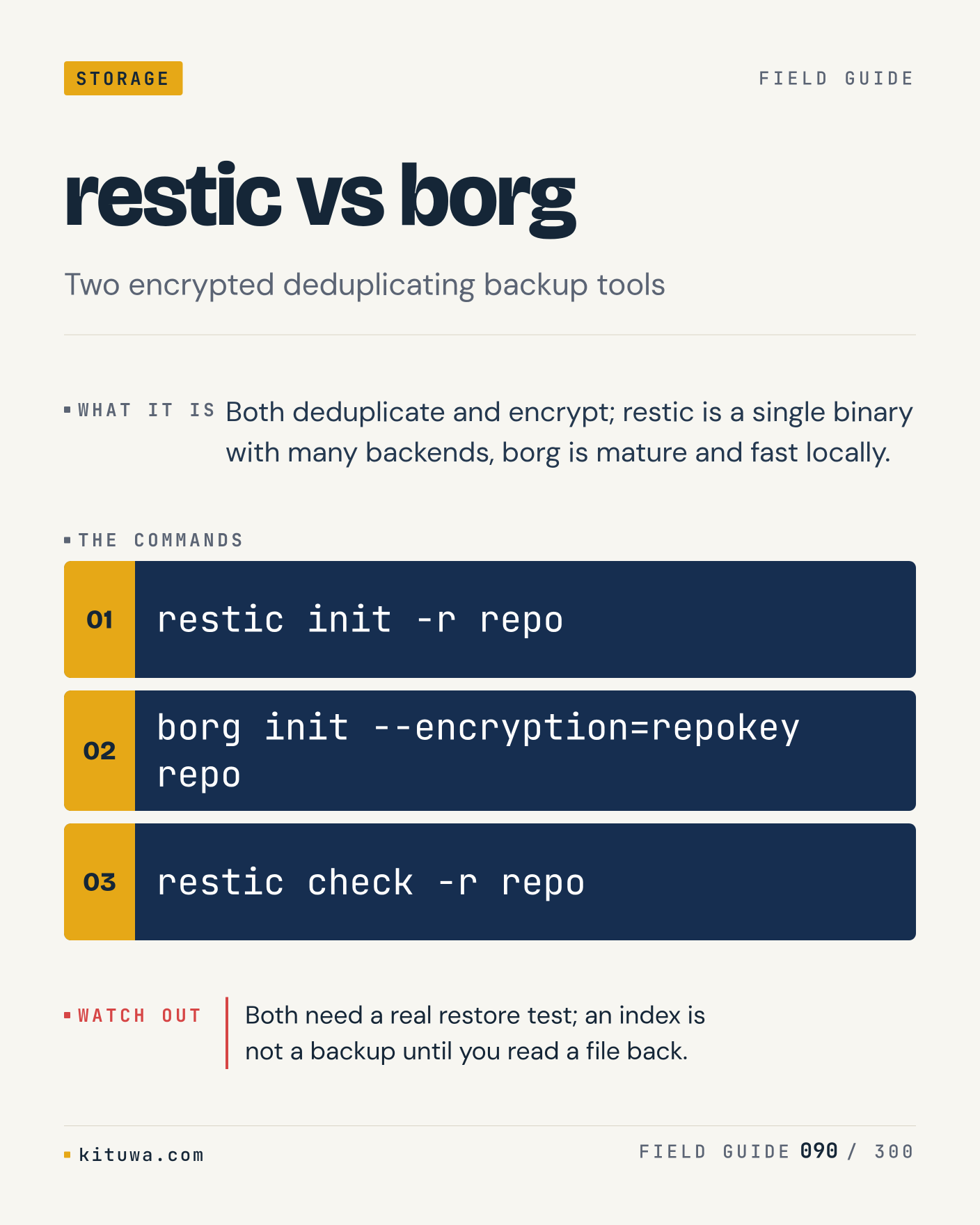
90. restic vs borg

The short version of Restic vs borg — Both deduplicate and encrypt; restic is a single binary with many backends, borg is mature and fast locally. `restic init -r repo` shows the state; `borg init --encryption=repokey repo` changes it. Both need a real restore test; an index is not a backup until you read a file back. Sound familiar?

#Linux #Storage #Backups

Approval: approved · Facebook: scheduled
Post 91 artwork

2026-12-17 · 09:00 ET · image

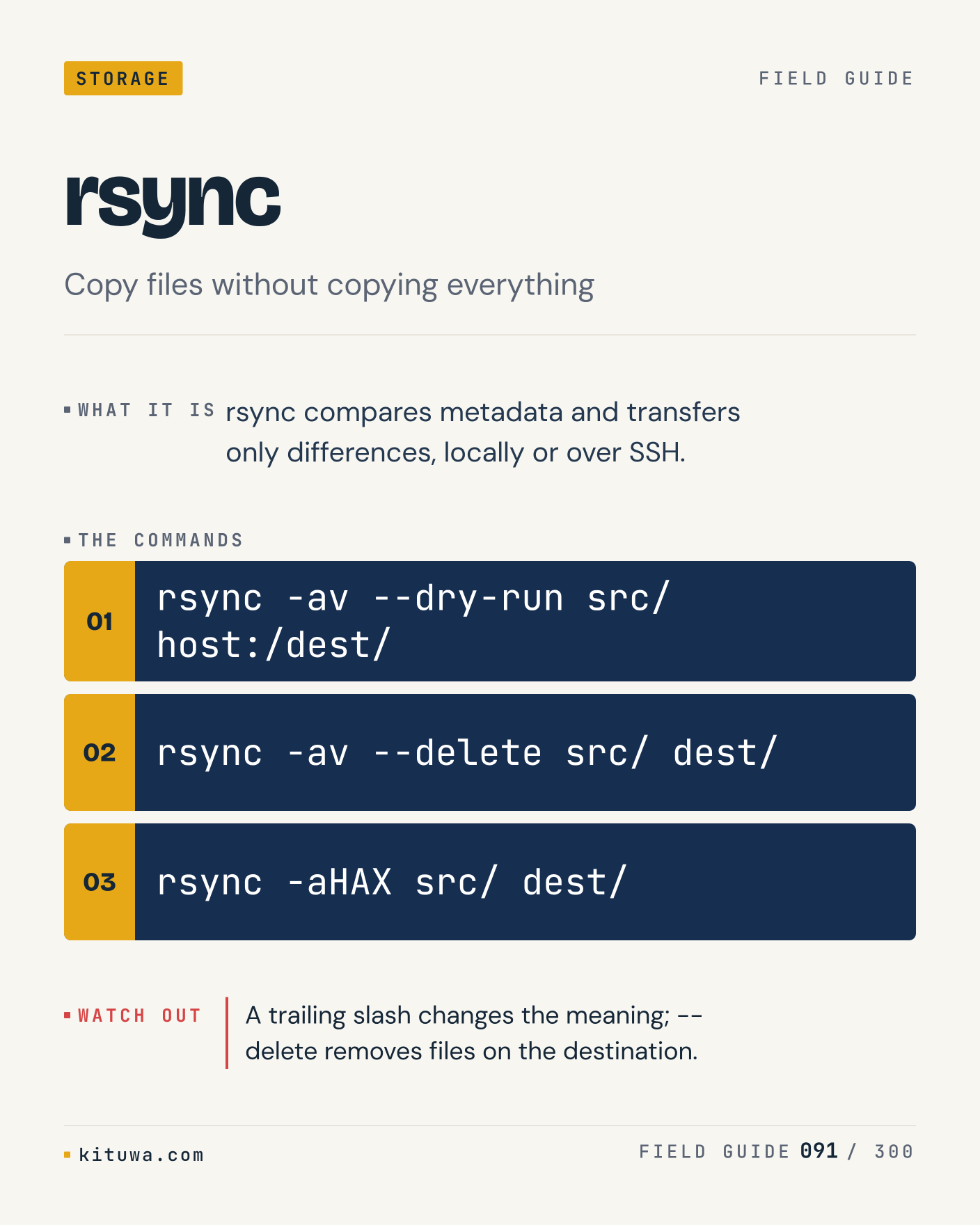
91. rsync

There is no magic in Rsync. Rsync compares metadata and transfers only differences, locally or over SSH. Use `rsync -av --dry-run src/ host:/dest/` before `rsync -av --delete src/ dest/`. A trailing slash changes the meaning; --delete removes files on the destination. What is your default?

#Linux #Storage #Backups

Approval: approved · Facebook: scheduled
Post 92 artwork

2026-12-17 · 15:00 ET · image

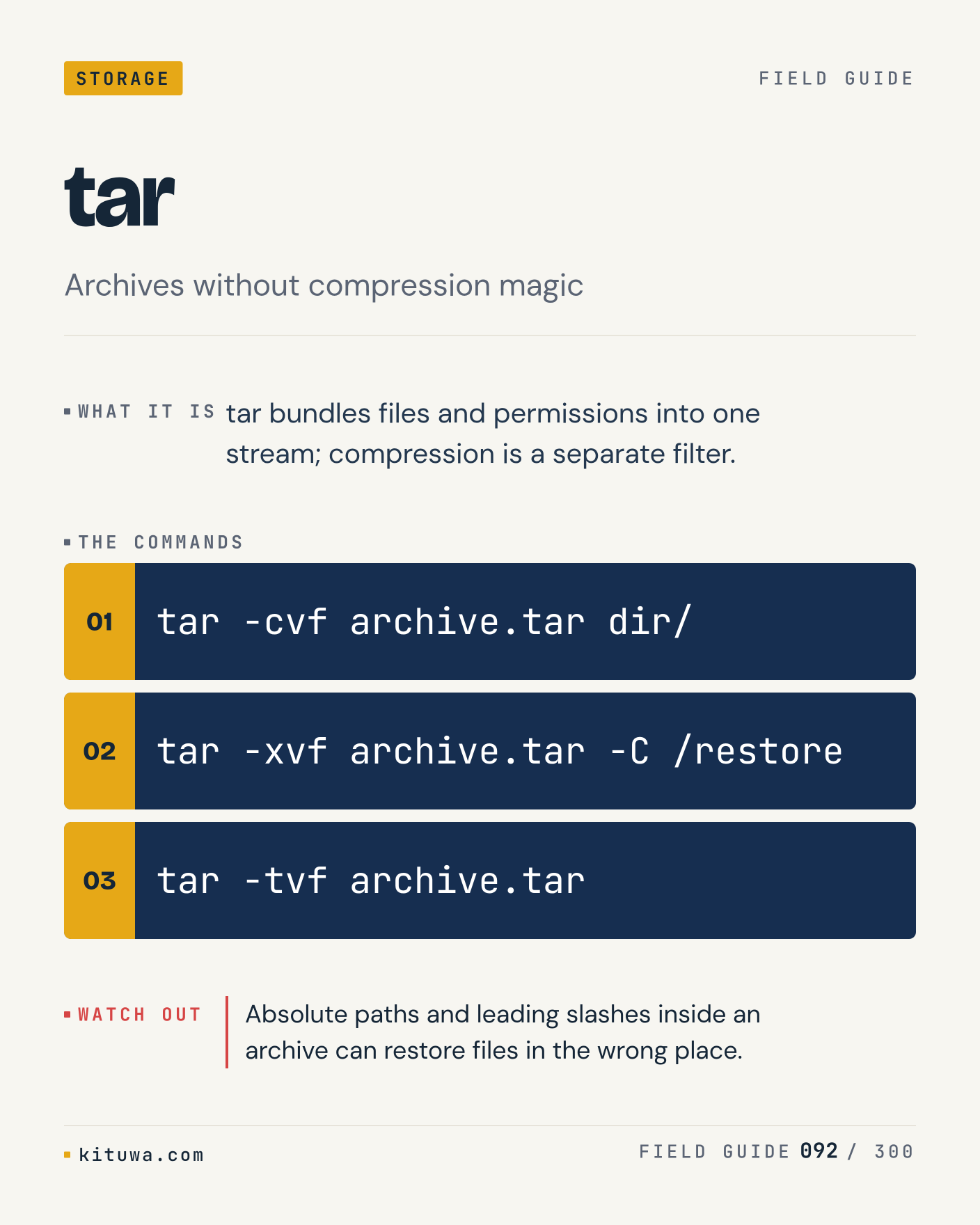
92. tar

One thing about Tar — Tar bundles files and permissions into one stream; compression is a separate filter. `tar -cvf archive.tar dir/` is the fastest check. Absolute paths and leading slashes inside an archive can restore files in the wrong place. What would you add?

#Linux #Storage #Backups

Approval: approved · Facebook: scheduled
Post 93 artwork

2026-12-17 · 21:00 ET · image

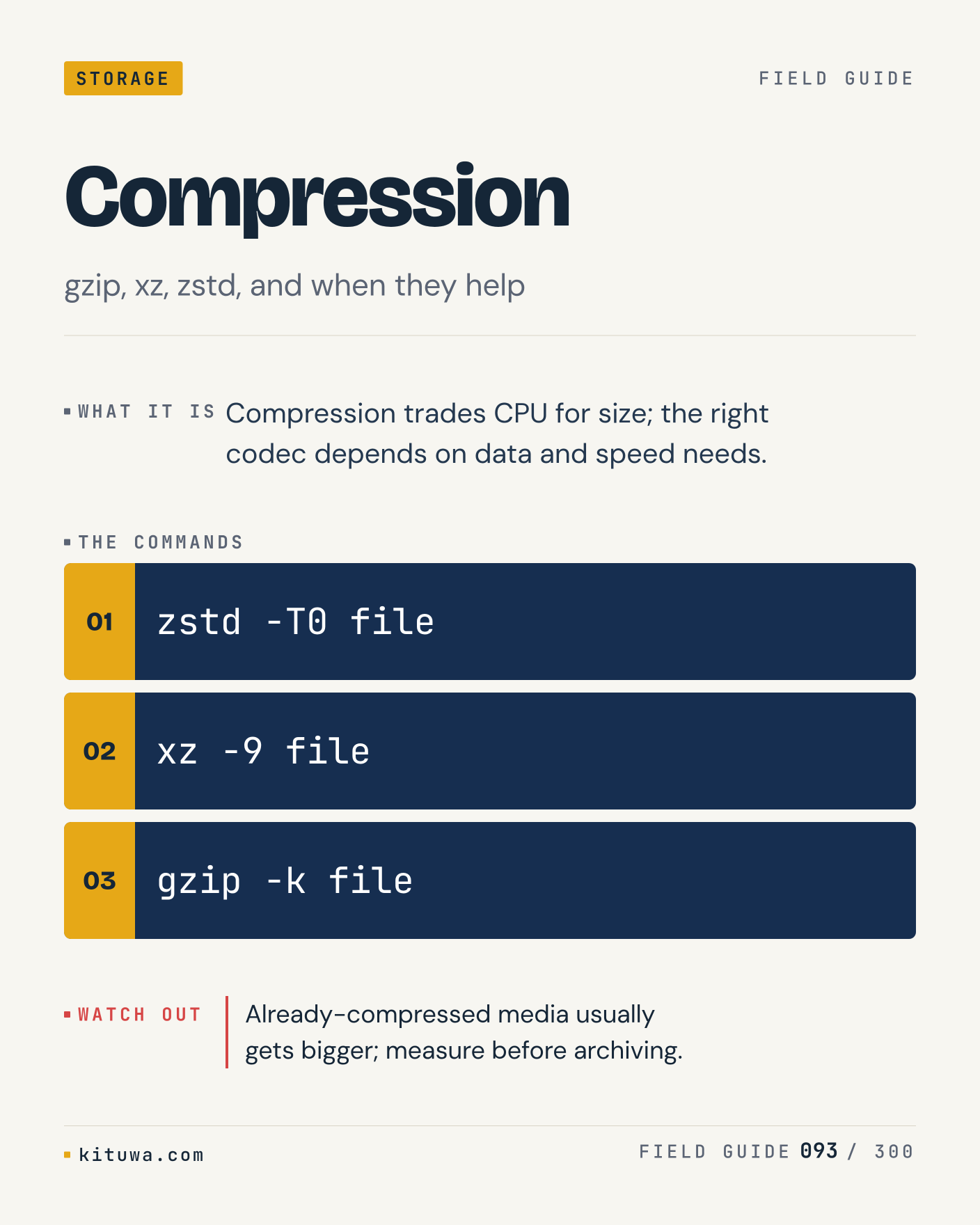
93. Compression

Compression trades CPU for size; the right codec depends on data and speed needs. The useful habit: run `zstd -T0 file`, read the output, then decide. Already-compressed media usually gets bigger; measure before archiving. What is the last thing it caught?

#Linux #Storage #Backups

Approval: approved · Facebook: scheduled
Post 94 artwork

2026-12-18 · 09:00 ET · image

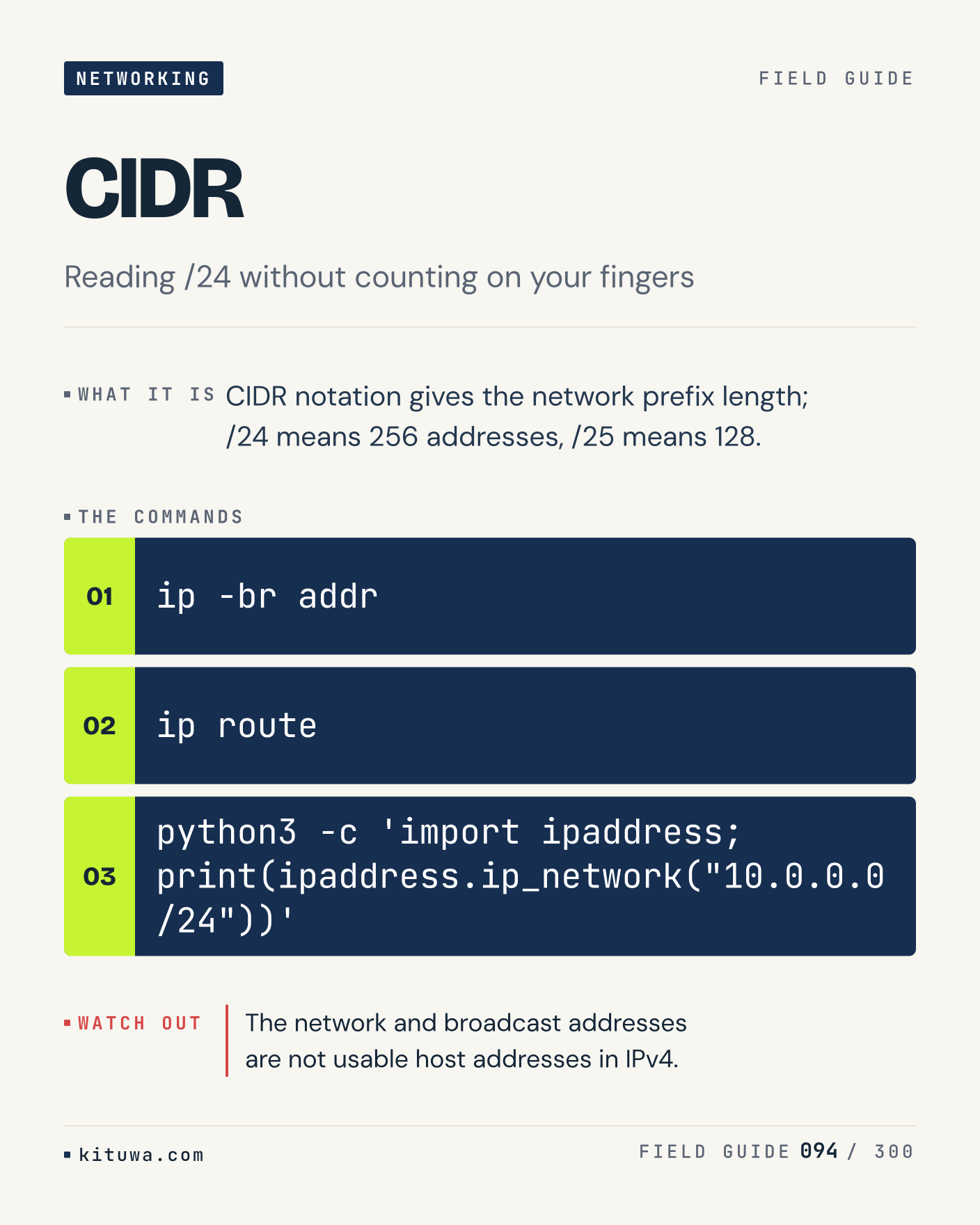
94. CIDR

CIDR, without the ceremony — CIDR notation gives the network prefix length; /24 means 256 addresses, /25 means 128. `ip -br addr` first, `ip route` when you need the detail. The network and broadcast addresses are not usable host addresses in IPv4. Which output do you trust?

#Linux #Networking #SysAdmin

Approval: approved · Facebook: not scheduled
Post 95 artwork

2026-12-18 · 15:00 ET · image

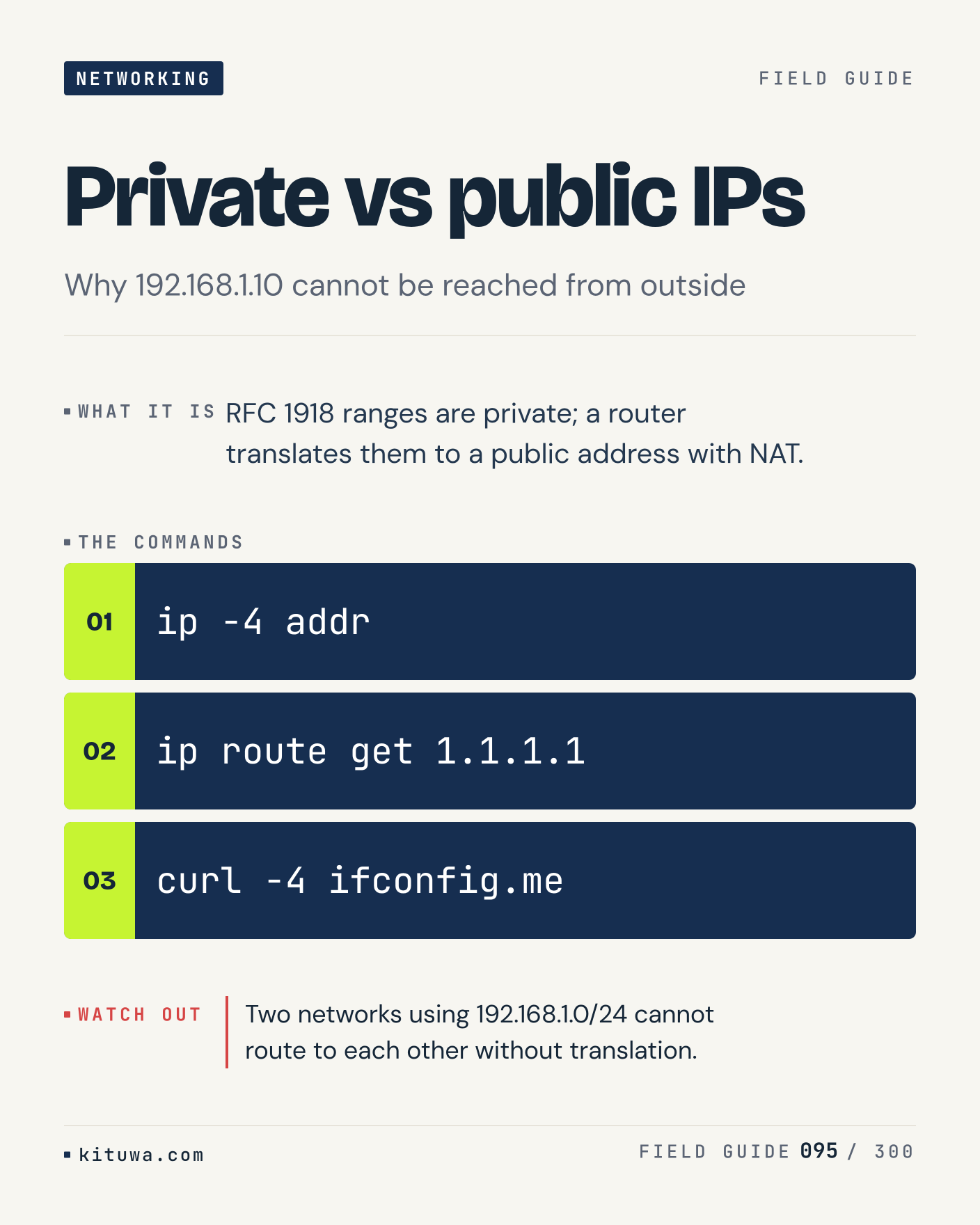
95. Private vs public IPs

RFC 1918 ranges are private; a router translates them to a public address with NAT. Keep `ip -4 addr` and `ip route get 1.1.1.1` in reach. Two networks using 192.168.1.0/24 cannot route to each other without translation. What breaks first on your setup?

#Linux #Networking #SysAdmin

Approval: approved · Facebook: not scheduled
Post 96 artwork

2026-12-18 · 21:00 ET · image

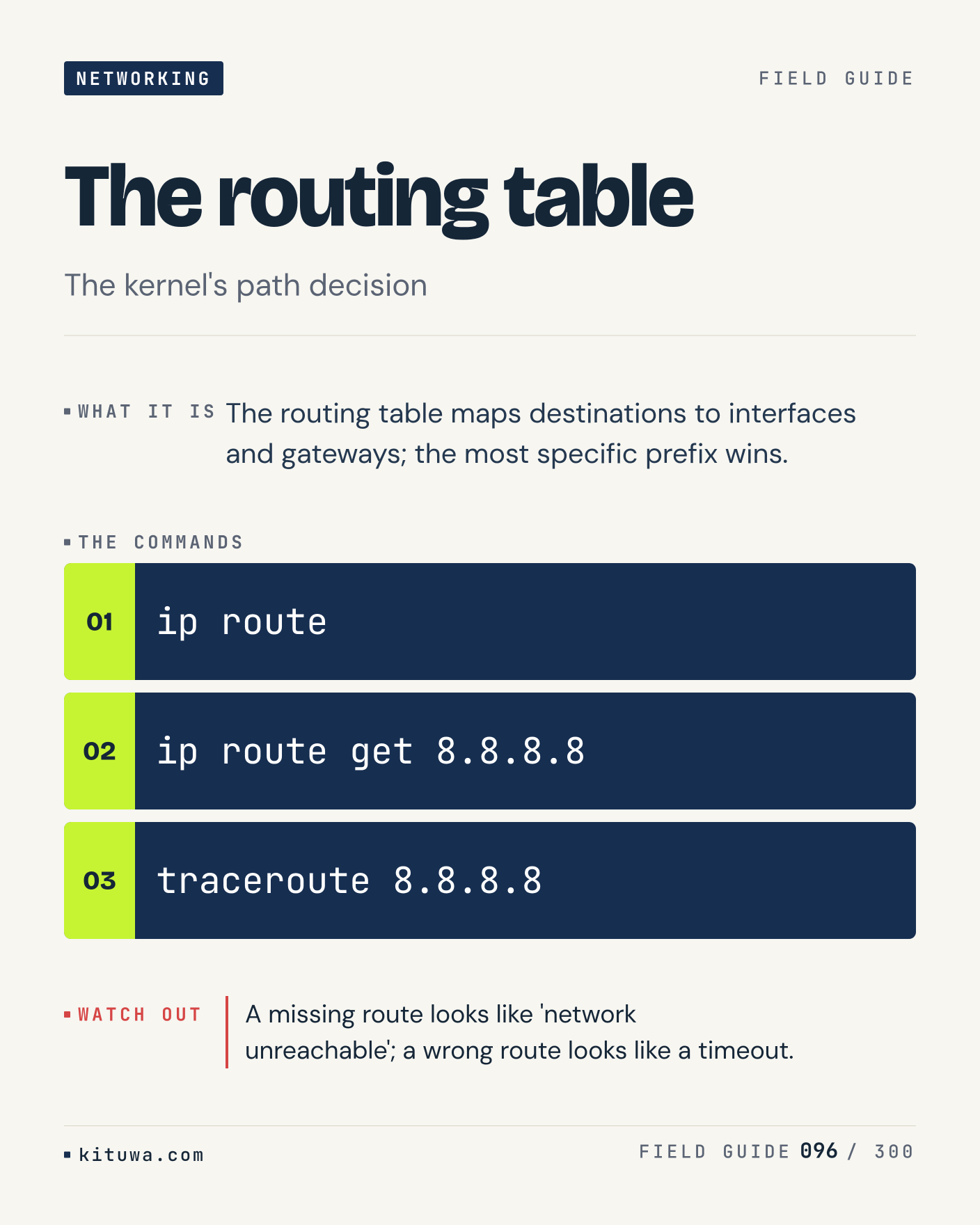
96. The routing table

The routing table — The routing table maps destinations to interfaces and gateways; the most specific prefix wins. Start with `ip route`. A missing route looks like 'network unreachable'; a wrong route looks like a timeout. What does it show on your box?

#Linux #Networking #SysAdmin

Approval: approved · Facebook: not scheduled
Post 97 artwork

2026-12-19 · 09:00 ET · image

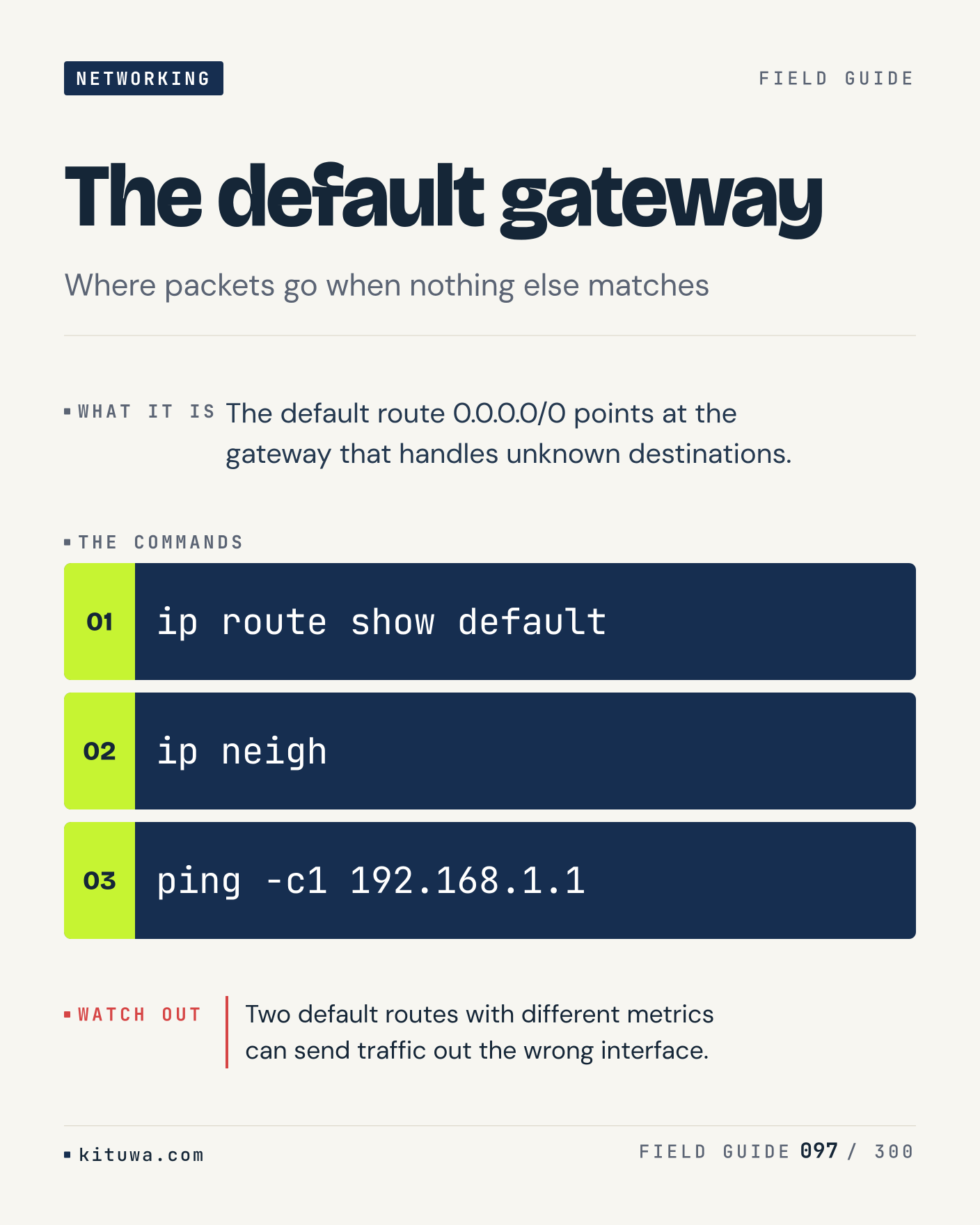
97. The default gateway

The default route 0.0.0.0/0 points at the gateway that handles unknown destinations. Try `ip route show default` first; `ip neigh` is the next step. Two default routes with different metrics can send traffic out the wrong interface. Which one would you check first?

#Linux #Networking #SysAdmin

Approval: approved · Facebook: not scheduled
Post 98 artwork

2026-12-19 · 15:00 ET · image

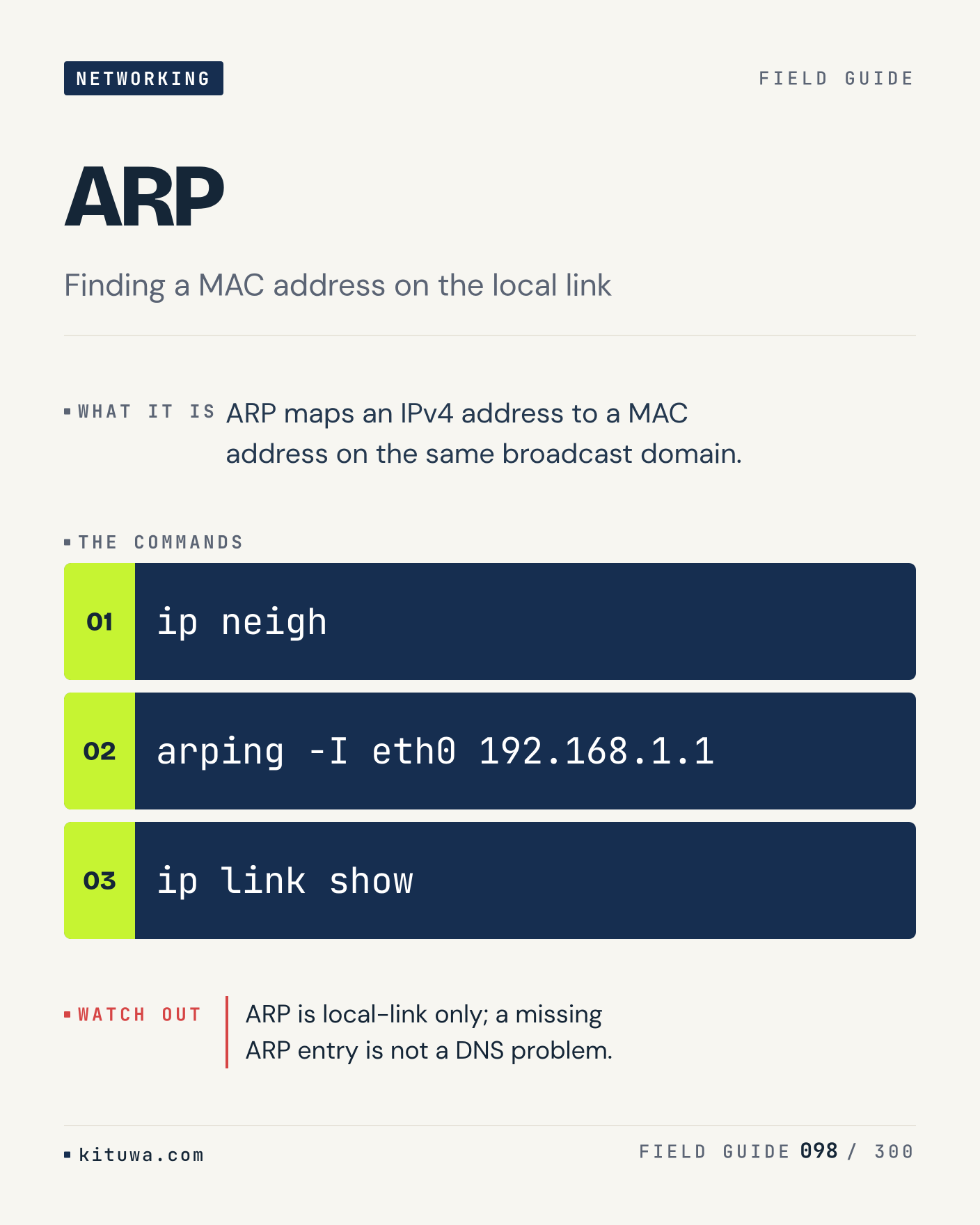
98. ARP

The short version of ARP — ARP maps an IPv4 address to a MAC address on the same broadcast domain. `ip neigh` shows the state; `arping -I eth0 192.168.1.1` changes it. ARP is local-link only; a missing ARP entry is not a DNS problem. Sound familiar?

#Linux #Networking #SysAdmin

Approval: approved · Facebook: not scheduled
Post 99 artwork

2026-12-19 · 21:00 ET · image

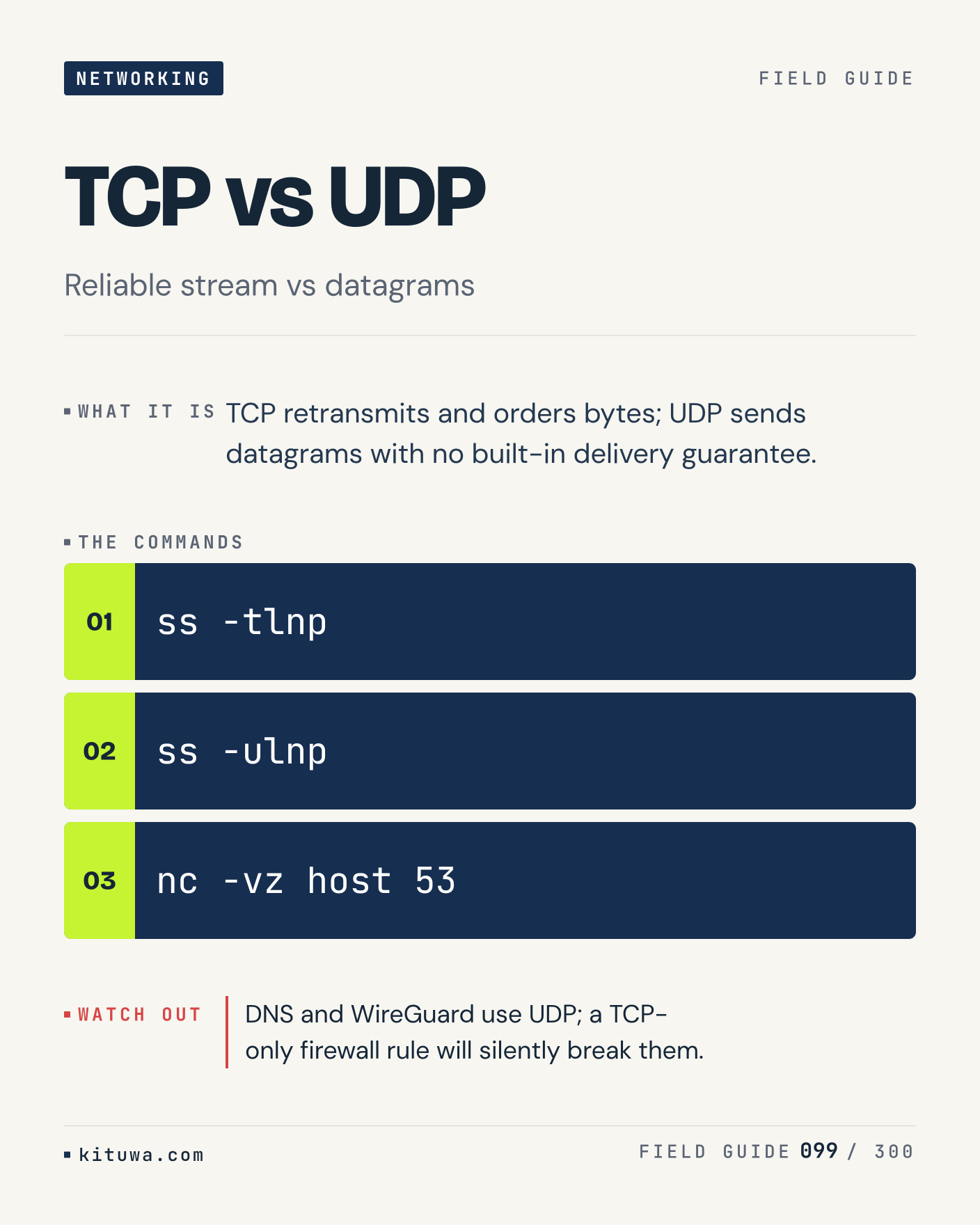
99. TCP vs UDP

There is no magic in TCP vs UDP. TCP retransmits and orders bytes; UDP sends datagrams with no built-in delivery guarantee. Use `ss -tlnp` before `ss -ulnp`. DNS and WireGuard use UDP; a TCP-only firewall rule will silently break them. What is your default?

#Linux #Networking #SysAdmin

Approval: approved · Facebook: not scheduled
Post 100 artwork

2026-12-20 · 09:00 ET · image

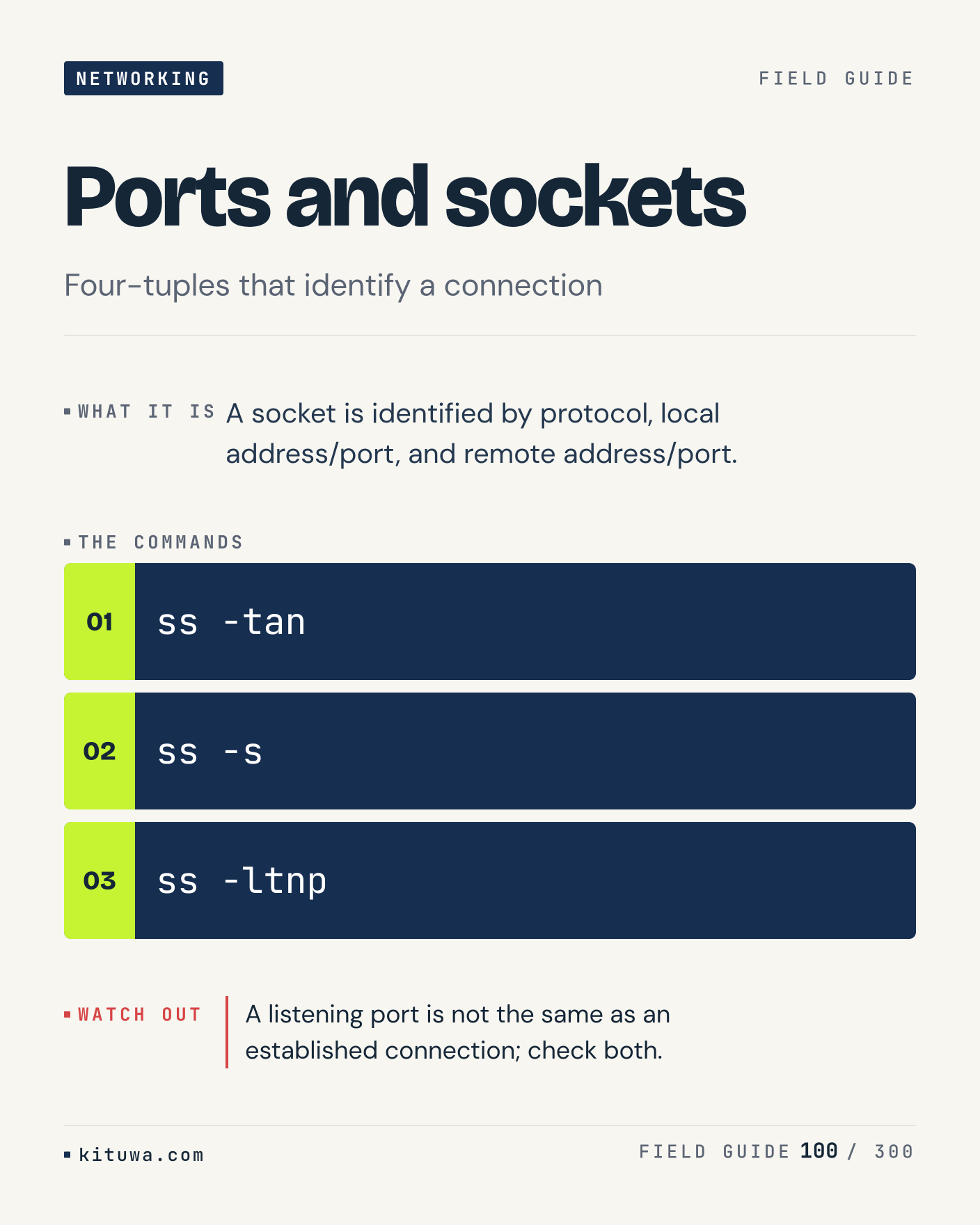
100. Ports and sockets

One thing about Ports and sockets — A socket is identified by protocol, local address/port, and remote address/port. `ss -tan` is the fastest check. A listening port is not the same as an established connection; check both. What would you add?

#Linux #Networking #SysAdmin

Approval: approved · Facebook: not scheduled
Post 101 artwork

2026-12-20 · 15:00 ET · image

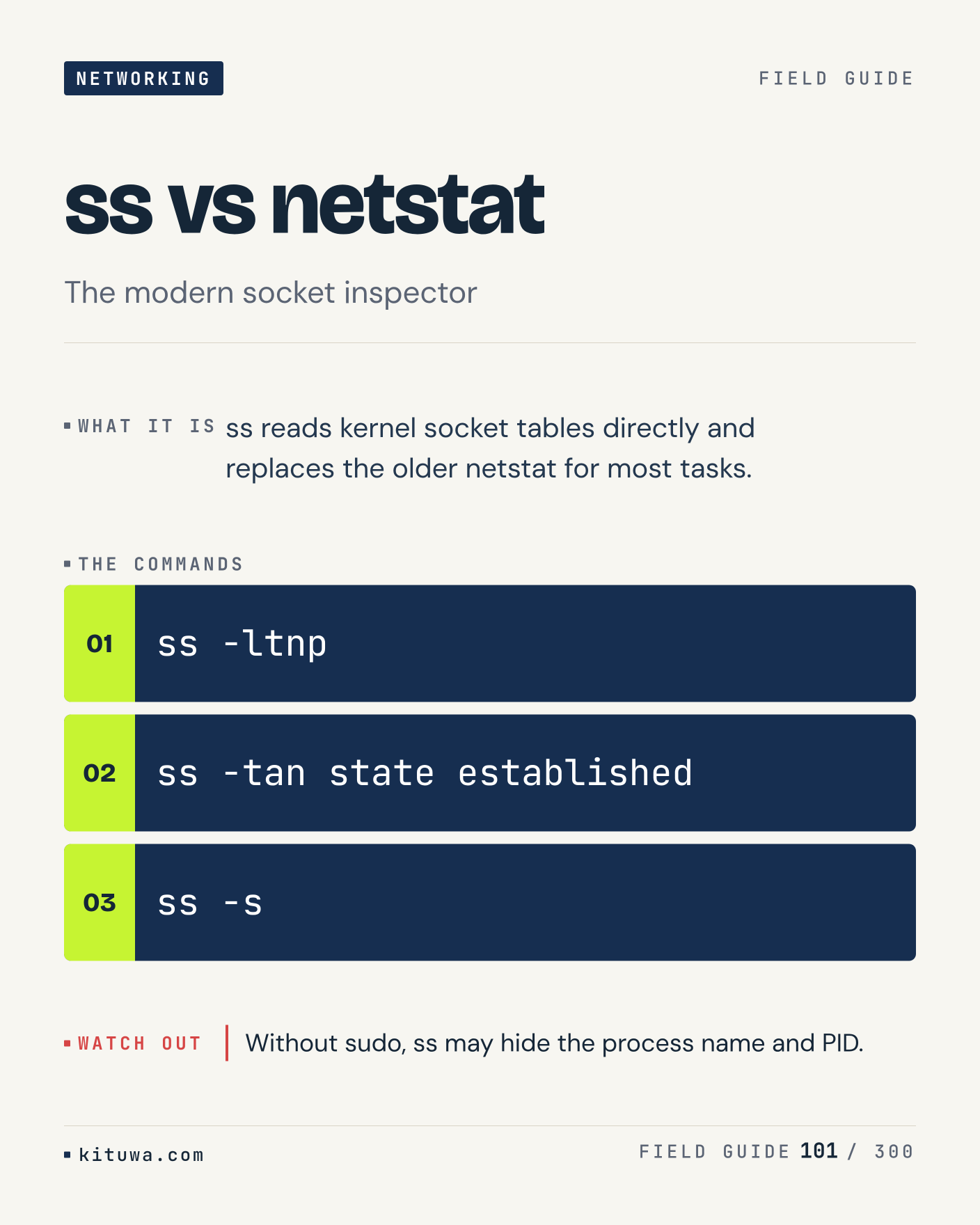
101. ss vs netstat

Ss reads kernel socket tables directly and replaces the older netstat for most tasks. The useful habit: run `ss -ltnp`, read the output, then decide. Without sudo, ss may hide the process name and PID. What is the last thing it caught?

#Linux #Networking #SysAdmin

Approval: approved · Facebook: not scheduled
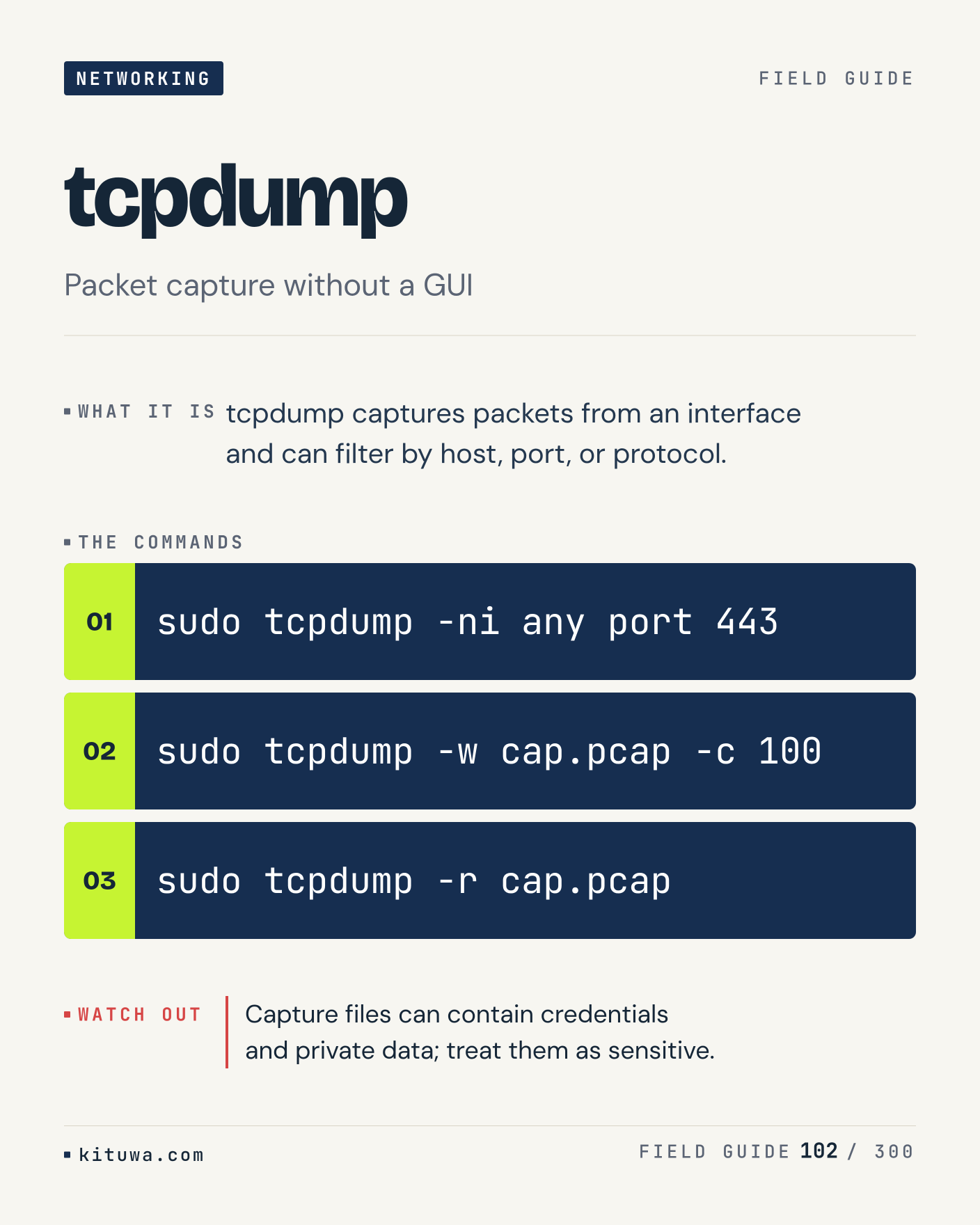
Post 102 artwork

2026-12-20 · 21:00 ET · image

102. tcpdump

Tcpdump, without the ceremony — Tcpdump captures packets from an interface and can filter by host, port, or protocol. `sudo tcpdump -ni any port 443` first, `sudo tcpdump -w cap.pcap -c 100` when you need the detail. Capture files can contain credentials and private data; treat them as sensitive. Which output do you trust?
#Linux #Networking #SysAdmin

Approval: approved · Facebook: not scheduled

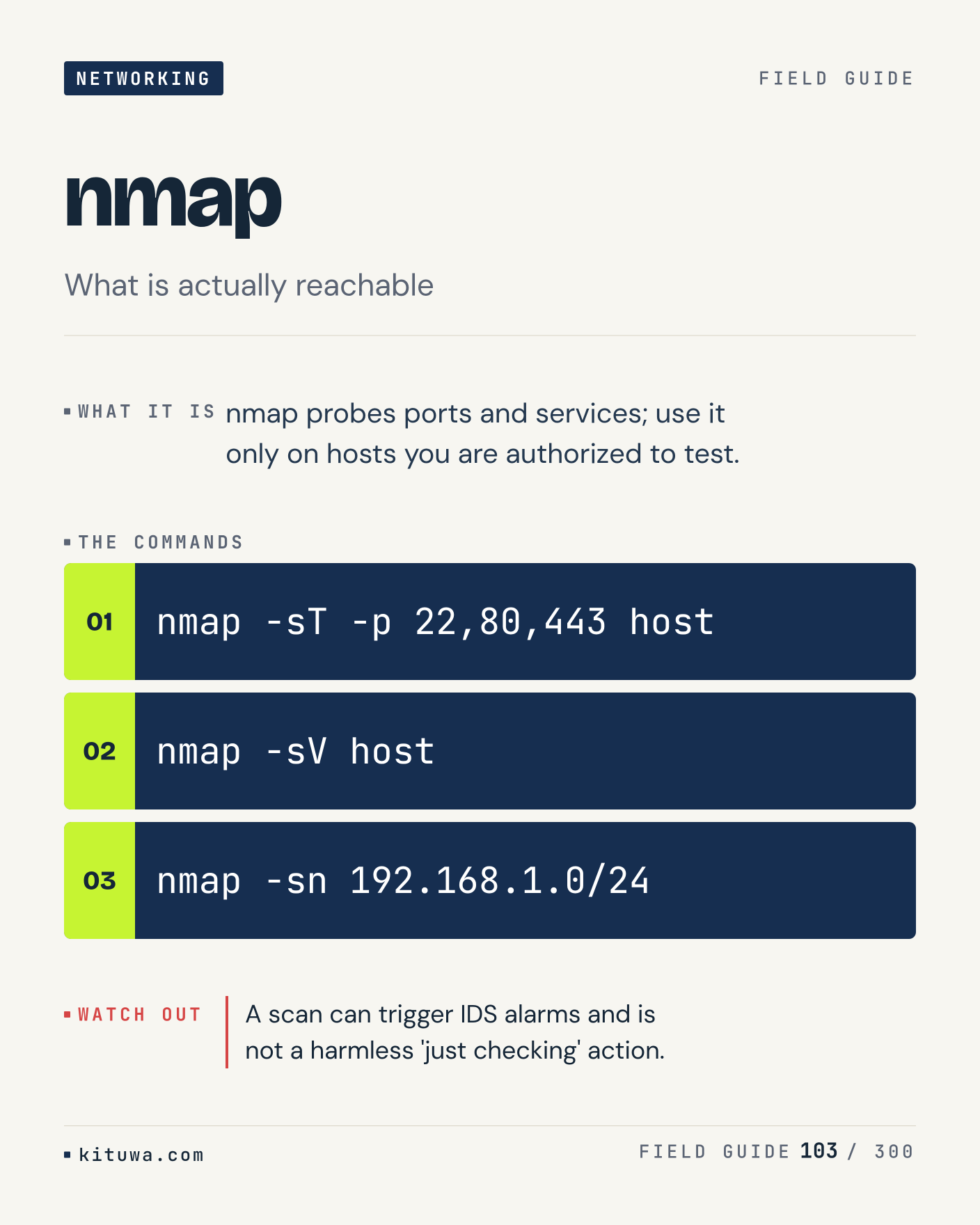
Post 103 artwork

2026-12-21 · 09:00 ET · image

103. nmap

Nmap probes ports and services; use it only on hosts you are authorized to test. Keep `nmap -sT -p 22,80,443 host` and `nmap -sV host` in reach. A scan can trigger IDS alarms and is not a harmless 'just checking' action. What breaks first on your setup?

#Linux #Networking #SysAdmin

Approval: approved · Facebook: not scheduled

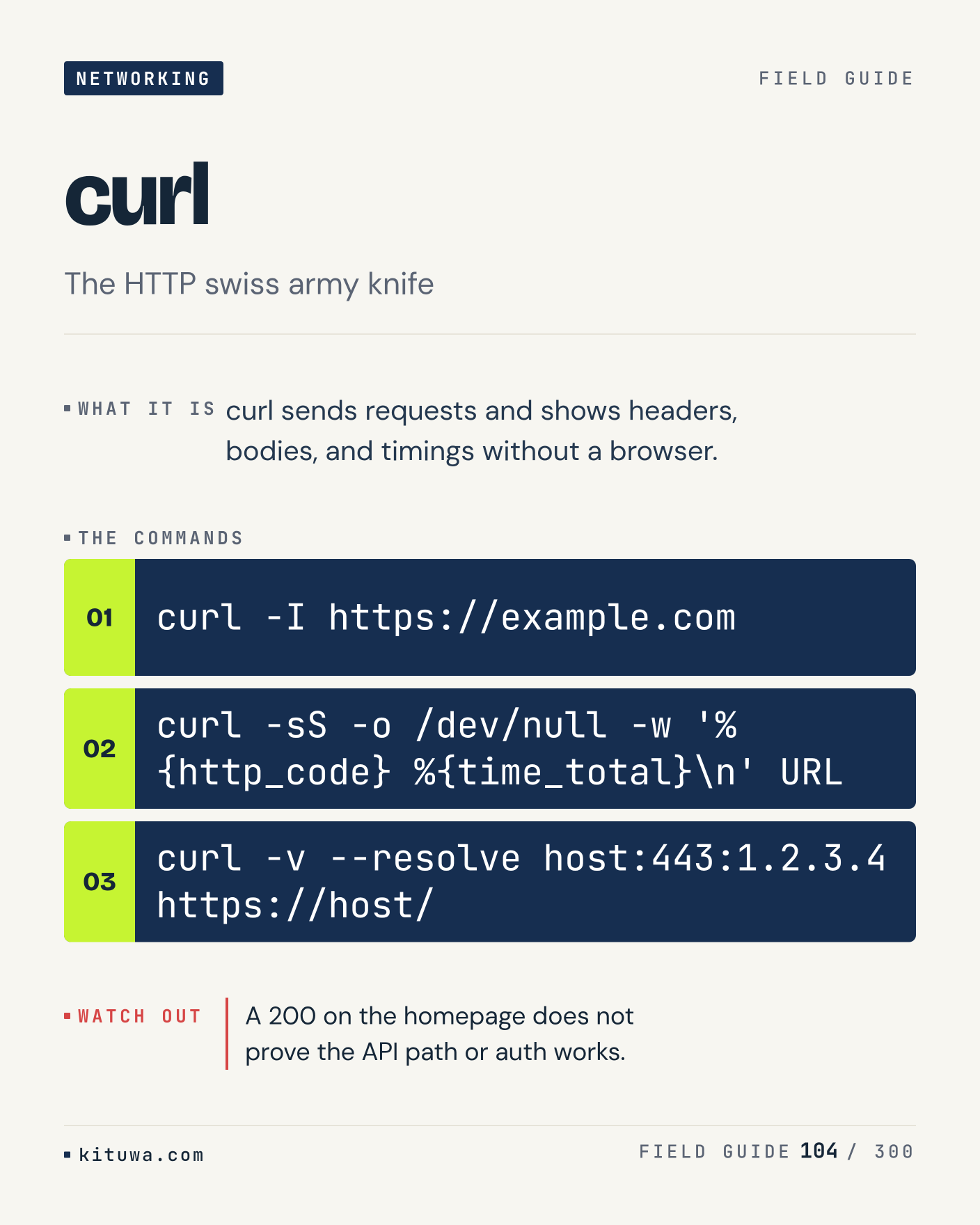
Post 104 artwork

2026-12-21 · 15:00 ET · image

104. curl

Curl — Curl sends requests and shows headers, bodies, and timings without a browser. Start with `curl -I https://example.com`. A 200 on the homepage does not prove the API path or auth works. What does it show on your box?

#Linux #Networking #SysAdmin

Approval: approved · Facebook: not scheduled

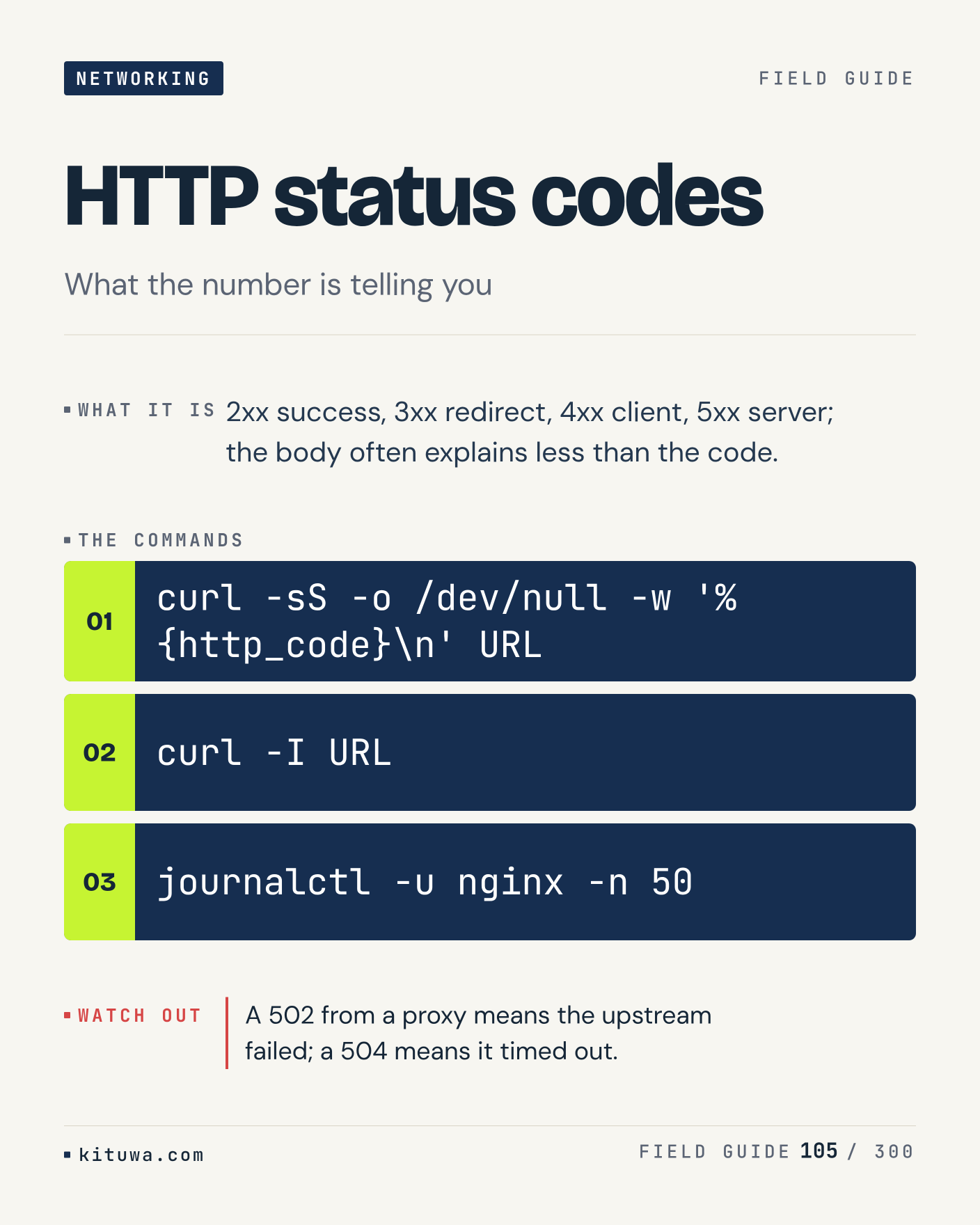
Post 105 artwork

2026-12-21 · 21:00 ET · image

105. HTTP status codes

2xx success, 3xx redirect, 4xx client, 5xx server; the body often explains less than the code. Try `curl -sS -o /dev/null -w '%{http_code}\n' URL` first; `curl -I URL` is the next step. A 502 from a proxy means the upstream failed; a 504 means it timed out. Which one would you check first?

#Linux #Networking #SysAdmin

Approval: approved · Facebook: not scheduled

Post 106 artwork

2026-12-22 · 09:00 ET · image

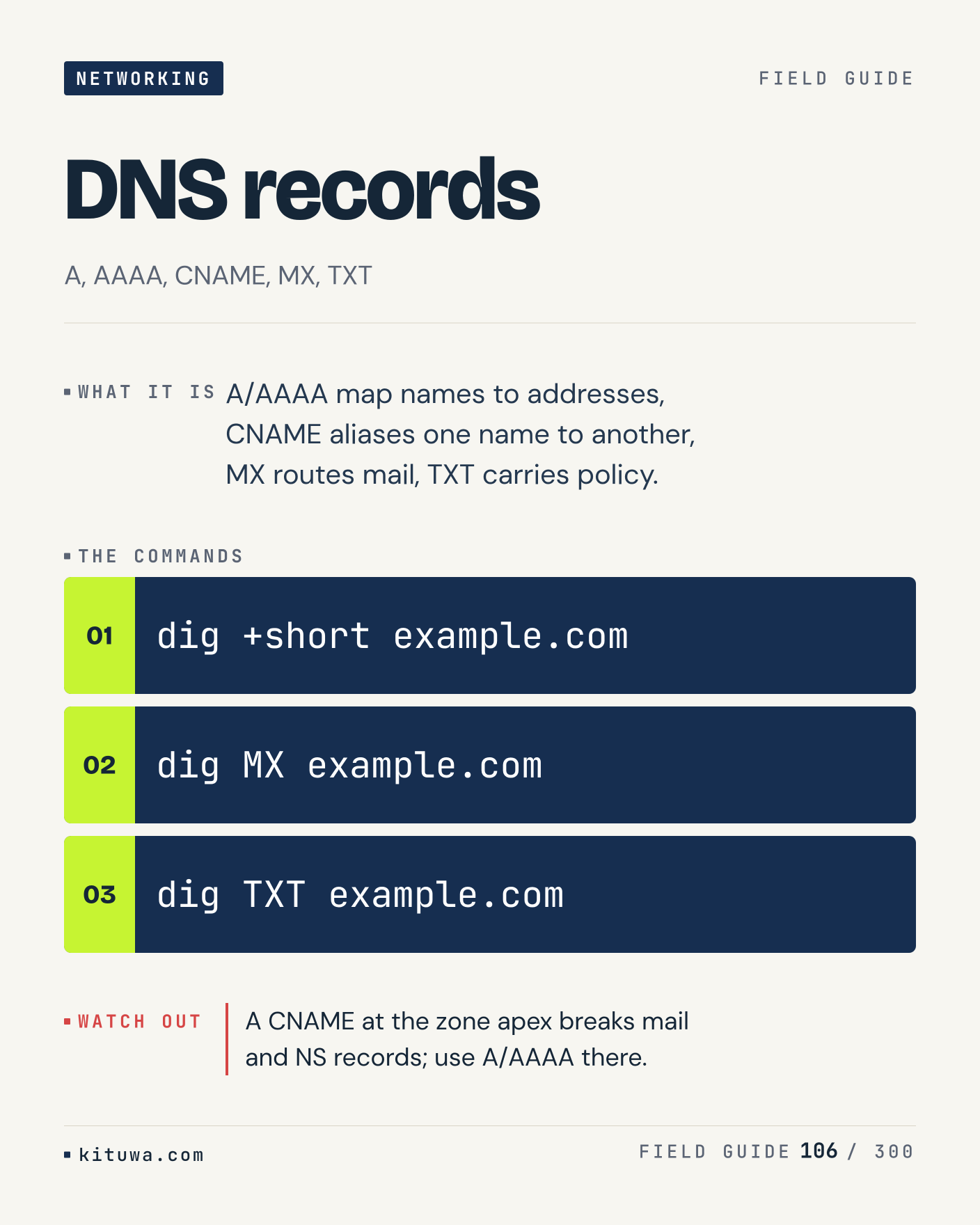
106. DNS records

The short version of DNS records — A/AAAA map names to addresses, CNAME aliases one name to another, MX routes mail, TXT carries policy. `dig +short example.com` shows the state; `dig MX example.com` changes it. A CNAME at the zone apex breaks mail and NS records; use A/AAAA there. Sound familiar?

#Linux #Networking #SysAdmin

Approval: approved · Facebook: not scheduled

Post 107 artwork

2026-12-22 · 15:00 ET · image

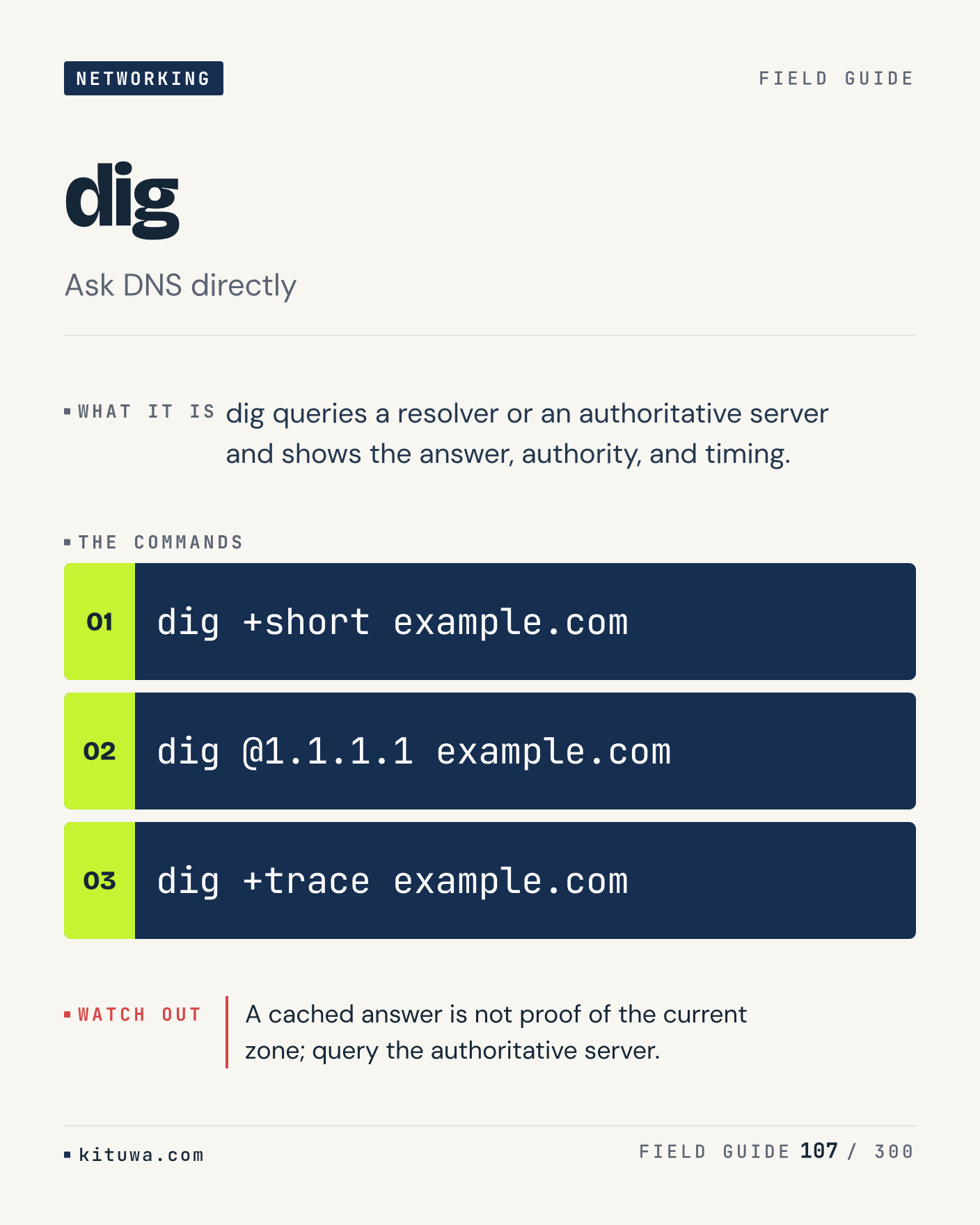
107. dig

There is no magic in Dig. Dig queries a resolver or an authoritative server and shows the answer, authority, and timing. Use `dig +short example.com` before `dig @1.1.1.1 example.com`. A cached answer is not proof of the current zone; query the authoritative server. What is your default?

#Linux #Networking #SysAdmin

Approval: approved · Facebook: not scheduled

Post 108 artwork

2026-12-22 · 21:00 ET · image

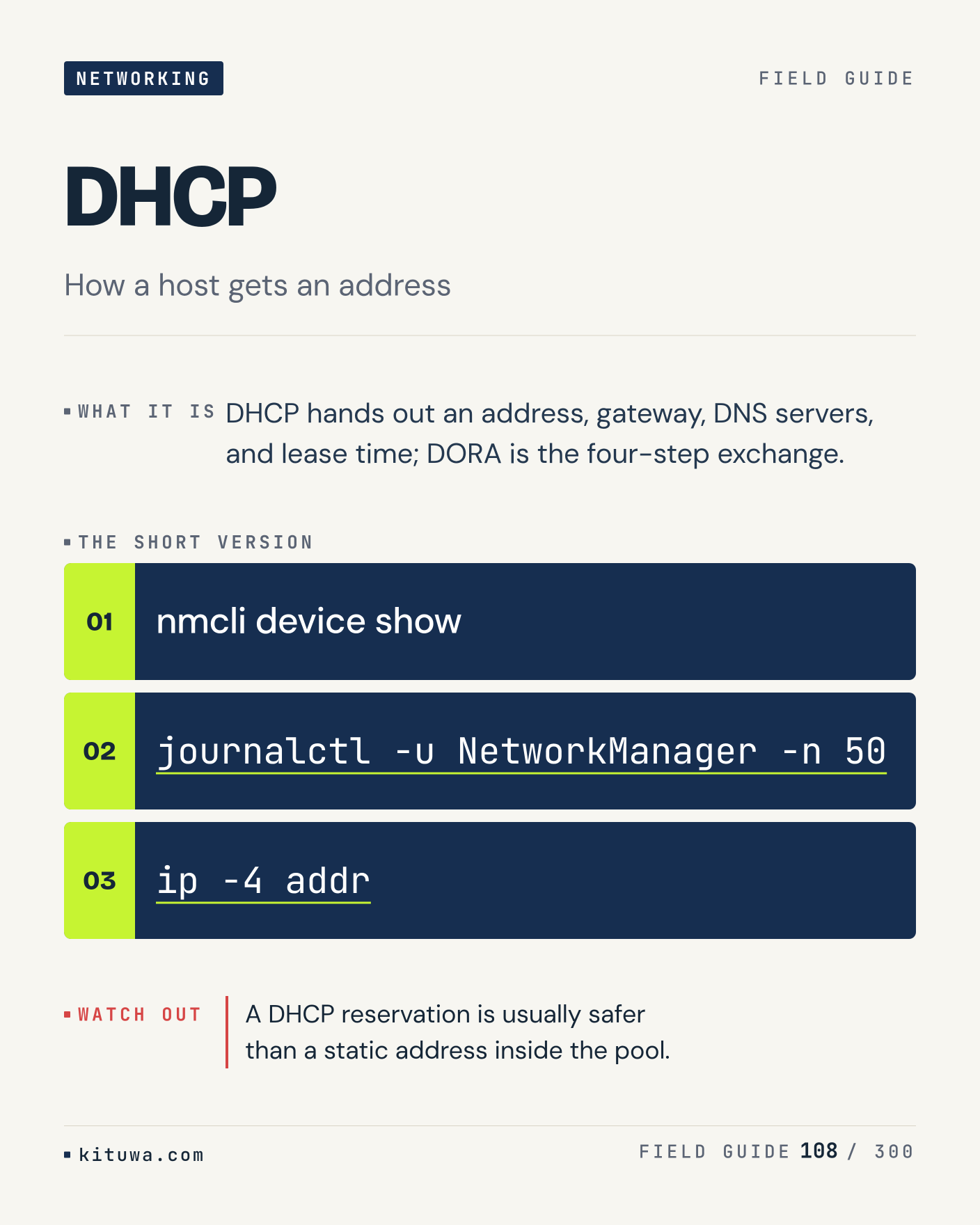
108. DHCP

One thing about DHCP — DHCP hands out an address, gateway, DNS servers, and lease time; DORA is the four-step exchange. `nmcli device show` is the fastest check. A DHCP reservation is usually safer than a static address inside the pool. What would you add?

#Linux #Networking #SysAdmin

Approval: approved · Facebook: not scheduled

Post 109 artwork

2026-12-23 · 09:00 ET · image

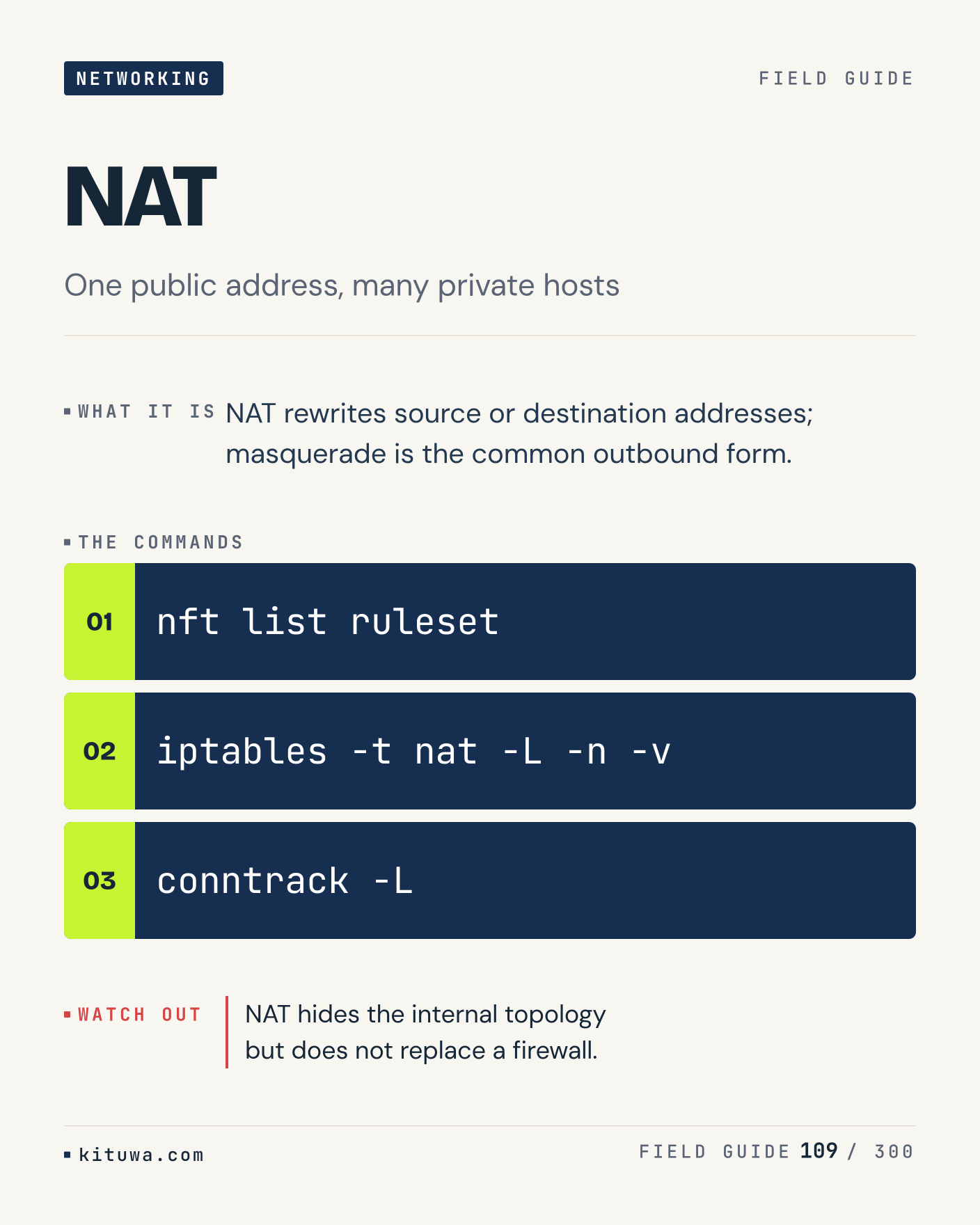
109. NAT

NAT rewrites source or destination addresses; masquerade is the common outbound form. The useful habit: run `nft list ruleset`, read the output, then decide. NAT hides the internal topology but does not replace a firewall. What is the last thing it caught?

#Linux #Networking #SysAdmin

Approval: approved · Facebook: not scheduled

Post 110 artwork

2026-12-23 · 15:00 ET · image

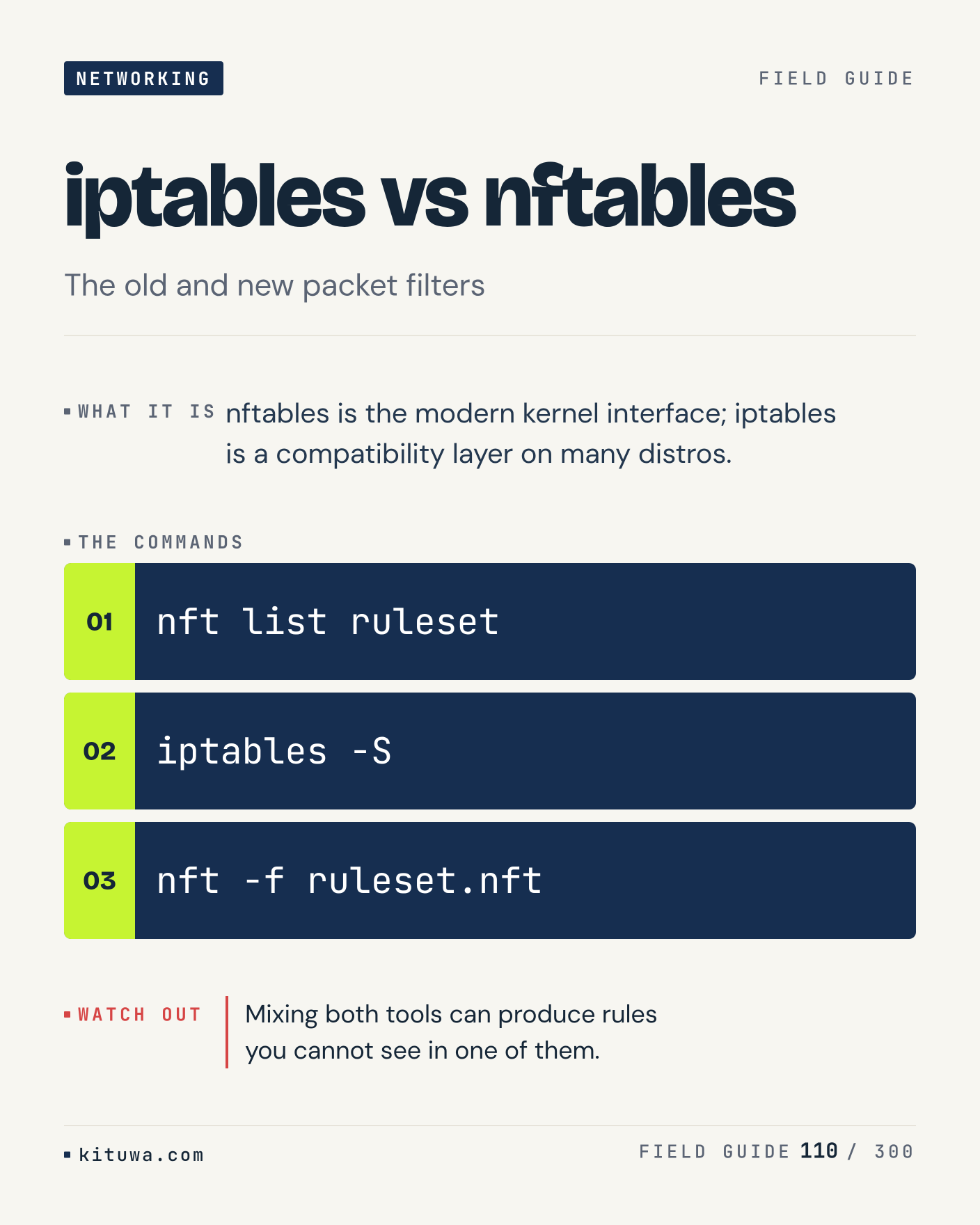
110. iptables vs nftables

Iptables vs nftables, without the ceremony — Nftables is the modern kernel interface; iptables is a compatibility layer on many distros. `nft list ruleset` first, `iptables -S` when you need the detail. Mixing both tools can produce rules you cannot see in one of them. Which output do you trust?

#Linux #Networking #SysAdmin

Approval: approved · Facebook: not scheduled

Post 111 artwork

2026-12-23 · 21:00 ET · image

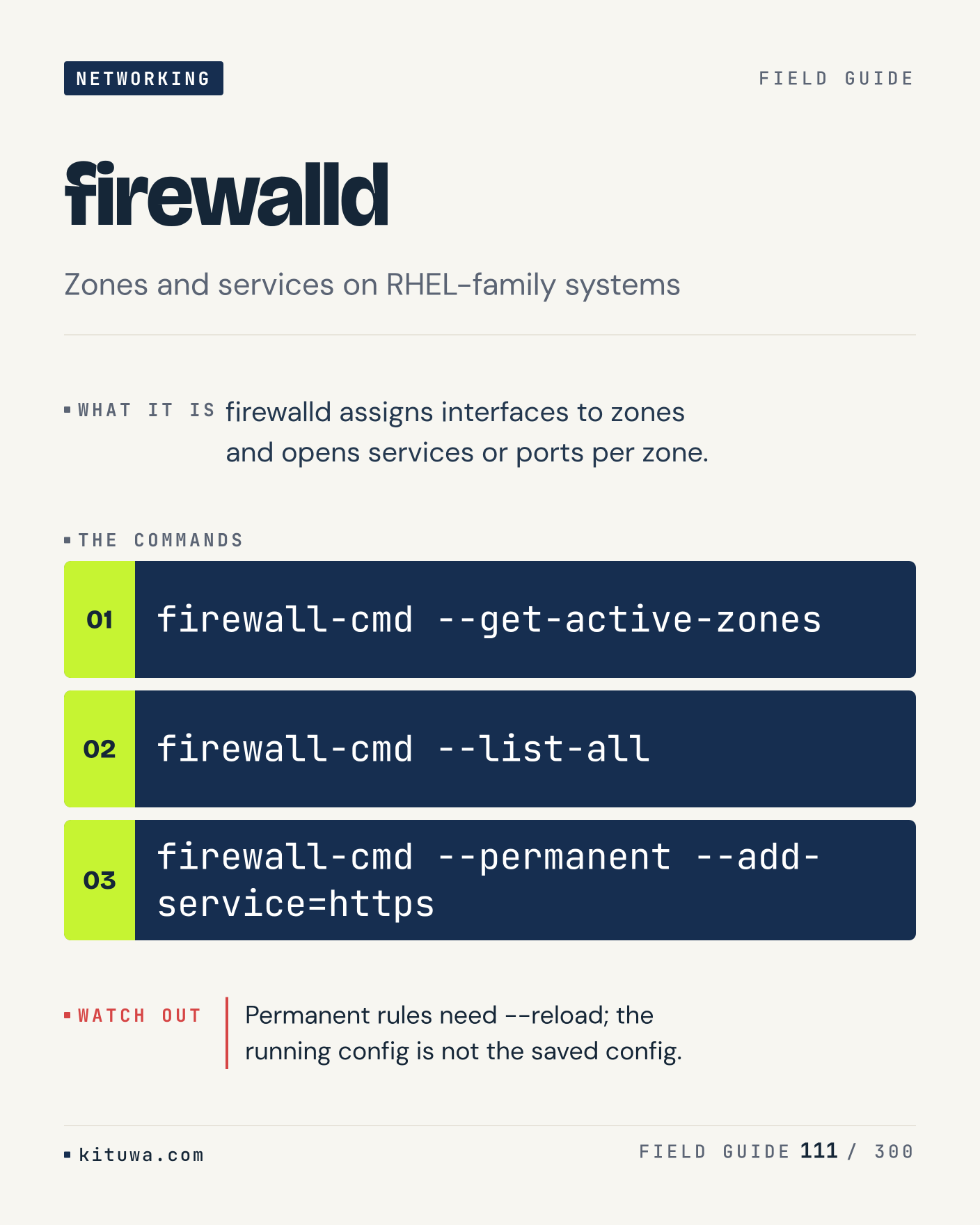
111. firewalld

Firewalld assigns interfaces to zones and opens services or ports per zone. Keep `firewall-cmd --get-active-zones` and `firewall-cmd --list-all` in reach. Permanent rules need --reload; the running config is not the saved config. What breaks first on your setup?

#Linux #Networking #SysAdmin

Approval: approved · Facebook: not scheduled

Post 112 artwork

2026-12-24 · 09:00 ET · image

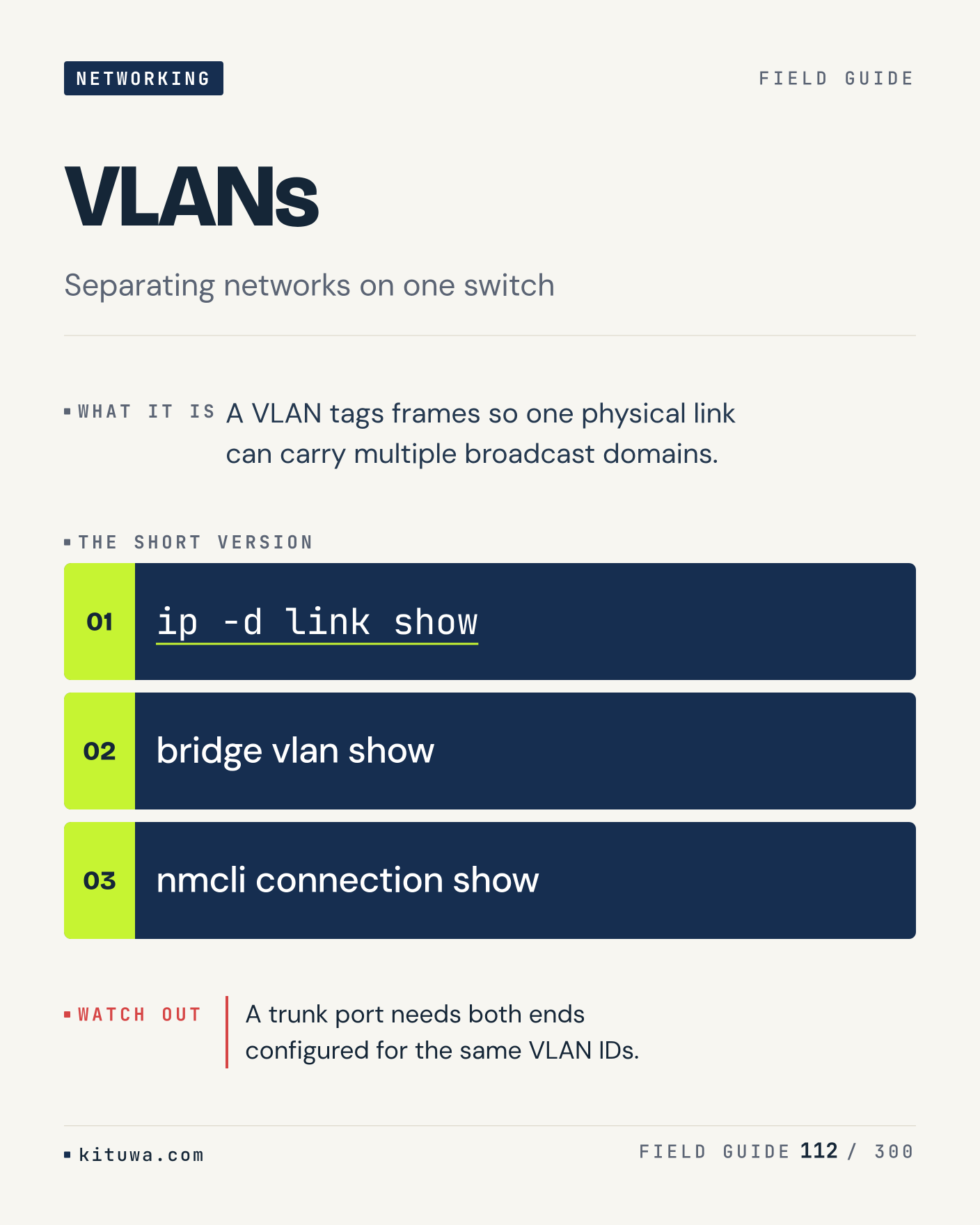
112. VLANs

VLANs — A VLAN tags frames so one physical link can carry multiple broadcast domains. Start with `ip -d link show`. A trunk port needs both ends configured for the same VLAN IDs. What does it show on your box?

#Linux #Networking #SysAdmin

Approval: approved · Facebook: not scheduled

Post 113 artwork

2026-12-24 · 15:00 ET · image

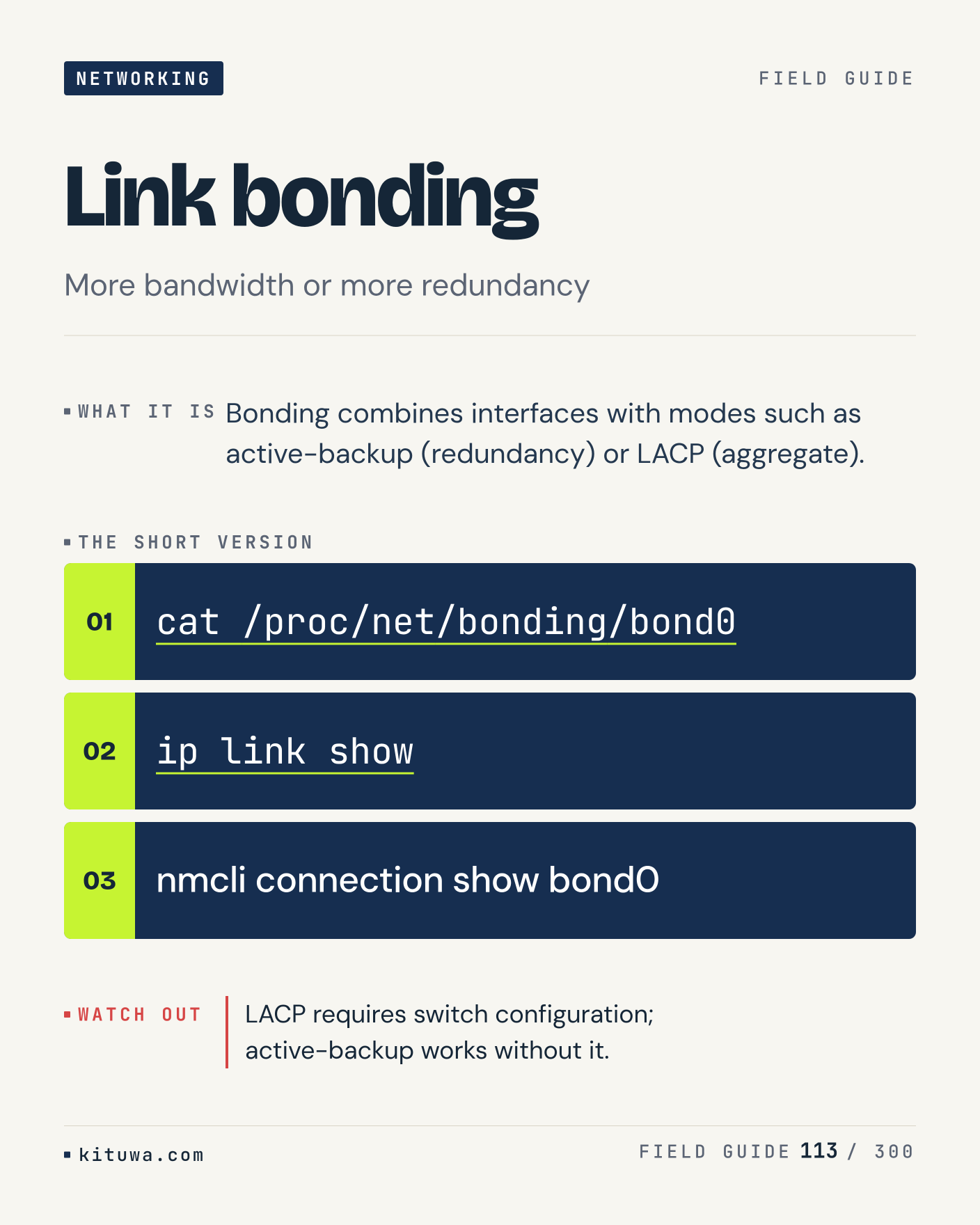
113. Link bonding

Bonding combines interfaces with modes such as active-backup (redundancy) or LACP (aggregate). Try `cat /proc/net/bonding/bond0` first; `ip link show` is the next step. LACP requires switch configuration; active-backup works without it. Which one would you check first?

#Linux #Networking #SysAdmin

Approval: approved · Facebook: not scheduled

Post 114 artwork

2026-12-24 · 21:00 ET · image

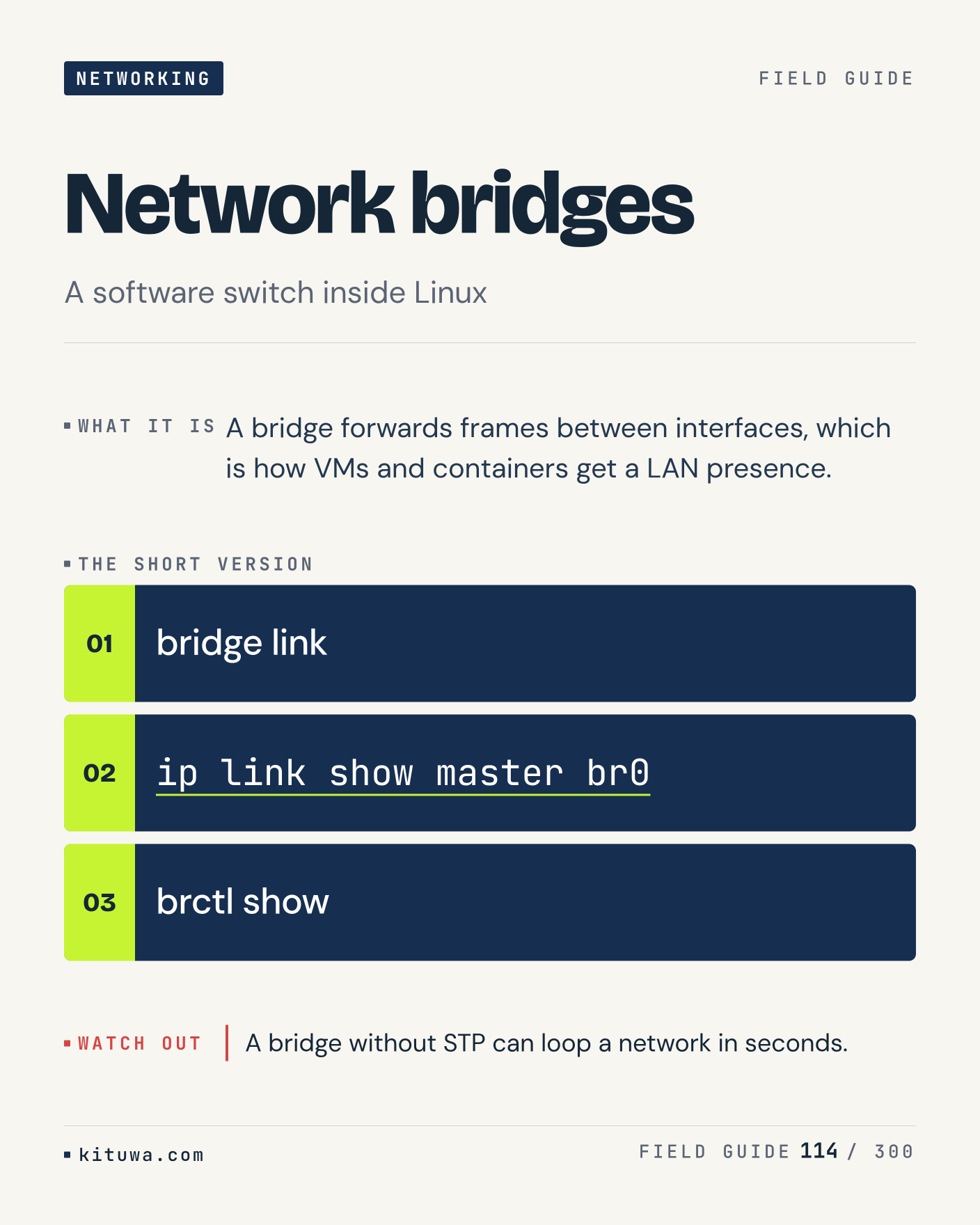
114. Network bridges

The short version of Network bridges — A bridge forwards frames between interfaces, which is how VMs and containers get a LAN presence. `bridge link` shows the state; `ip link show master br0` changes it. A bridge without STP can loop a network in seconds. Sound familiar?

#Linux #Networking #SysAdmin

Approval: approved · Facebook: not scheduled

Post 115 artwork

2026-12-25 · 09:00 ET · image

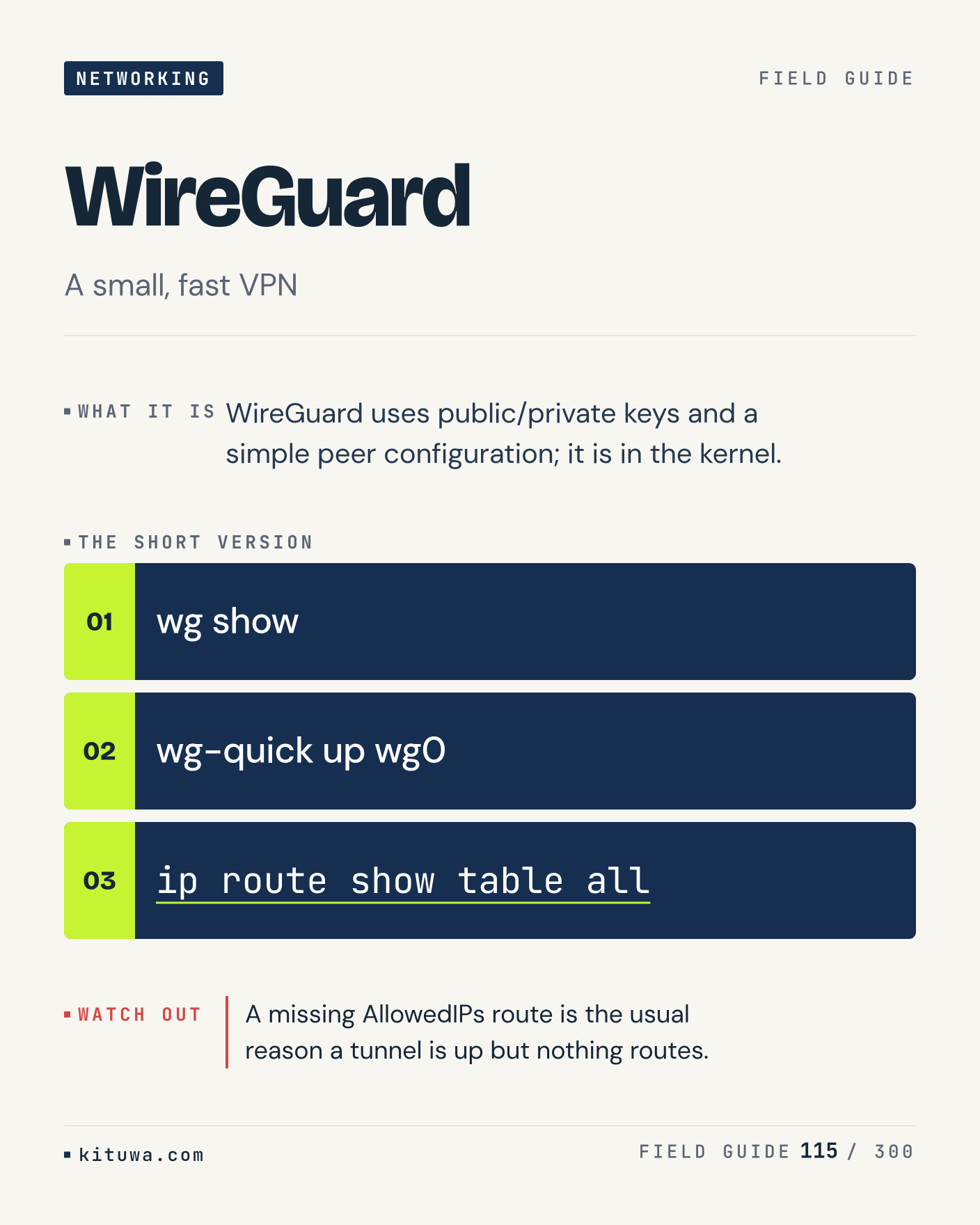
115. WireGuard

There is no magic in WireGuard. WireGuard uses public/private keys and a simple peer configuration; it is in the kernel. Use `wg show` before `wg-quick up wg0`. A missing AllowedIPs route is the usual reason a tunnel is up but nothing routes. What is your default?

#Linux #Networking #SysAdmin

Approval: approved · Facebook: not scheduled

Post 116 artwork

2026-12-25 · 15:00 ET · image

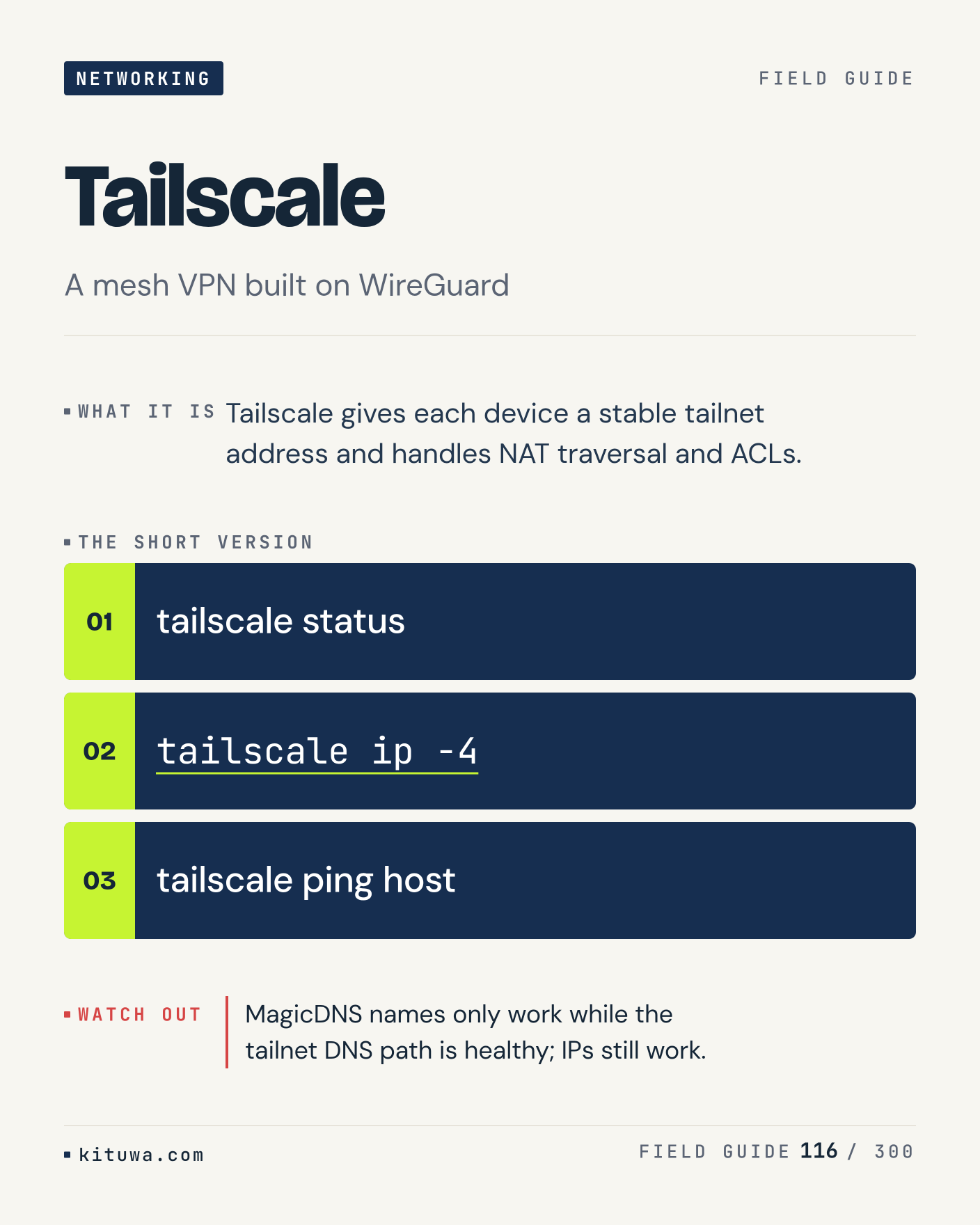
116. Tailscale

One thing about Tailscale — Tailscale gives each device a stable tailnet address and handles NAT traversal and ACLs. `tailscale status` is the fastest check. MagicDNS names only work while the tailnet DNS path is healthy; IPs still work. What would you add?

#Linux #Networking #SysAdmin

Approval: approved · Facebook: not scheduled

Post 117 artwork

2026-12-25 · 21:00 ET · image

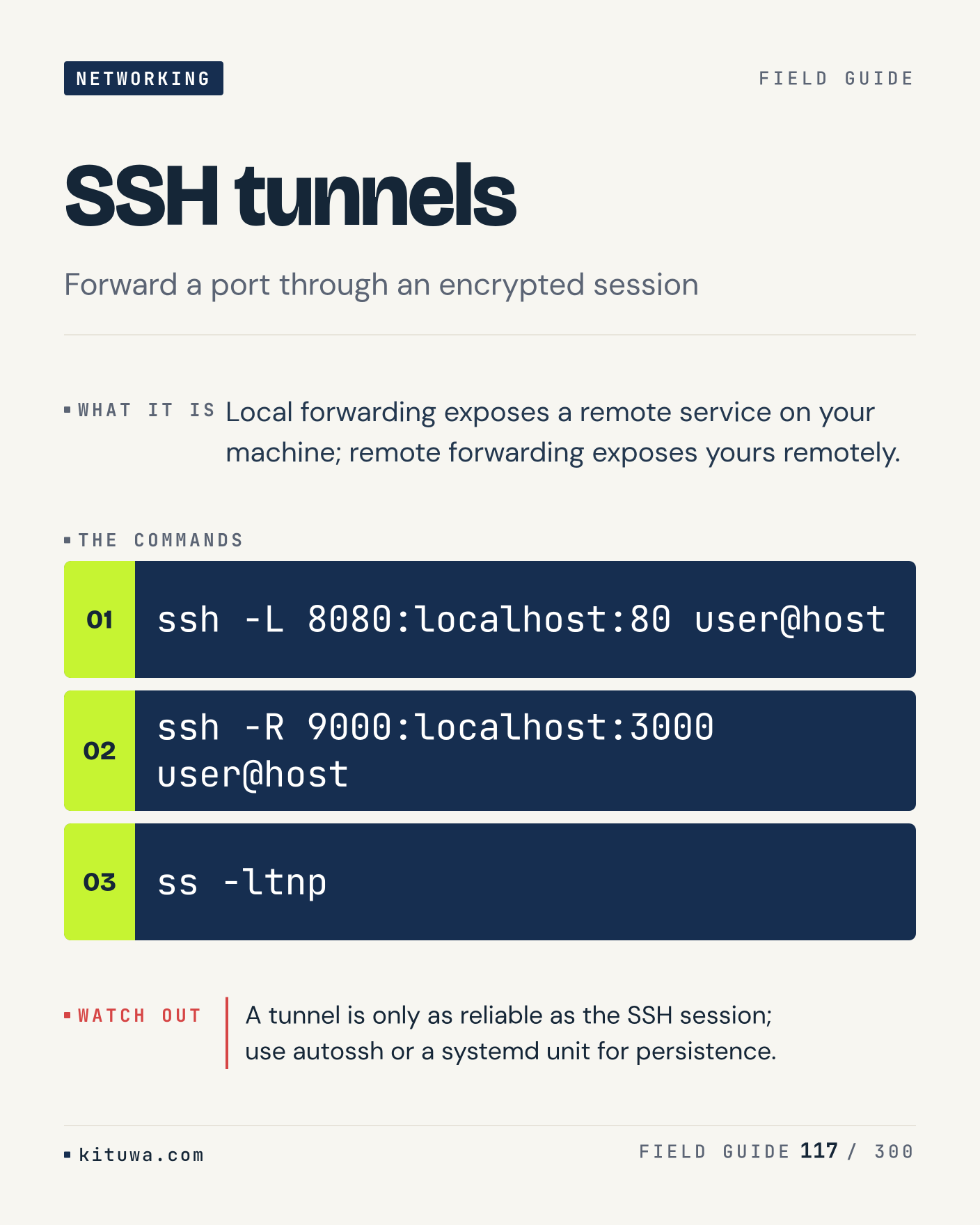
117. SSH tunnels

Local forwarding exposes a remote service on your machine; remote forwarding exposes yours remotely. The useful habit: run `ssh -L 8080:localhost:80 user@host`, read the output, then decide. A tunnel is only as reliable as the SSH session; use autossh or a systemd unit for persistence. What is the last thing it caught?

#Linux #Networking #SysAdmin

Approval: approved · Facebook: not scheduled

Post 118 artwork

2026-12-26 · 09:00 ET · image

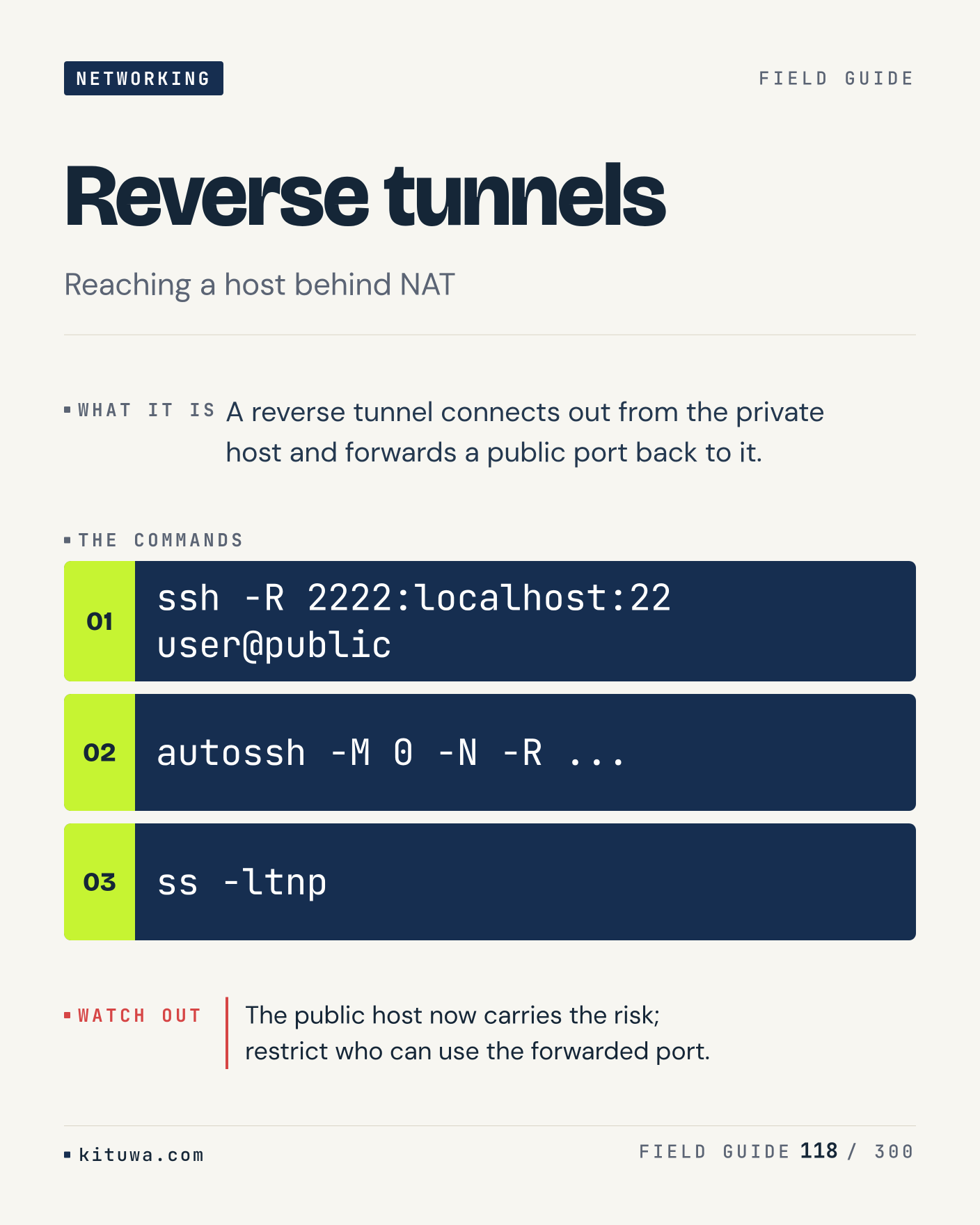
118. Reverse tunnels

Reverse tunnels, without the ceremony — A reverse tunnel connects out from the private host and forwards a public port back to it. `ssh -R 2222:localhost:22 user@public` first, `autossh -M 0 -N -R ...` when you need the detail. The public host now carries the risk; restrict who can use the forwarded port. Which output do you trust?

#Linux #Networking #SysAdmin

Approval: approved · Facebook: not scheduled

Post 119 artwork

2026-12-26 · 15:00 ET · image

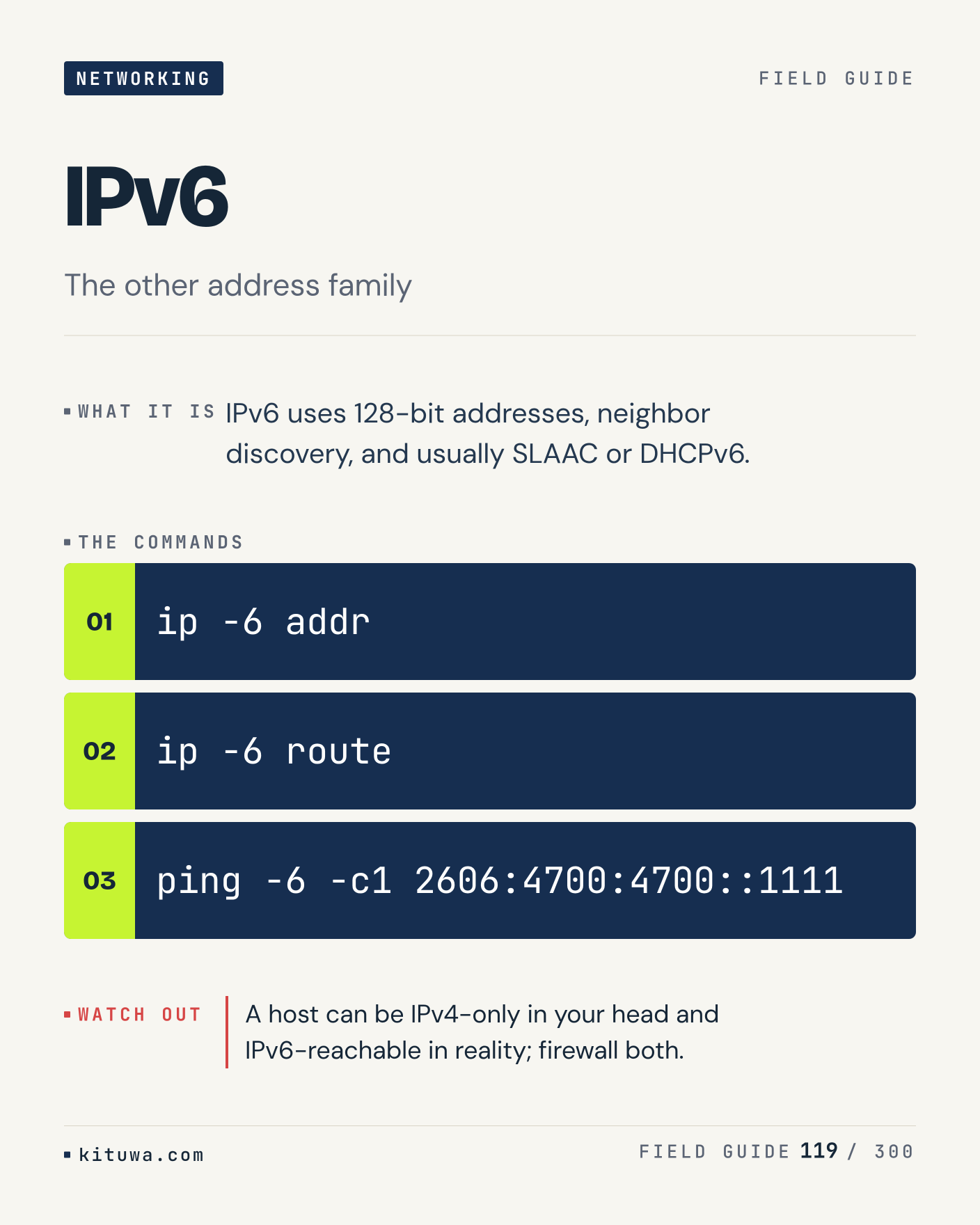
119. IPv6

IPv6 uses 128-bit addresses, neighbor discovery, and usually SLAAC or DHCPv6. Keep `ip -6 addr` and `ip -6 route` in reach. A host can be IPv4-only in your head and IPv6-reachable in reality; firewall both. What breaks first on your setup?

#Linux #Networking #SysAdmin

Approval: approved · Facebook: not scheduled

Post 120 artwork

2026-12-26 · 21:00 ET · image

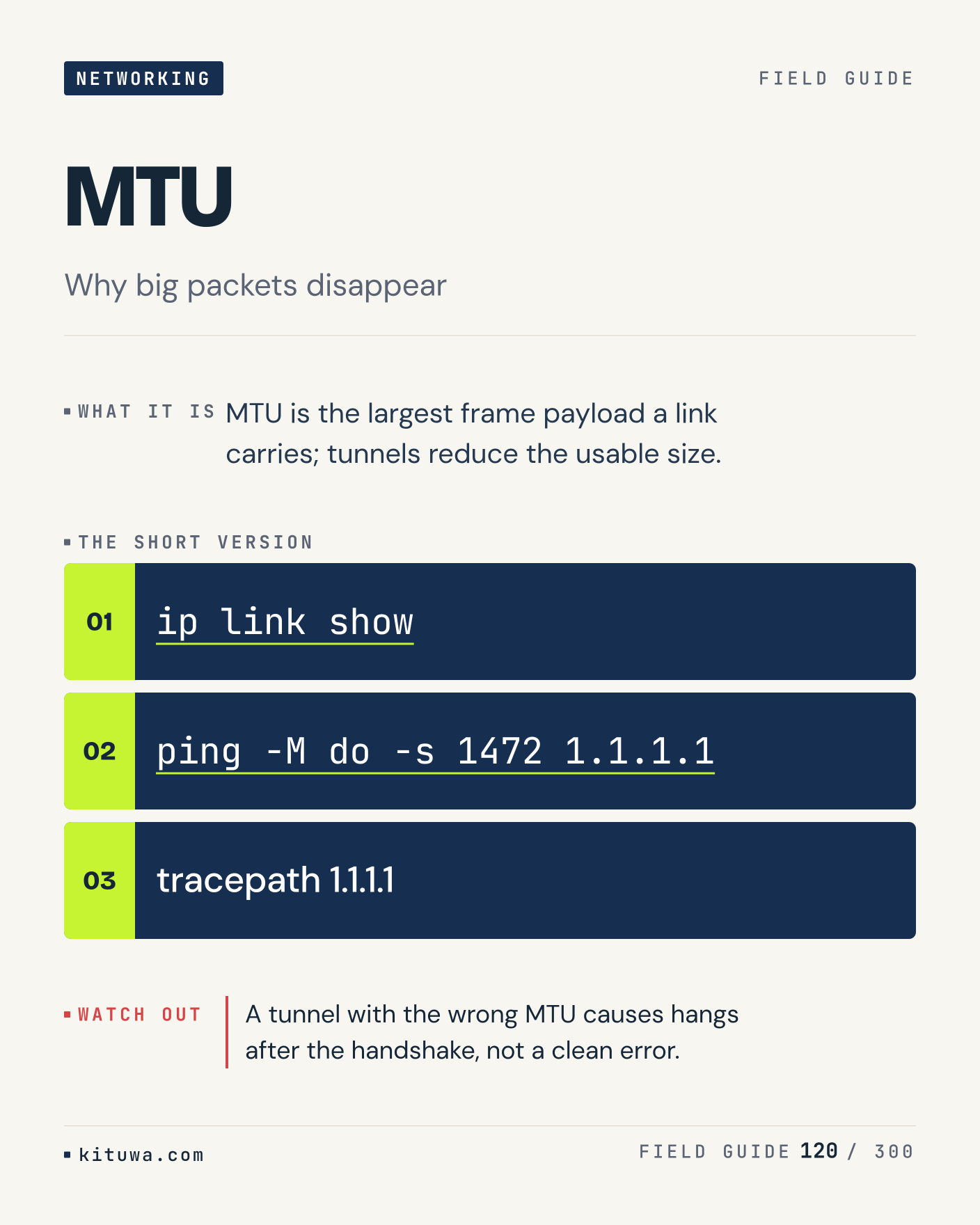
120. MTU

MTU — MTU is the largest frame payload a link carries; tunnels reduce the usable size. Start with `ip link show`. A tunnel with the wrong MTU causes hangs after the handshake, not a clean error. What does it show on your box?

#Linux #Networking #SysAdmin

Approval: approved · Facebook: not scheduled

Post 121 artwork

2026-12-27 · 09:00 ET · image

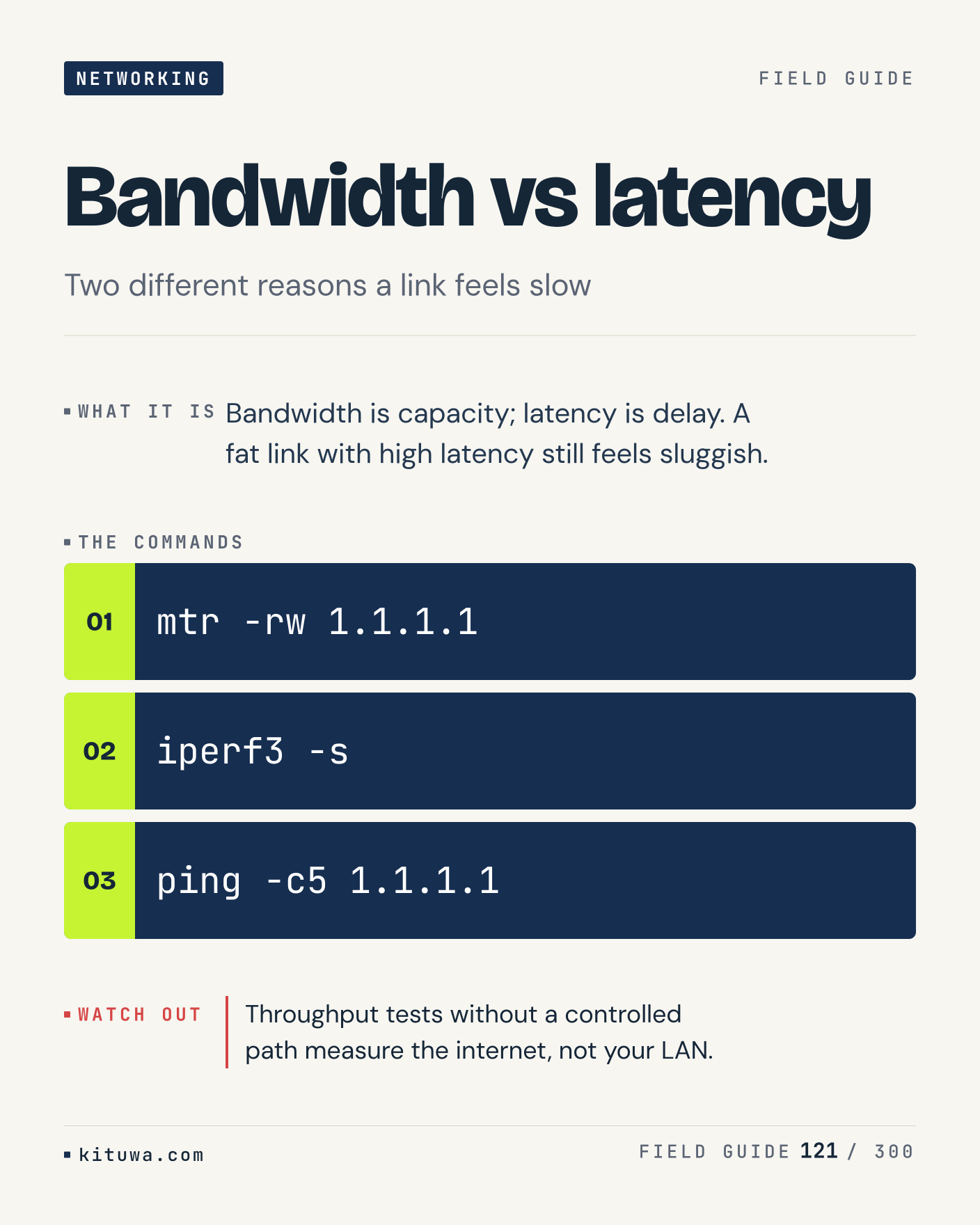
121. Bandwidth vs latency

Bandwidth is capacity; latency is delay. A fat link with high latency still feels sluggish. Try `mtr -rw 1.1.1.1` first; `iperf3 -s` is the next step. Throughput tests without a controlled path measure the internet, not your LAN. Which one would you check first?

#Linux #Networking #SysAdmin

Approval: approved · Facebook: not scheduled

Post 122 artwork

2026-12-27 · 15:00 ET · image

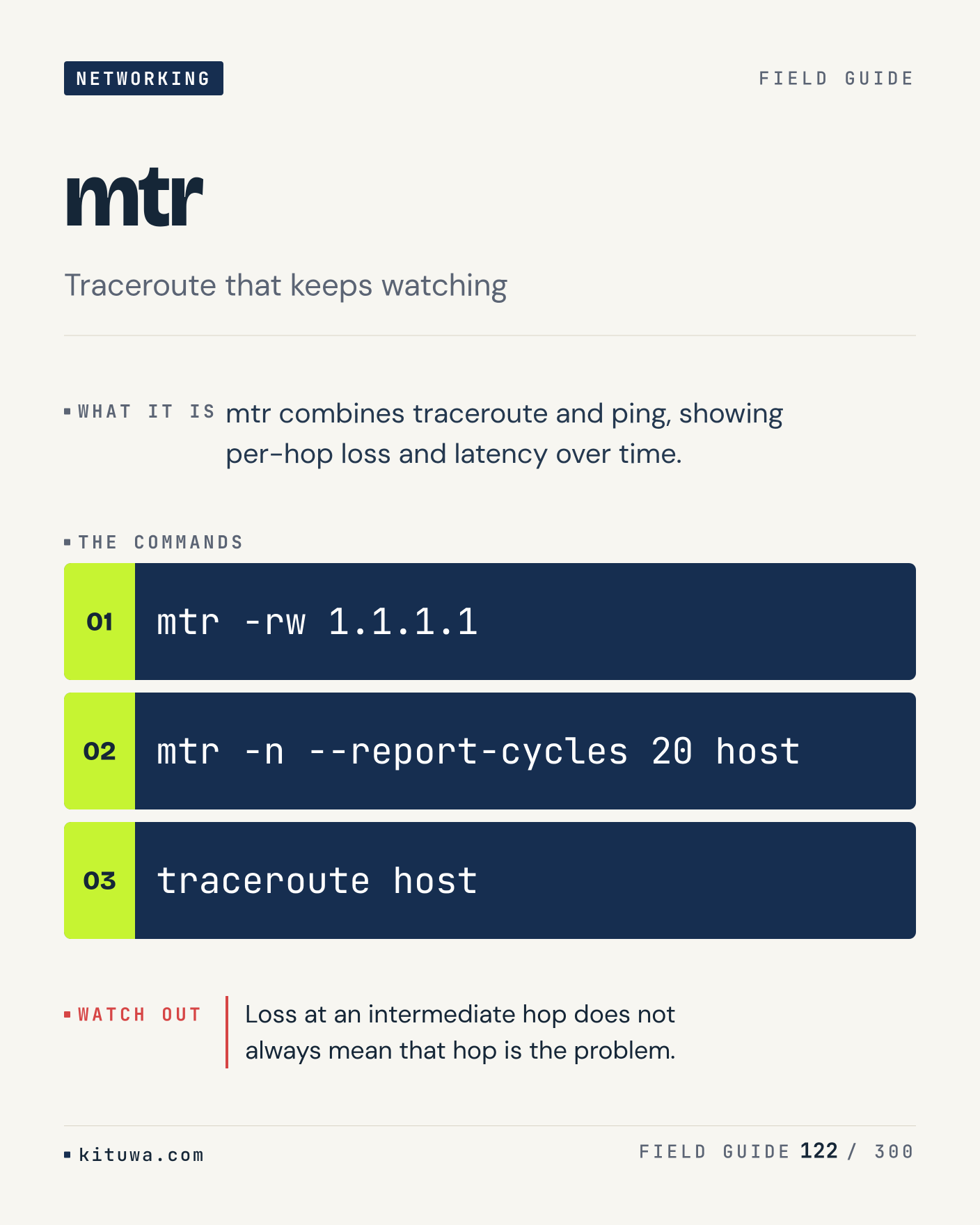
122. mtr

The short version of Mtr — Mtr combines traceroute and ping, showing per-hop loss and latency over time. `mtr -rw 1.1.1.1` shows the state; `mtr -n --report-cycles 20 host` changes it. Loss at an intermediate hop does not always mean that hop is the problem. Sound familiar?

#Linux #Networking #SysAdmin

Approval: approved · Facebook: not scheduled

Post 123 artwork

2026-12-27 · 21:00 ET · image

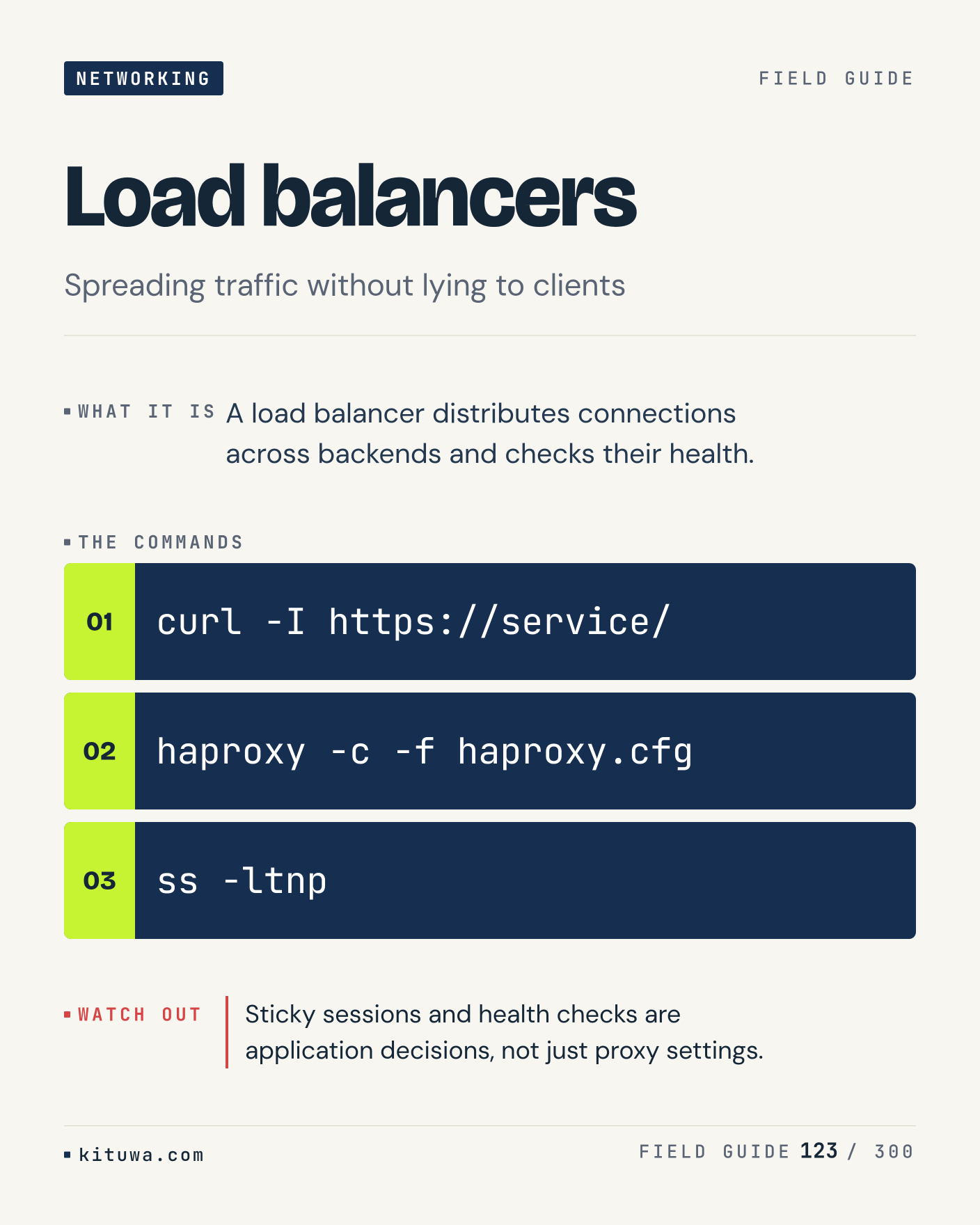
123. Load balancers

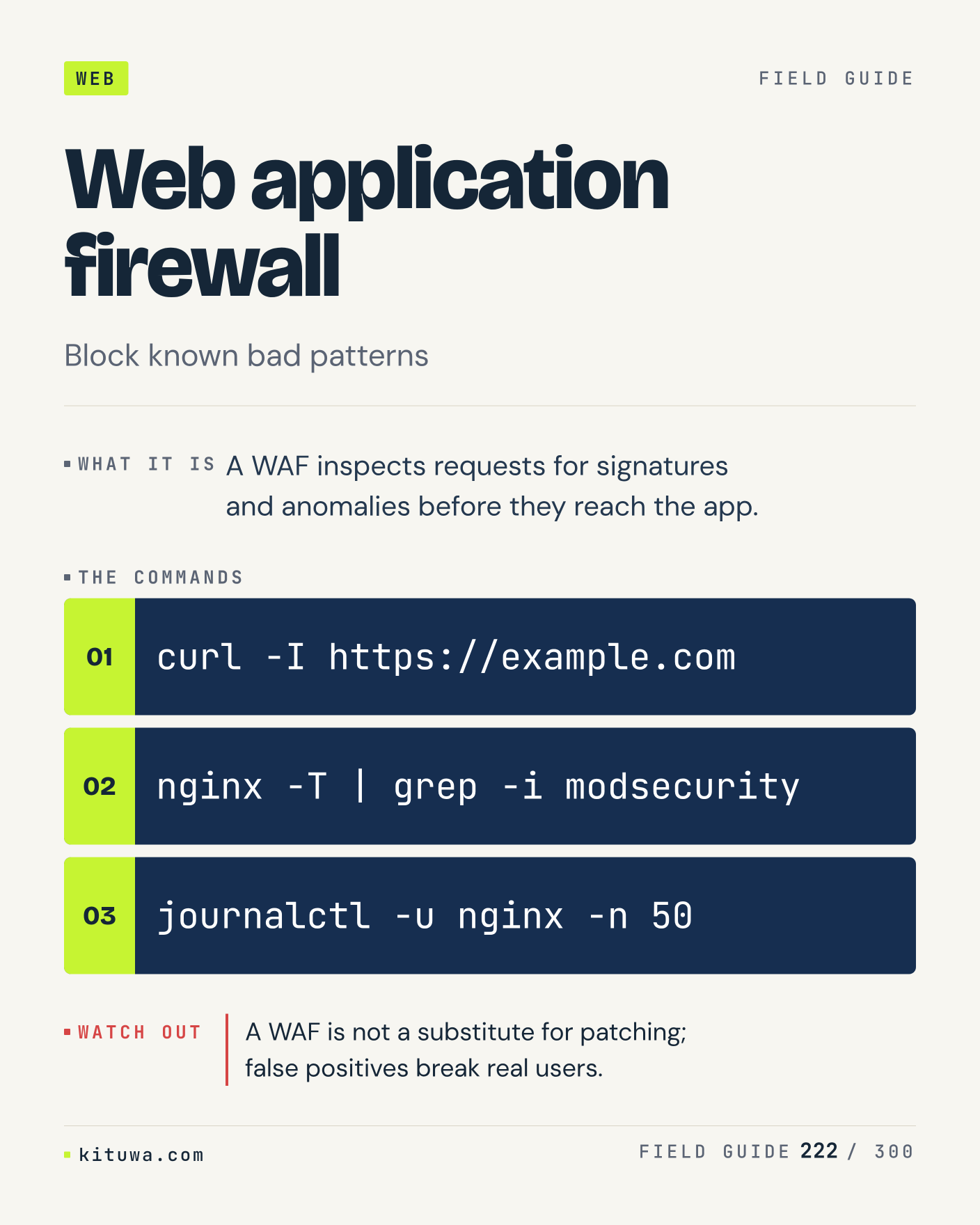
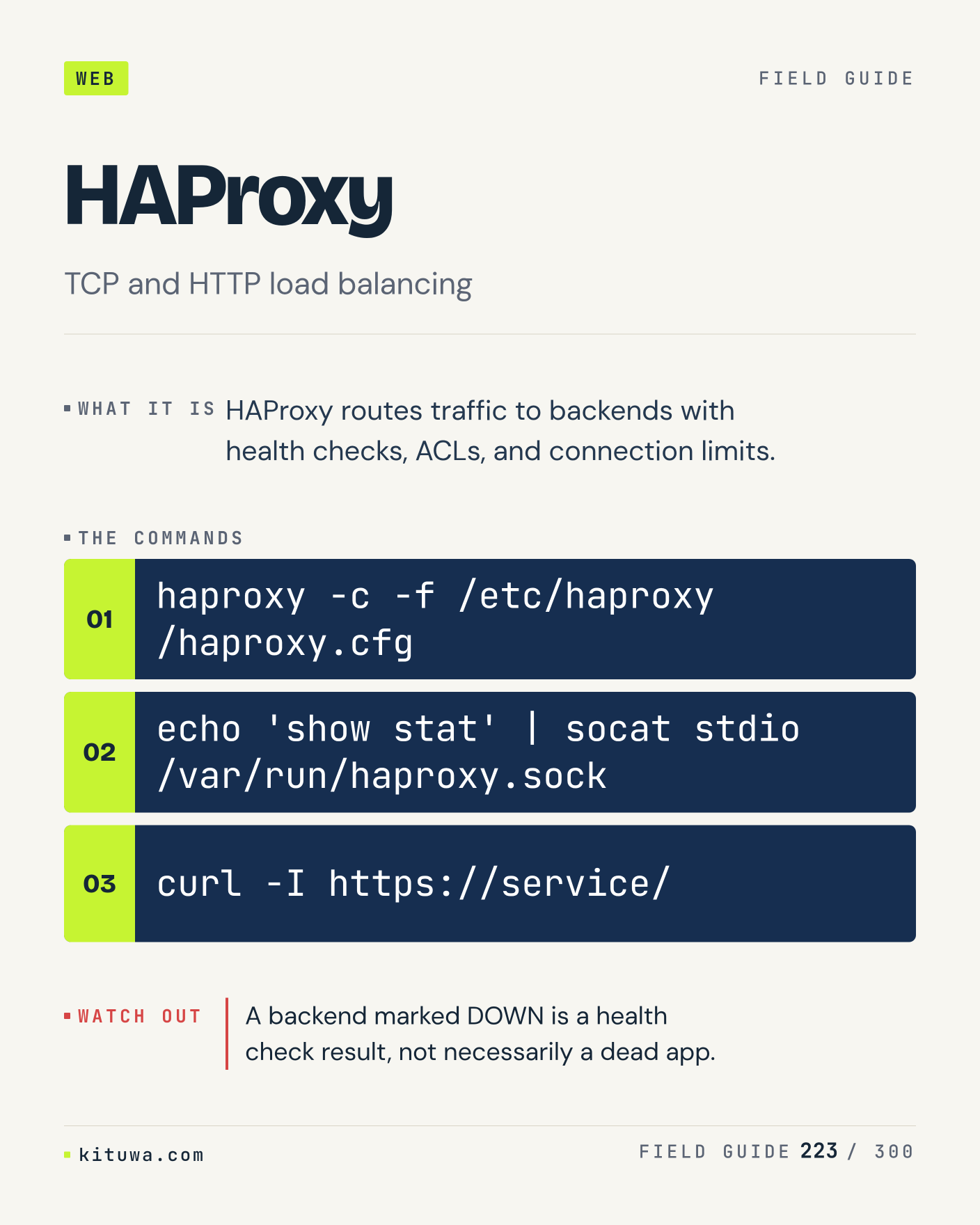
There is no magic in Load balancers. A load balancer distributes connections across backends and checks their health. Use `curl -I https://service/` before `haproxy -c -f haproxy.cfg`. Sticky sessions and health checks are application decisions, not just proxy settings. What is your default?

#Linux #Networking #SysAdmin

Approval: approved · Facebook: not scheduled

Post 124 artwork

2026-12-28 · 09:00 ET · image

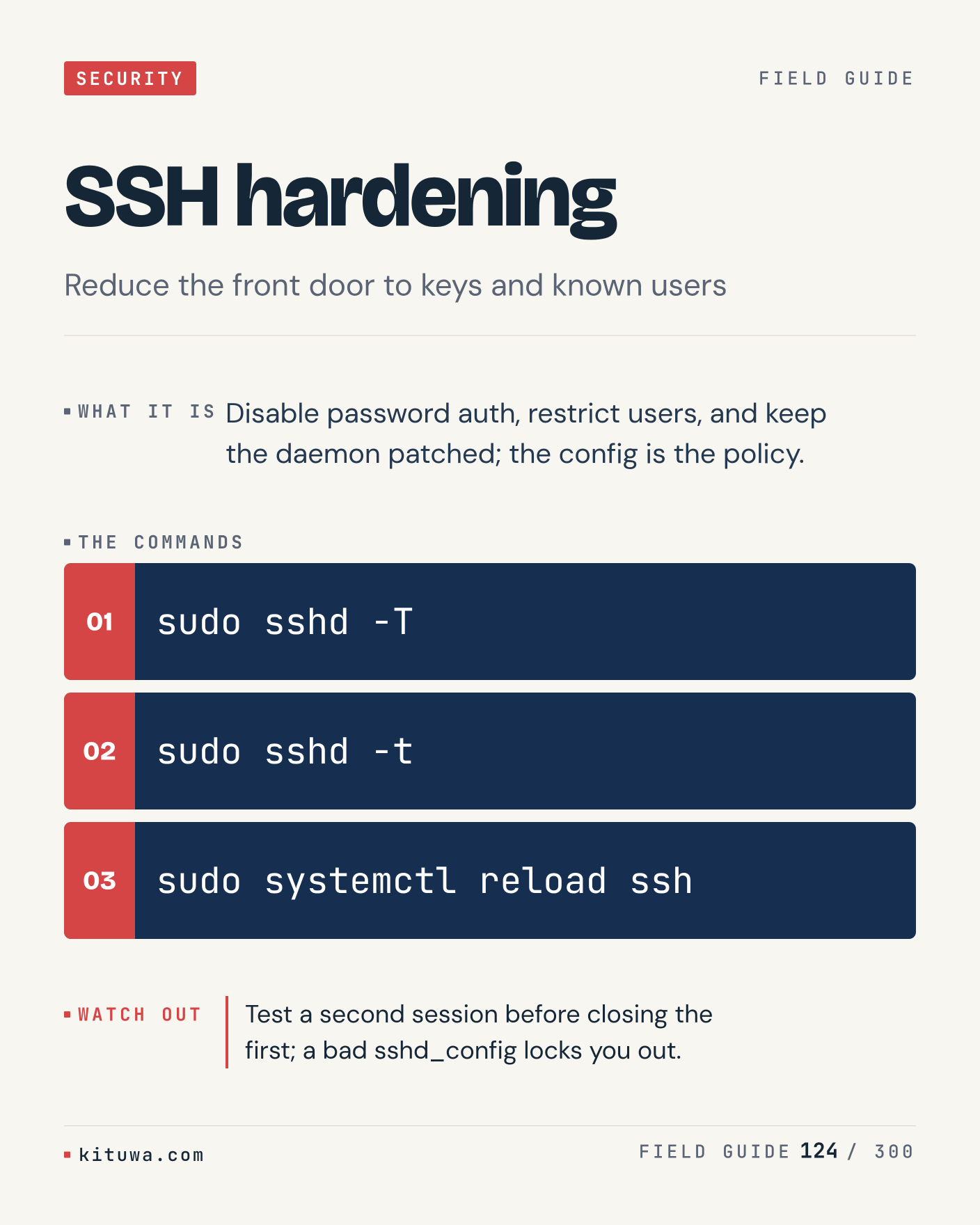
124. SSH hardening

One thing about SSH hardening — Disable password auth, restrict users, and keep the daemon patched; the config is the policy. `sudo sshd -T` is the fastest check. Test a second session before closing the first; a bad sshd_config locks you out. What would you add?

#Linux #Security #SysAdmin

Approval: approved · Facebook: not scheduled

Post 125 artwork

2026-12-28 · 15:00 ET · image

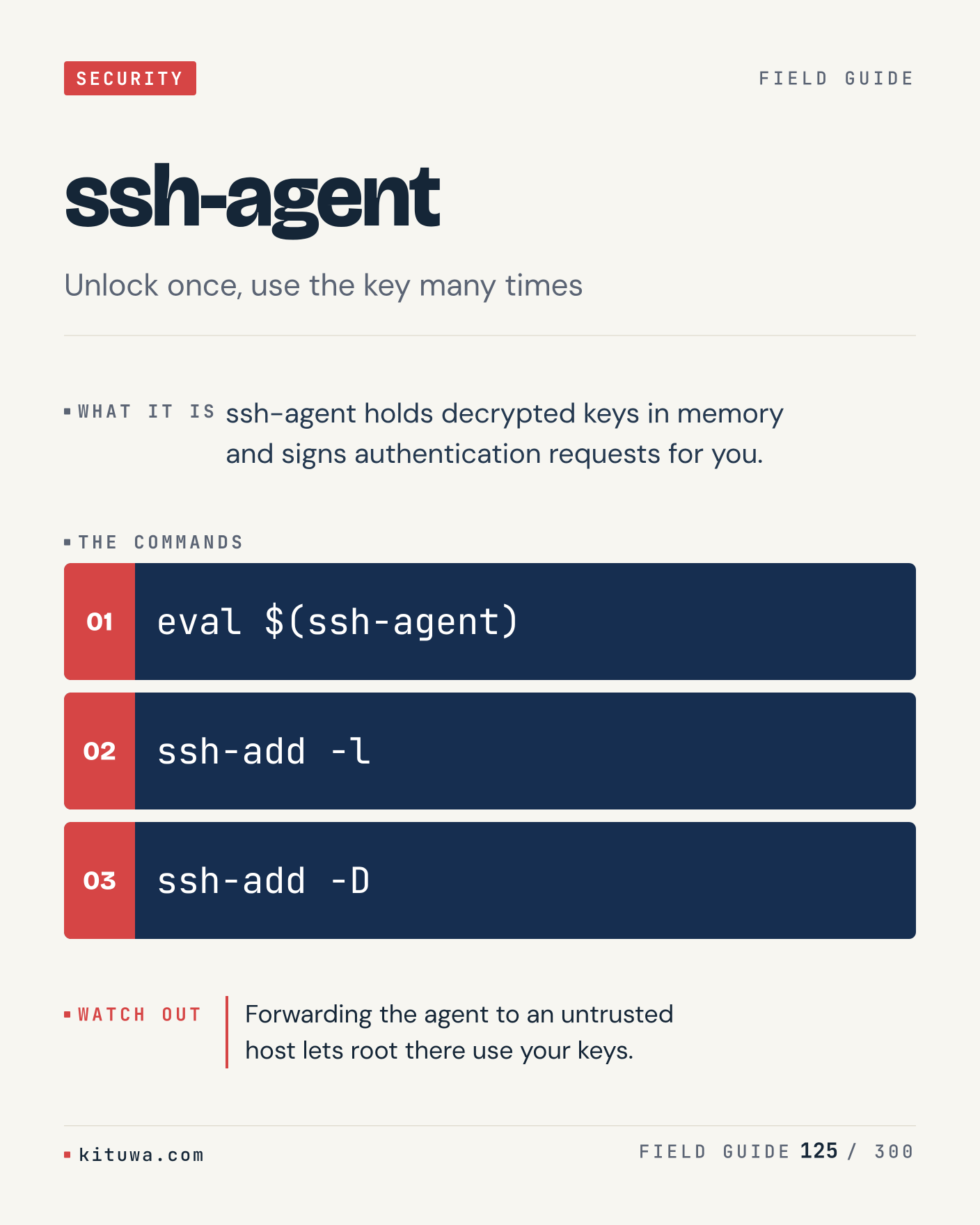
125. ssh-agent

Ssh-agent holds decrypted keys in memory and signs authentication requests for you. The useful habit: run `eval $(ssh-agent)`, read the output, then decide. Forwarding the agent to an untrusted host lets root there use your keys. What is the last thing it caught?

#Linux #Security #SysAdmin

Approval: approved · Facebook: not scheduled

Post 126 artwork

2026-12-28 · 21:00 ET · image

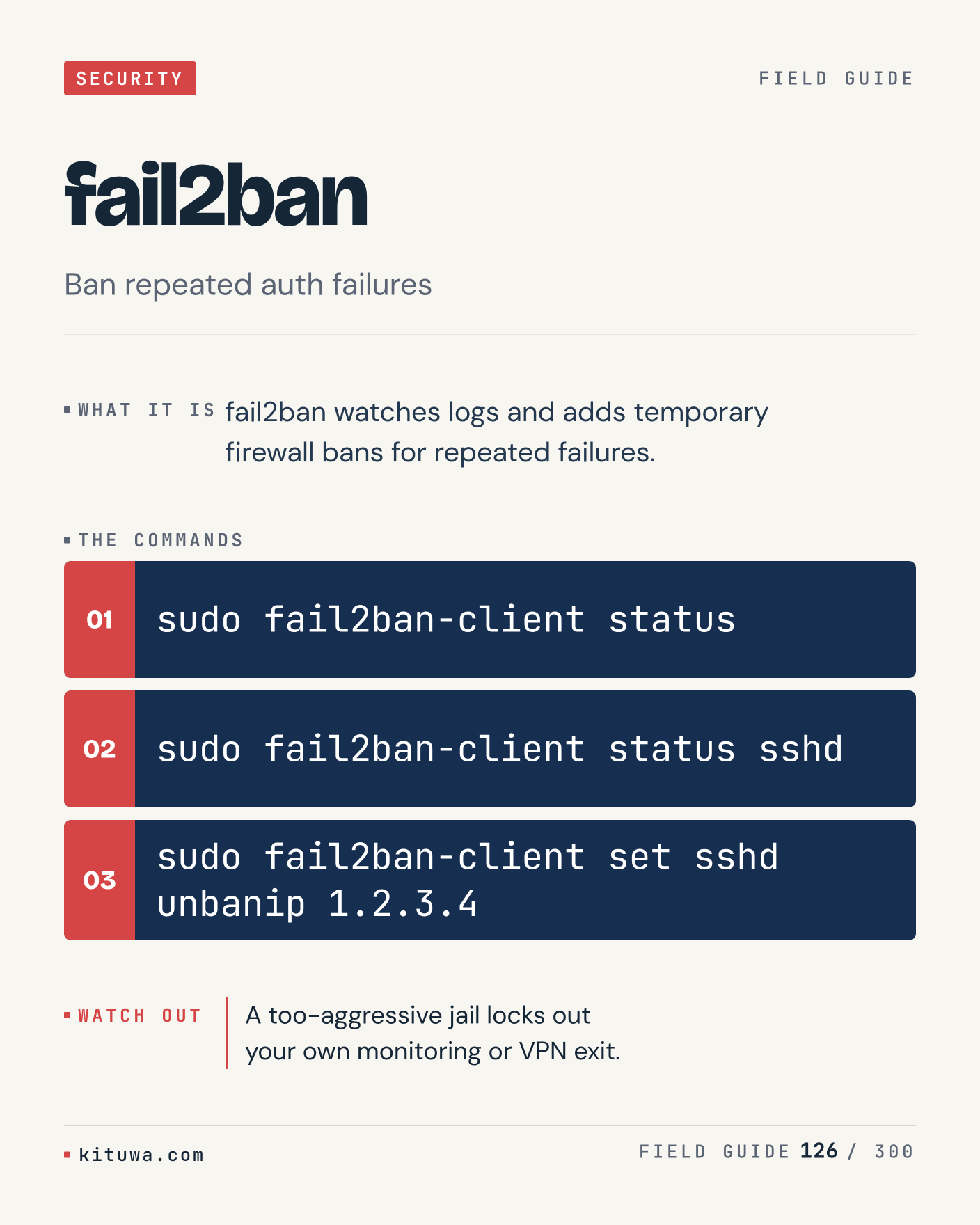
126. fail2ban

Fail2ban, without the ceremony — Fail2ban watches logs and adds temporary firewall bans for repeated failures. `sudo fail2ban-client status` first, `sudo fail2ban-client status sshd` when you need the detail. A too-aggressive jail locks out your own monitoring or VPN exit. Which output do you trust?

#Linux #Security #SysAdmin

Approval: approved · Facebook: not scheduled

Post 127 artwork

2026-12-29 · 09:00 ET · image

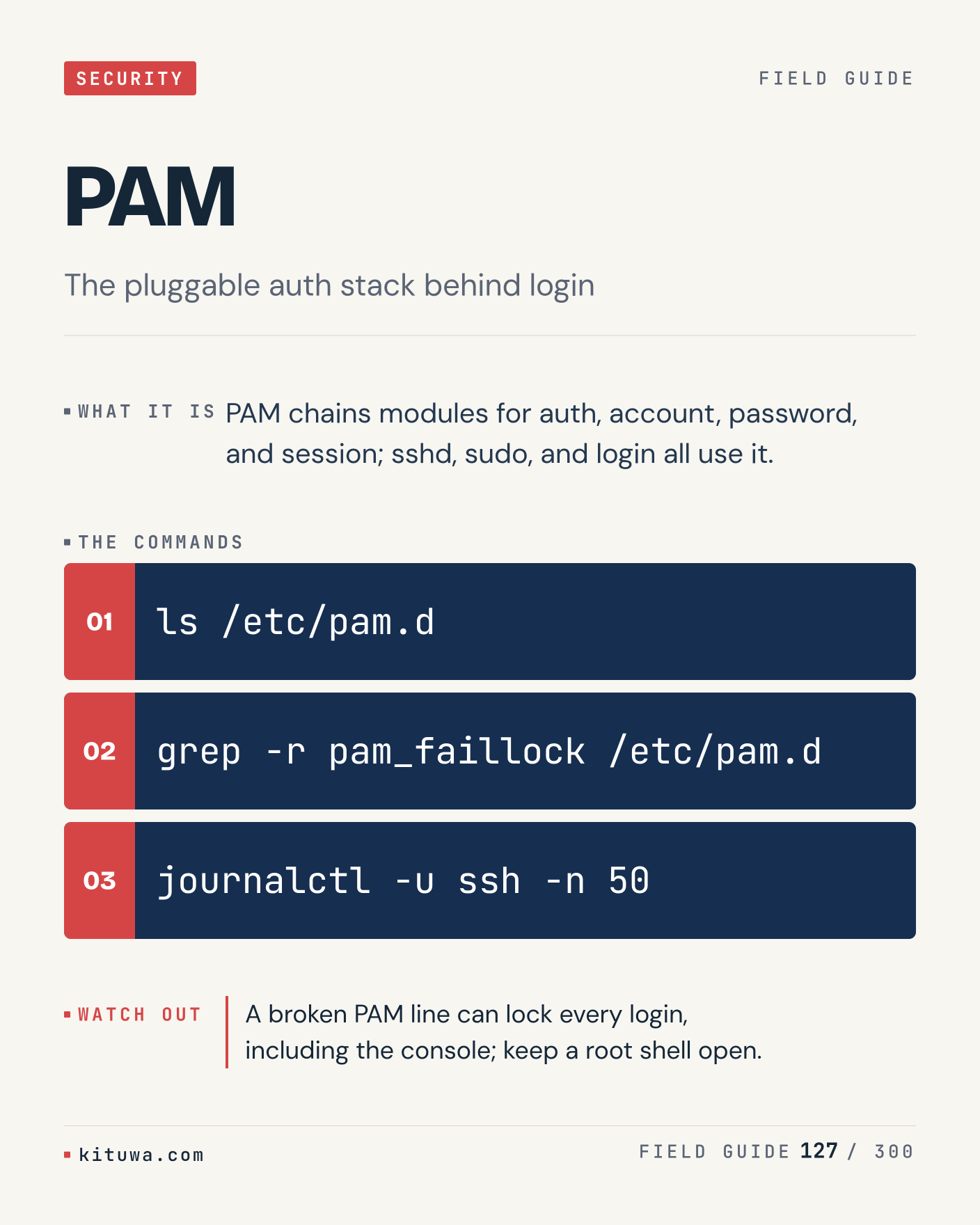
127. PAM

PAM chains modules for auth, account, password, and session; sshd, sudo, and login all use it. Keep `ls /etc/pam.d` and `grep -r pam_faillock /etc/pam.d` in reach. A broken PAM line can lock every login, including the console; keep a root shell open. What breaks first on your setup?

#Linux #Security #SysAdmin

Approval: approved · Facebook: not scheduled

Post 128 artwork

2026-12-29 · 15:00 ET · image

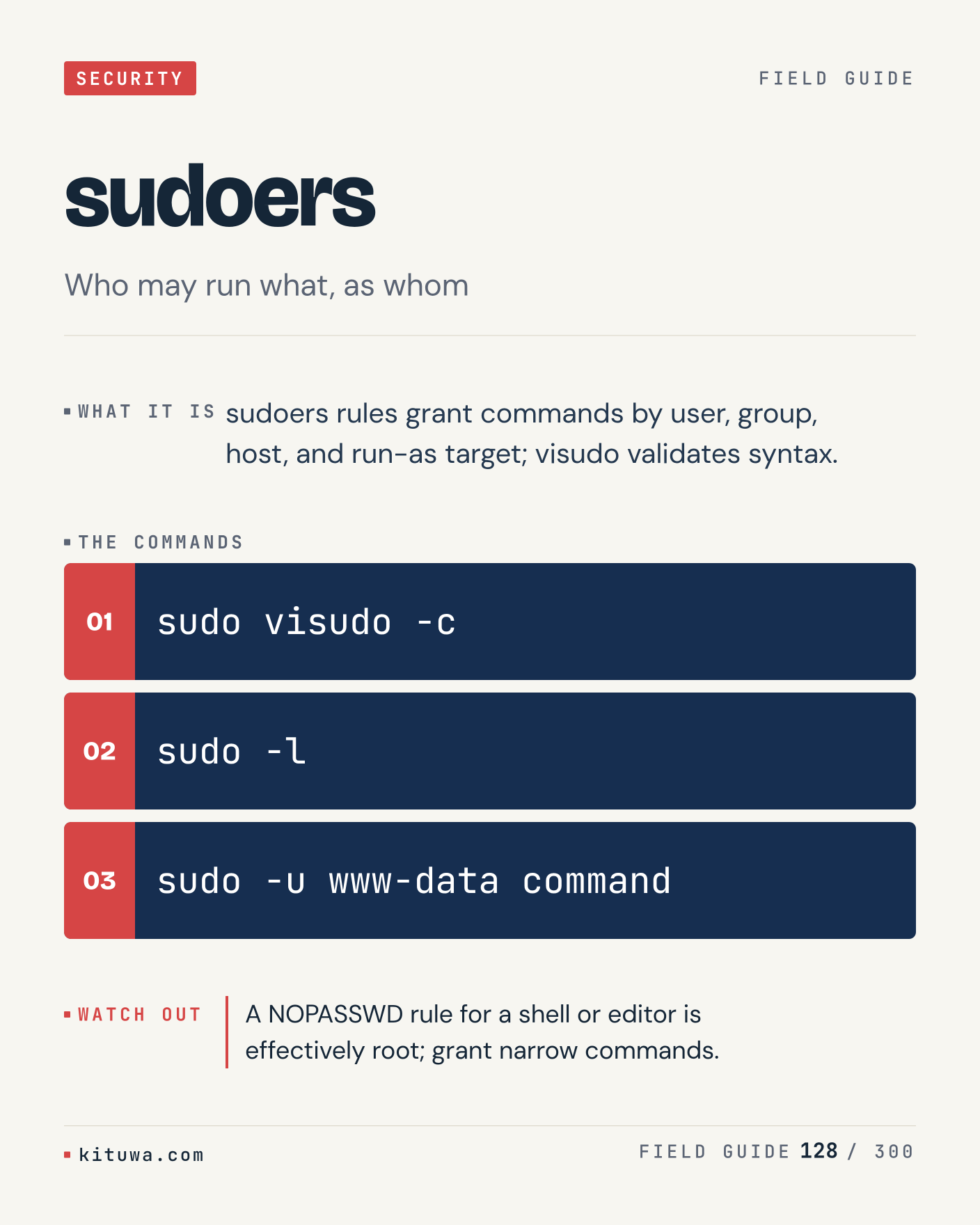
128. sudoers

Sudoers — Sudoers rules grant commands by user, group, host, and run-as target; visudo validates syntax. Start with `sudo visudo -c`. A NOPASSWD rule for a shell or editor is effectively root; grant narrow commands. What does it show on your box?

#Linux #Security #SysAdmin

Approval: approved · Facebook: not scheduled

Post 129 artwork

2026-12-29 · 21:00 ET · image

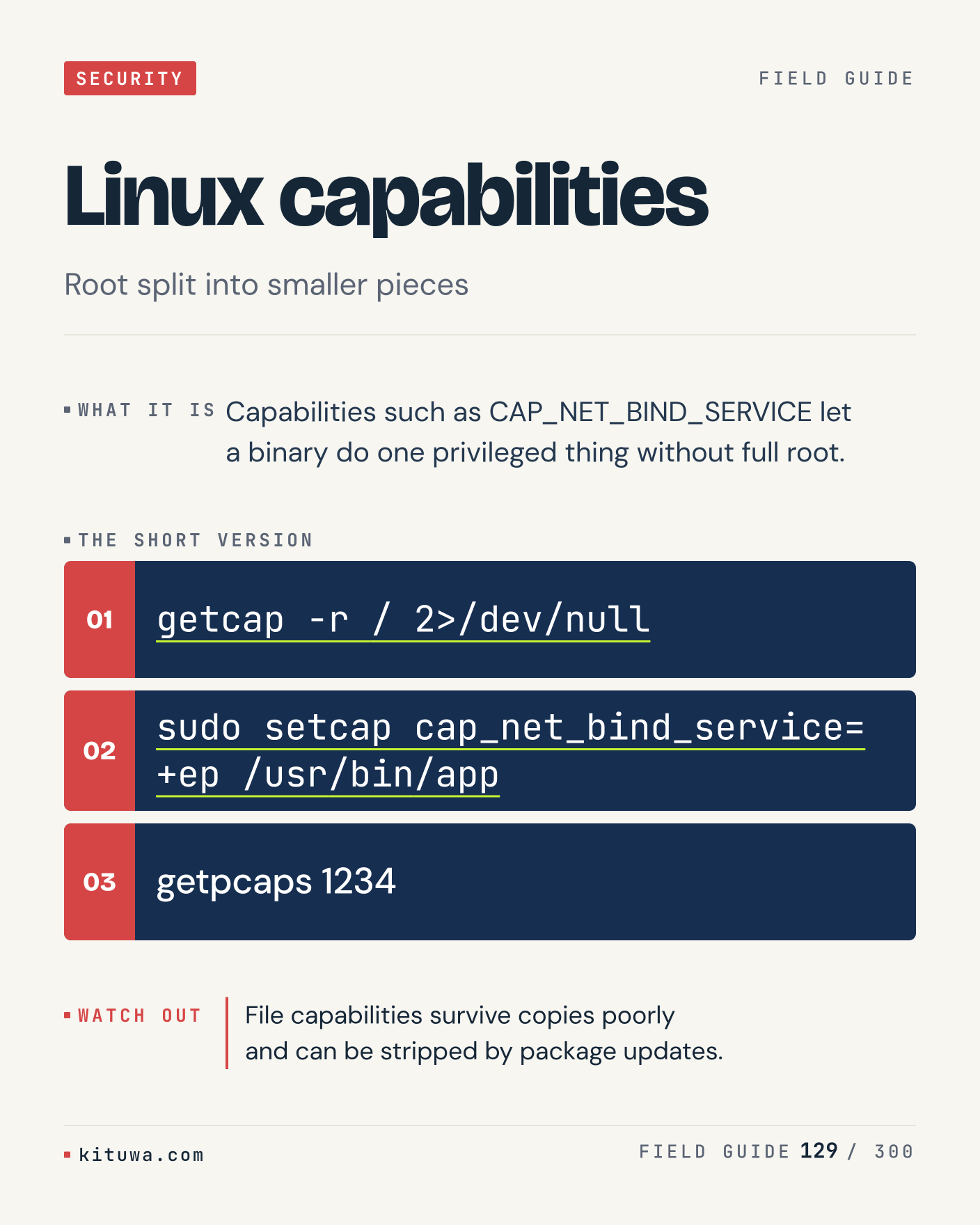
129. Linux capabilities

Capabilities such as CAP_NET_BIND_SERVICE let a binary do one privileged thing without full root. Try `getcap -r / 2>/dev/null` first; `sudo setcap cap_net_bind_service=+ep /usr/bin/app` is the next step. File capabilities survive copies poorly and can be stripped by package updates. Which one would you check first?

#Linux #Security #SysAdmin

Approval: approved · Facebook: not scheduled

Post 130 artwork

2026-12-30 · 09:00 ET · image

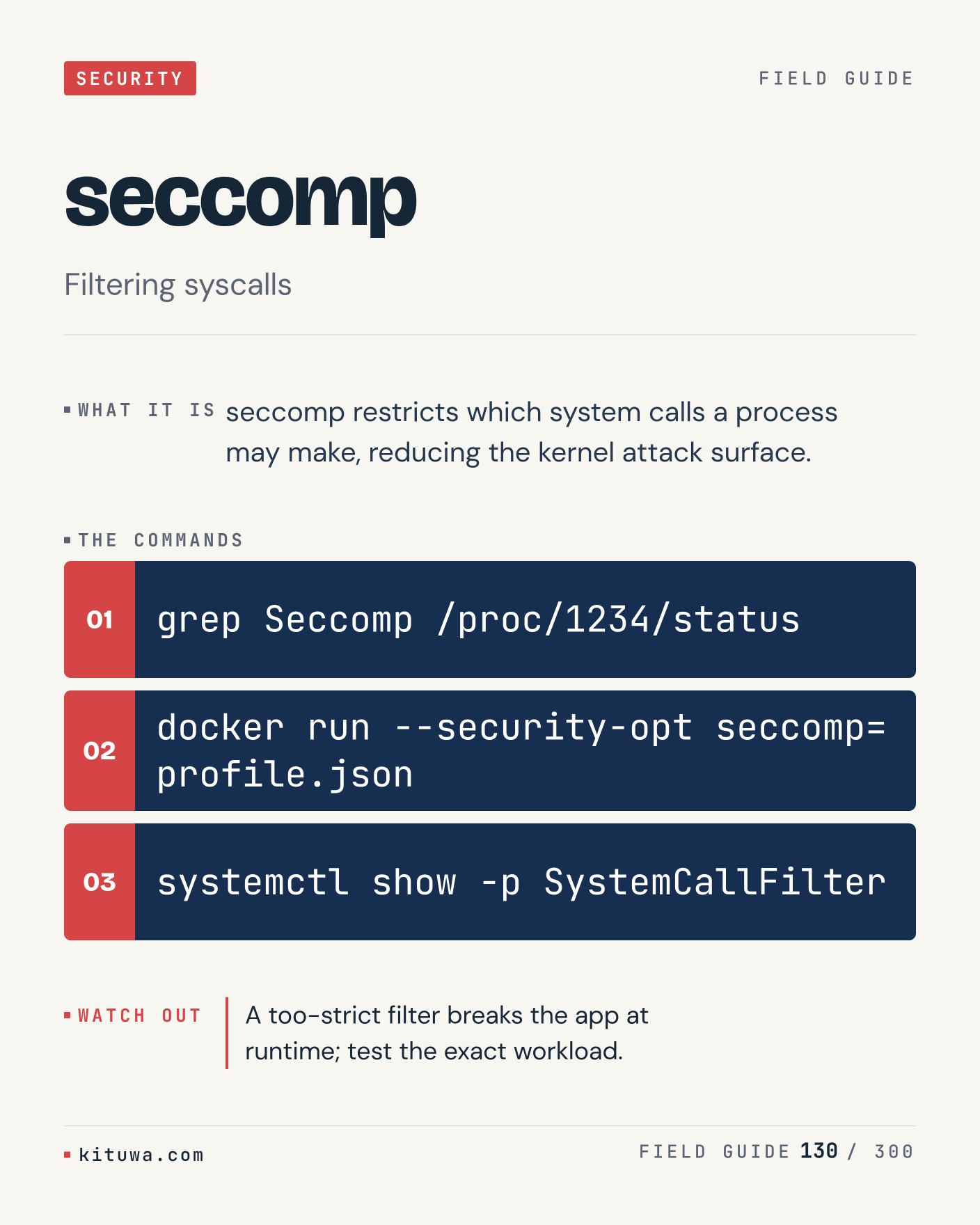
130. seccomp

The short version of Seccomp — Seccomp restricts which system calls a process may make, reducing the kernel attack surface. `grep Seccomp /proc/1234/status` shows the state; `docker run --security-opt seccomp=profile.json` changes it. A too-strict filter breaks the app at runtime; test the exact workload. Sound familiar?

#Linux #Security #SysAdmin

Approval: approved · Facebook: not scheduled

Post 131 artwork

2026-12-30 · 15:00 ET · image

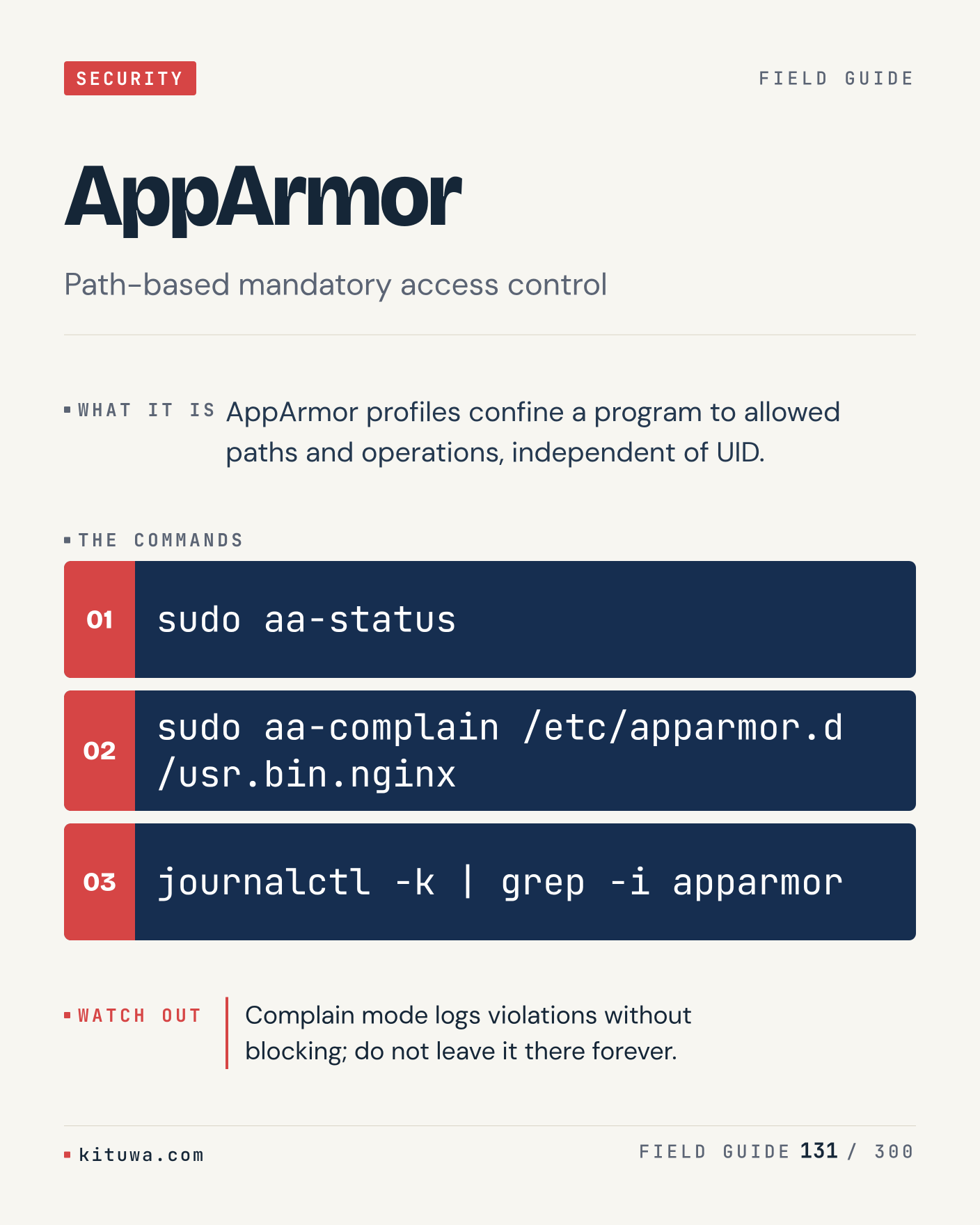
131. AppArmor

There is no magic in AppArmor. AppArmor profiles confine a program to allowed paths and operations, independent of UID. Use `sudo aa-status` before `sudo aa-complain /etc/apparmor.d/usr.bin.nginx`. Complain mode logs violations without blocking; do not leave it there forever. What is your default?

#Linux #Security #SysAdmin

Approval: approved · Facebook: not scheduled

Post 132 artwork

2026-12-30 · 21:00 ET · image

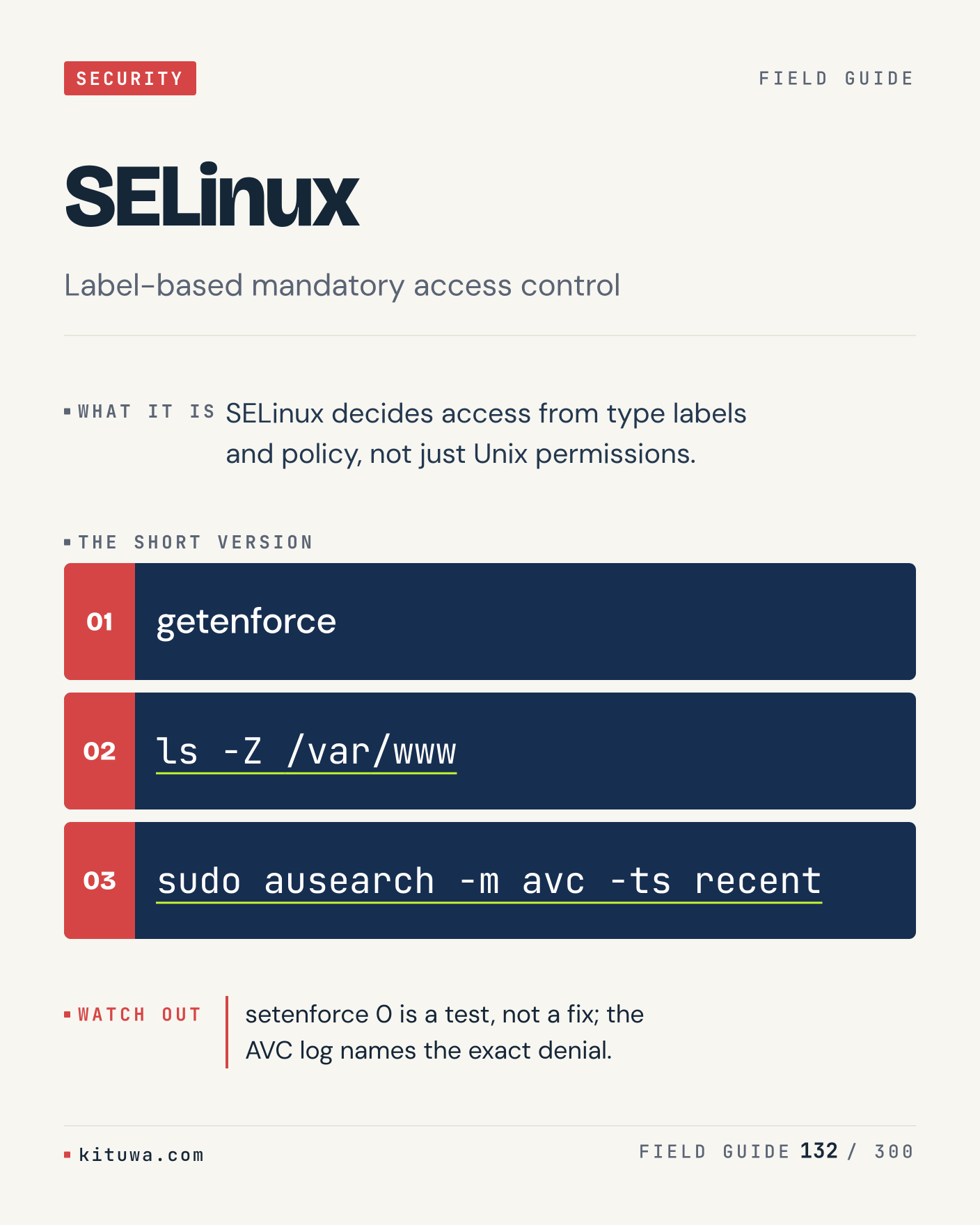
132. SELinux

One thing about SELinux — SELinux decides access from type labels and policy, not just Unix permissions. `getenforce` is the fastest check. setenforce 0 is a test, not a fix; the AVC log names the exact denial. What would you add?

#Linux #Security #SysAdmin

Approval: approved · Facebook: not scheduled

Post 133 artwork

2026-12-31 · 09:00 ET · image

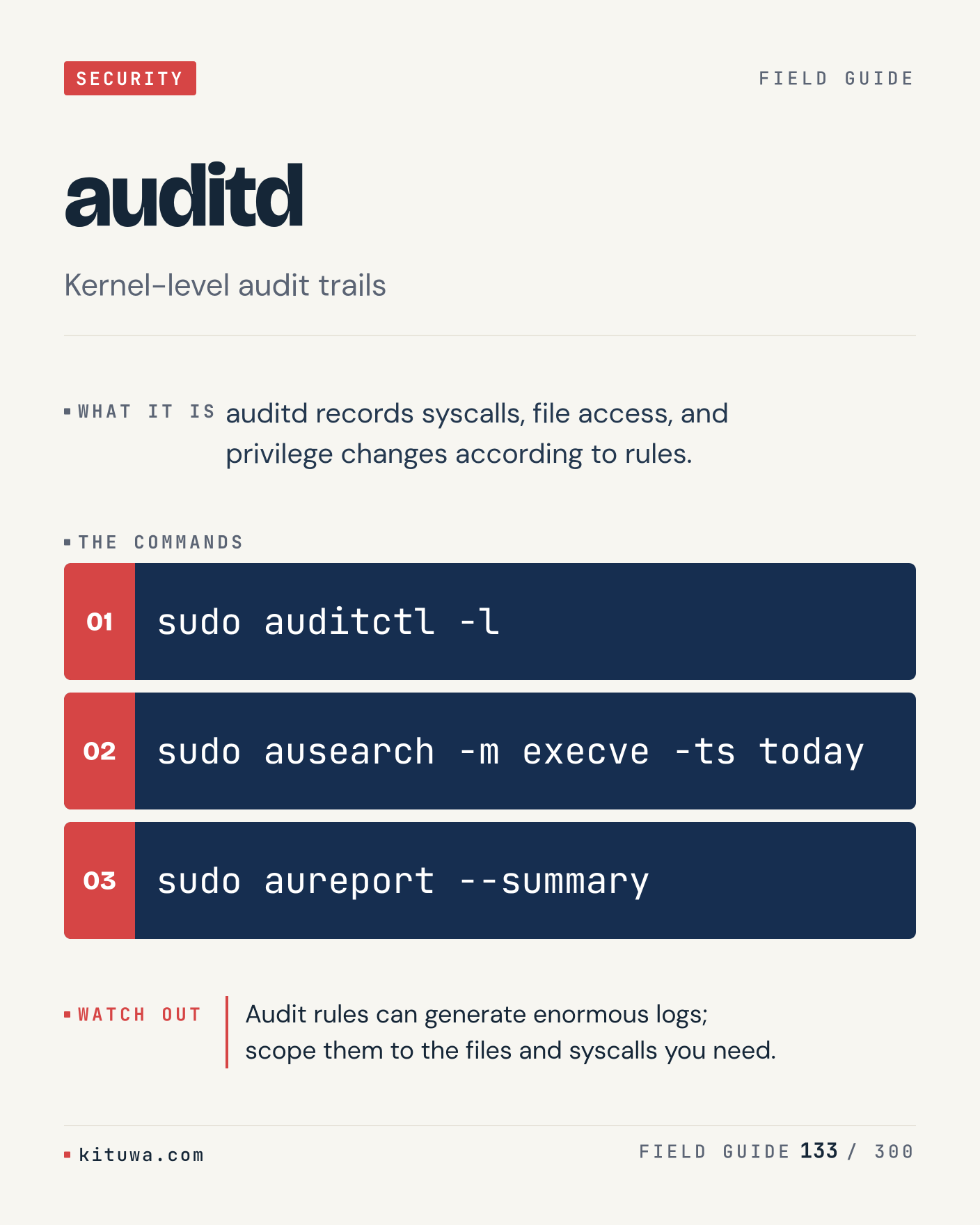
133. auditd

Auditd records syscalls, file access, and privilege changes according to rules. The useful habit: run `sudo auditctl -l`, read the output, then decide. Audit rules can generate enormous logs; scope them to the files and syscalls you need. What is the last thing it caught?

#Linux #Security #SysAdmin

Approval: approved · Facebook: not scheduled

Post 134 artwork

2026-12-31 · 15:00 ET · image

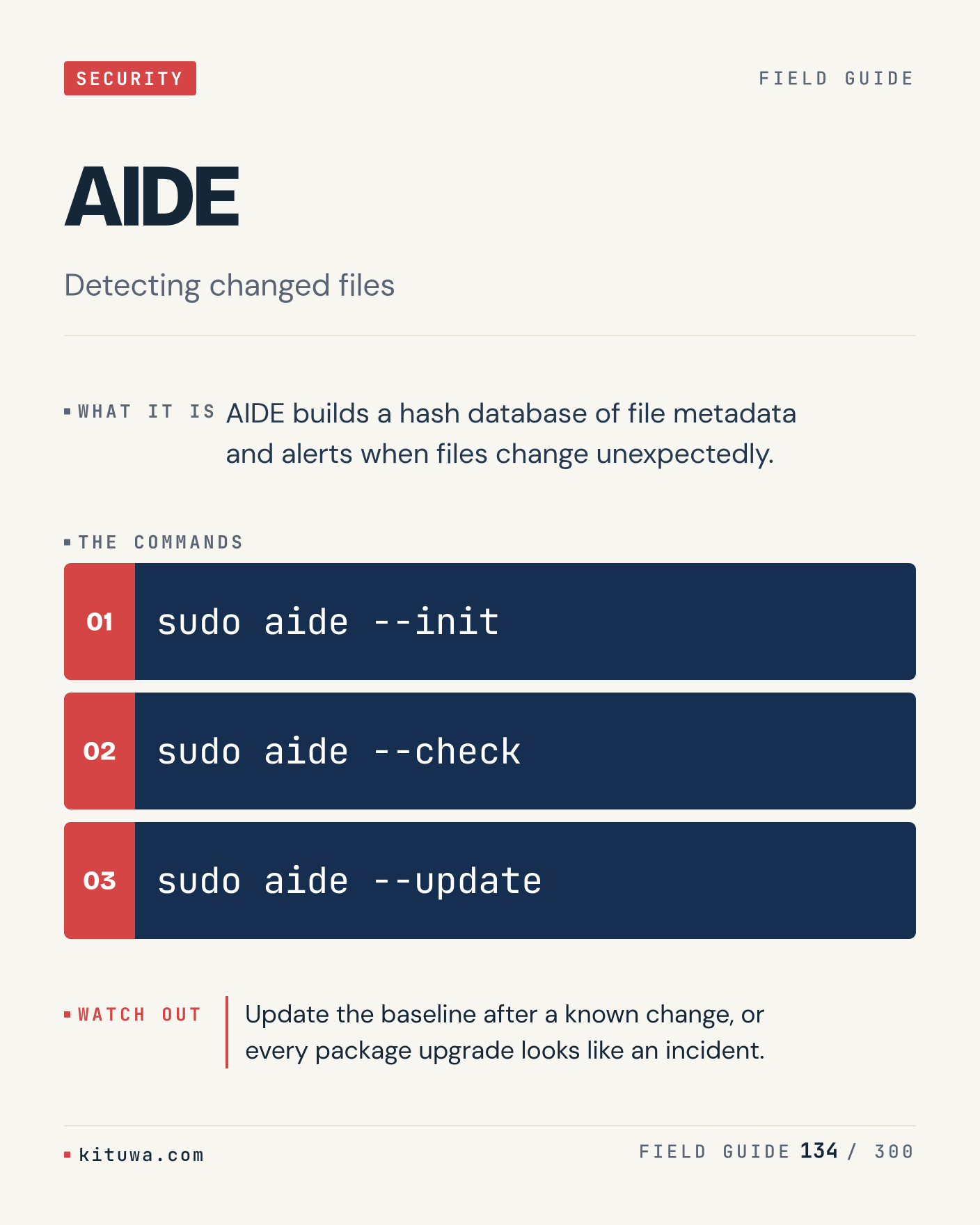
134. AIDE

AIDE, without the ceremony — AIDE builds a hash database of file metadata and alerts when files change unexpectedly. `sudo aide --init` first, `sudo aide --check` when you need the detail. Update the baseline after a known change, or every package upgrade looks like an incident. Which output do you trust?

#Linux #Security #SysAdmin

Approval: approved · Facebook: not scheduled

Post 135 artwork

2026-12-31 · 21:00 ET · image

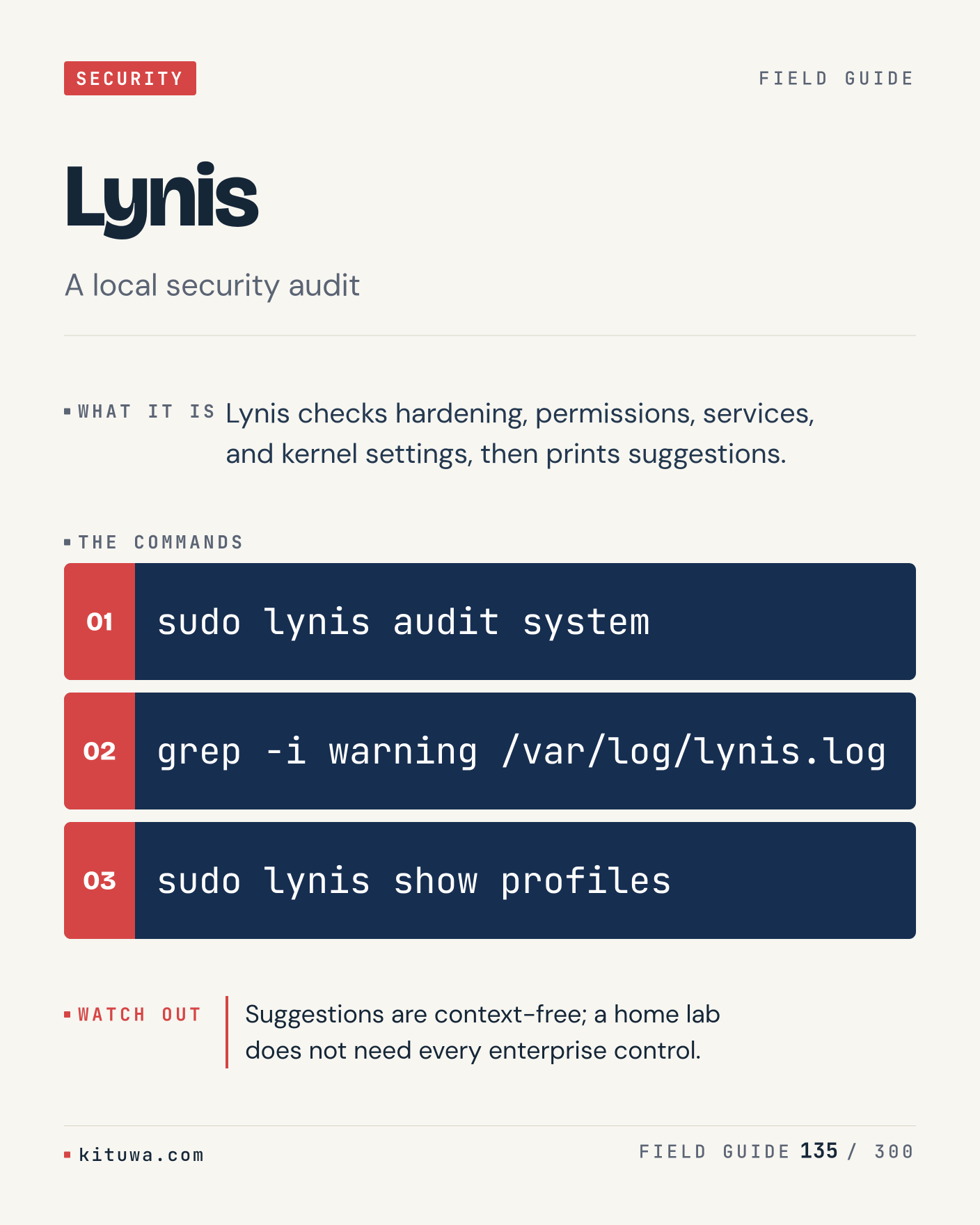
135. Lynis

Lynis checks hardening, permissions, services, and kernel settings, then prints suggestions. Keep `sudo lynis audit system` and `grep -i warning /var/log/lynis.log` in reach. Suggestions are context-free; a home lab does not need every enterprise control. What breaks first on your setup?

#Linux #Security #SysAdmin

Approval: approved · Facebook: not scheduled

Post 136 artwork

2027-01-01 · 09:00 ET · image

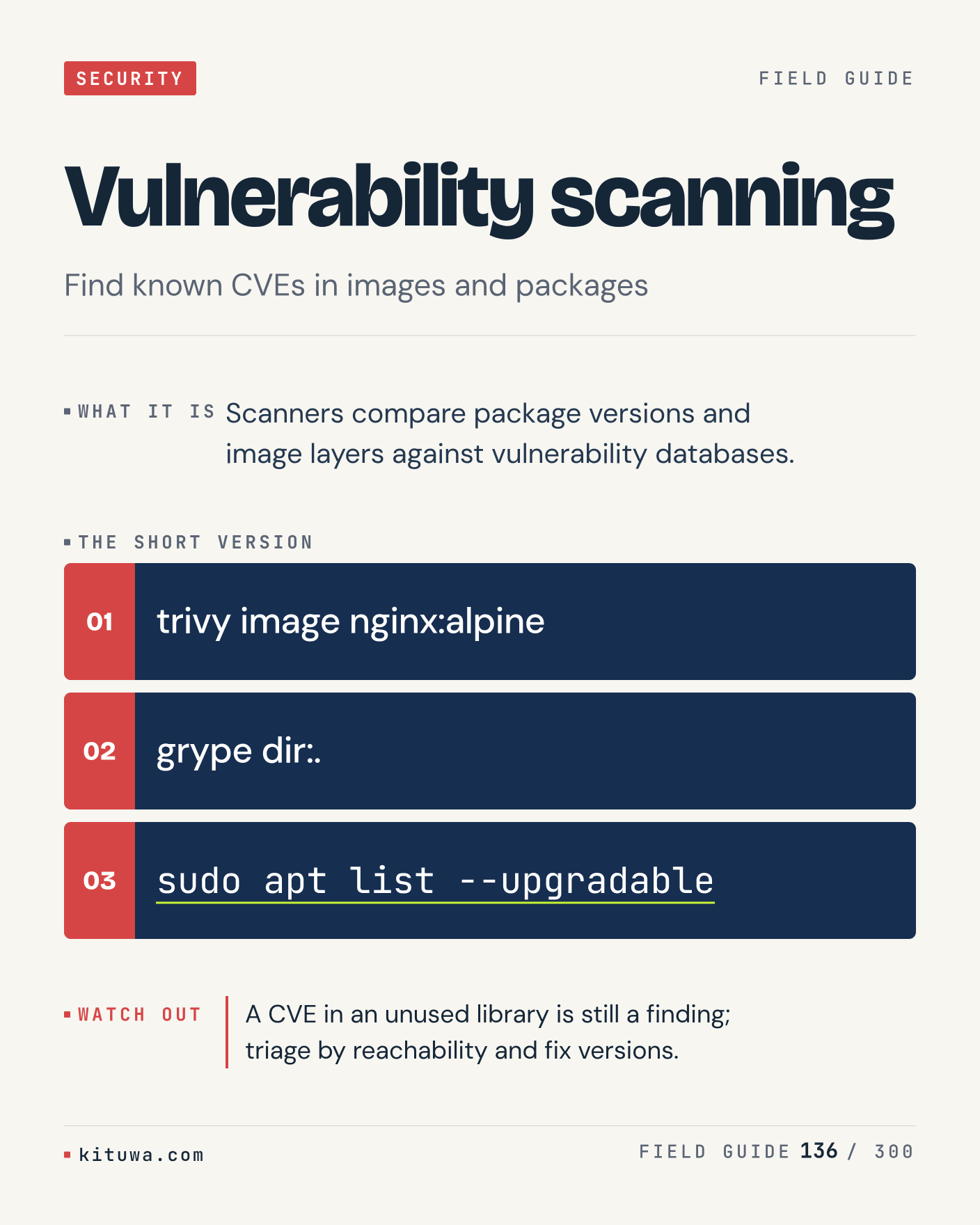
136. Vulnerability scanning

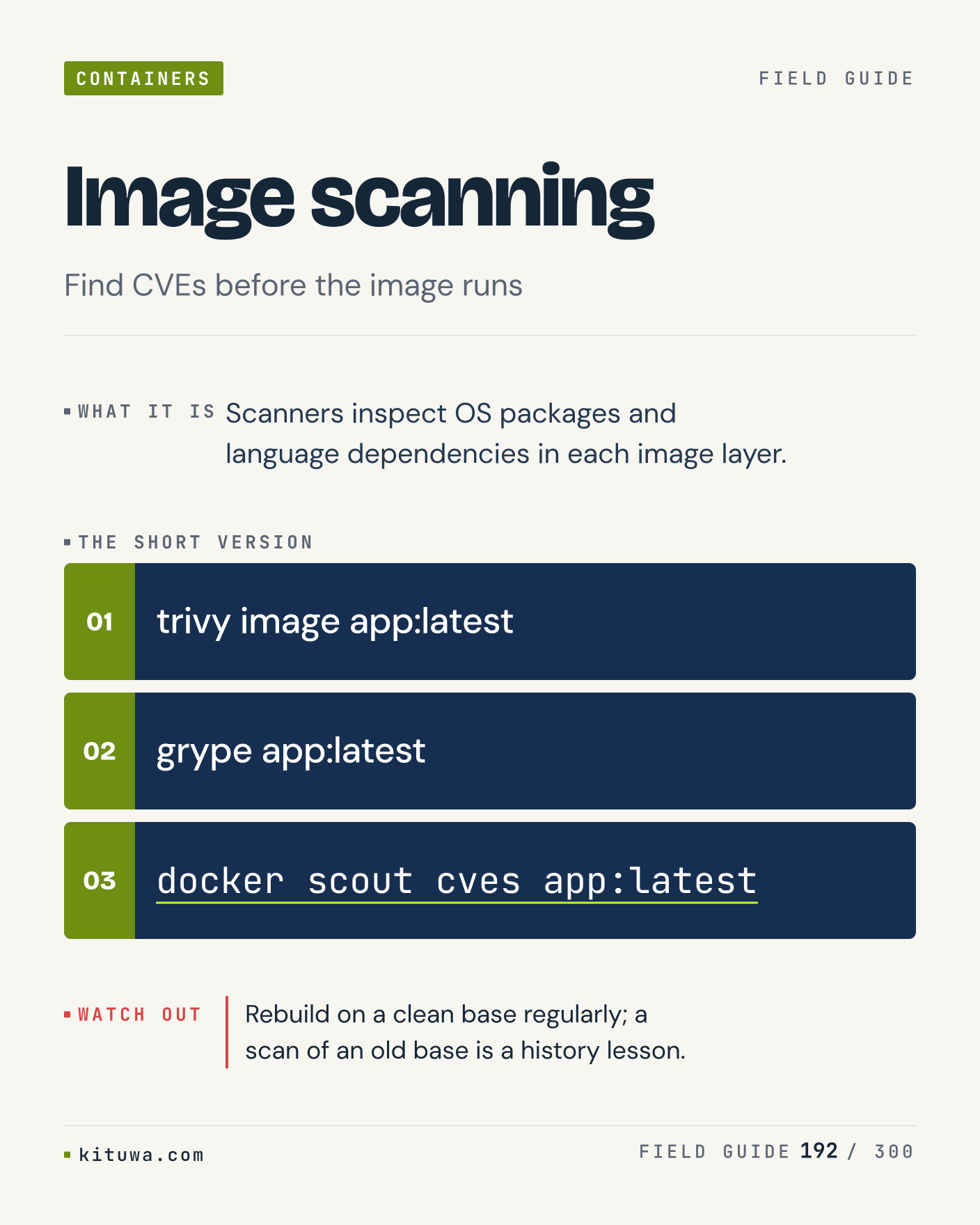
Vulnerability scanning — Scanners compare package versions and image layers against vulnerability databases. Start with `trivy image nginx:alpine`. A CVE in an unused library is still a finding; triage by reachability and fix versions. What does it show on your box?

#Linux #Security #SysAdmin

Approval: approved · Facebook: not scheduled

Post 137 artwork

2027-01-01 · 15:00 ET · image

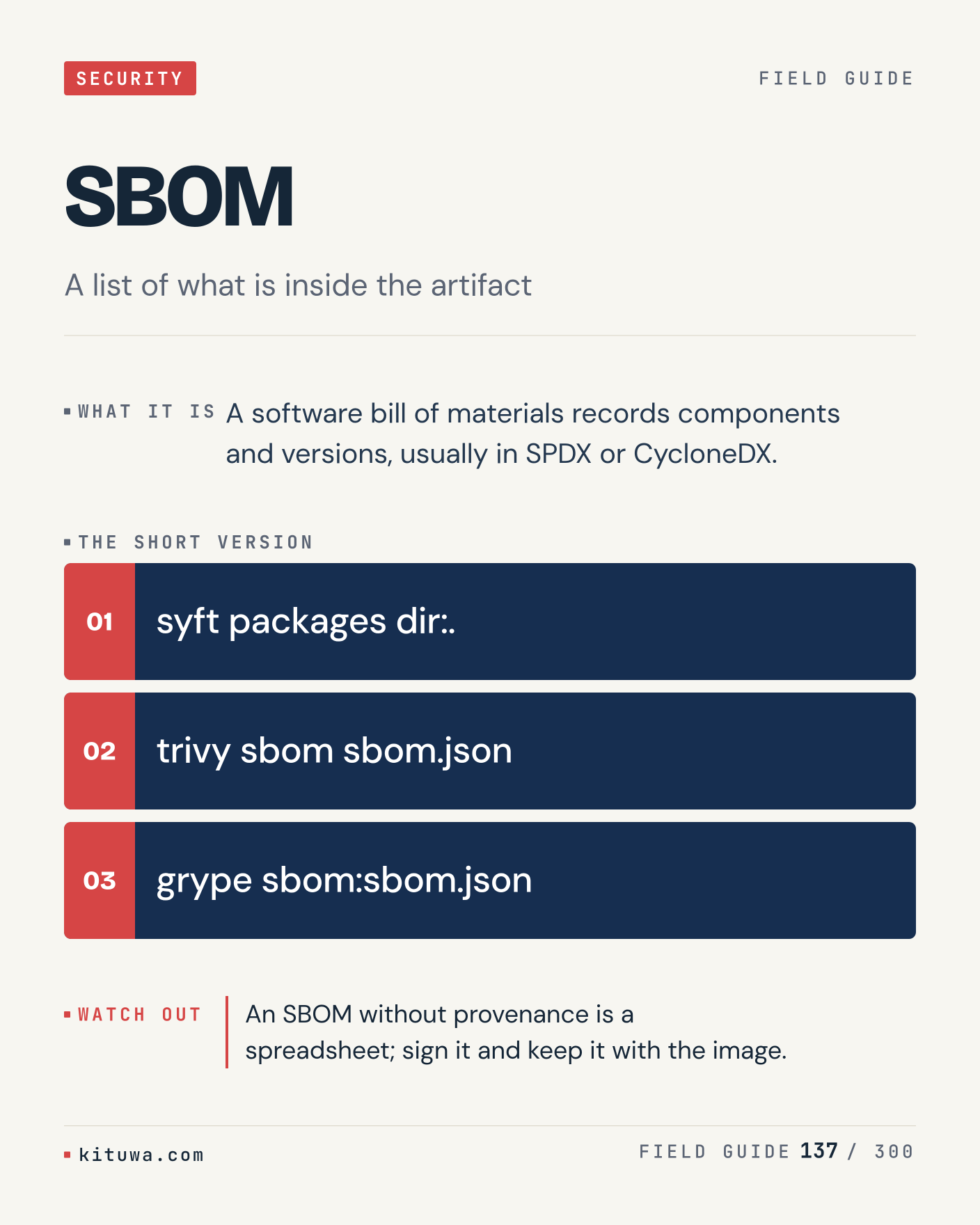
137. SBOM

A software bill of materials records components and versions, usually in SPDX or CycloneDX. Try `syft packages dir:.` first; `trivy sbom sbom.json` is the next step. An SBOM without provenance is a spreadsheet; sign it and keep it with the image. Which one would you check first?

#Linux #Security #SysAdmin

Approval: approved · Facebook: not scheduled

Post 138 artwork

2027-01-01 · 21:00 ET · image

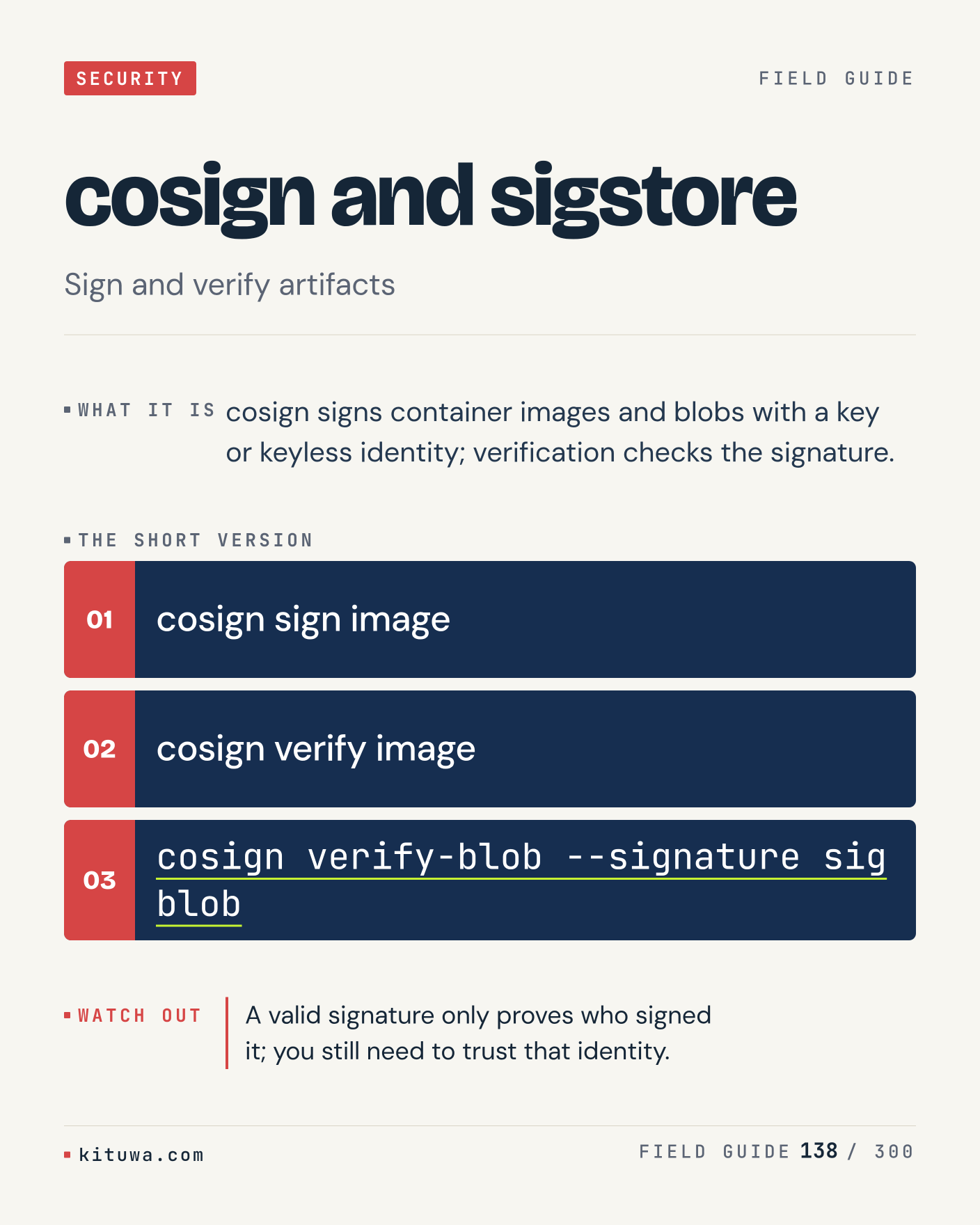
138. cosign and sigstore

The short version of Cosign and sigstore — Cosign signs container images and blobs with a key or keyless identity; verification checks the signature. `cosign sign image` shows the state; `cosign verify image` changes it. A valid signature only proves who signed it; you still need to trust that identity. Sound familiar?

#Linux #Security #SysAdmin

Approval: approved · Facebook: not scheduled

Post 139 artwork

2027-01-02 · 09:00 ET · image

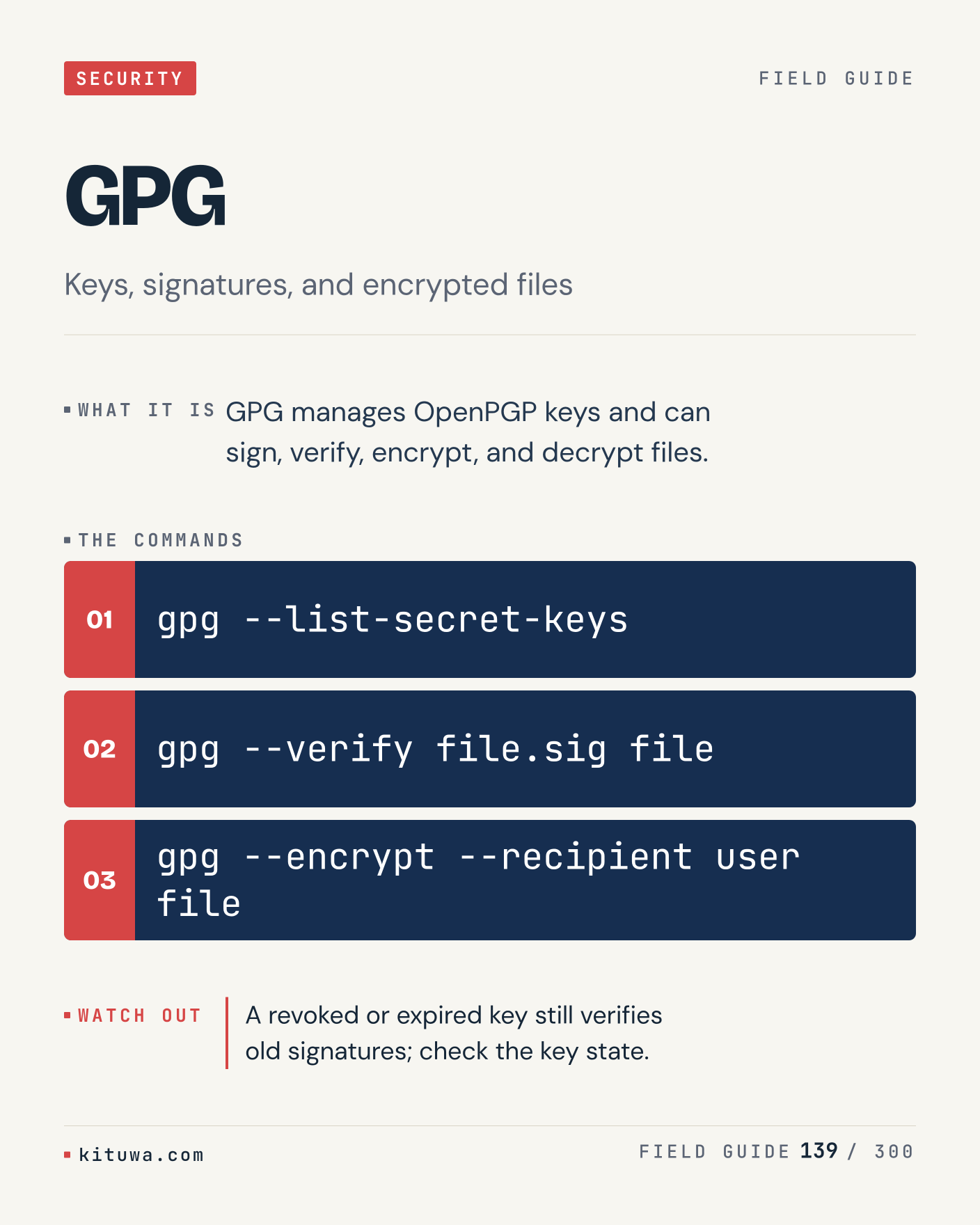
139. GPG

There is no magic in GPG. GPG manages OpenPGP keys and can sign, verify, encrypt, and decrypt files. Use `gpg --list-secret-keys` before `gpg --verify file.sig file`. A revoked or expired key still verifies old signatures; check the key state. What is your default?

#Linux #Security #SysAdmin

Approval: approved · Facebook: not scheduled

Post 140 artwork

2027-01-02 · 15:00 ET · image

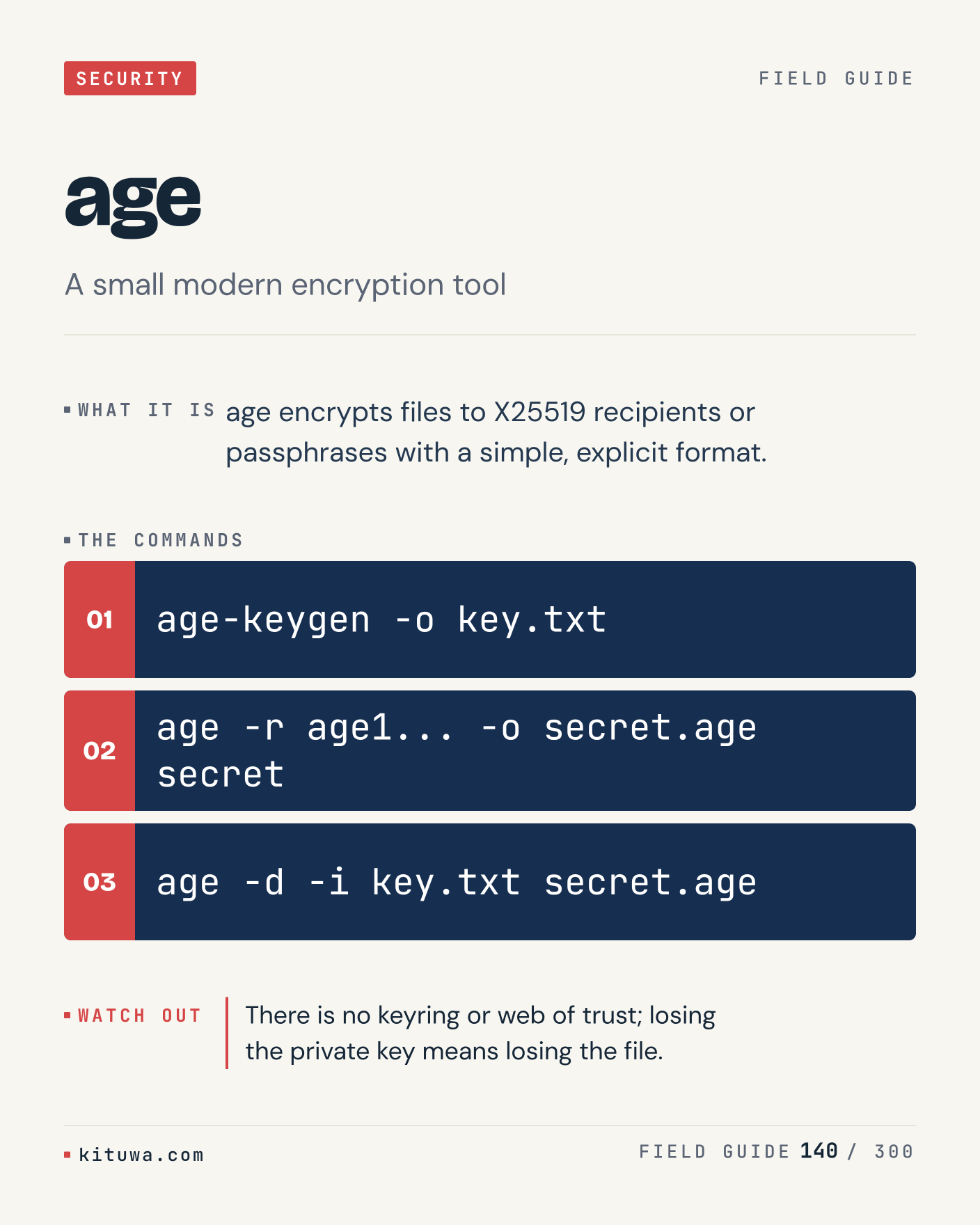
140. age

One thing about Age — Age encrypts files to X25519 recipients or passphrases with a simple, explicit format. `age-keygen -o key.txt` is the fastest check. There is no keyring or web of trust; losing the private key means losing the file. What would you add?

#Linux #Security #SysAdmin

Approval: approved · Facebook: not scheduled

Post 141 artwork

2027-01-02 · 21:00 ET · image

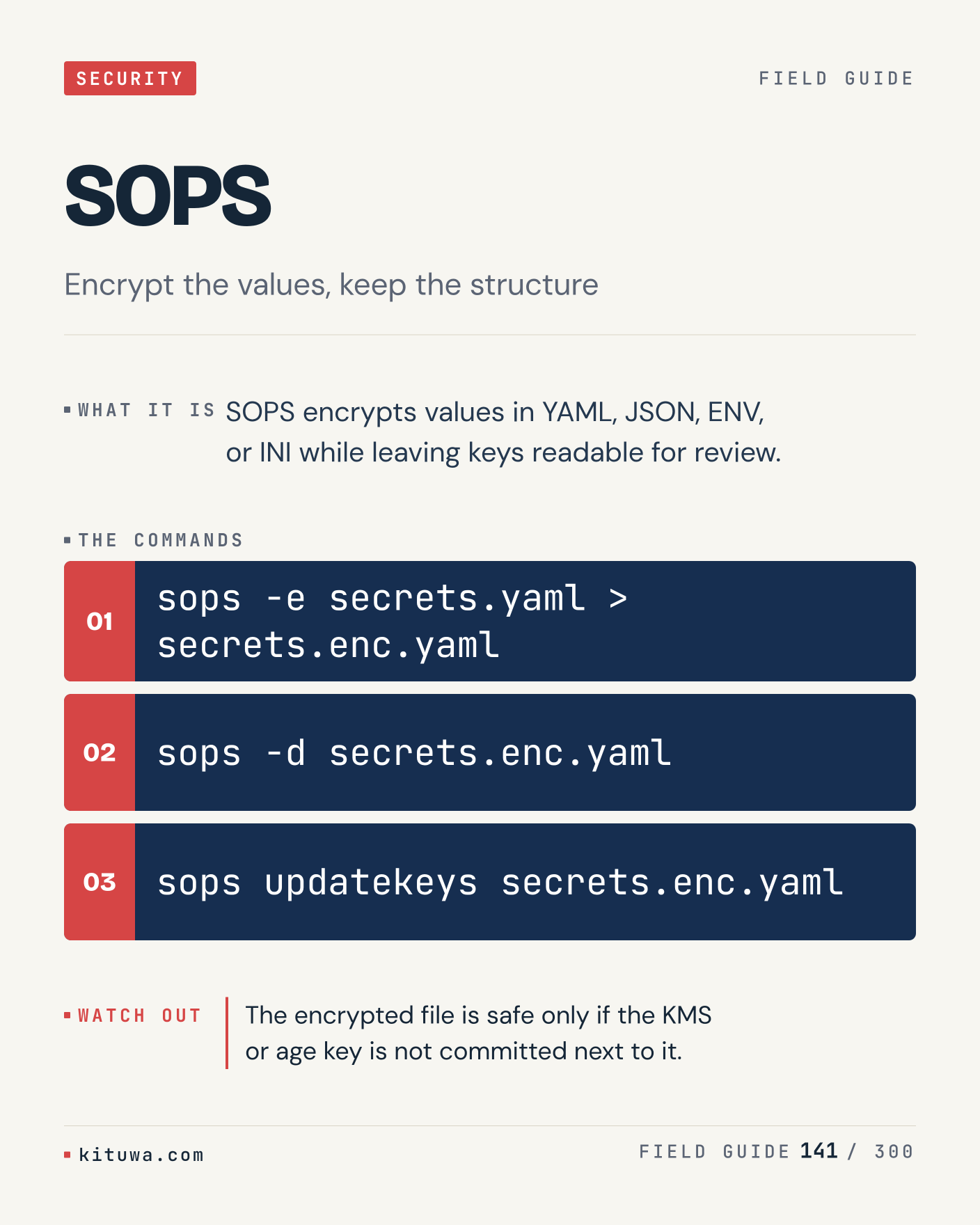
141. SOPS

SOPS encrypts values in YAML, JSON, ENV, or INI while leaving keys readable for review. The useful habit: run `sops -e secrets.yaml > secrets.enc.yaml`, read the output, then decide. The encrypted file is safe only if the KMS or age key is not committed next to it. What is the last thing it caught?

#Linux #Security #SysAdmin

Approval: approved · Facebook: not scheduled

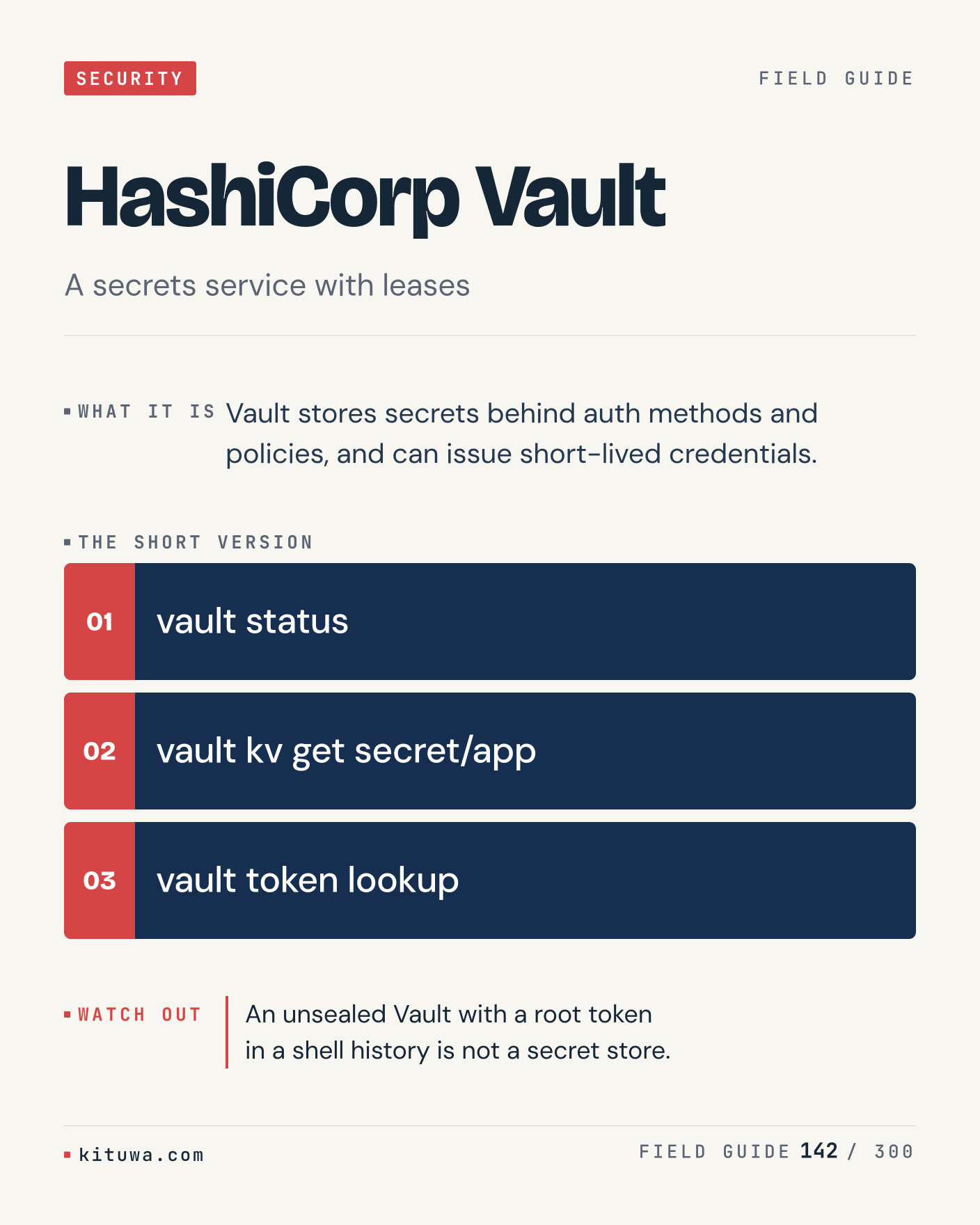
Post 142 artwork

2027-01-03 · 09:00 ET · image

142. HashiCorp Vault

HashiCorp Vault, without the ceremony — Vault stores secrets behind auth methods and policies, and can issue short-lived credentials. `vault status` first, `vault kv get secret/app` when you need the detail. An unsealed Vault with a root token in a shell history is not a secret store. Which output do you trust?

#Linux #Security #SysAdmin

Approval: approved · Facebook: not scheduled

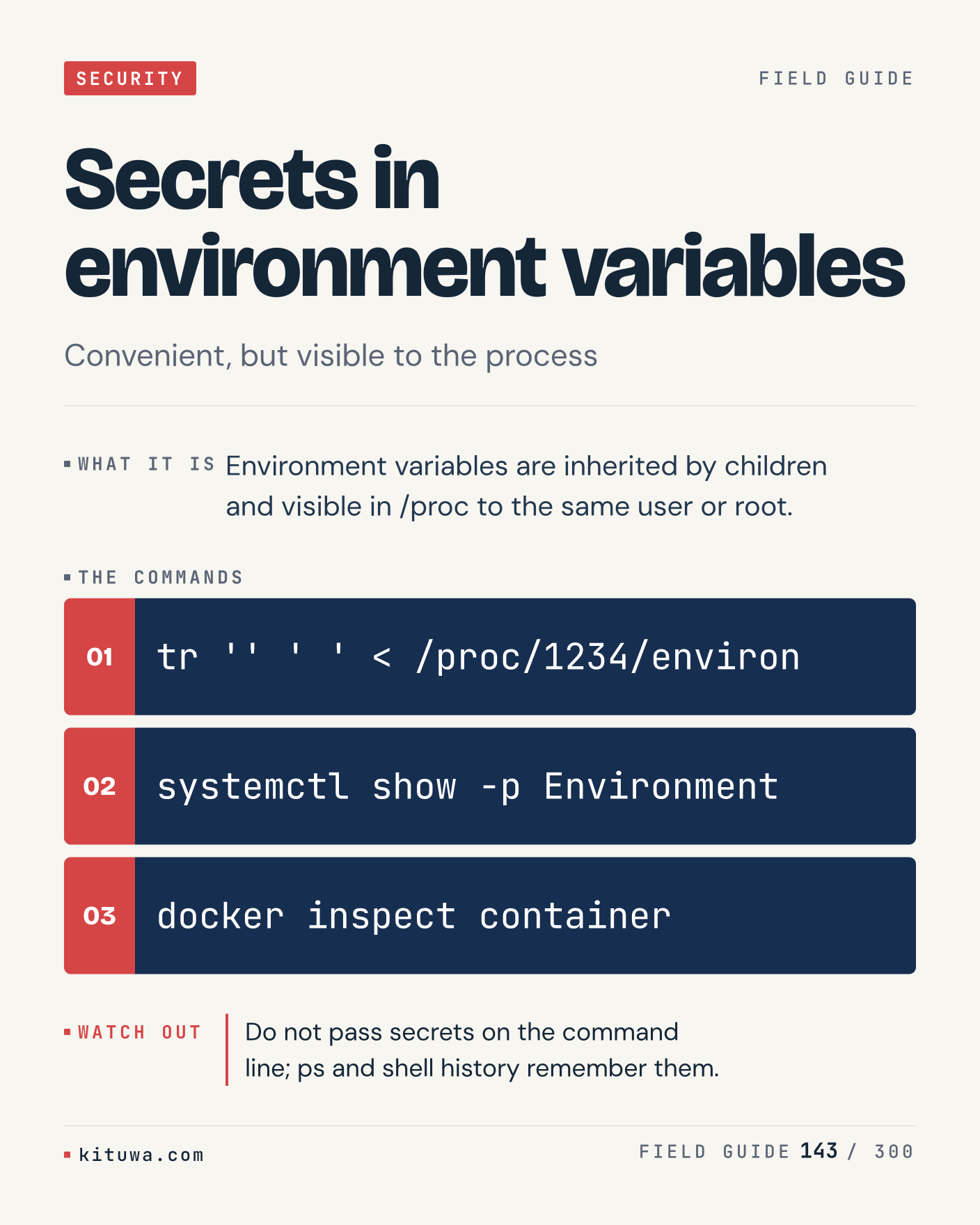
Post 143 artwork

2027-01-03 · 15:00 ET · image

143. Secrets in environment variables

Environment variables are inherited by children and visible in /proc to the same user or root. Keep `tr '' ' ' < /proc/1234/environ` and `systemctl show -p Environment` in reach. Do not pass secrets on the command line; ps and shell history remember them. What breaks first on your setup?

#Linux #Security #SysAdmin

Approval: approved · Facebook: not scheduled

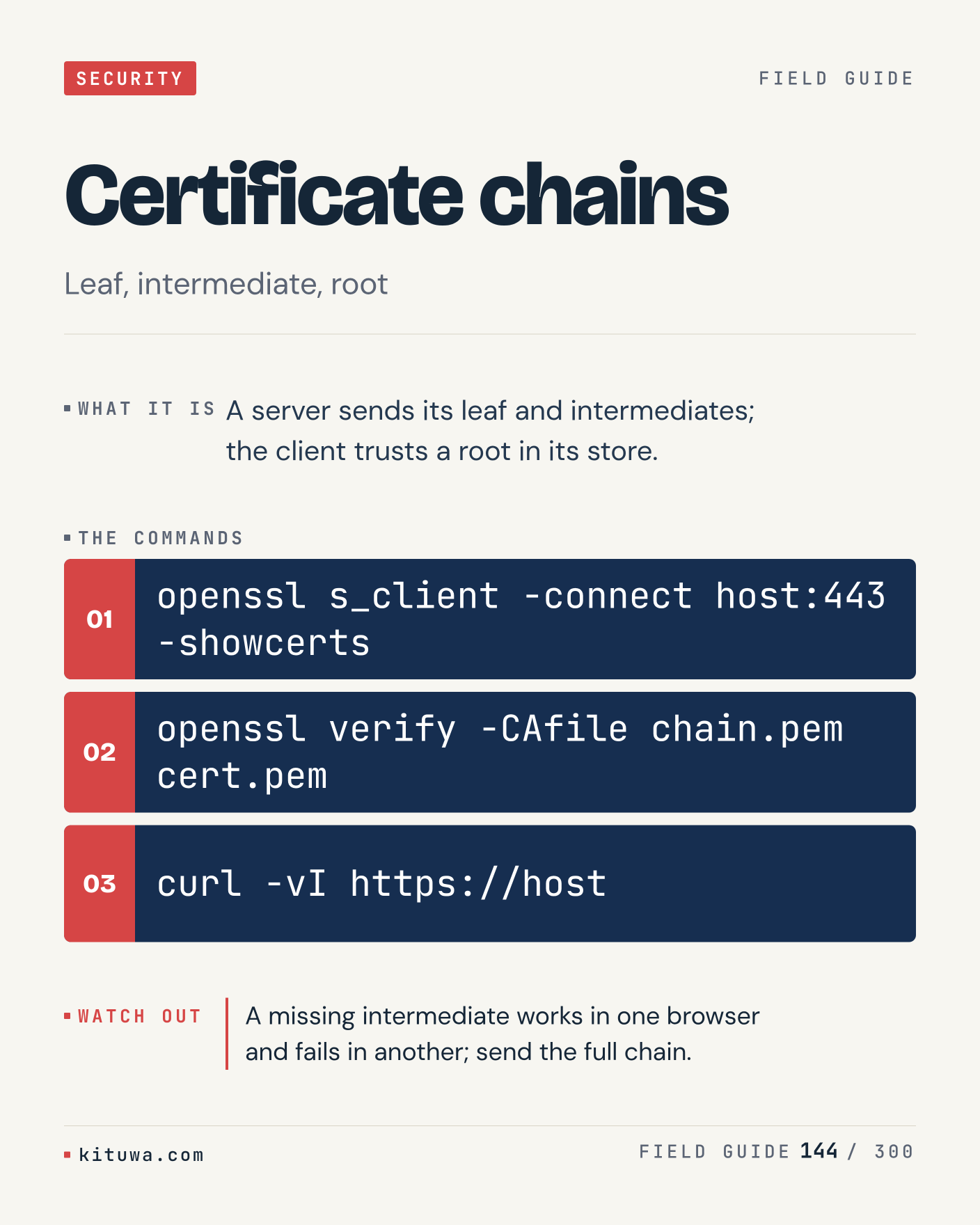
Post 144 artwork

2027-01-03 · 21:00 ET · image

144. Certificate chains

Certificate chains — A server sends its leaf and intermediates; the client trusts a root in its store. Start with `openssl s_client -connect host:443 -showcerts`. A missing intermediate works in one browser and fails in another; send the full chain. What does it show on your box?

#Linux #Security #SysAdmin

Approval: approved · Facebook: not scheduled

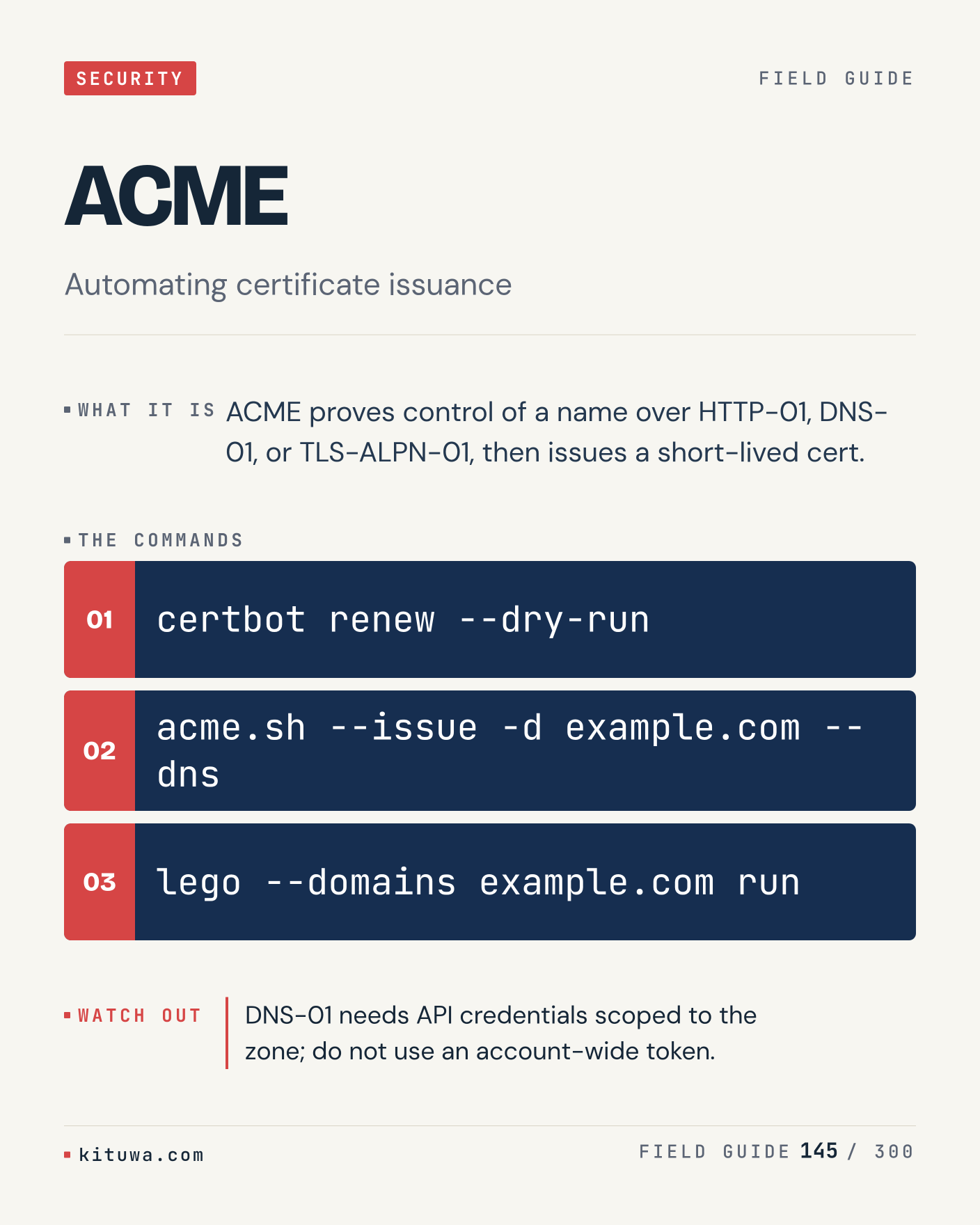
Post 145 artwork

2027-01-04 · 09:00 ET · image

145. ACME

ACME proves control of a name over HTTP-01, DNS-01, or TLS-ALPN-01, then issues a short-lived cert. Try `certbot renew --dry-run` first; `acme.sh --issue -d example.com --dns` is the next step. DNS-01 needs API credentials scoped to the zone; do not use an account-wide token. Which one would you check first?

#Linux #Security #SysAdmin

Approval: approved · Facebook: not scheduled

Post 146 artwork

2027-01-04 · 15:00 ET · image

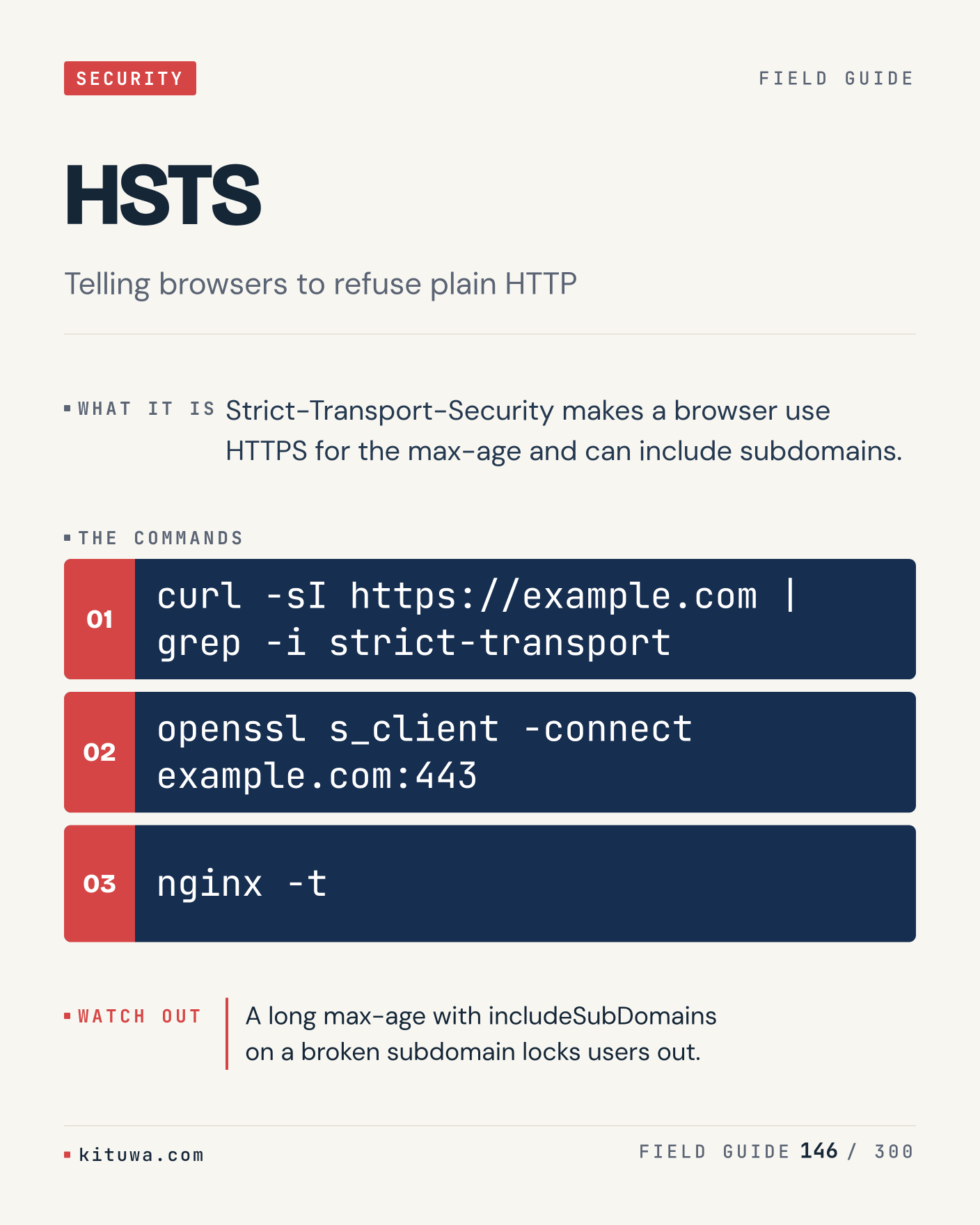
146. HSTS

The short version of HSTS — Strict-Transport-Security makes a browser use HTTPS for the max-age and can include subdomains. `curl -sI https://example.com | grep -i strict-transport` shows the state; `openssl s_client -connect example.com:443` changes it. A long max-age with includeSubDomains on a broken subdomain locks users out. Sound familiar?

#Linux #Security #SysAdmin

Approval: approved · Facebook: not scheduled

Post 147 artwork

2027-01-04 · 21:00 ET · image

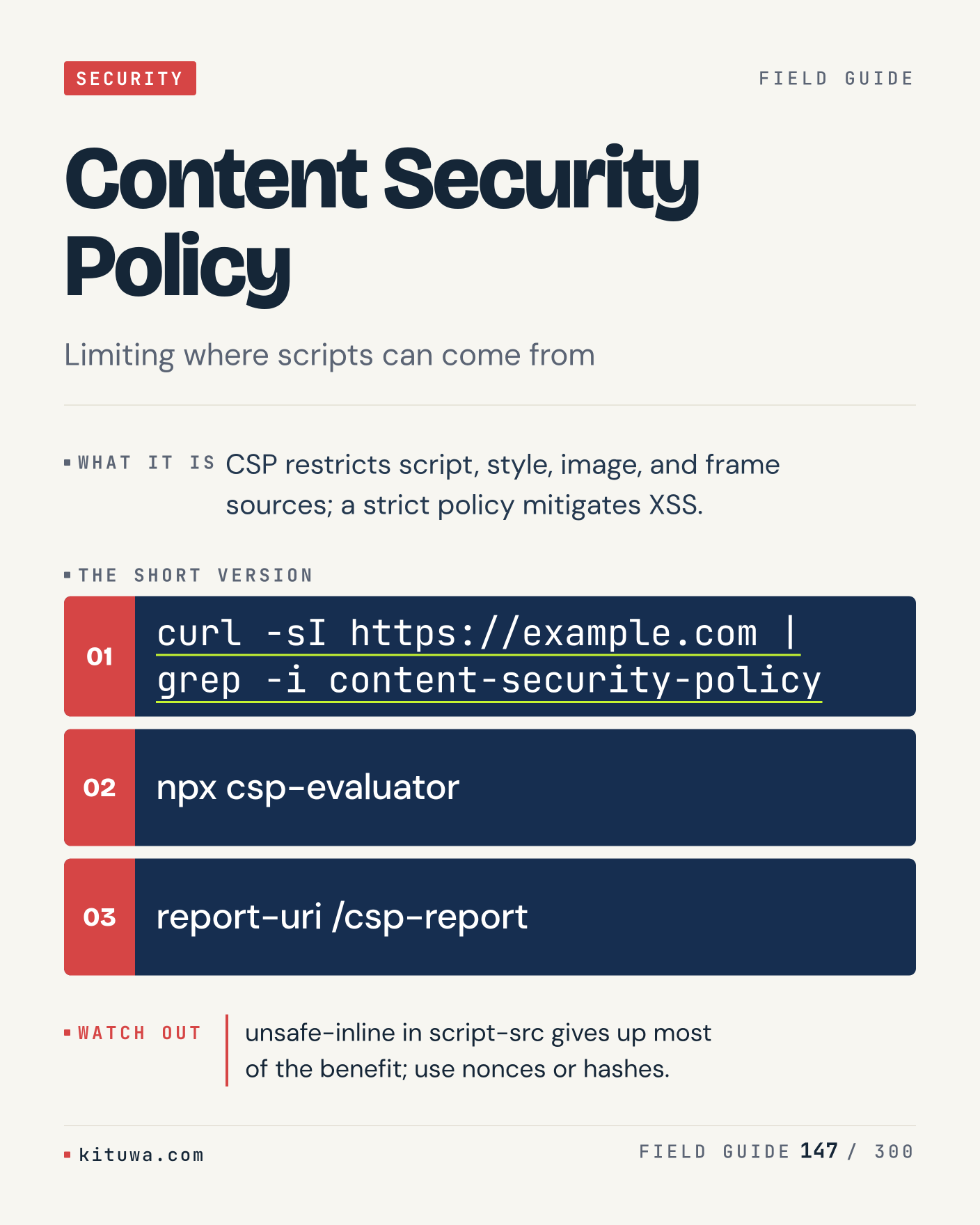
147. Content Security Policy

There is no magic in Content Security Policy. CSP restricts script, style, image, and frame sources; a strict policy mitigates XSS. Use `curl -sI https://example.com | grep -i content-security-policy` before `npx csp-evaluator`. unsafe-inline in script-src gives up most of the benefit; use nonces or hashes. What is your default?

#Linux #Security #SysAdmin

Approval: approved · Facebook: not scheduled

Post 148 artwork

2027-01-05 · 09:00 ET · image

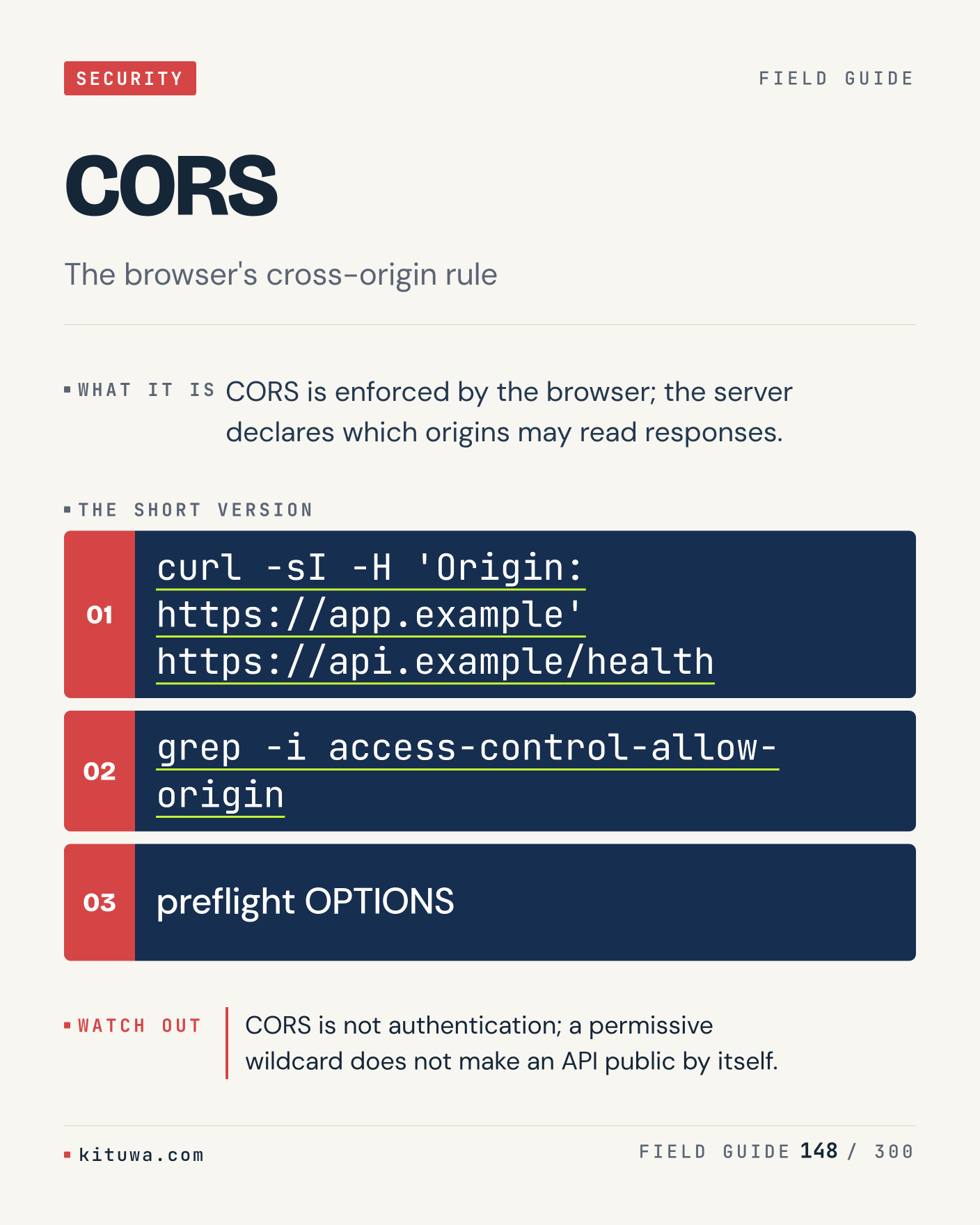
148. CORS

One thing about CORS — CORS is enforced by the browser; the server declares which origins may read responses. `curl -sI -H 'Origin: https://app.example' https://api.example/health` is the fastest check. CORS is not authentication; a permissive wildcard does not make an API public by itself. What would you add?

#Linux #Security #SysAdmin

Approval: approved · Facebook: not scheduled

Post 149 artwork

2027-01-05 · 15:00 ET · image

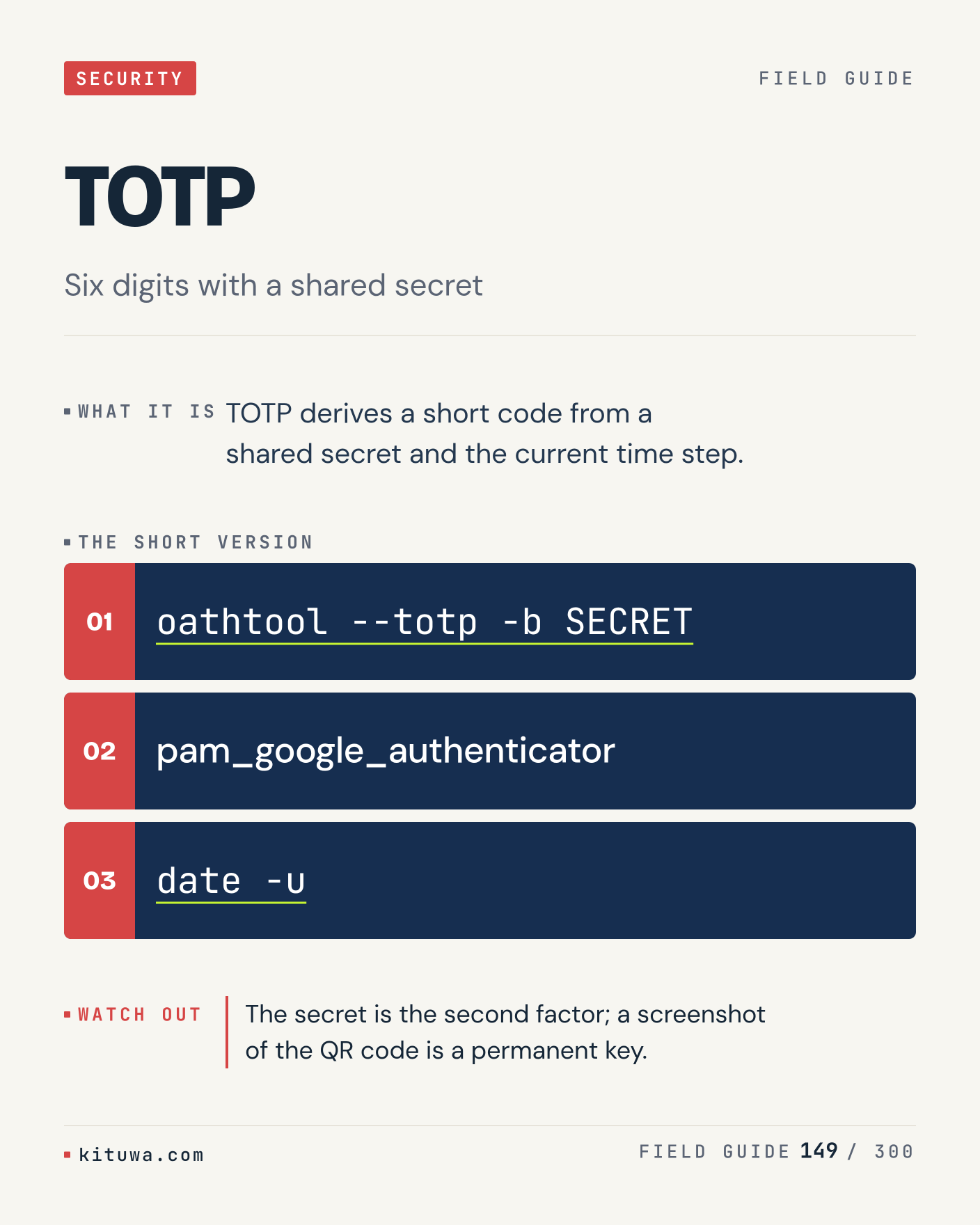
149. TOTP

TOTP derives a short code from a shared secret and the current time step. The useful habit: run `oathtool --totp -b SECRET`, read the output, then decide. The secret is the second factor; a screenshot of the QR code is a permanent key. What is the last thing it caught?

#Linux #Security #SysAdmin

Approval: approved · Facebook: not scheduled

Post 150 artwork

2027-01-05 · 21:00 ET · image

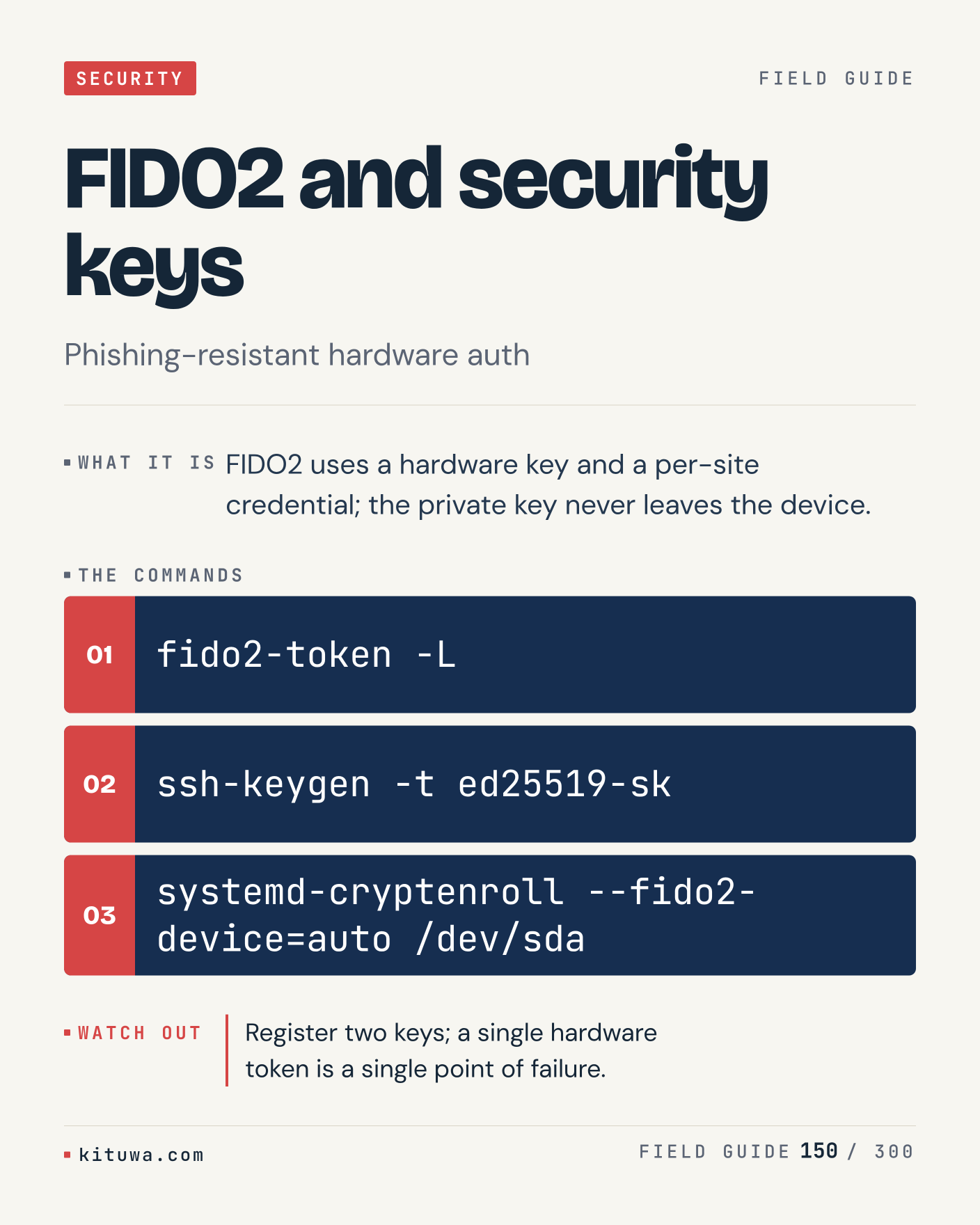
150. FIDO2 and security keys

FIDO2 and security keys, without the ceremony — FIDO2 uses a hardware key and a per-site credential; the private key never leaves the device. `fido2-token -L` first, `ssh-keygen -t ed25519-sk` when you need the detail. Register two keys; a single hardware token is a single point of failure. Which output do you trust?

#Linux #Security #SysAdmin

Approval: approved · Facebook: not scheduled

Post 151 artwork

2027-01-06 · 09:00 ET · image

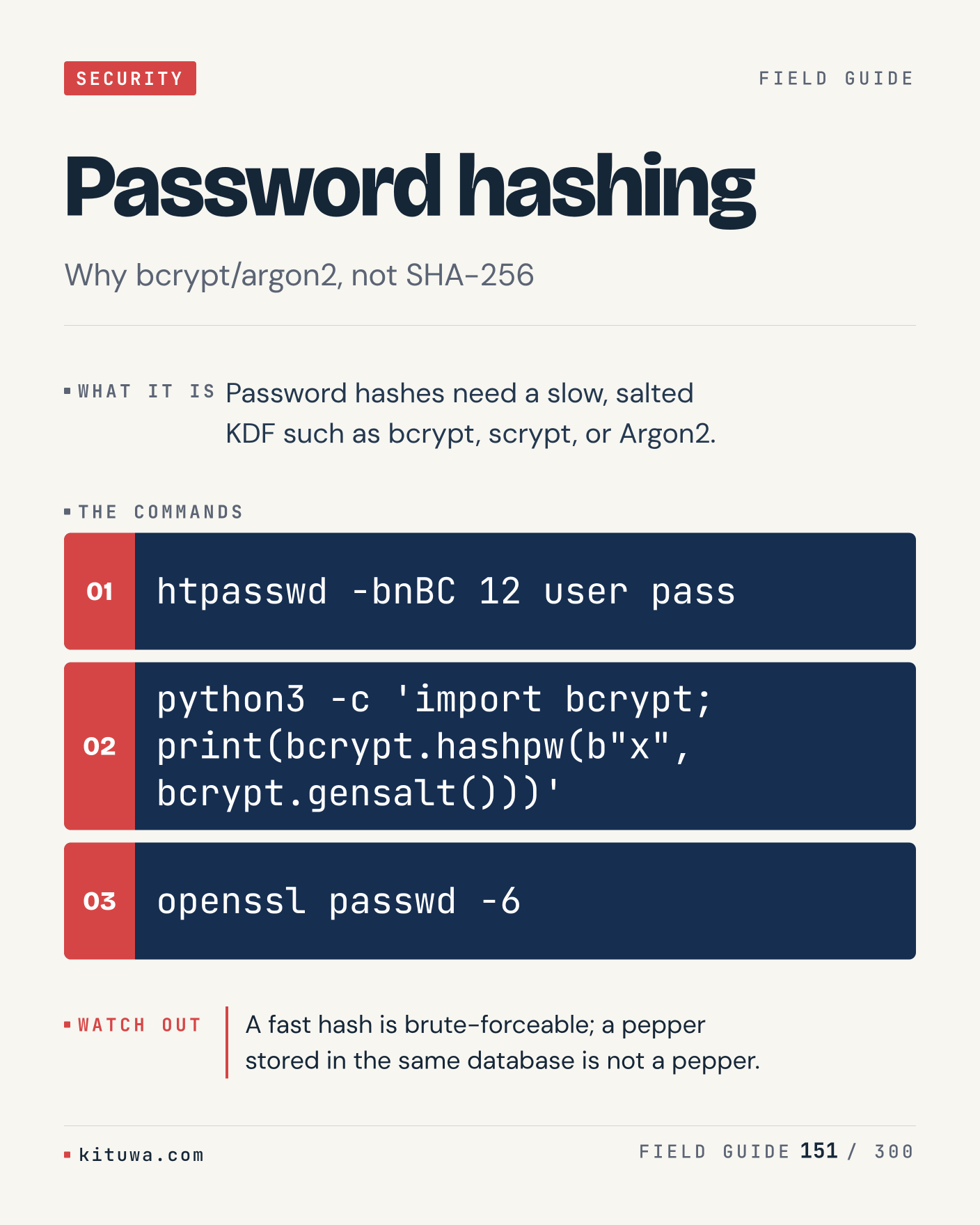
151. Password hashing

Password hashes need a slow, salted KDF such as bcrypt, scrypt, or Argon2. Keep `htpasswd -bnBC 12 user pass` and `python3 -c 'import bcrypt; print(bcrypt.hashpw(b"x", bcrypt.gensalt()))'` in reach. A fast hash is brute-forceable; a pepper stored in the same database is not a pepper. What breaks first on your setup?

#Linux #Security #SysAdmin

Approval: approved · Facebook: not scheduled

Post 152 artwork

2027-01-06 · 15:00 ET · image

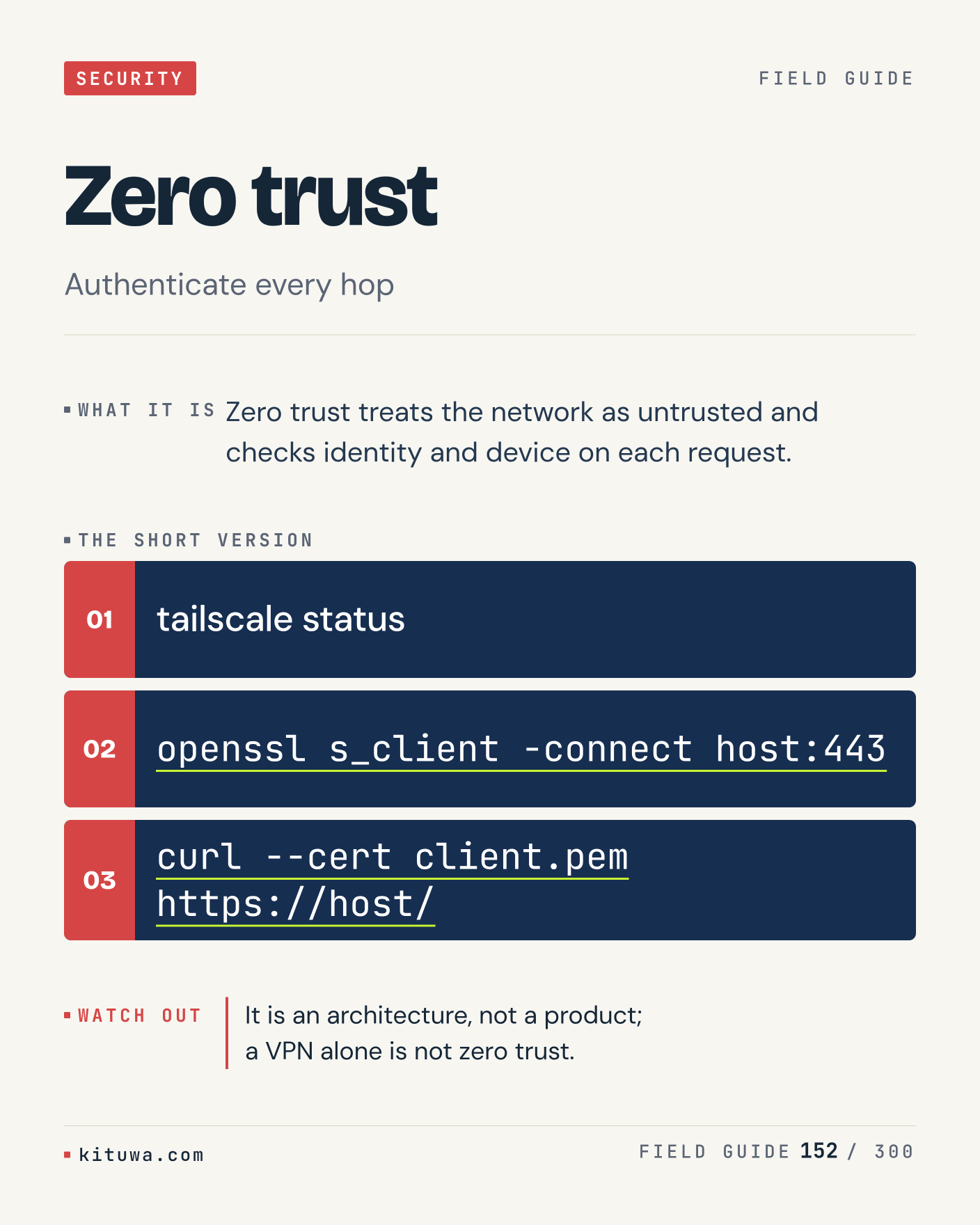
152. Zero trust

Zero trust — Zero trust treats the network as untrusted and checks identity and device on each request. Start with `tailscale status`. It is an architecture, not a product; a VPN alone is not zero trust. What does it show on your box?

#Linux #Security #SysAdmin

Approval: approved · Facebook: not scheduled

Post 153 artwork

2027-01-06 · 21:00 ET · image

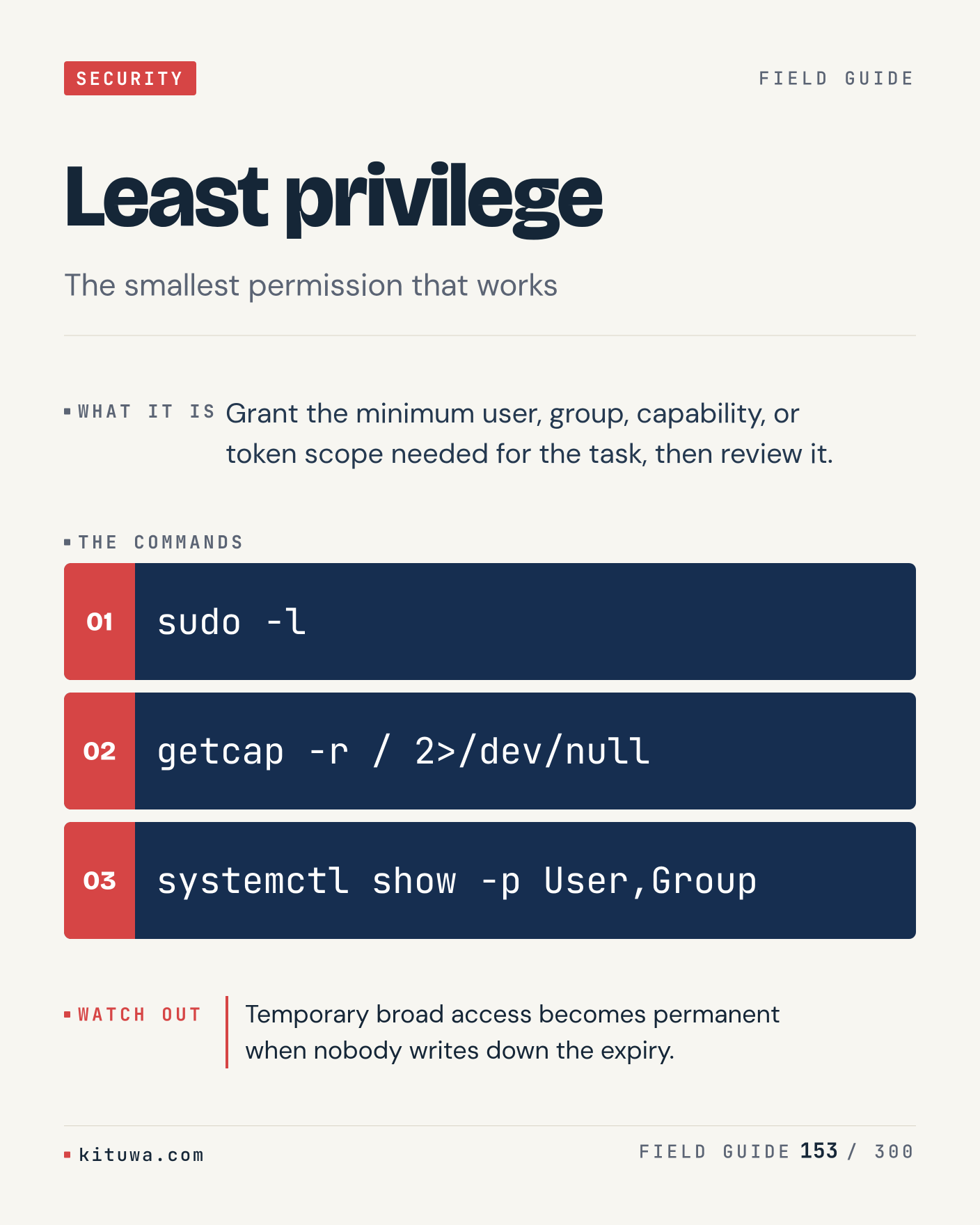
153. Least privilege

Grant the minimum user, group, capability, or token scope needed for the task, then review it. Try `sudo -l` first; `getcap -r / 2>/dev/null` is the next step. Temporary broad access becomes permanent when nobody writes down the expiry. Which one would you check first?

#Linux #Security #SysAdmin

Approval: approved · Facebook: not scheduled

Post 154 artwork

2027-01-07 · 09:00 ET · image

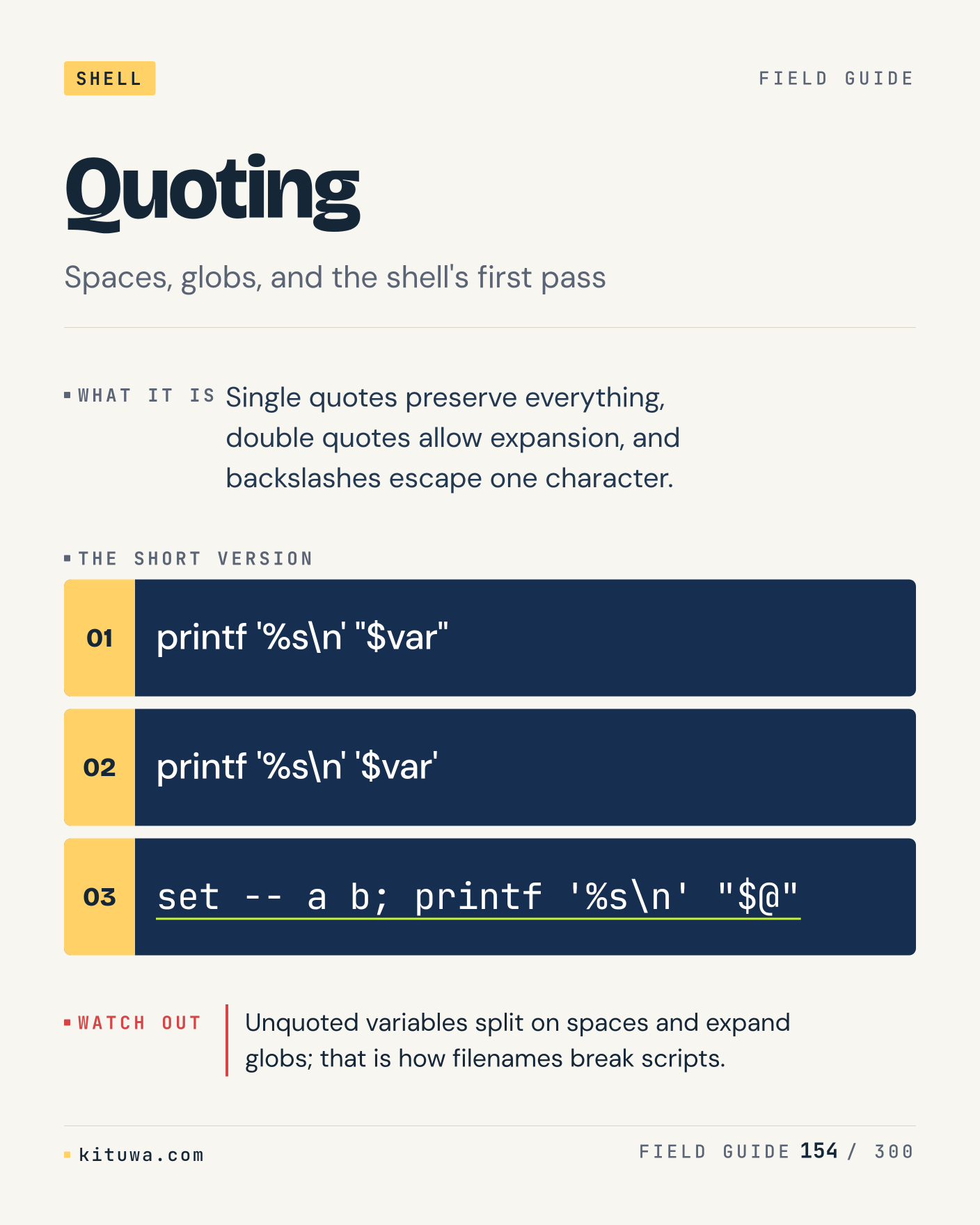
154. Quoting

The short version of Quoting — Single quotes preserve everything, double quotes allow expansion, and backslashes escape one character. `printf '%s\n' "$var"` shows the state; `printf '%s\n' '$var'` changes it. Unquoted variables split on spaces and expand globs; that is how filenames break scripts. Sound familiar?

#Linux #Bash #CLI

Approval: approved · Facebook: not scheduled

Post 155 artwork

2027-01-07 · 15:00 ET · image

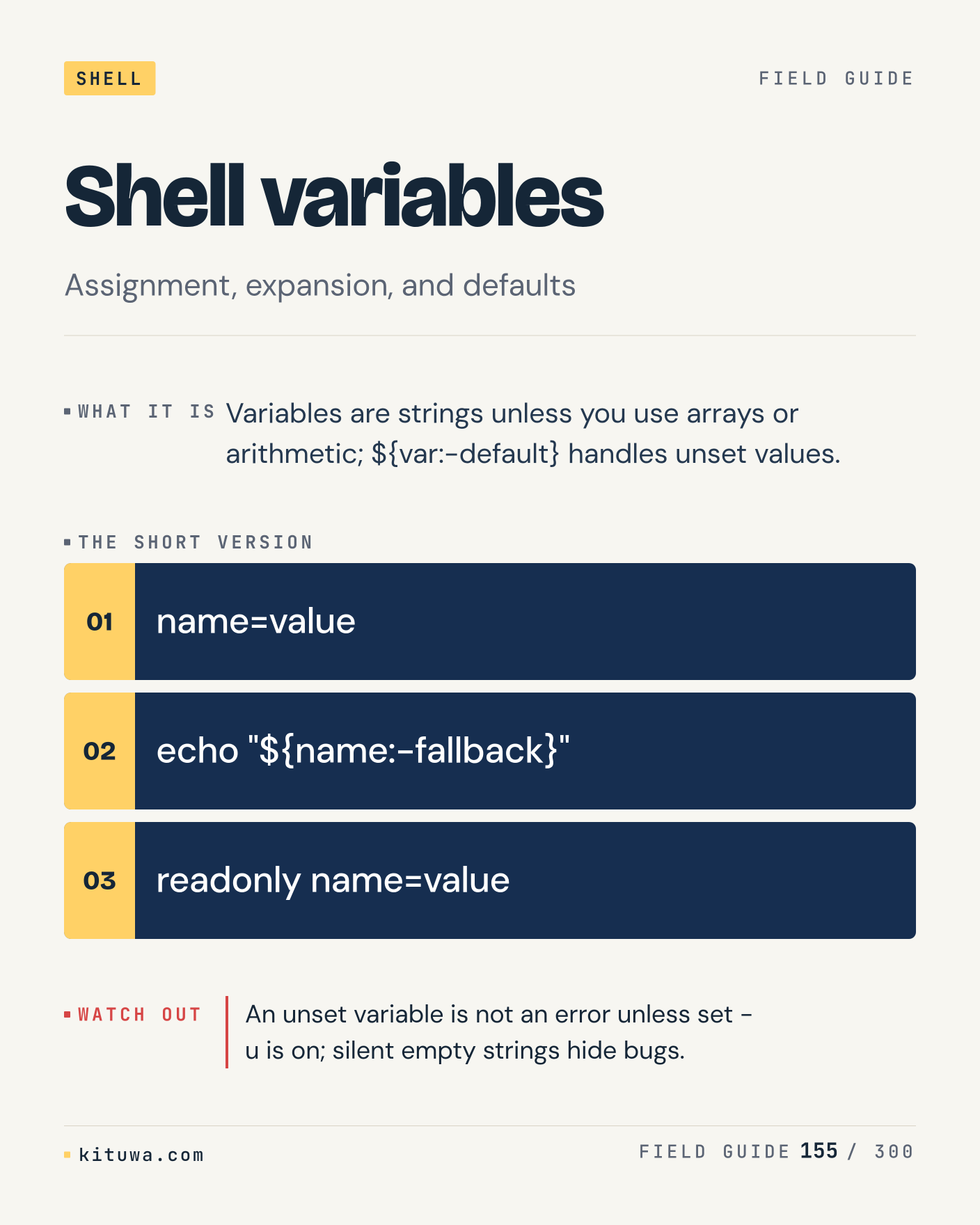
155. Shell variables

There is no magic in Shell variables. Variables are strings unless you use arrays or arithmetic; ${var:-default} handles unset values. Use `name=value` before `echo "${name:-fallback}"`. An unset variable is not an error unless set -u is on; silent empty strings hide bugs. What is your default?

#Linux #Bash #CLI

Approval: approved · Facebook: not scheduled

Post 156 artwork

2027-01-07 · 21:00 ET · image

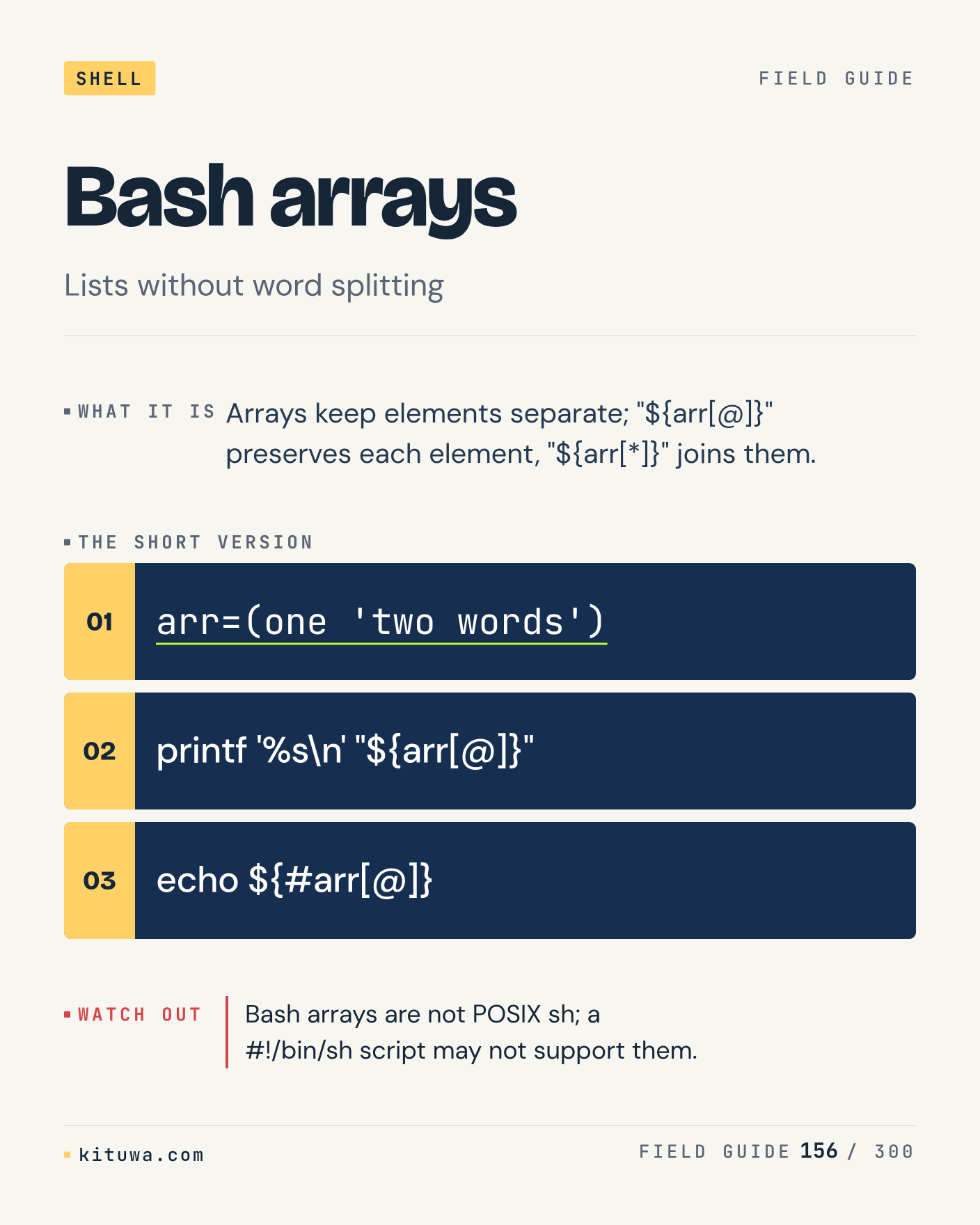
156. Bash arrays

One thing about Bash arrays — Arrays keep elements separate; "${arr[@]}" preserves each element, "${arr[*]}" joins them. `arr=(one 'two words')` is the fastest check. Bash arrays are not POSIX sh; a #!/bin/sh script may not support them. What would you add?

#Linux #Bash #CLI

Approval: approved · Facebook: not scheduled

Post 157 artwork

2027-01-08 · 09:00 ET · image

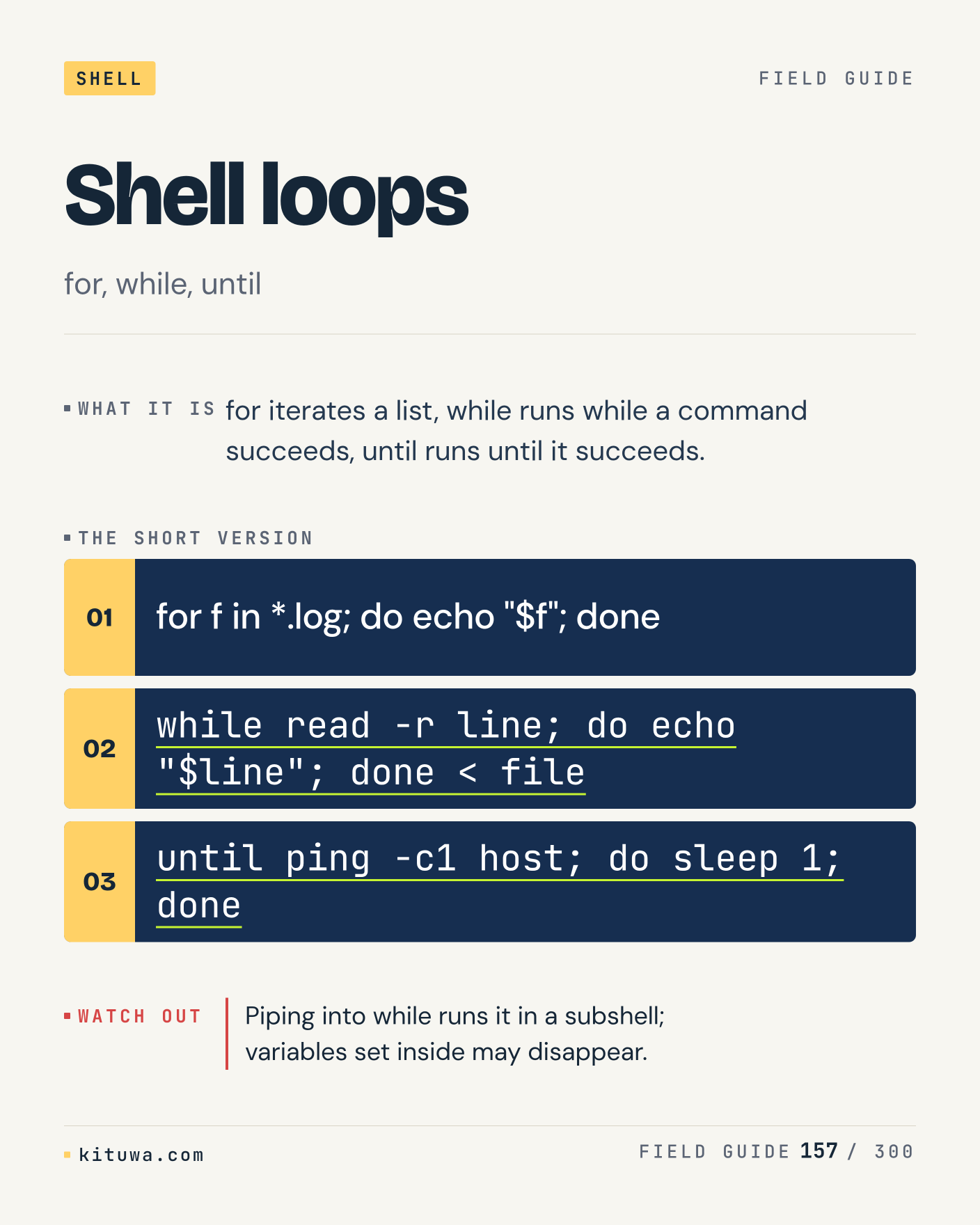
157. Shell loops

For iterates a list, while runs while a command succeeds, until runs until it succeeds. The useful habit: run `for f in *.log; do echo "$f"; done`, read the output, then decide. Piping into while runs it in a subshell; variables set inside may disappear. What is the last thing it caught?

#Linux #Bash #CLI

Approval: approved · Facebook: not scheduled

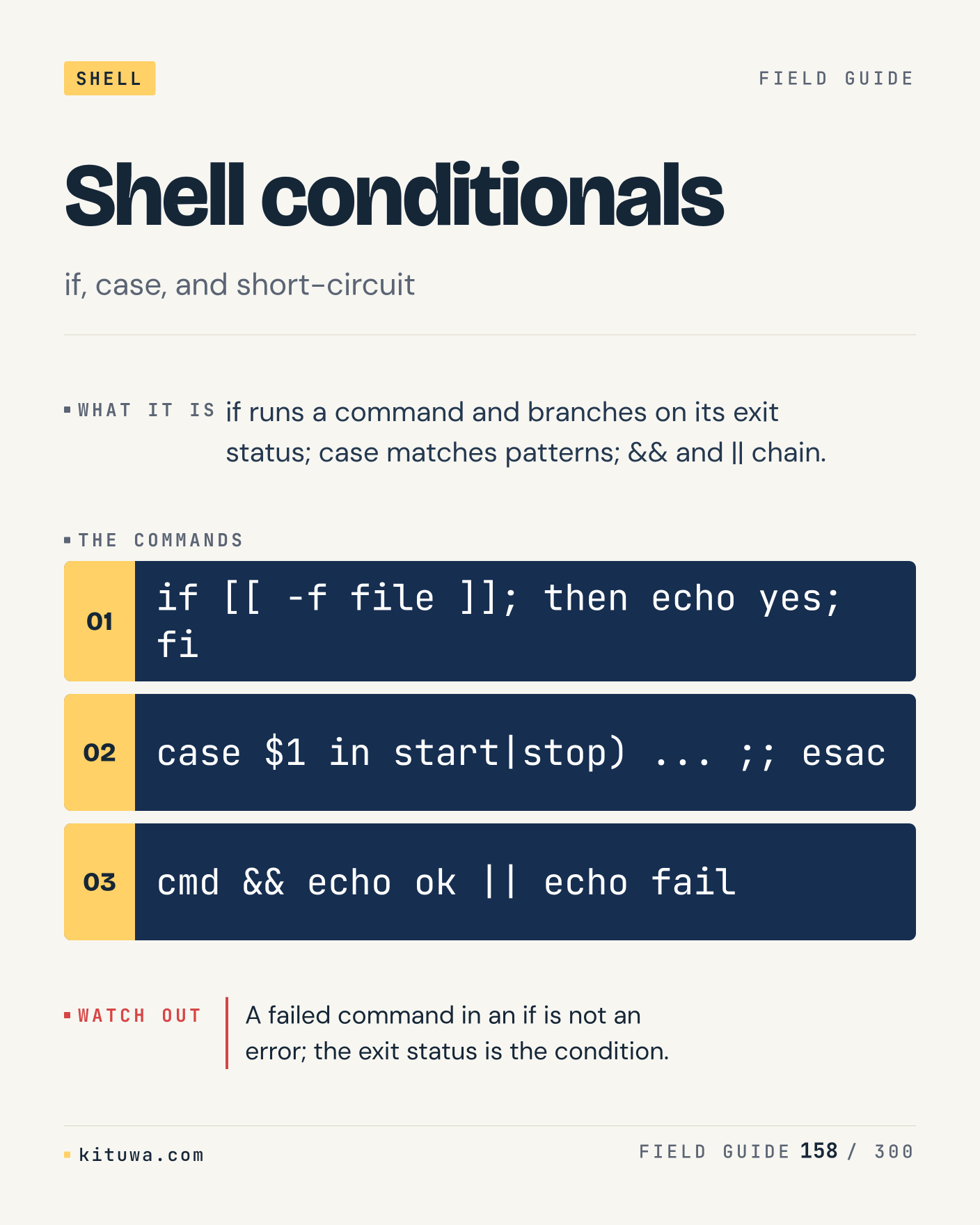
Post 158 artwork

2027-01-08 · 15:00 ET · image

158. Shell conditionals

Shell conditionals, without the ceremony — If runs a command and branches on its exit status; case matches patterns; && and || chain. `if [[ -f file ]]; then echo yes; fi` first, `case $1 in start|stop) ... ;; esac` when you need the detail. A failed command in an if is not an error; the exit status is the condition. Which output do you trust?

#Linux #Bash #CLI

Approval: approved · Facebook: not scheduled

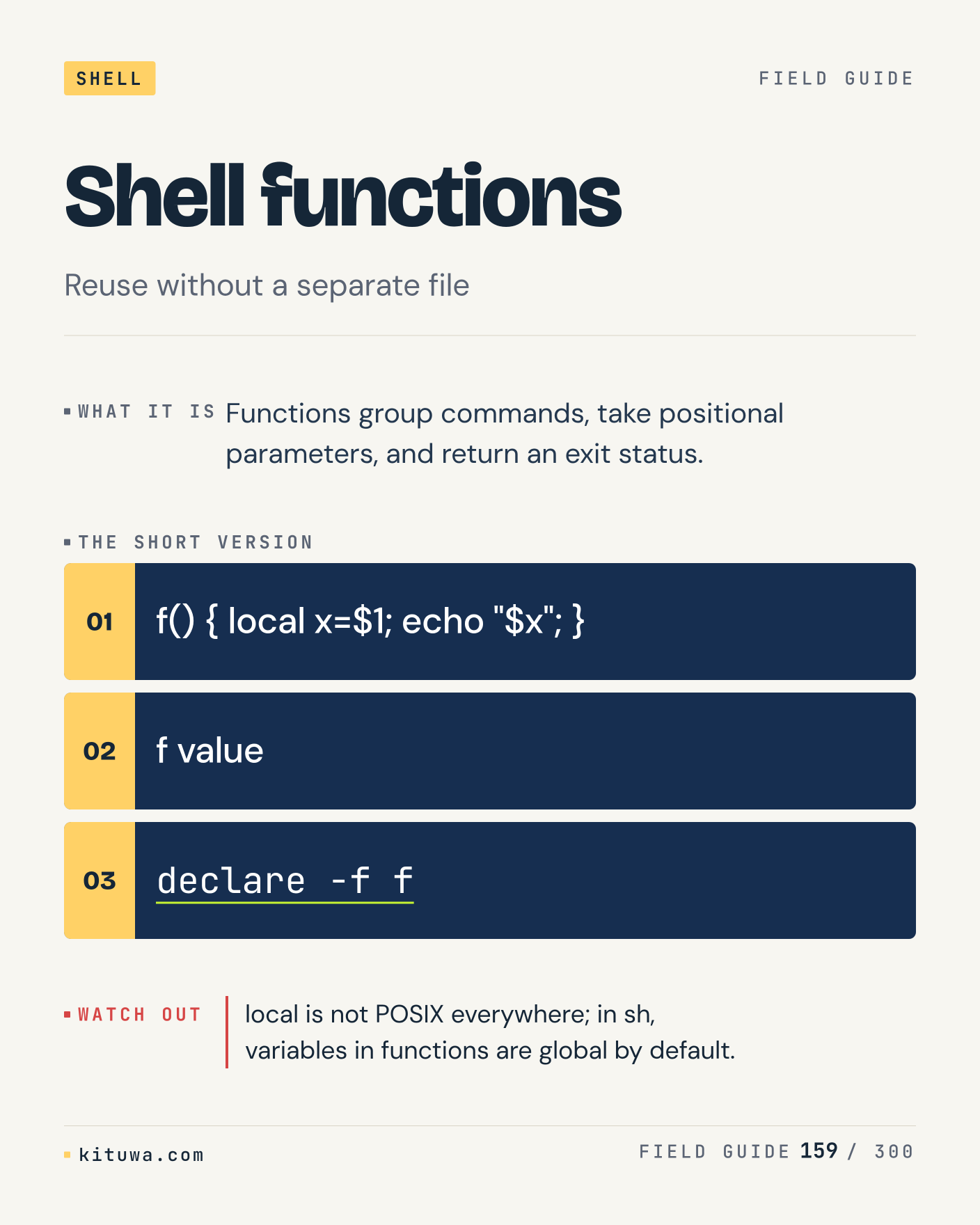
Post 159 artwork

2027-01-08 · 21:00 ET · image

159. Shell functions

Functions group commands, take positional parameters, and return an exit status. Keep `f() { local x=$1; echo "$x"; }` and `f value` in reach. local is not POSIX everywhere; in sh, variables in functions are global by default. What breaks first on your setup?

#Linux #Bash #CLI

Approval: approved · Facebook: not scheduled

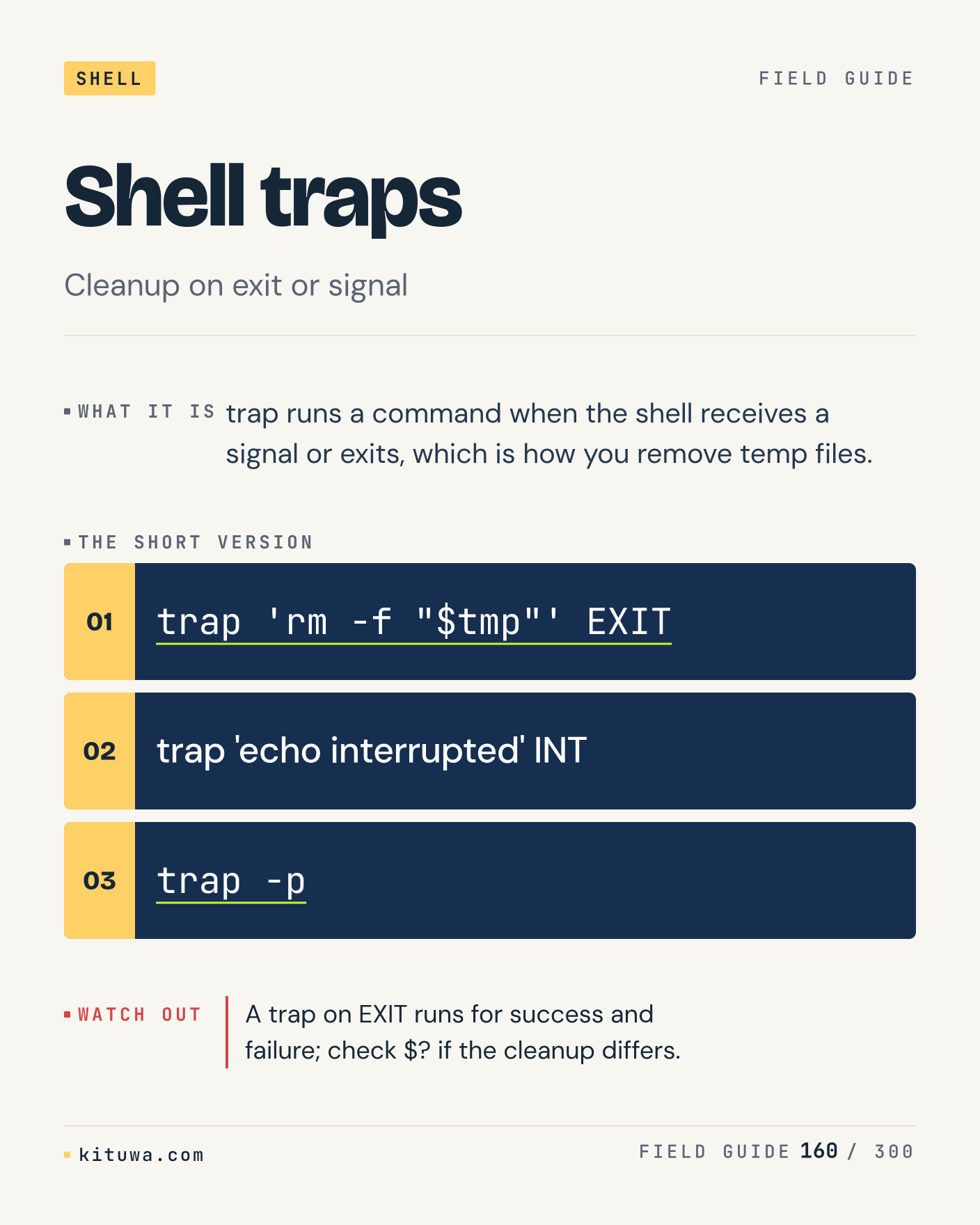
Post 160 artwork

2027-01-09 · 09:00 ET · image

160. Shell traps

Shell traps — Trap runs a command when the shell receives a signal or exits, which is how you remove temp files. Start with `trap 'rm -f "$tmp"' EXIT`. A trap on EXIT runs for success and failure; check $? if the cleanup differs. What does it show on your box?

#Linux #Bash #CLI

Approval: approved · Facebook: not scheduled

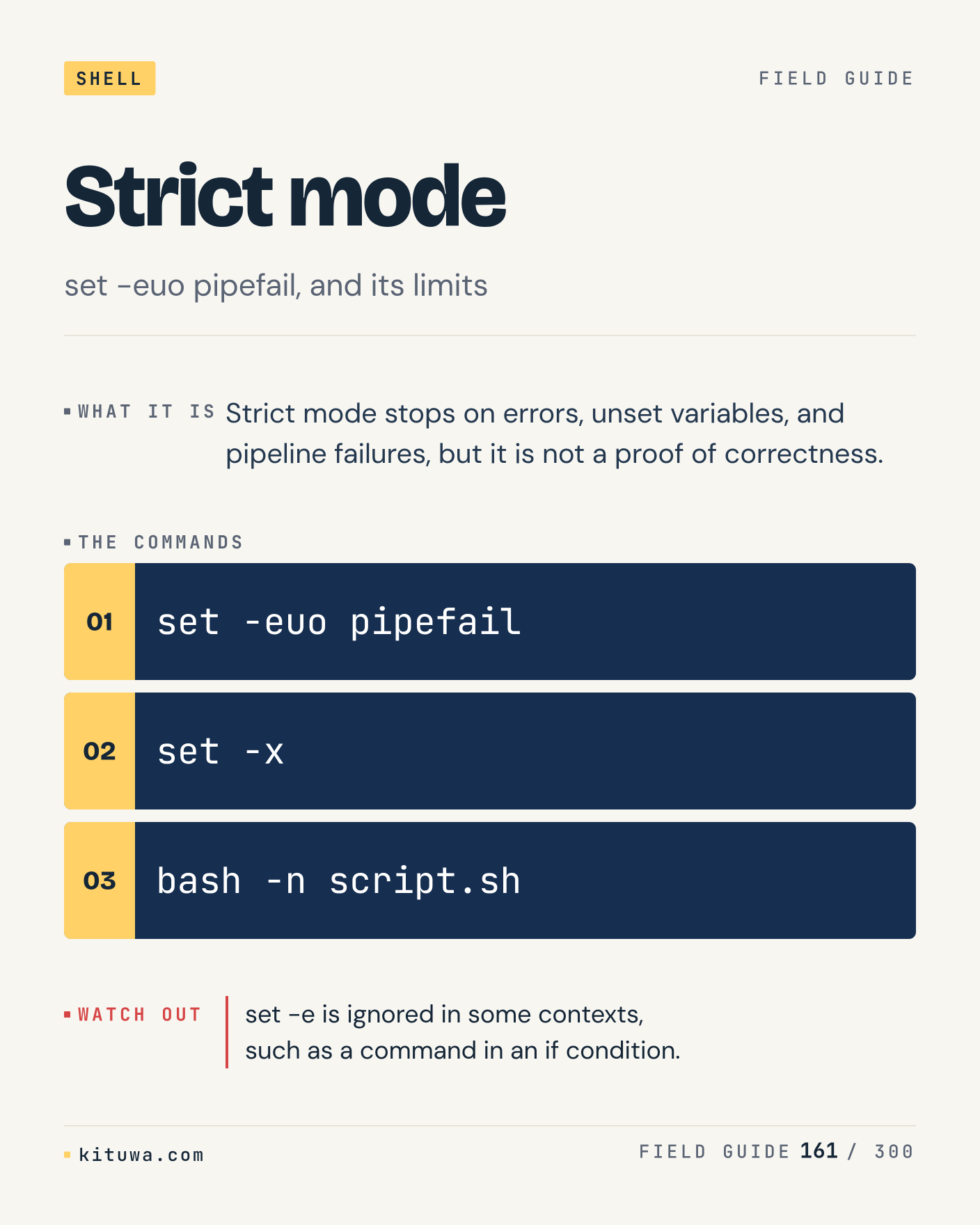
Post 161 artwork

2027-01-09 · 15:00 ET · image

161. Strict mode

Strict mode stops on errors, unset variables, and pipeline failures, but it is not a proof of correctness. Try `set -euo pipefail` first; `set -x` is the next step. set -e is ignored in some contexts, such as a command in an if condition. Which one would you check first?

#Linux #Bash #CLI

Approval: approved · Facebook: not scheduled

Post 162 artwork

2027-01-09 · 21:00 ET · image

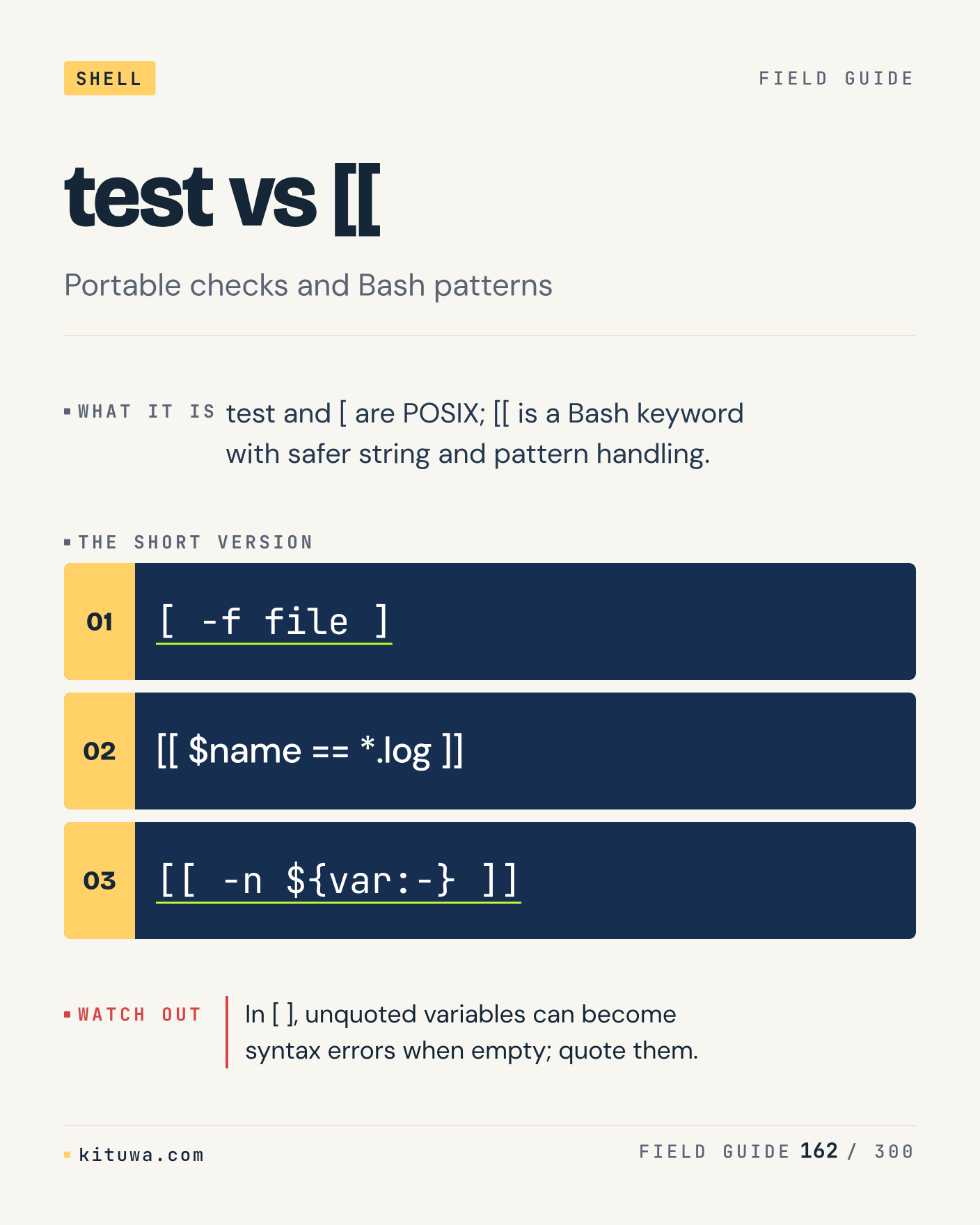
162. test vs [[

The short version of Test vs [[ — Test and [ are POSIX; [[ is a Bash keyword with safer string and pattern handling. `[ -f file ]` shows the state; `[[ $name == *.log ]]` changes it. In [ ], unquoted variables can become syntax errors when empty; quote them. Sound familiar?

#Linux #Bash #CLI

Approval: approved · Facebook: not scheduled

Post 163 artwork

2027-01-10 · 09:00 ET · image

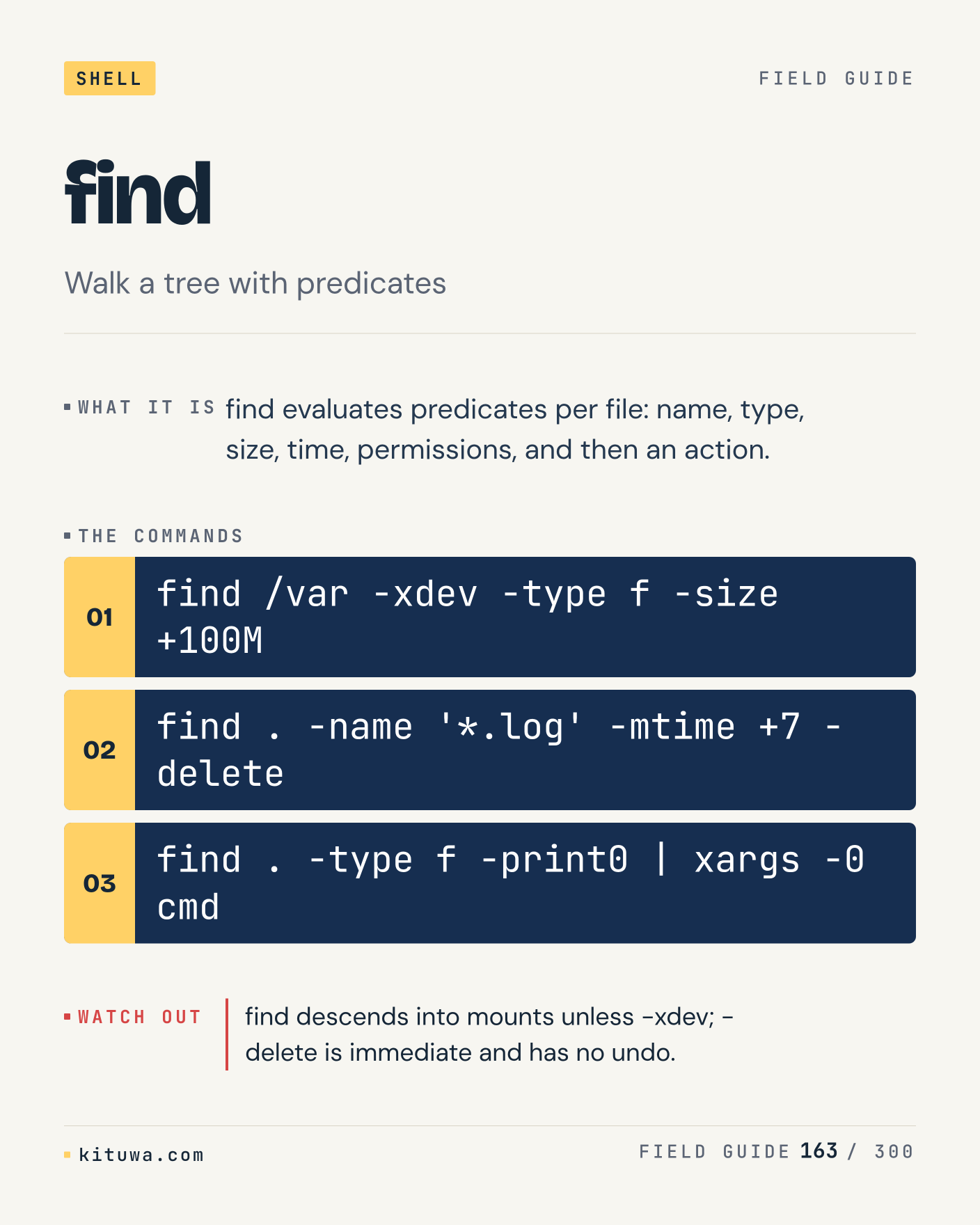
163. find

There is no magic in Find. Find evaluates predicates per file: name, type, size, time, permissions, and then an action. Use `find /var -xdev -type f -size +100M` before `find . -name '*.log' -mtime +7 -delete`. find descends into mounts unless -xdev; -delete is immediate and has no undo. What is your default?

#Linux #Bash #CLI

Approval: approved · Facebook: not scheduled

Post 164 artwork

2027-01-10 · 15:00 ET · image

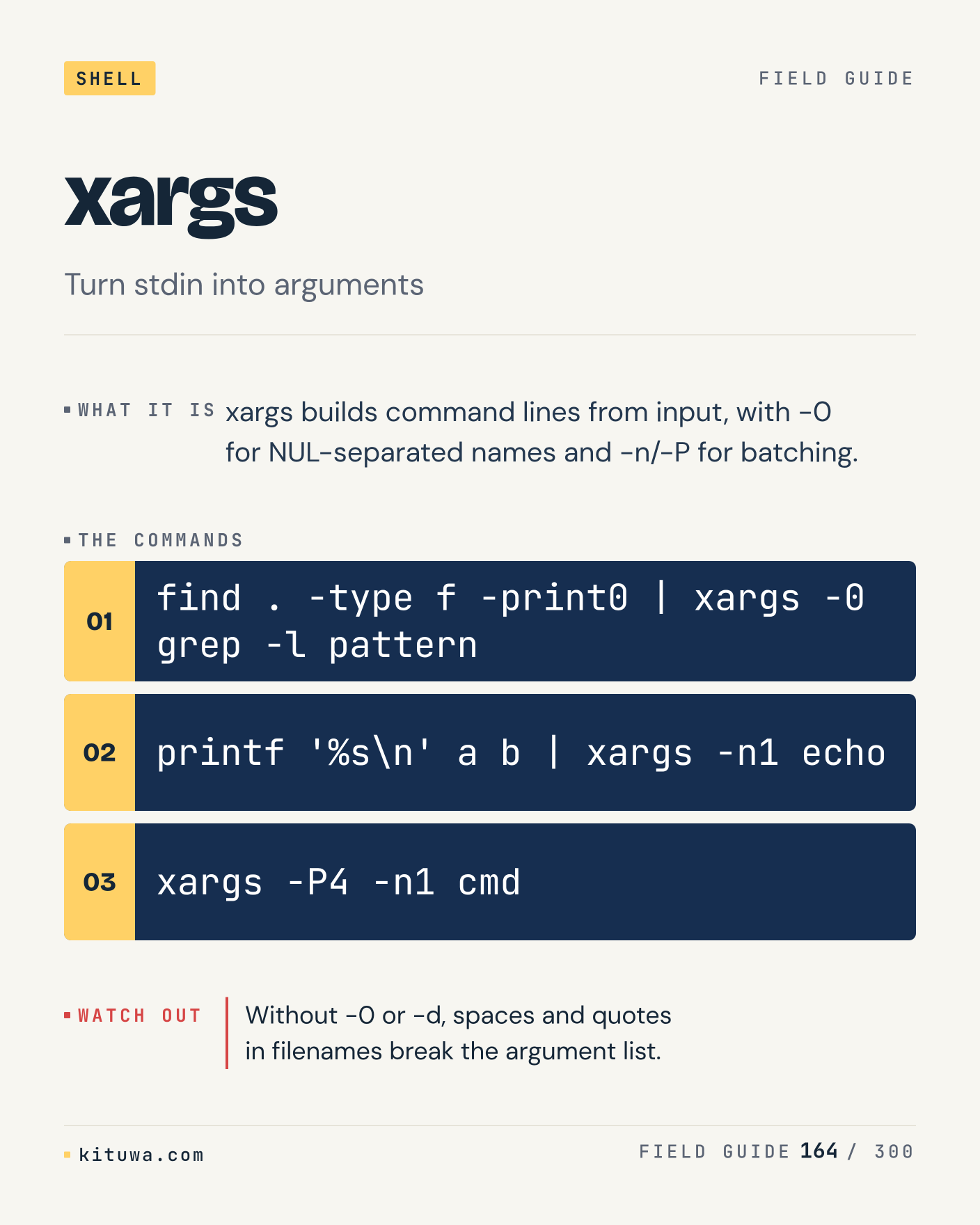
164. xargs

One thing about Xargs — Xargs builds command lines from input, with -0 for NUL-separated names and -n/-P for batching. `find . -type f -print0 | xargs -0 grep -l pattern` is the fastest check. Without -0 or -d, spaces and quotes in filenames break the argument list. What would you add?

#Linux #Bash #CLI

Approval: approved · Facebook: not scheduled

Post 165 artwork

2027-01-10 · 21:00 ET · image

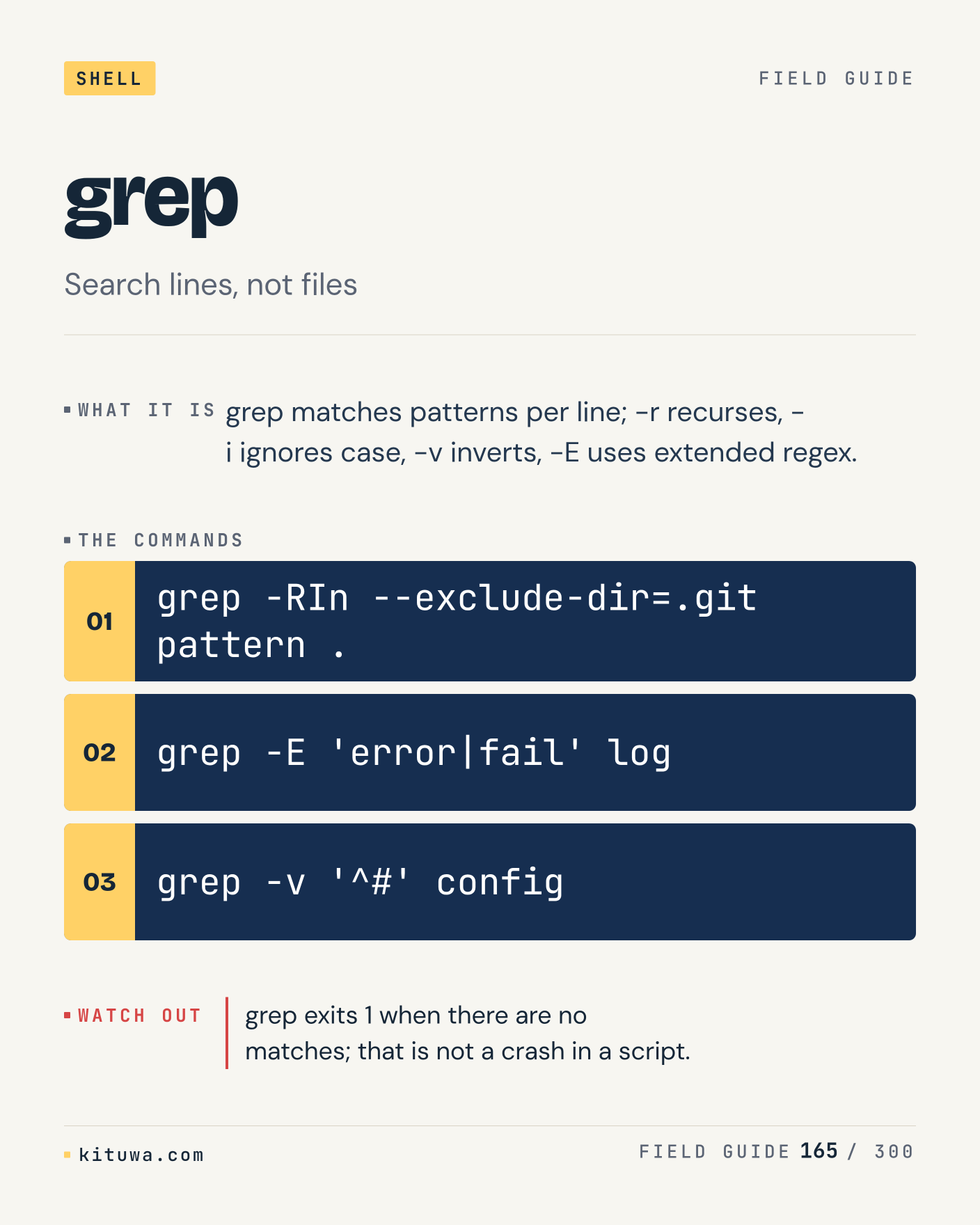
165. grep

Grep matches patterns per line; -r recurses, -i ignores case, -v inverts, -E uses extended regex. The useful habit: run `grep -RIn --exclude-dir=.git pattern .`, read the output, then decide. grep exits 1 when there are no matches; that is not a crash in a script. What is the last thing it caught?

#Linux #Bash #CLI

Approval: approved · Facebook: not scheduled

Post 166 artwork

2027-01-11 · 09:00 ET · image

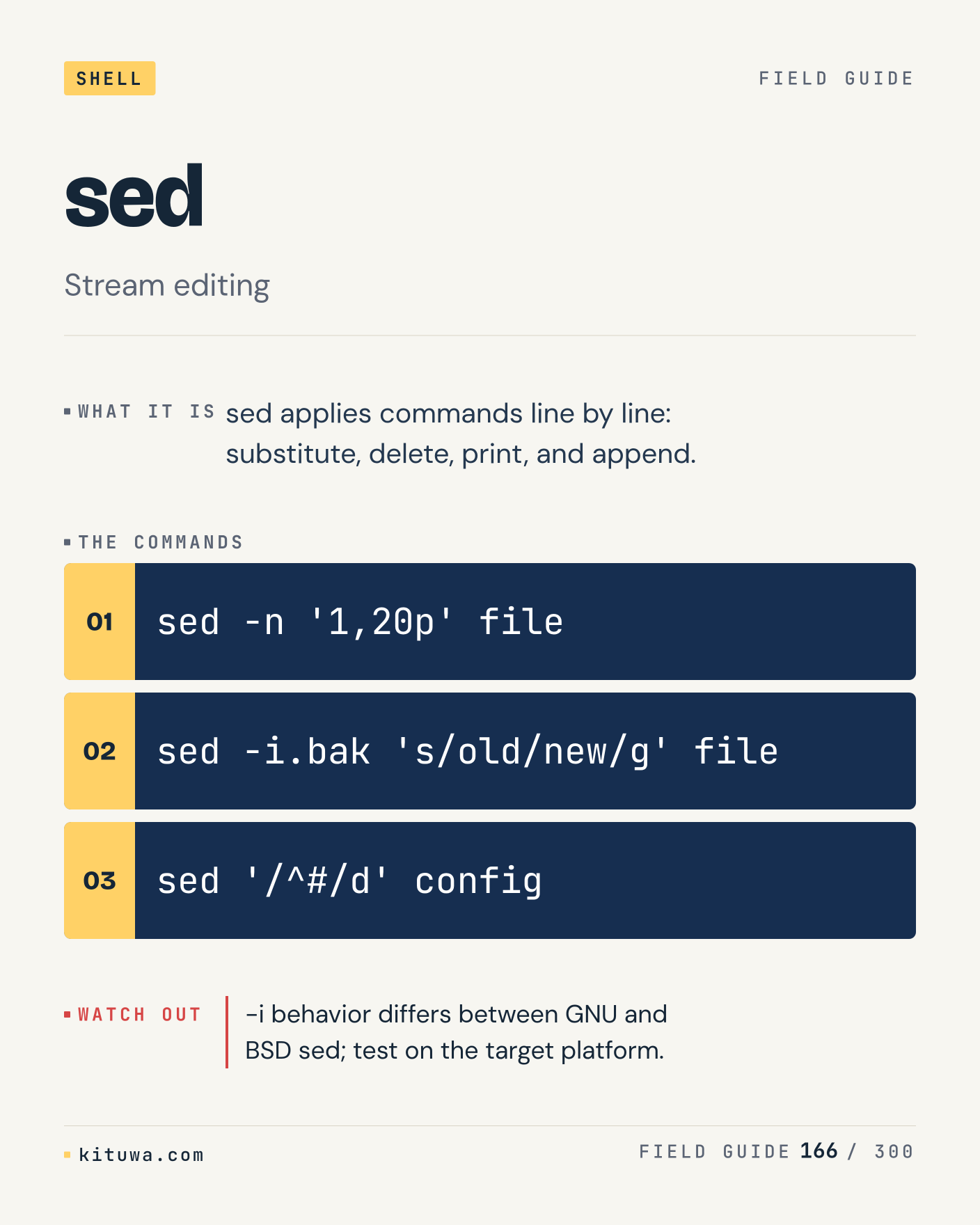
166. sed

Sed, without the ceremony — Sed applies commands line by line: substitute, delete, print, and append. `sed -n '1,20p' file` first, `sed -i.bak 's/old/new/g' file` when you need the detail. -i behavior differs between GNU and BSD sed; test on the target platform. Which output do you trust?

#Linux #Bash #CLI

Approval: approved · Facebook: not scheduled

Post 167 artwork

2027-01-11 · 15:00 ET · image

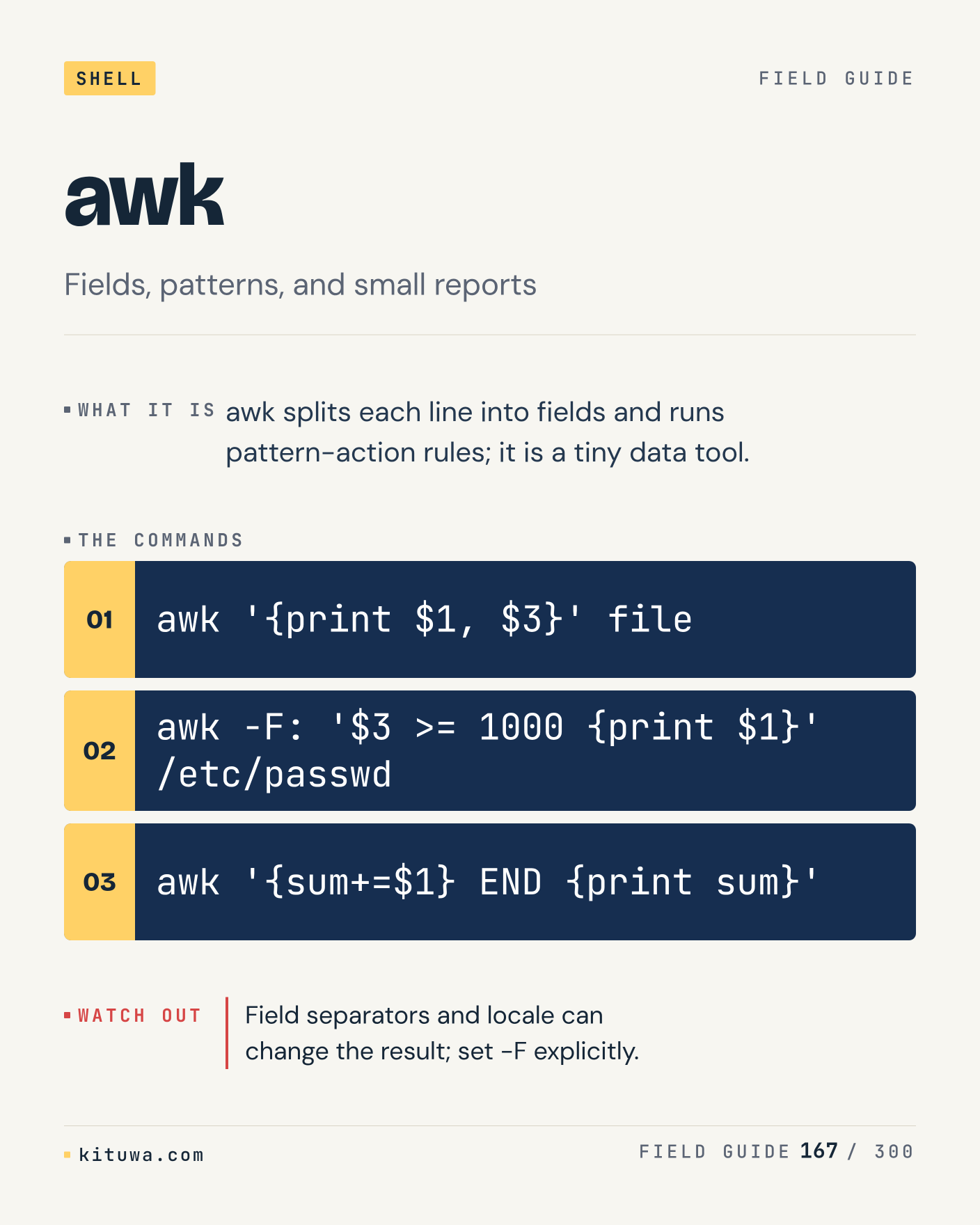
167. awk

Awk splits each line into fields and runs pattern-action rules; it is a tiny data tool. Keep `awk '{print $1, $3}' file` and `awk -F: '$3 >= 1000 {print $1}' /etc/passwd` in reach. Field separators and locale can change the result; set -F explicitly. What breaks first on your setup?

#Linux #Bash #CLI

Approval: approved · Facebook: not scheduled

Post 168 artwork

2027-01-11 · 21:00 ET · image

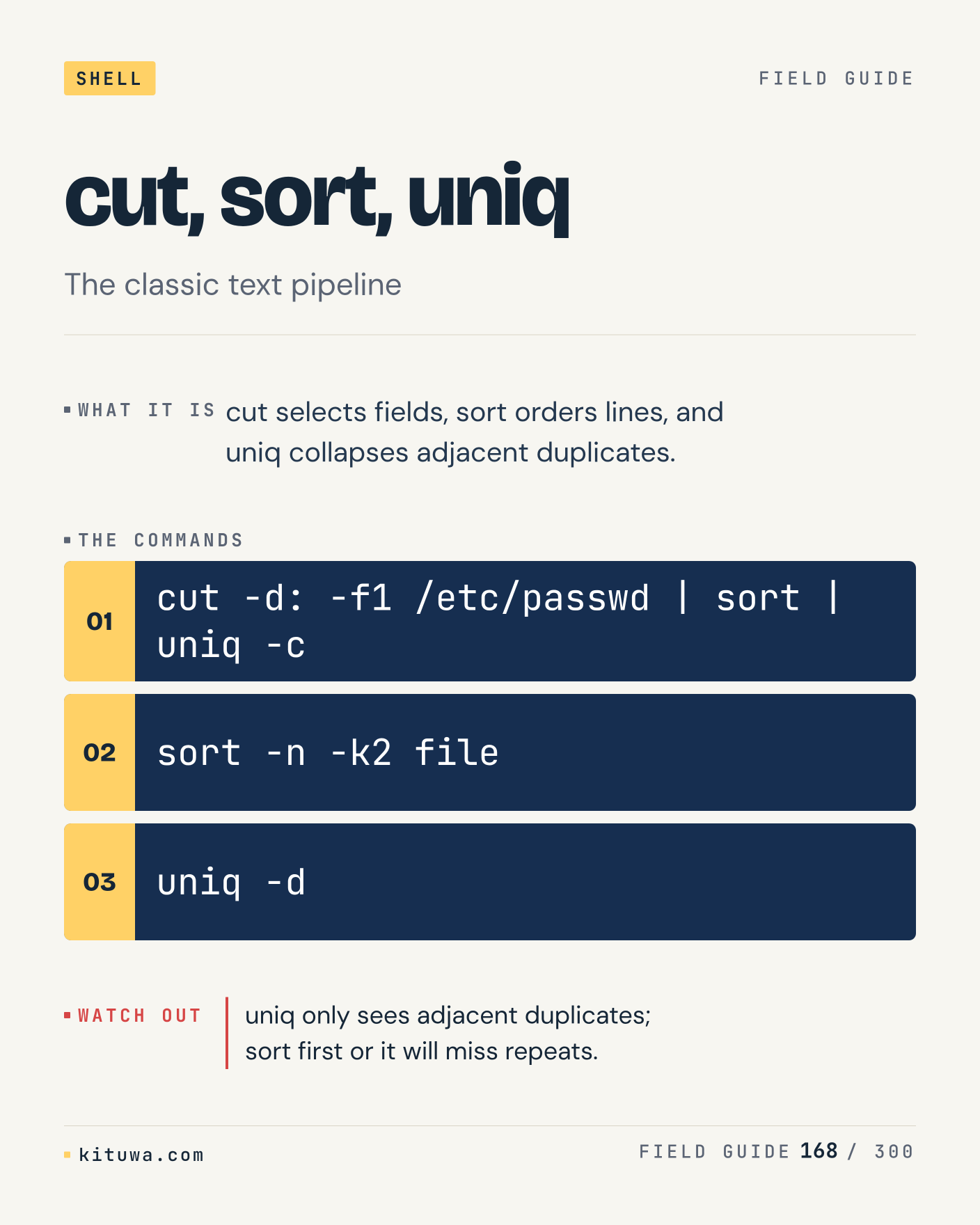
168. cut, sort, uniq

Cut, sort, uniq — Cut selects fields, sort orders lines, and uniq collapses adjacent duplicates. Start with `cut -d: -f1 /etc/passwd | sort | uniq -c`. uniq only sees adjacent duplicates; sort first or it will miss repeats. What does it show on your box?

#Linux #Bash #CLI

Approval: approved · Facebook: not scheduled

Post 169 artwork

2027-01-12 · 09:00 ET · image

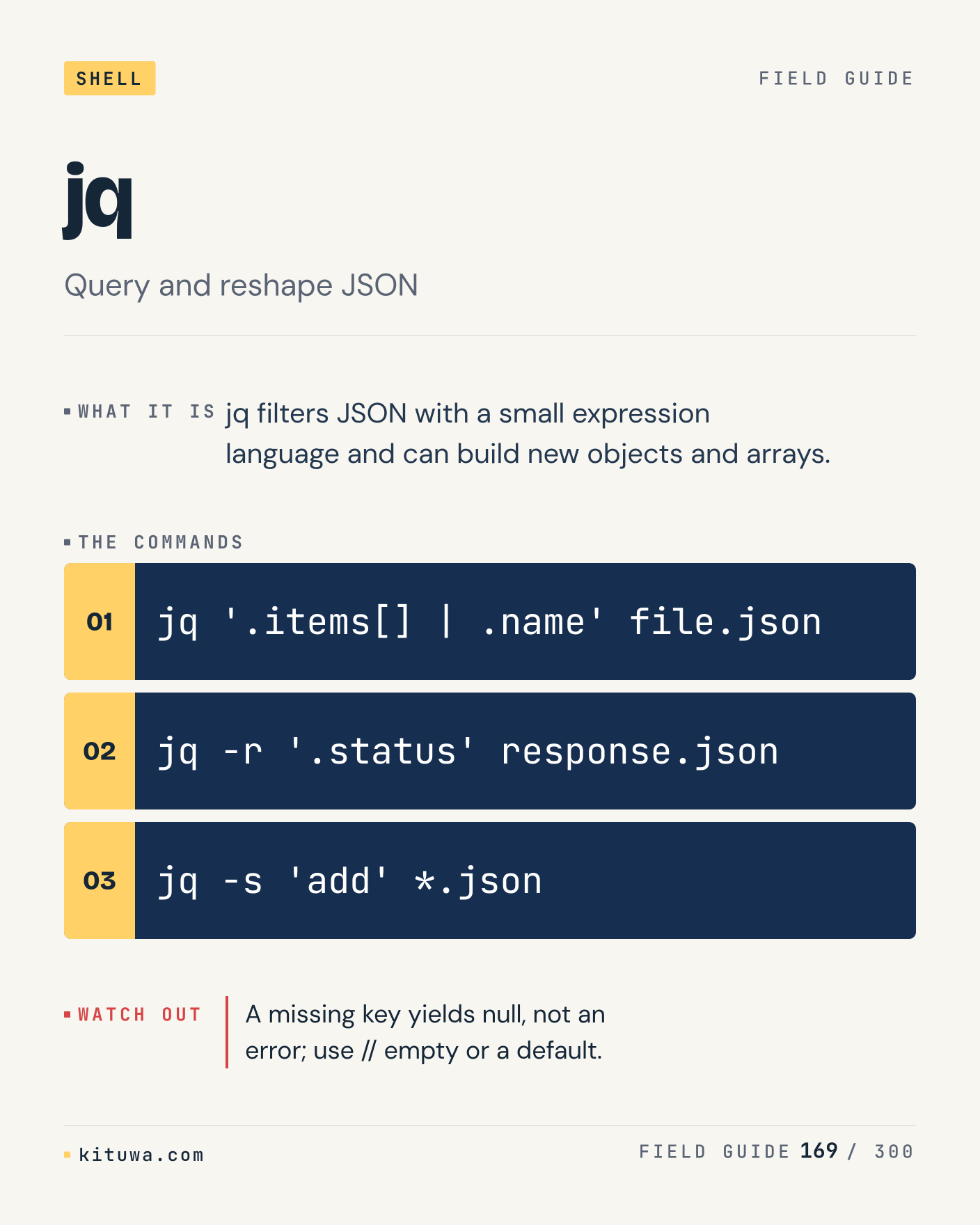
169. jq

Jq filters JSON with a small expression language and can build new objects and arrays. Try `jq '.items[] | .name' file.json` first; `jq -r '.status' response.json` is the next step. A missing key yields null, not an error; use // empty or a default. Which one would you check first?

#Linux #Bash #CLI

Approval: approved · Facebook: not scheduled

Post 170 artwork

2027-01-12 · 15:00 ET · image

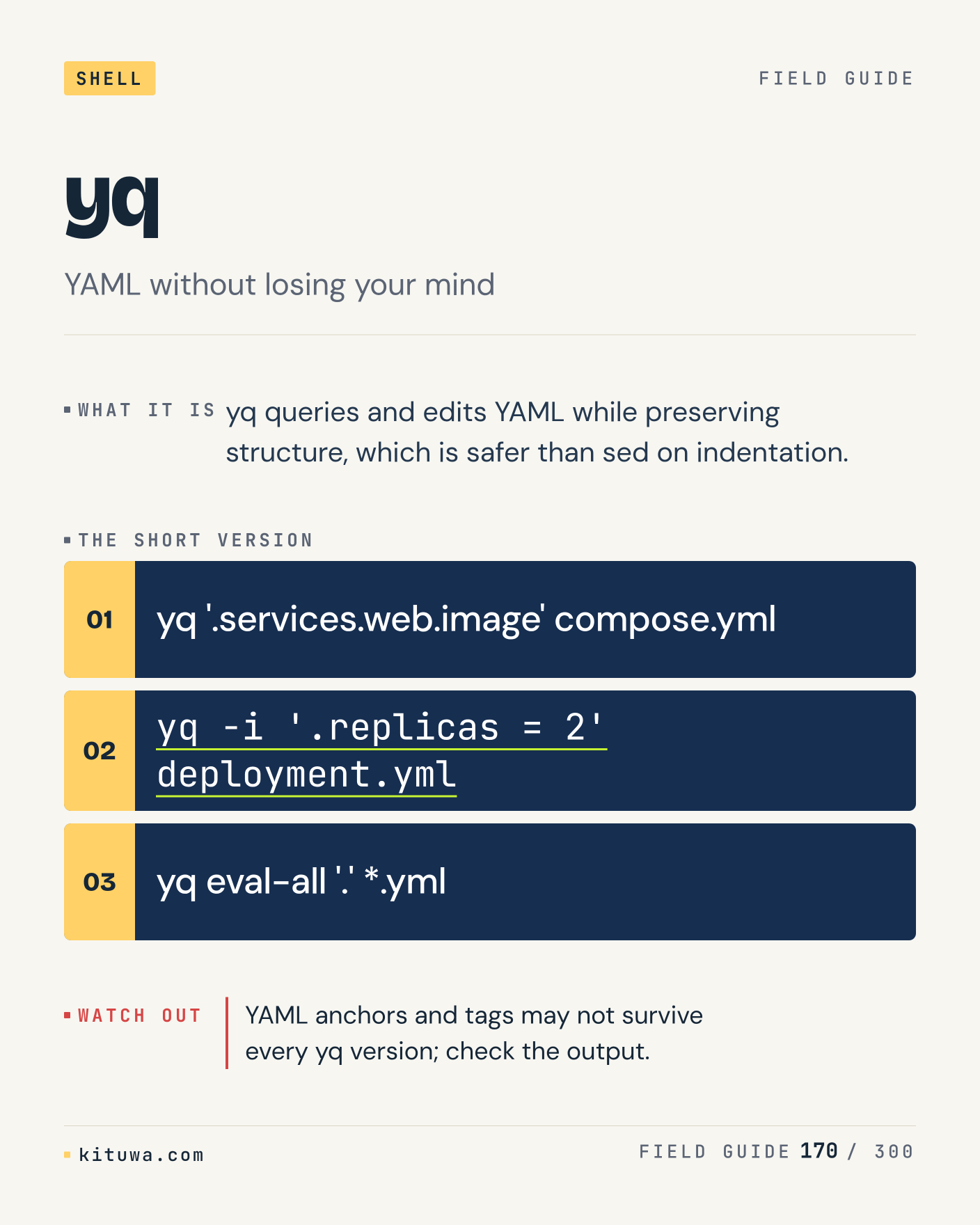
170. yq

The short version of Yq — Yq queries and edits YAML while preserving structure, which is safer than sed on indentation. `yq '.services.web.image' compose.yml` shows the state; `yq -i '.replicas = 2' deployment.yml` changes it. YAML anchors and tags may not survive every yq version; check the output. Sound familiar?

#Linux #Bash #CLI

Approval: approved · Facebook: not scheduled

Post 171 artwork

2027-01-12 · 21:00 ET · image

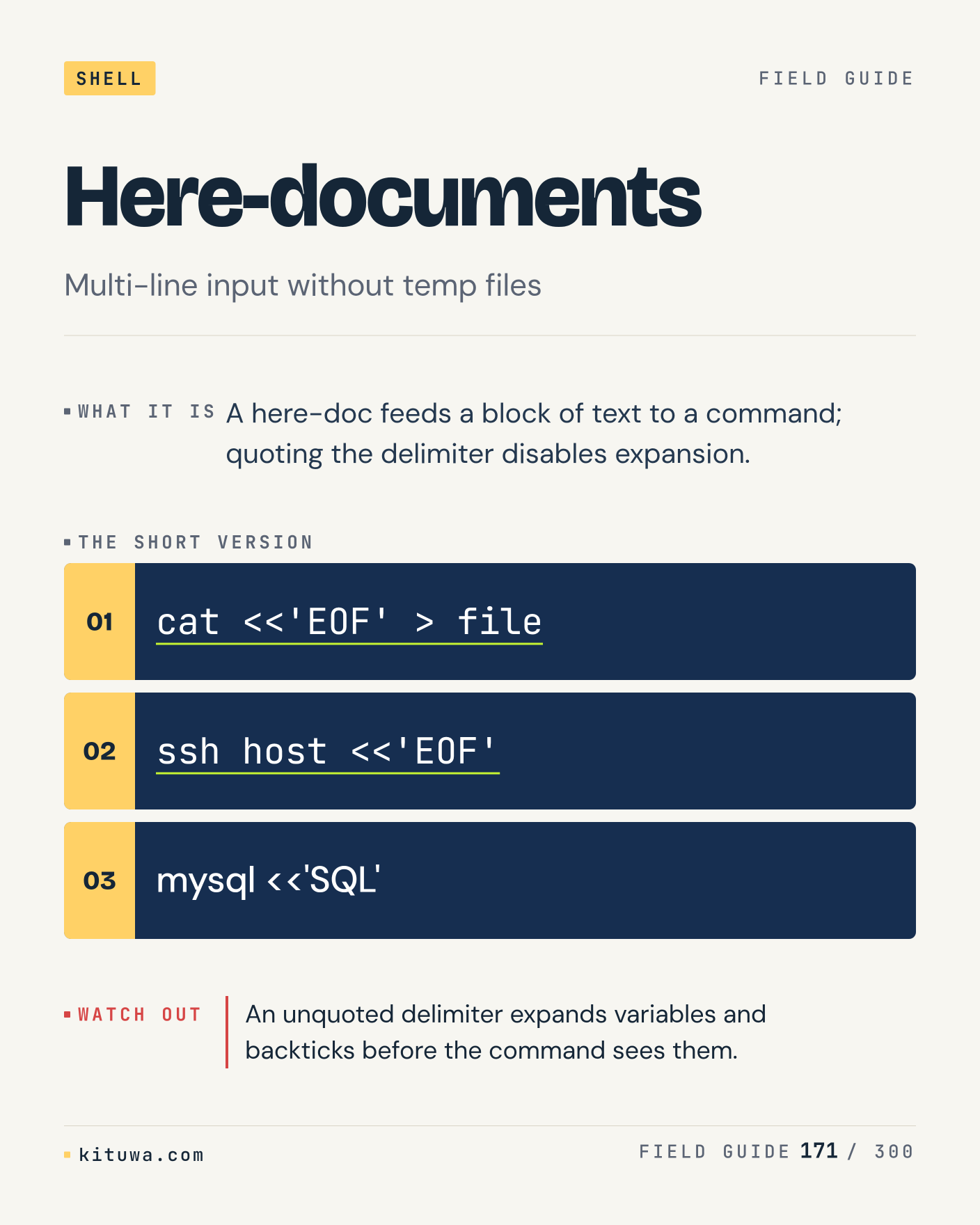
171. Here-documents

There is no magic in Here-documents. A here-doc feeds a block of text to a command; quoting the delimiter disables expansion. Use `cat <<'EOF' > file` before `ssh host <<'EOF'`. An unquoted delimiter expands variables and backticks before the command sees them. What is your default?

#Linux #Bash #CLI

Approval: approved · Facebook: not scheduled

Post 172 artwork

2027-01-13 · 09:00 ET · image

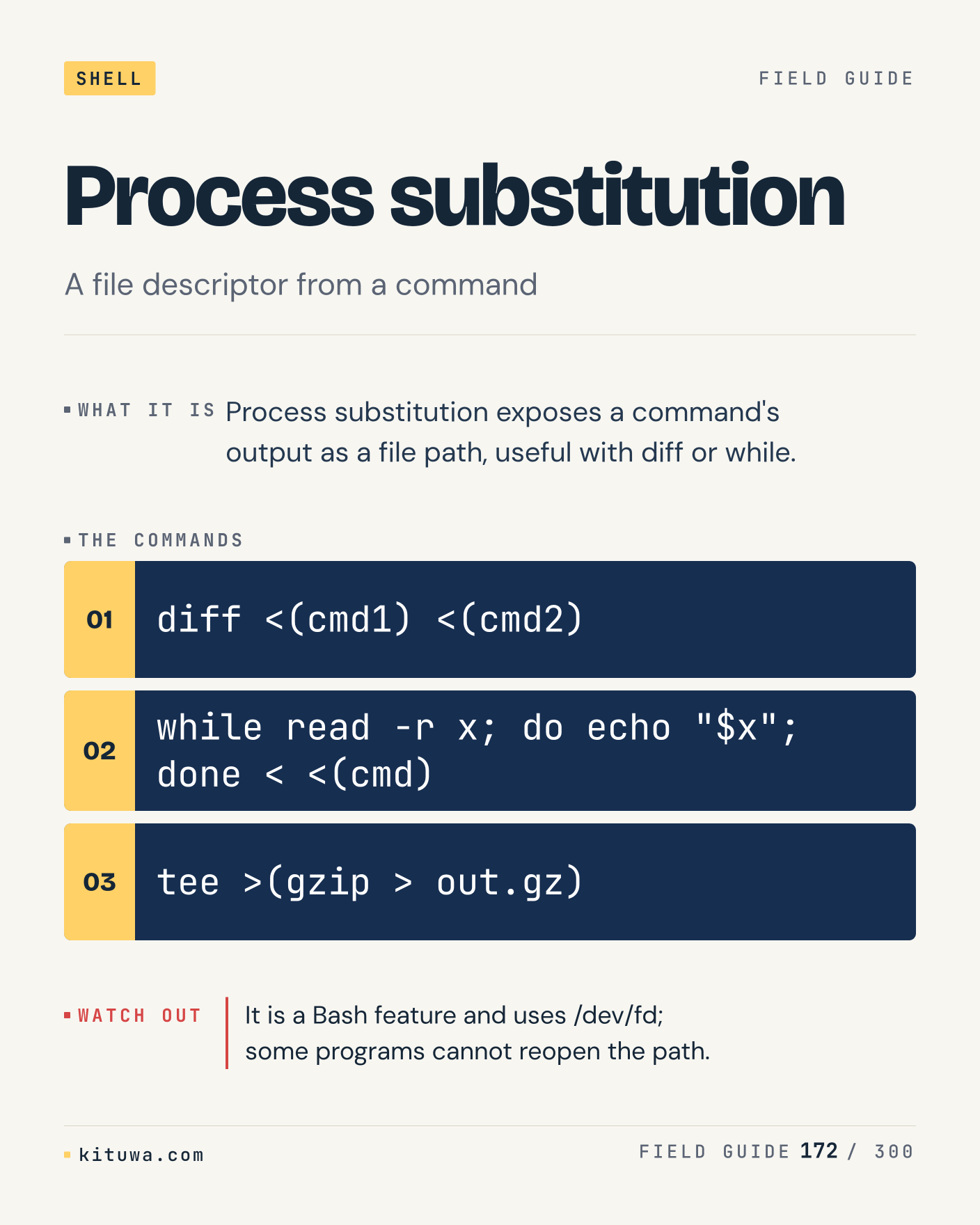
172. Process substitution

One thing about Process substitution — Process substitution exposes a command's output as a file path, useful with diff or while. `diff <(cmd1) <(cmd2)` is the fastest check. It is a Bash feature and uses /dev/fd; some programs cannot reopen the path. What would you add?

#Linux #Bash #CLI

Approval: approved · Facebook: not scheduled

Post 173 artwork

2027-01-13 · 15:00 ET · image

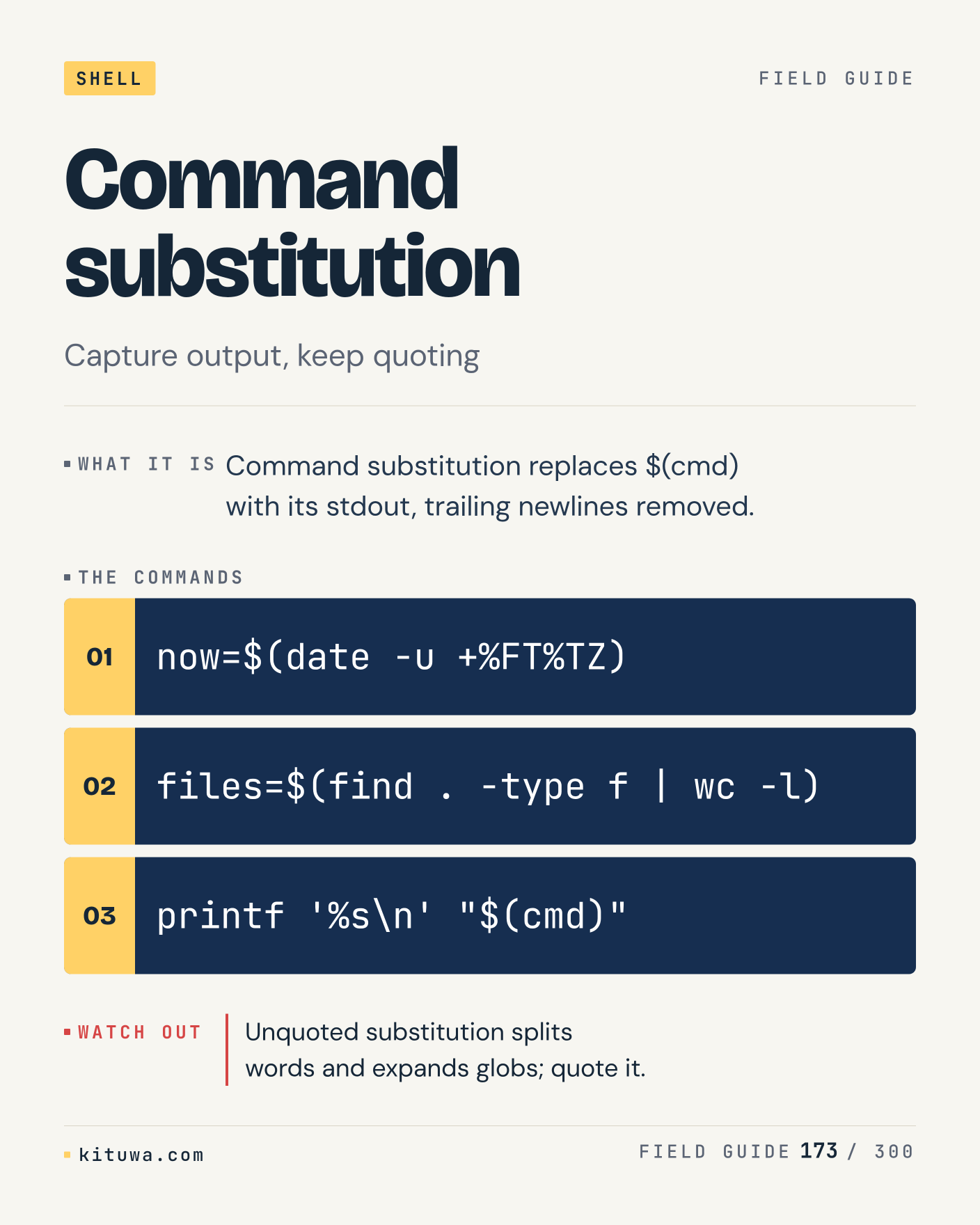
173. Command substitution

Command substitution replaces $(cmd) with its stdout, trailing newlines removed. The useful habit: run `now=$(date -u +%FT%TZ)`, read the output, then decide. Unquoted substitution splits words and expands globs; quote it. What is the last thing it caught?

#Linux #Bash #CLI

Approval: approved · Facebook: not scheduled

Post 174 artwork

2027-01-13 · 21:00 ET · image

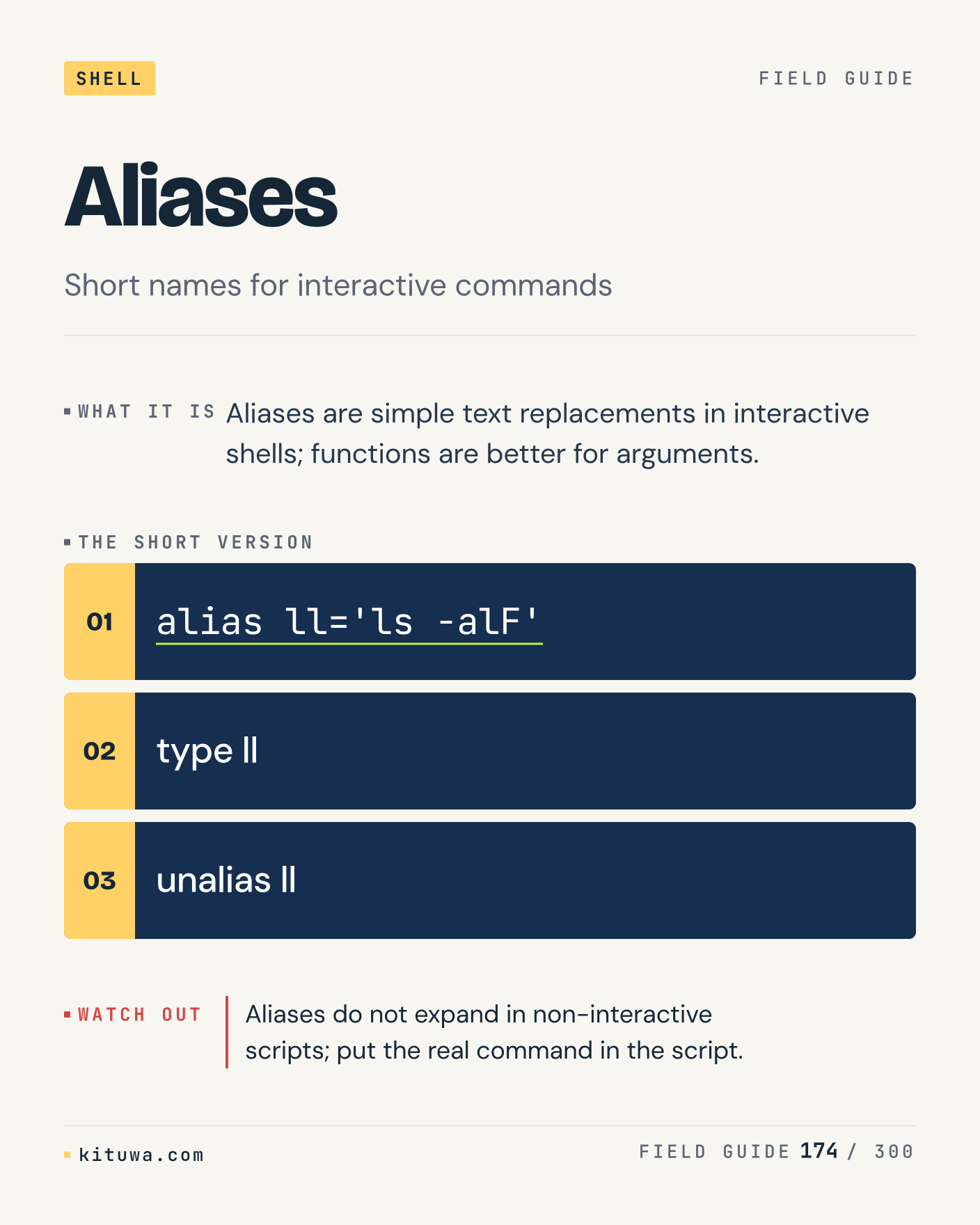
174. Aliases

Aliases, without the ceremony — Aliases are simple text replacements in interactive shells; functions are better for arguments. `alias ll='ls -alF'` first, `type ll` when you need the detail. Aliases do not expand in non-interactive scripts; put the real command in the script. Which output do you trust?

#Linux #Bash #CLI

Approval: approved · Facebook: not scheduled

Post 175 artwork

2027-01-14 · 09:00 ET · image

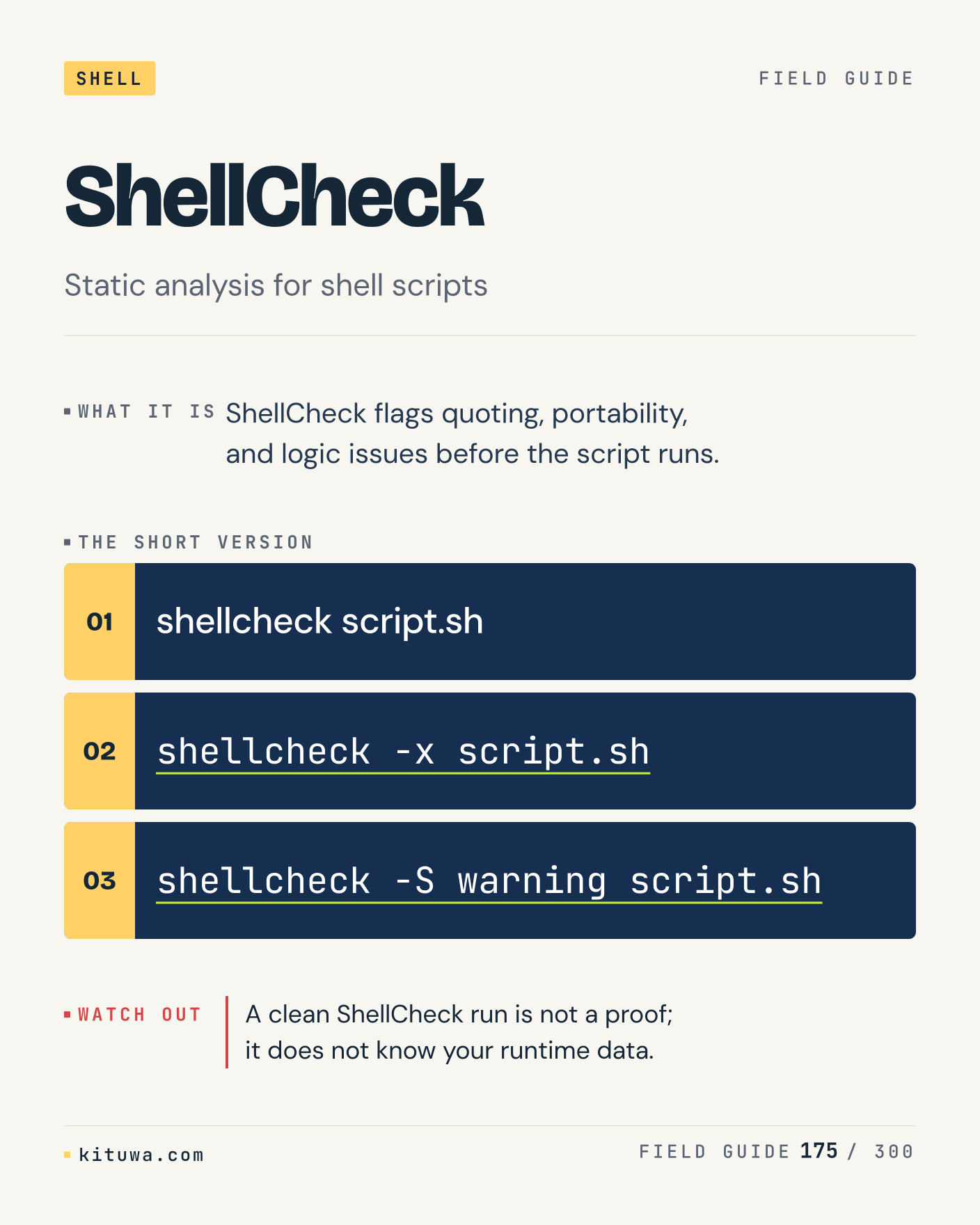
175. ShellCheck

ShellCheck flags quoting, portability, and logic issues before the script runs. Keep `shellcheck script.sh` and `shellcheck -x script.sh` in reach. A clean ShellCheck run is not a proof; it does not know your runtime data. What breaks first on your setup?

#Linux #Bash #CLI

Approval: approved · Facebook: not scheduled

Post 176 artwork

2027-01-14 · 15:00 ET · image

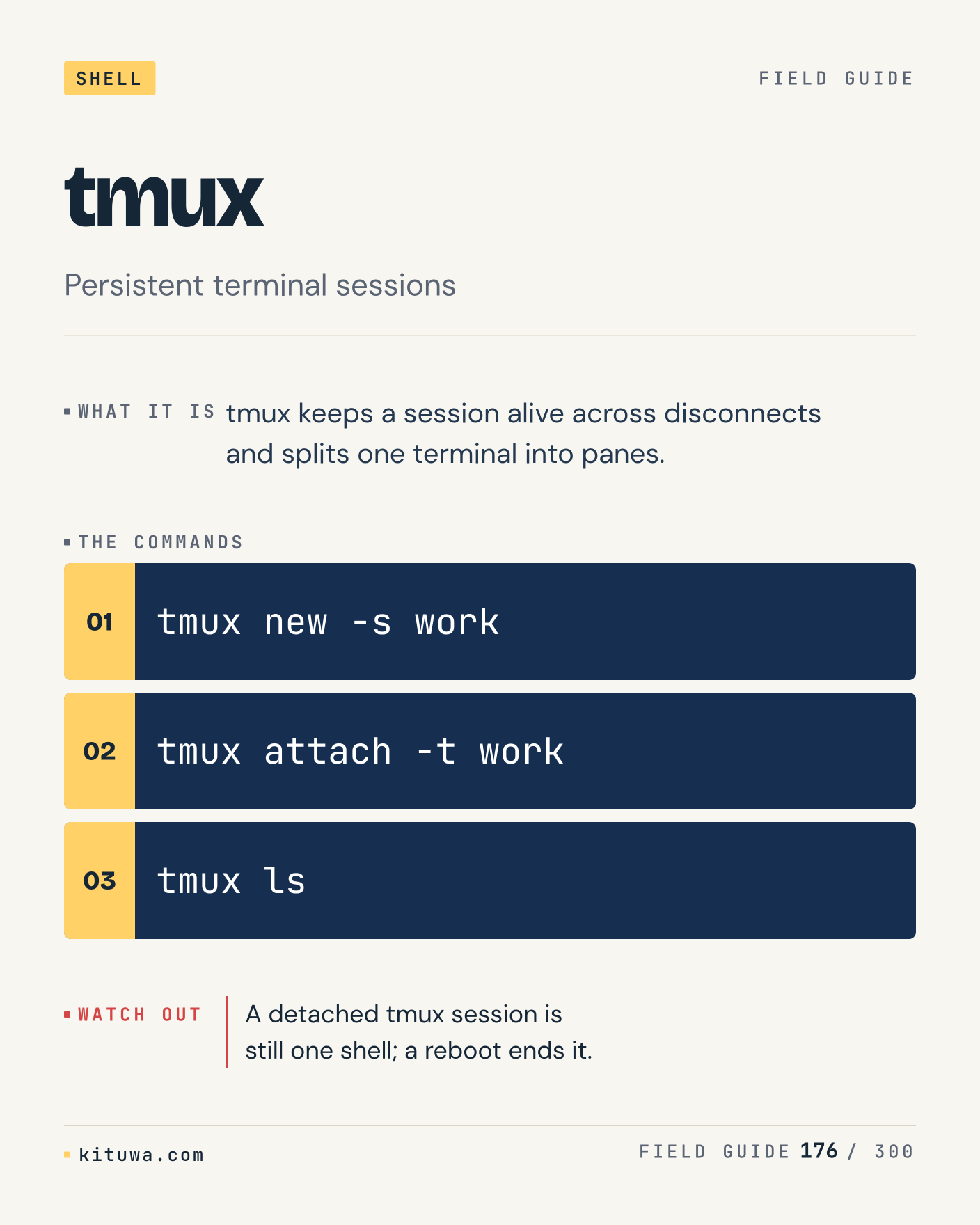
176. tmux

Tmux — Tmux keeps a session alive across disconnects and splits one terminal into panes. Start with `tmux new -s work`. A detached tmux session is still one shell; a reboot ends it. What does it show on your box?

#Linux #Bash #CLI

Approval: approved · Facebook: not scheduled

Post 177 artwork

2027-01-14 · 21:00 ET · image

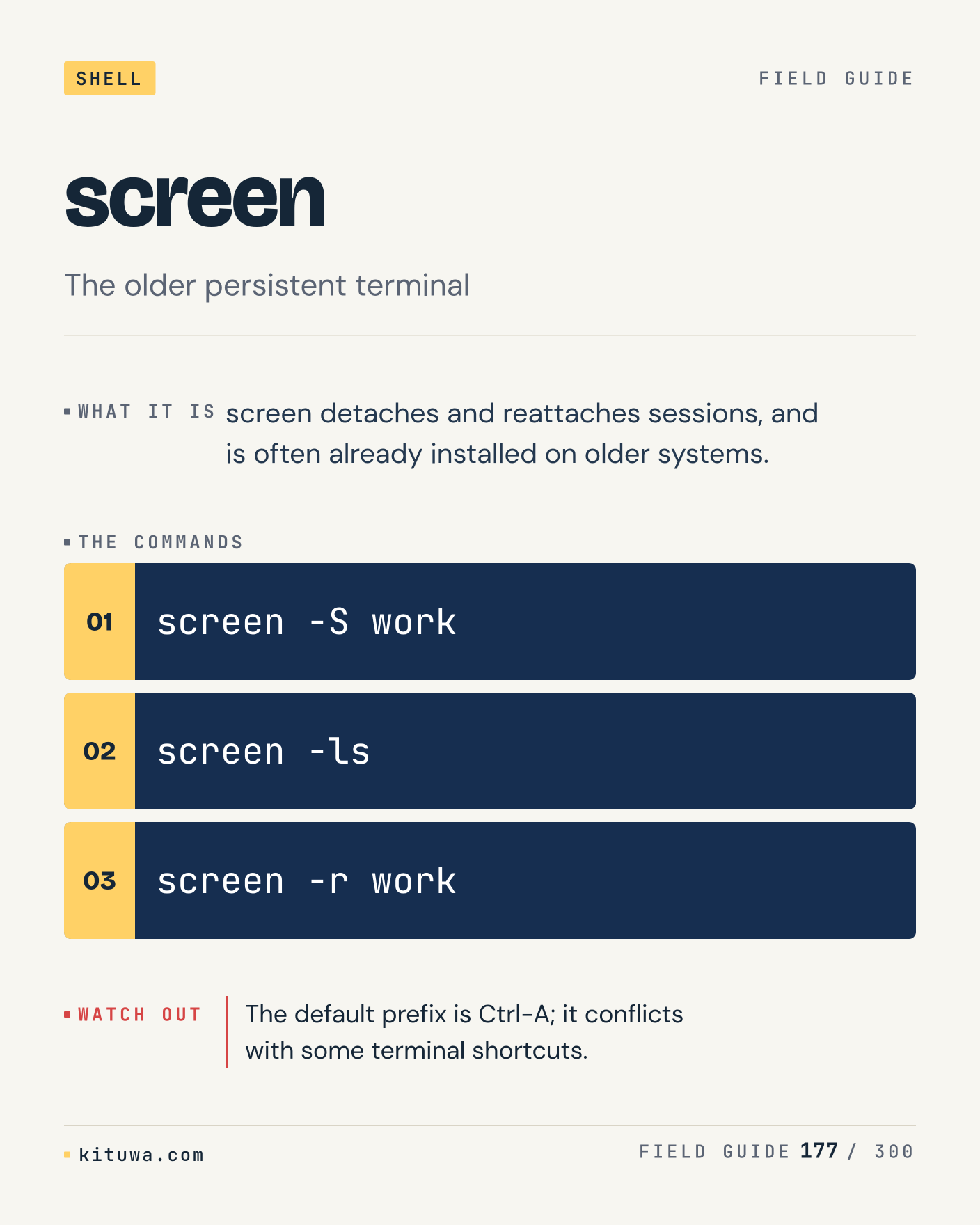
177. screen

Screen detaches and reattaches sessions, and is often already installed on older systems. Try `screen -S work` first; `screen -ls` is the next step. The default prefix is Ctrl-A; it conflicts with some terminal shortcuts. Which one would you check first?

#Linux #Bash #CLI

Approval: approved · Facebook: not scheduled

Post 178 artwork

2027-01-15 · 09:00 ET · image

178. SSH config

The short version of SSH config — ~/.ssh/config sets per-host user, key, port, proxy, and keepalive options. `ssh -G host` shows the state; `ssh -v host` changes it. The first matching Host block wins; put specific hosts before wildcards. Sound familiar?

#Linux #Bash #CLI

Approval: approved · Facebook: not scheduled

Post 179 artwork

2027-01-15 · 15:00 ET · image

179. Cron syntax

There is no magic in Cron syntax. Cron fields are minute, hour, day-of-month, month, and day-of-week; ranges and steps are allowed. Use `crontab -l` before `crontab -e`. Cron's environment is minimal; set PATH and use absolute paths. What is your default?

#Linux #Bash #CLI

Approval: approved · Facebook: not scheduled

Post 180 artwork

2027-01-15 · 21:00 ET · image

180. systemd timers

One thing about Systemd timers — A timer starts a service on a calendar or monotonic schedule and logs to the journal. `systemctl list-timers --all` is the fastest check. Persistent=true catches up after downtime; cron does not run a missed job later. What would you add?

#Linux #Bash #CLI

Approval: approved · Facebook: not scheduled

Post 181 artwork

2027-01-16 · 09:00 ET · image

181. Shell globbing

Globs match filenames: * any string, ? one character, [abc] a set, ** recursive in some shells. The useful habit: run `printf '%s\n' *.log`, read the output, then decide. A glob that matches nothing is passed literally by default; nullglob changes that. What is the last thing it caught?

#Linux #Bash #CLI

Approval: approved · Facebook: not scheduled

Post 182 artwork

2027-01-16 · 15:00 ET · image

182. Brace expansion

Brace expansion, without the ceremony — Braces expand lists and ranges: {a,b}, {1..5}, and nested combinations. `echo file{1..3}.txt` first, `mkdir -p /srv/{app,logs,data}` when you need the detail. Brace expansion happens before variable expansion; it is not a loop. Which output do you trust?

#Linux #Bash #CLI

Approval: approved · Facebook: not scheduled

Post 183 artwork

2027-01-16 · 21:00 ET · image

183. Shell history

History stores interactive commands; Ctrl-R searches, and HISTCONTROL can ignore duplicates. Keep `history | tail` and `grep pattern ~/.bash_history` in reach. A command with a token or password is now in a plain-text file. What breaks first on your setup?

#Linux #Bash #CLI

Approval: approved · Facebook: not scheduled

Post 184 artwork

2027-01-17 · 09:00 ET · image

184. Dockerfile layers

Dockerfile layers — Each Dockerfile instruction creates a cached layer; order changes how much rebuilds. Start with `docker build -t app .`. Put rarely changing dependencies before your source code to keep the cache useful. What does it show on your box?

#Linux #Containers #DevOps

Approval: approved · Facebook: not scheduled

Post 185 artwork

2027-01-17 · 15:00 ET · image

185. Multi-stage builds

Multiple FROM stages let you compile in one image and copy only the artifact into the final one. Try `docker build --target builder .` first; `docker build -t app .` is the next step. A final stage that copies too much defeats the point; check the image size. Which one would you check first?

#Linux #Containers #DevOps

Approval: approved · Facebook: not scheduled

Post 186 artwork

2027-01-17 · 21:00 ET · image

186. Image tags vs digests

The short version of Image tags vs digests — A tag is a human label that can be reassigned; a digest pins exact content. `docker pull nginx:1.27` shows the state; `docker inspect --format '{{index .RepoDigests 0}}' nginx:1.27` changes it. Two hosts can pull the same tag and run different bytes; pin digests for repeatability. Sound familiar?

#Linux #Containers #DevOps

Approval: approved · Facebook: not scheduled

Post 187 artwork

2027-01-18 · 09:00 ET · image

187. Docker networks

There is no magic in Docker networks. A user-defined network gives containers name resolution and isolation from the default bridge. Use `docker network ls` before `docker network inspect app_default`. The default bridge has no automatic DNS; a user-defined network does. What is your default?

#Linux #Containers #DevOps

Approval: approved · Facebook: not scheduled

Post 188 artwork

2027-01-18 · 15:00 ET · image

188. Healthchecks

One thing about Healthchecks — A HEALTHCHECK command marks a container healthy or unhealthy based on a real probe. `docker inspect --format '{{json .State.Health}}' app` is the fastest check. A healthcheck that only checks the process is still alive adds little. What would you add?

#Linux #Containers #DevOps

Approval: approved · Facebook: not scheduled

Post 189 artwork

2027-01-18 · 21:00 ET · image

189. Podman

Podman runs containers without a central daemon and can run rootless with user namespaces. The useful habit: run `podman run --rm -it alpine sh`, read the output, then decide. Rootless networking and low ports behave differently; test the exact deployment. What is the last thing it caught?

#Linux #Containers #DevOps

Approval: approved · Facebook: not scheduled

Post 190 artwork

2027-01-19 · 09:00 ET · image

190. Buildah

Buildah, without the ceremony — Buildah builds OCI images from scripts or a Dockerfile and can push them to a registry. `buildah bud -t app .` first, `buildah from alpine` when you need the detail. Buildah and Docker storage can differ; do not assume a local image is shared. Which output do you trust?

#Linux #Containers #DevOps

Approval: approved · Facebook: not scheduled

Post 191 artwork

2027-01-19 · 15:00 ET · image

191. Container registries

A registry stores and serves images by repository and tag or digest. Keep `docker login registry.example` and `docker push registry.example/app:1.0` in reach. A private registry needs auth, TLS, and garbage collection; disks fill with old layers. What breaks first on your setup?

#Linux #Containers #DevOps

Approval: approved · Facebook: not scheduled

Post 192 artwork

2027-01-19 · 21:00 ET · image

192. Image scanning

Image scanning — Scanners inspect OS packages and language dependencies in each image layer. Start with `trivy image app:latest`. Rebuild on a clean base regularly; a scan of an old base is a history lesson. What does it show on your box?

#Linux #Containers #DevOps

Approval: approved · Facebook: not scheduled

Post 193 artwork

2027-01-20 · 09:00 ET · image

193. Kubernetes pods

A pod wraps one or more containers that share a network namespace and volumes. Try `kubectl get pods -A` first; `kubectl describe pod name` is the next step. Pods are disposable; do not store state in the pod filesystem. Which one would you check first?

#Linux #Containers #DevOps

Approval: approved · Facebook: not scheduled

Post 194 artwork

2027-01-20 · 15:00 ET · image

194. Kubernetes deployments

The short version of Kubernetes deployments — A Deployment manages ReplicaSets and rolls out image or config changes with a strategy. `kubectl get deploy` shows the state; `kubectl rollout status deploy/app` changes it. A rollout can be stuck on an image pull or a failing readiness probe; describe the pod. Sound familiar?

#Linux #Containers #DevOps

Approval: approved · Facebook: not scheduled

Post 195 artwork

2027-01-20 · 21:00 ET · image

195. Kubernetes services

There is no magic in Kubernetes services. A Service selects pods by label and gives them a stable ClusterIP, NodePort, or LoadBalancer. Use `kubectl get svc` before `kubectl get endpoints svc`. A Service with no endpoints is a selector mismatch, not a network problem. What is your default?

#Linux #Containers #DevOps

Approval: approved · Facebook: not scheduled

Post 196 artwork

2027-01-21 · 09:00 ET · image

196. Ingress

One thing about Ingress — Ingress maps hostnames and paths to Services through an ingress controller. `kubectl get ingress` is the fastest check. Ingress does nothing without a controller; the resource is just a declaration. What would you add?

#Linux #Containers #DevOps

Approval: approved · Facebook: not scheduled

Post 197 artwork

2027-01-21 · 15:00 ET · image

197. ConfigMaps and Secrets

ConfigMaps hold non-sensitive config; Secrets hold sensitive values, base64-encoded by default. The useful habit: run `kubectl get configmap`, read the output, then decide. A Secret is not encrypted at rest unless the cluster enables encryption. What is the last thing it caught?

#Linux #Containers #DevOps

Approval: approved · Facebook: not scheduled

Post 198 artwork

2027-01-21 · 21:00 ET · image

198. Resource requests and limits

Resource requests and limits, without the ceremony — Requests reserve capacity for scheduling; limits cap usage and can trigger eviction or OOM. `kubectl describe node` first, `kubectl top pod` when you need the detail. A memory limit below the app's working set is a guaranteed OOM kill. Which output do you trust?

#Linux #Containers #DevOps

Approval: approved · Facebook: not scheduled

Post 199 artwork

2027-01-22 · 09:00 ET · image

199. Liveness and readiness probes

Liveness restarts a stuck container; readiness removes it from Service endpoints until it is ready. Keep `kubectl describe pod name` and `kubectl get events --sort-by=.lastTimestamp` in reach. A liveness probe that depends on a downstream service causes restart loops. What breaks first on your setup?

#Linux #Containers #DevOps

Approval: approved · Facebook: not scheduled

Post 200 artwork

2027-01-22 · 15:00 ET · image

200. Helm

Helm — Helm renders Kubernetes manifests from charts and tracks releases for upgrade and rollback. Start with `helm list -A`. A rendered diff is more useful than a green upgrade message; check what changed. What does it show on your box?

#Linux #Containers #DevOps

Approval: approved · Facebook: not scheduled

Post 201 artwork

2027-01-22 · 21:00 ET · image

201. Kustomize

Kustomize patches a base configuration with overlays for environment-specific changes. Try `kubectl kustomize overlays/prod` first; `kubectl apply -k overlays/prod` is the next step. Patch targets that no longer match fail silently in some versions; review the render. Which one would you check first?

#Linux #Containers #DevOps

Approval: approved · Facebook: not scheduled

Post 202 artwork

2027-01-23 · 09:00 ET · image

202. Kubernetes operators

The short version of Kubernetes operators — An operator watches custom resources and reconciles the real state toward the declared state. `kubectl get crd` shows the state; `kubectl get pods -n operator` changes it. An operator with broad RBAC is a privileged controller; review its ClusterRoles. Sound familiar?

#Linux #Containers #DevOps

Approval: approved · Facebook: not scheduled

Post 203 artwork

2027-01-23 · 15:00 ET · image

203. CNI

There is no magic in CNI. CNI plugins wire pod network interfaces, IPAM, and routes; Calico, Cilium, and Flannel are common. Use `kubectl get pods -n kube-system` before `kubectl get nodes -o wide`. A CNI upgrade can break pod networking while nodes and services still look healthy. What is your default?

#Linux #Containers #DevOps

Approval: approved · Facebook: not scheduled

Post 204 artwork

2027-01-23 · 21:00 ET · image

204. CSI

One thing about CSI — CSI drivers attach and mount volumes for Kubernetes pods, often backed by cloud or NFS storage. `kubectl get csidriver` is the fastest check. A Pending PVC is usually a storage class, capacity, or access-mode mismatch. What would you add?

#Linux #Containers #DevOps

Approval: approved · Facebook: not scheduled

Post 205 artwork

2027-01-24 · 09:00 ET · image

205. k3s

K3s packages Kubernetes with a small runtime, SQLite by default, and a single binary. The useful habit: run `k3s kubectl get nodes`, read the output, then decide. k3s is still Kubernetes; backups of the datastore matter before an upgrade. What is the last thing it caught?

#Linux #Containers #DevOps

Approval: approved · Facebook: not scheduled

Post 206 artwork

2027-01-24 · 15:00 ET · image

206. kubectl contexts

Kubectl contexts, without the ceremony — A context combines a cluster, user, and namespace; kubectl uses the current context. `kubectl config get-contexts` first, `kubectl config use-context prod` when you need the detail. A destructive command in the wrong context is a resume-generating event. Which output do you trust?

#Linux #Containers #DevOps

Approval: approved · Facebook: not scheduled

Post 207 artwork

2027-01-24 · 21:00 ET · image

207. Pod security context

SecurityContext sets runAsUser, fsGroup, capabilities, and readOnlyRootFilesystem per pod or container. Keep `kubectl get pod -o jsonpath='{.spec.securityContext}'` and `kubectl auth can-i --list` in reach. Running as root inside the container is still root on the shared kernel. What breaks first on your setup?

#Linux #Containers #DevOps

Approval: approved · Facebook: not scheduled

Post 208 artwork

2027-01-25 · 09:00 ET · image

208. Distroless images

Distroless images — Distroless images contain the app and runtime but no package manager or shell. Start with `docker run --rm -it gcr.io/distroless/static-debian12`. Debugging needs a separate ephemeral container or a debug image. What does it show on your box?

#Linux #Containers #DevOps

Approval: approved · Facebook: not scheduled

Post 209 artwork

2027-01-25 · 15:00 ET · image

209. Build cache

BuildKit caches layers by instruction and content; a changed early layer invalidates the rest. Try `docker build --progress=plain .` first; `docker builder du` is the next step. A cache mount can hide dependency changes; verify the final image, not just the build time. Which one would you check first?

#Linux #Containers #DevOps

Approval: approved · Facebook: not scheduled

Post 210 artwork

2027-01-25 · 21:00 ET · image

210. Container logs

The short version of Container logs — The container runtime captures stdout/stderr; Docker's json-file driver can grow without limits. `docker logs --tail 100 app` shows the state; `docker inspect --format '{{.LogPath}}' app` changes it. Configure log rotation or the disk fills quietly; the app log is not the only log. Sound familiar?

#Linux #Containers #DevOps

Approval: approved · Facebook: not scheduled

Post 211 artwork

2027-01-26 · 09:00 ET · image

211. Debugging a container

There is no magic in Debugging a container. Docker exec or kubectl debug enters the container's namespaces; a distroless image needs an ephemeral container. Use `docker exec -it app sh` before `kubectl debug -it pod --image=busybox`. A shell in the container sees the container's view, not the host's. What is your default?

#Linux #Containers #DevOps

Approval: approved · Facebook: not scheduled

Post 212 artwork

2027-01-26 · 15:00 ET · image

212. Container networking

One thing about Container networking — Publishing a port uses NAT; container DNS resolves service names on user-defined networks. `docker port app` is the fastest check. 127.0.0.1 inside a container is the container, not the host; use host.docker.internal or a network. What would you add?

#Linux #Containers #DevOps

Approval: approved · Facebook: not scheduled

Post 213 artwork

2027-01-26 · 21:00 ET · image

213. nginx configuration

Nginx matches server blocks by listen/socket and server_name, then locations by prefix or regex. The useful habit: run `nginx -t`, read the output, then decide. A location that never matches is usually a precedence surprise; nginx -T shows the merged config. What is the last thing it caught?

#Linux #WebOps #SelfHosted

Approval: approved · Facebook: not scheduled

Post 214 artwork

2027-01-27 · 09:00 ET · image

214. Caddy

Caddy, without the ceremony — Caddy obtains and renews certificates automatically and uses a concise Caddyfile. `caddy validate --config Caddyfile` first, `caddy run --config Caddyfile` when you need the detail. Automatic HTTPS needs ports 80/443 or a DNS challenge; a closed port 80 is a common failure. Which output do you trust?

#Linux #WebOps #SelfHosted

Approval: approved · Facebook: not scheduled

Post 215 artwork

2027-01-27 · 15:00 ET · image

215. Apache HTTP Server

Apache uses virtual hosts and a module stack; the config is split across sites-available and conf-enabled. Keep `apachectl -S` and `apachectl configtest` in reach. A module loaded twice or a conflicting MPM shows up as a startup failure, not a request error. What breaks first on your setup?

#Linux #WebOps #SelfHosted

Approval: approved · Facebook: not scheduled

Post 216 artwork

2027-01-27 · 21:00 ET · image

216. Static sites

Static sites — A static site is a directory tree served by nginx or Caddy with correct content types and cache headers. Start with `curl -I https://example.com/style.css`. A wrong MIME type makes CSS or modules fail while the HTML still looks fine. What does it show on your box?

#Linux #WebOps #SelfHosted

Approval: approved · Facebook: not scheduled

Post 217 artwork

2027-01-28 · 09:00 ET · image

217. PHP-FPM

PHP-FPM runs PHP workers over a Unix socket or TCP; nginx passes .php requests to it. Try `systemctl status php8.3-fpm` first; `php-fpm8.3 -t` is the next step. A 502 from nginx usually means the FPM socket path or permissions do not match. Which one would you check first?

#Linux #WebOps #SelfHosted

Approval: approved · Facebook: not scheduled

Post 218 artwork

2027-01-28 · 15:00 ET · image

218. Gunicorn

The short version of Gunicorn — Gunicorn preloads or forks WSGI workers and sits behind nginx or a load balancer. `gunicorn --check-config app:app` shows the state; `systemctl status gunicorn` changes it. Worker count and timeout are workload decisions; a slow request can block a sync worker. Sound familiar?

#Linux #WebOps #SelfHosted

Approval: approved · Facebook: not scheduled

Post 219 artwork

2027-01-28 · 21:00 ET · image

219. HTTP headers

There is no magic in HTTP headers. Headers control caching, content type, security policy, and connection behavior. Use `curl -sI https://example.com` before `curl -H 'Accept-Encoding: gzip' -I URL`. A proxy can add or strip headers; test through the same path users use. What is your default?

#Linux #WebOps #SelfHosted

Approval: approved · Facebook: not scheduled

Post 220 artwork

2027-01-29 · 09:00 ET · image

220. HTTP caching

One thing about HTTP caching — Cache-Control sets freshness; ETag and Last-Modified enable revalidation. `curl -sI https://example.com | grep -i -E 'cache|etag|last-modified'` is the fastest check. A long max-age on an HTML page makes deploys invisible until the cache expires. What would you add?

#Linux #WebOps #SelfHosted

Approval: approved · Facebook: not scheduled

Post 221 artwork

2027-01-29 · 15:00 ET · image

221. Rate limiting

Rate limits cap requests per key, IP, or route; a 429 should include Retry-After. The useful habit: run `curl -I https://api.example/health`, read the output, then decide. Limiting by IP breaks NAT and shared proxies; use a token or account key where possible. What is the last thing it caught?

#Linux #WebOps #SelfHosted

Approval: approved · Facebook: not scheduled

Post 222 artwork

2027-01-29 · 21:00 ET · image

222. Web application firewall

Web application firewall, without the ceremony — A WAF inspects requests for signatures and anomalies before they reach the app. `curl -I https://example.com` first, `nginx -T | grep -i modsecurity` when you need the detail. A WAF is not a substitute for patching; false positives break real users. Which output do you trust?

#Linux #WebOps #SelfHosted

Approval: approved · Facebook: not scheduled

Post 223 artwork

2027-01-30 · 09:00 ET · image

223. HAProxy

HAProxy routes traffic to backends with health checks, ACLs, and connection limits. Keep `haproxy -c -f /etc/haproxy/haproxy.cfg` and `echo 'show stat' | socat stdio /var/run/haproxy.sock` in reach. A backend marked DOWN is a health check result, not necessarily a dead app. What breaks first on your setup?

#Linux #WebOps #SelfHosted

Approval: approved · Facebook: not scheduled

Post 224 artwork

2027-01-30 · 15:00 ET · image

224. Health checks

Health checks — A health endpoint should check the dependencies the request path needs, not just the process. Start with `curl -f https://app/healthz`. A health check that always returns 200 hides the outage it was meant to catch. What does it show on your box?

#Linux #WebOps #SelfHosted

Approval: approved · Facebook: not scheduled

Post 225 artwork

2027-01-30 · 21:00 ET · image

225. Access logs

Access logs record each request; the useful fields are status, upstream time, and bytes. Try `tail -f /var/log/nginx/access.log` first; `goaccess /var/log/nginx/access.log` is the next step. Logs contain IPs and URLs; retention and access are part of the security model. Which one would you check first?

#Linux #WebOps #SelfHosted

Approval: approved · Facebook: not scheduled

Post 226 artwork

2027-01-31 · 09:00 ET · image

226. Error logs

The short version of Error logs — The error log records upstream failures, permission errors, and configuration warnings. `tail -f /var/log/nginx/error.log` shows the state; `journalctl -u nginx -n 100` changes it. A 502 without an error-log line usually means the proxy never reached the app. Sound familiar?

#Linux #WebOps #SelfHosted

Approval: approved · Facebook: not scheduled

Post 227 artwork

2027-01-31 · 15:00 ET · image

227. Redirects

There is no magic in Redirects. 301/308 are permanent; 302/307 are temporary; 307/308 preserve the method and body. Use `curl -sI https://example.com/old` before `curl -L -o /dev/null -w '%{url_effective}\n' URL`. A permanent redirect is cached by browsers; a wrong one is hard to undo. What is your default?

#Linux #WebOps #SelfHosted

Approval: approved · Facebook: not scheduled

Post 228 artwork

2027-01-31 · 21:00 ET · image

228. WebSockets

One thing about WebSockets — WebSockets start as HTTP Upgrade requests; proxies must forward Upgrade and Connection headers. `curl -i -N -H 'Connection: Upgrade' -H 'Upgrade: websocket' URL` is the fastest check. A proxy read timeout can close an idle WebSocket even when the app is healthy. What would you add?

#Linux #WebOps #SelfHosted

Approval: approved · Facebook: not scheduled

Post 229 artwork

2027-02-01 · 09:00 ET · image

229. Server-sent events

SSE keeps an HTTP response open and streams text/event-stream messages to the client. The useful habit: run `curl -N https://app/events`, read the output, then decide. Buffering proxies delay SSE; disable buffering for that route. What is the last thing it caught?

#Linux #WebOps #SelfHosted

Approval: approved · Facebook: not scheduled

Post 230 artwork

2027-02-01 · 15:00 ET · image

230. Queues

Queues, without the ceremony — A queue stores jobs so a web request can return before slow work finishes. `redis-cli llen queue` first, `rabbitmqctl list_queues` when you need the detail. A queue without a dead-letter path silently loses the jobs that fail. Which output do you trust?

#Linux #WebOps #SelfHosted

Approval: approved · Facebook: not scheduled

Post 231 artwork

2027-02-01 · 21:00 ET · image

231. Background workers

Workers consume jobs, retry failures, and report health separately from the web process. Keep `systemctl status worker` and `journalctl -u worker -n 100` in reach. A web process that enqueues but has no worker looks healthy and does nothing. What breaks first on your setup?

#Linux #WebOps #SelfHosted

Approval: approved · Facebook: not scheduled

Post 232 artwork

2027-02-02 · 09:00 ET · image

232. Log rotation

Log rotation — Logrotate renames, compresses, and deletes logs on a schedule; services must reopen the file. Start with `logrotate -d /etc/logrotate.conf`. A copytruncate race can lose lines; a signal-based reopen is cleaner when supported. What does it show on your box?

#Linux #WebOps #SelfHosted

Approval: approved · Facebook: not scheduled

Post 233 artwork

2027-02-02 · 15:00 ET · image

233. 502 vs 504

502 means the proxy got an invalid response or could not connect; 504 means it waited too long. Try `curl -I https://app/` first; `journalctl -u nginx -n 100` is the next step. A 504 can be the app, the network, or the proxy timeout; measure before changing all three. Which one would you check first?

#Linux #WebOps #SelfHosted

Approval: approved · Facebook: not scheduled

Post 234 artwork

2027-02-02 · 21:00 ET · image

234. DNS cutover

The short version of DNS cutover — A DNS cutover changes an address; a low TTL before the change shortens the stale window. `dig +short example.com` shows the state; `dig @authoritative example.com` changes it. Old and new origins may both receive traffic during propagation; keep them compatible. Sound familiar?

#Linux #WebOps #SelfHosted

Approval: approved · Facebook: not scheduled

Post 235 artwork

2027-02-03 · 09:00 ET · image

235. HTTP/2

There is no magic in HTTP/2. HTTP/2 multiplexes streams over one TCP connection and compresses headers. Use `curl -sI --http2 https://example.com` before `openssl s_client -alpn h2 -connect host:443`. HTTP/2 over TLS needs ALPN; a proxy that terminates TLS must negotiate it. What is your default?

#Linux #WebOps #SelfHosted

Approval: approved · Facebook: not scheduled

Post 236 artwork

2027-02-03 · 15:00 ET · image

236. HTTP/3

One thing about HTTP/3 — HTTP/3 runs over QUIC and UDP 443; it can improve lossy or mobile connections. `curl --http3 -I https://example.com` is the fastest check. A firewall that blocks UDP 443 silently falls back to HTTP/2; that is fine, but know it. What would you add?

#Linux #WebOps #SelfHosted

Approval: approved · Facebook: not scheduled

Post 237 artwork

2027-02-03 · 21:00 ET · image

237. Cookies

Cookie attributes decide where the browser sends it and whether JavaScript can read it. The useful habit: run `curl -sI https://example.com | grep -i set-cookie`, read the output, then decide. A session cookie without Secure/HttpOnly is one XSS away from theft. What is the last thing it caught?

#Linux #WebOps #SelfHosted

Approval: approved · Facebook: not scheduled

Post 238 artwork

2027-02-04 · 09:00 ET · image

238. Server-side sessions

Server-side sessions, without the ceremony — A session cookie holds a random ID; the server stores the state and can revoke it. `curl -sI https://app/login` first, `redis-cli keys 'sess:*'` when you need the detail. A signed cookie is not a server-side session; it cannot be revoked before expiry. Which output do you trust?

#Linux #WebOps #SelfHosted

Approval: approved · Facebook: not scheduled

Post 239 artwork

2027-02-04 · 15:00 ET · image

239. CSRF

CSRF protection uses a session-bound token and an Origin/SameSite check on state changes. Keep `curl -X POST -I https://app/action` and `curl -H 'Origin: https://evil.example' -X POST URL` in reach. SameSite=Lax is defence in depth, not a complete CSRF control for every flow. What breaks first on your setup?

#Linux #WebOps #SelfHosted

Approval: approved · Facebook: not scheduled

Post 240 artwork

2027-02-04 · 21:00 ET · image

240. SSRF

SSRF — SSRF tricks a server into requesting internal metadata or localhost services. Start with `curl 'https://app/fetch?url=http://169.254.169.254/'`. Block link-local and metadata ranges, and resolve only allow-listed hosts. What does it show on your box?

#Linux #WebOps #SelfHosted

Approval: approved · Facebook: not scheduled

Post 241 artwork

2027-02-05 · 09:00 ET · image

241. File uploads

Uploads should be size-capped, type-checked by content, re-encoded, and stored outside the code tree. Try `curl -F [email protected] https://app/upload` first; `file image.png` is the next step. A .php or .svg upload served from the same origin can become code or XSS. Which one would you check first?

#Linux #WebOps #SelfHosted

Approval: approved · Facebook: not scheduled

Post 242 artwork

2027-02-05 · 15:00 ET · image

242. PostgreSQL

The short version of PostgreSQL — PostgreSQL is a durable relational database with MVCC, WAL, and strong SQL support. `psql -c 'select version()'` shows the state; `systemctl status postgresql` changes it. A full disk or a WAL retention problem takes the database down faster than query load. Sound familiar?

#Linux #Databases #Backups

Approval: approved · Facebook: not scheduled

Post 243 artwork

2027-02-05 · 21:00 ET · image

243. psql

There is no magic in Psql. Psql connects to a database, runs SQL or meta-commands, and can script output. Use `psql -h host -U user -d db` before `\dt`. A semicolon is required for SQL; backslash commands are client-side. What is your default?

#Linux #Databases #Backups

Approval: approved · Facebook: not scheduled

Post 244 artwork

2027-02-06 · 09:00 ET · image

244. pg_dump

One thing about Pg_dump — Pg_dump writes a consistent logical dump of one database; pg_dumpall adds roles and tablespaces. `pg_dump -Fc db > db.dump` is the fastest check. A dump is not a backup until you restore it into a test database. What would you add?

#Linux #Databases #Backups

Approval: approved · Facebook: not scheduled

Post 245 artwork

2027-02-06 · 15:00 ET · image

245. pg_restore

Pg_restore reads a custom-format dump and can restore schema, data, or selected objects. The useful habit: run `pg_restore -d db db.dump`, read the output, then decide. Restoring into a non-empty database can collide; use --clean or a fresh database. What is the last thing it caught?

#Linux #Databases #Backups

Approval: approved · Facebook: not scheduled

Post 246 artwork

2027-02-06 · 21:00 ET · image

246. Database indexes

Database indexes, without the ceremony — An index speeds lookups and sorts but adds storage and write overhead. `CREATE INDEX ON table (column);` first, `EXPLAIN ANALYZE SELECT ...` when you need the detail. An unused index is pure overhead; check usage before adding another one. Which output do you trust?

#Linux #Databases #Backups

Approval: approved · Facebook: not scheduled

Post 247 artwork

2027-02-07 · 09:00 ET · image

247. EXPLAIN

EXPLAIN shows the planner's plan; ANALYZE runs the query and shows actual rows and time. Keep `EXPLAIN SELECT ...` and `EXPLAIN (ANALYZE, BUFFERS) SELECT ...` in reach. A plan without actual row counts can be misleading; use ANALYZE on a safe query. What breaks first on your setup?

#Linux #Databases #Backups

Approval: approved · Facebook: not scheduled

Post 248 artwork

2027-02-07 · 15:00 ET · image

248. Slow queries

Slow queries — Pg_stat_statements and the slow query log show which statements consume time. Start with `SELECT * FROM pg_stat_statements ORDER BY total_exec_time DESC LIMIT 10;`. A fast query called a million times can cost more than one slow query. What does it show on your box?

#Linux #Databases #Backups

Approval: approved · Facebook: not scheduled

Post 249 artwork

2027-02-07 · 21:00 ET · image

249. Connection pooling

A pooler such as PgBouncer reuses database connections across app workers. Try `psql -c 'show max_connections'` first; `pgbouncer -V` is the next step. Transaction pooling breaks session state; use session mode for those clients. Which one would you check first?

#Linux #Databases #Backups

Approval: approved · Facebook: not scheduled

Post 250 artwork

2027-02-08 · 09:00 ET · image

250. Database migrations

The short version of Database migrations — A migration is a versioned schema change applied in order and recorded in a table. `alembic upgrade head` shows the state; `flyway info` changes it. A destructive migration without a backup is a one-way door. Sound familiar?

#Linux #Databases #Backups

Approval: approved · Facebook: not scheduled

Post 251 artwork

2027-02-08 · 15:00 ET · image

251. MySQL and MariaDB

There is no magic in MySQL and MariaDB. MySQL/MariaDB use InnoDB by default, with a binary log for replication and point-in-time recovery. Use `mysql -e 'select version()'` before `systemctl status mariadb`. The binary log grows; retention and disk planning are part of the backup design. What is your default?

#Linux #Databases #Backups

Approval: approved · Facebook: not scheduled

Post 252 artwork

2027-02-08 · 21:00 ET · image

252. mysqldump

One thing about Mysqldump — Mysqldump writes SQL statements that recreate schema and data; --single-transaction gives a consistent InnoDB snapshot. `mysqldump --single-transaction db > db.sql` is the fastest check. A dump taken without a consistent snapshot can restore a torn state. What would you add?

#Linux #Databases #Backups

Approval: approved · Facebook: not scheduled

Post 253 artwork

2027-02-09 · 09:00 ET · image

253. SQLite

SQLite is an embedded SQL engine with no server; the file is the database. The useful habit: run `sqlite3 app.db '.tables'`, read the output, then decide. Two writers can still block; set a busy timeout and keep transactions short. What is the last thing it caught?

#Linux #Databases #Backups

Approval: approved · Facebook: not scheduled

Post 254 artwork

2027-02-09 · 15:00 ET · image

254. SQLite WAL

SQLite WAL, without the ceremony — Write-ahead logging lets readers and a writer coexist, using -wal and -shm files. `sqlite3 app.db 'PRAGMA journal_mode=WAL;'` first, `ls -l app.db*` when you need the detail. Back up the database with the SQLite backup API or a checkpoint, not a raw copy of one file. Which output do you trust?

#Linux #Databases #Backups

Approval: approved · Facebook: not scheduled

Post 255 artwork

2027-02-09 · 21:00 ET · image

255. Redis

Redis stores strings, lists, sets, hashes, and streams in memory, with optional persistence. Keep `redis-cli ping` and `redis-cli info memory` in reach. An unbounded key space is an OOM waiting for a busy day; set maxmemory and eviction. What breaks first on your setup?

#Linux #Databases #Backups

Approval: approved · Facebook: not scheduled

Post 256 artwork

2027-02-10 · 09:00 ET · image

256. Redis persistence

Redis persistence — RDB snapshots are compact but lose recent writes; AOF logs every write with fsync trade-offs. Start with `redis-cli config get save`. A cache is allowed to lose data; a queue is not. Decide which one Redis is. What does it show on your box?

#Linux #Databases #Backups

Approval: approved · Facebook: not scheduled

Post 257 artwork

2027-02-10 · 15:00 ET · image

257. Key expiry

TTL removes keys after a time; eviction policies decide what to drop under memory pressure. Try `redis-cli ttl key` first; `redis-cli config get maxmemory-policy` is the next step. allkeys-lru can evict a session you still need; use volatile-* policies for mixed data. Which one would you check first?

#Linux #Databases #Backups

Approval: approved · Facebook: not scheduled

Post 258 artwork

2027-02-10 · 21:00 ET · image

258. Prometheus

The short version of Prometheus — Prometheus scrapes metrics endpoints, stores time series, and evaluates alert rules. `promtool check config prometheus.yml` shows the state; `curl -s http://localhost:9090/-/healthy` changes it. Cardinality is the cost driver; a label with user IDs will melt the store. Sound familiar?

#Linux #Databases #Backups

Approval: approved · Facebook: not scheduled

Post 259 artwork

2027-02-11 · 09:00 ET · image

259. Grafana

There is no magic in Grafana. Grafana queries Prometheus, Loki, and SQL sources and renders panels and alerts. Use `grafana-cli plugins ls` before `curl -s http://localhost:3000/api/health`. A dashboard is not an alert; if nobody watches it at 3 a.m., it is decoration. What is your default?

#Linux #Databases #Backups

Approval: approved · Facebook: not scheduled

Post 260 artwork

2027-02-11 · 15:00 ET · image

260. node_exporter

One thing about Node_exporter — Node_exporter exposes CPU, memory, disk, network, and filesystem metrics for Prometheus. `curl -s http://localhost:9100/metrics | head` is the fastest check. A metrics endpoint exposed to the internet leaks host details; bind it to the private network. What would you add?

#Linux #Databases #Backups

Approval: approved · Facebook: not scheduled

Post 261 artwork

2027-02-11 · 21:00 ET · image

261. Alertmanager

Alertmanager groups, routes, inhibits, and silences alerts from Prometheus. The useful habit: run `amtool config check alertmanager.yml`, read the output, then decide. A route with no receiver silently drops the alert; test with amtool. What is the last thing it caught?

#Linux #Databases #Backups

Approval: approved · Facebook: not scheduled

Post 262 artwork

2027-02-12 · 09:00 ET · image

262. Loki

Loki, without the ceremony — Loki stores compressed log streams and indexes only labels, which keeps it cheaper than full-text indexing. `logcli query '{job="app"}' --limit 20` first, `curl -s http://localhost:3100/ready` when you need the detail. High-cardinality labels make Loki expensive; keep labels low and put details in the line. Which output do you trust?

#Linux #Databases #Backups

Approval: approved · Facebook: not scheduled

Post 263 artwork

2027-02-12 · 15:00 ET · image

263. OpenTelemetry

OpenTelemetry instruments apps and ships signals to a backend through a collector. Keep `otelcol --version` and `curl -s http://localhost:13133/` in reach. Sampling decisions change cost and visibility; trace everything only in a lab. What breaks first on your setup?

#Linux #Databases #Backups

Approval: approved · Facebook: not scheduled

Post 264 artwork

2027-02-12 · 21:00 ET · image

264. Distributed traces

Distributed traces — A trace is a tree of spans with timing and attributes, correlated by a trace ID. Start with `curl -H 'traceparent: 00-...-...-01' URL`. A trace without service and span names is a timestamp collection, not a diagnosis. What does it show on your box?

#Linux #Databases #Backups

Approval: approved · Facebook: not scheduled

Post 265 artwork

2027-02-13 · 09:00 ET · image

265. SLOs and error budgets

An SLO sets a target for a service level indicator; the error budget is the allowed failure. Try `promtool query instant http://localhost:9090 'sli:availability'` first; `curl -s http://localhost:9090/api/v1/rules` is the next step. An SLO nobody trusts is worse than no SLO; measure what users experience. Which one would you check first?

#Linux #Databases #Backups

Approval: approved · Facebook: not scheduled

Post 266 artwork

2027-02-13 · 15:00 ET · image

266. Cardinality

The short version of Cardinality — Every unique label combination is a time series; unbounded labels explode storage and query time. `promtool query instant http://localhost:9090 'count(count by (__name__)({__name__=~".+"}))'` shows the state; `curl -s http://localhost:9090/api/v1/status/tsdb` changes it. Do not put request IDs, emails, or raw URLs in labels. Sound familiar?

#Linux #Databases #Backups

Approval: approved · Facebook: not scheduled

Post 267 artwork

2027-02-13 · 21:00 ET · image

267. Retention

There is no magic in Retention. Retention balances disk, query needs, and compliance; Prometheus and Loki have separate settings. Use `promtool query instant http://localhost:9090 'prometheus_tsdb_retention_limit_bytes'` before `grep -i retention loki-config.yaml`. Keeping everything forever is a storage plan, not a retention plan. What is your default?

#Linux #Databases #Backups

Approval: approved · Facebook: not scheduled

Post 268 artwork

2027-02-14 · 09:00 ET · image

268. Uptime checks

One thing about Uptime checks — An external check catches DNS, TLS, and network failures a local health check cannot see. `curl -fsS https://app/healthz` is the fastest check. A check that runs on the same host goes down with the service; probe from elsewhere. What would you add?

#Linux #Databases #Backups

Approval: approved · Facebook: not scheduled

Post 269 artwork

2027-02-14 · 15:00 ET · image

269. blackbox_exporter

Blackbox_exporter performs HTTP, TCP, ICMP, and DNS probes and exposes the result as metrics. The useful habit: run `curl -s 'http://localhost:9115/probe?target=https://app&module=http_2xx'`, read the output, then decide. A probe module that accepts any status hides a 500; use http_2xx. What is the last thing it caught?

#Linux #Databases #Backups

Approval: approved · Facebook: not scheduled

Post 270 artwork

2027-02-14 · 21:00 ET · image

270. Dashboards

Dashboards, without the ceremony — A useful dashboard answers a specific question: is it up, is it fast, is it full?. `curl -s http://localhost:3000/api/health` first, `promtool query instant http://localhost:9090 'up'` when you need the detail. A wall of graphs without thresholds or links slows down the incident. Which output do you trust?

#Linux #Databases #Backups

Approval: approved · Facebook: not scheduled

Post 271 artwork

2027-02-15 · 09:00 ET · image

271. Git branches

A branch is a movable pointer to a commit; creating one is cheap and local. Keep `git switch -c fix/timeout` and `git branch -vv` in reach. A long-lived branch drifts; merge or rebase before it becomes a second project. What breaks first on your setup?

#Linux #DevOps #SRE

Approval: approved · Facebook: not scheduled

Post 272 artwork

2027-02-15 · 15:00 ET · image

272. Merge vs rebase

Merge vs rebase — Merge preserves the branch topology; rebase rewrites your commits onto a new base. Start with `git merge main`. Do not rebase a branch others have pulled; you are rewriting their base. What does it show on your box?

#Linux #DevOps #SRE

Approval: approved · Facebook: not scheduled

Post 273 artwork

2027-02-15 · 21:00 ET · image

273. Revert vs reset

Revert creates a new commit that undoes a change; reset moves the branch pointer. Try `git revert <sha>` first; `git reset --soft HEAD~1` is the next step. --hard discards working-tree changes; there is no undo unless you committed or stashed. Which one would you check first?

#Linux #DevOps #SRE

Approval: approved · Facebook: not scheduled

Post 274 artwork

2027-02-16 · 09:00 ET · image

274. Git tags

The short version of Git tags — An annotated tag records a message and signer; a lightweight tag is just a ref. `git tag -a v1.2.0 -m release` shows the state; `git push origin v1.2.0` changes it. Tags are not branches; moving a published tag breaks everyone who pinned it. Sound familiar?

#Linux #DevOps #SRE

Approval: approved · Facebook: not scheduled

Post 275 artwork

2027-02-16 · 15:00 ET · image

275. GitHub Actions

There is no magic in GitHub Actions. Workflows run on events and are composed of jobs, steps, runners, and secrets. Use `act -l` before `gh run list`. A workflow with write-all permissions and a pull_request_target trigger is a supply-chain risk. What is your default?

#Linux #DevOps #SRE

Approval: approved · Facebook: not scheduled

Post 276 artwork

2027-02-16 · 21:00 ET · image

276. Gitea Actions

One thing about Gitea Actions — Gitea Actions uses a compatible workflow syntax with runners you host. `gitea actions list` is the fastest check. A runner with access to the host is a remote shell for anyone who can push a workflow. What would you add?

#Linux #DevOps #SRE

Approval: approved · Facebook: not scheduled

Post 277 artwork

2027-02-17 · 09:00 ET · image

277. Ansible

Ansible runs modules against inventory hosts; good modules converge instead of repeating. The useful habit: run `ansible-inventory --list`, read the output, then decide. A shell task is not idempotent by default; use creates/changed_when or a real module. What is the last thing it caught?

#Linux #DevOps #SRE

Approval: approved · Facebook: not scheduled

Post 278 artwork

2027-02-17 · 15:00 ET · image

278. Terraform

Terraform, without the ceremony — Terraform plans changes from state and configuration, then applies them through providers. `terraform fmt -check` first, `terraform validate` when you need the detail. State contains secrets and resource IDs; store it remotely with locking, not in git. Which output do you trust?

#Linux #DevOps #SRE

Approval: approved · Facebook: not scheduled

Post 279 artwork

2027-02-17 · 21:00 ET · image

279. cloud-init

Cloud-init applies user-data, packages, users, and network config on the first boot. Keep `cloud-init status --long` and `cat /var/lib/cloud/instance/user-data.txt` in reach. A failed cloud-init run is often silent; check status before assuming the host is configured. What breaks first on your setup?

#Linux #DevOps #SRE

Approval: approved · Facebook: not scheduled

Post 280 artwork

2027-02-18 · 09:00 ET · image

280. Idempotency

Idempotency — An idempotent operation can be repeated without changing the result beyond the first run. Start with `ansible-playbook site.yml`. A script that appends to a file on every run is not idempotent; it is a slow leak. What does it show on your box?

#Linux #DevOps #SRE

Approval: approved · Facebook: not scheduled

Post 281 artwork

2027-02-18 · 15:00 ET · image

281. Secrets in CI

CI secrets should be scoped to the job, masked in logs, and rotated after exposure. Try `gh secret list` first; `grep -r 'secrets\.' .github/workflows` is the next step. A secret printed in a build log is exposed even if the job later fails. Which one would you check first?

#Linux #DevOps #SRE

Approval: approved · Facebook: not scheduled

Post 282 artwork

2027-02-18 · 21:00 ET · image

282. pre-commit

The short version of Pre-commit — Pre-commit runs configured hooks on staged files before Git records the commit. `pre-commit install` shows the state; `pre-commit run --all-files` changes it. Hooks can be skipped with --no-verify; CI must still run the same checks. Sound familiar?

#Linux #DevOps #SRE

Approval: approved · Facebook: not scheduled

Post 283 artwork

2027-02-19 · 09:00 ET · image

283. Testing

There is no magic in Testing. Unit, integration, and smoke tests answer different questions; pick the level that matches the risk. Use `pytest -q` before `go test ./...`. A test that only checks the happy path documents the happy path, not the failure. What is your default?

#Linux #DevOps #SRE

Approval: approved · Facebook: not scheduled

Post 284 artwork

2027-02-19 · 15:00 ET · image

284. Blue/green deploys

One thing about Blue/green deploys — Blue/green keeps the old version running while the new one warms up, then switches traffic. `curl -I https://app/` is the fastest check. The database schema is the hard part; both versions must tolerate it during the switch. What would you add?

#Linux #DevOps #SRE

Approval: approved · Facebook: not scheduled

Post 285 artwork

2027-02-19 · 21:00 ET · image

285. Canary releases

A canary sends a small share of traffic to the new version and compares health and errors. The useful habit: run `kubectl get pods -l app`, read the output, then decide. A canary without a comparison metric is just a slower rollout. What is the last thing it caught?

#Linux #DevOps #SRE

Approval: approved · Facebook: not scheduled

Post 286 artwork

2027-02-20 · 09:00 ET · image

286. Rollback

Rollback, without the ceremony — A rollback restores the previous artifact, config, and schema state within a known time. `kubectl rollout undo deploy/app` first, `git revert <sha>` when you need the detail. If the rollback has never been tested, it is a hope with a runbook. Which output do you trust?

#Linux #DevOps #SRE

Approval: approved · Facebook: not scheduled

Post 287 artwork

2027-02-20 · 15:00 ET · image

287. Feature flags

A feature flag decouples deployment from release and can be scoped by user or percentage. Keep `curl -s https://app/flags` and `grep -r 'flag' app/` in reach. A flag left on forever is a second code path nobody tests. What breaks first on your setup?

#Linux #DevOps #SRE

Approval: approved · Facebook: not scheduled

Post 288 artwork

2027-02-20 · 21:00 ET · image

288. Incident response

Incident response — Incident response assigns roles, stops the bleeding, communicates, and preserves evidence. Start with `date -u`. Do not debug on the only production host; a second pair of hands and a timeline matter. What does it show on your box?

#Linux #DevOps #SRE

Approval: approved · Facebook: not scheduled

Post 289 artwork

2027-02-21 · 09:00 ET · image

289. Runbooks

A runbook lists the exact commands, expected output, and escalation path for a known task. Try `ls runbooks/` first; `grep -R 'rollback' runbooks/` is the next step. A runbook that assumes context you will not have during an incident is fiction. Which one would you check first?

#Linux #DevOps #SRE

Approval: approved · Facebook: not scheduled

Post 290 artwork

2027-02-21 · 15:00 ET · image

290. Disaster recovery

The short version of Disaster recovery — DR covers data, configuration, DNS, credentials, and the order to bring them back. `restic snapshots` shows the state; `dig +short app.example` changes it. A backup restore that takes longer than the business allows is not a DR plan. Sound familiar?

#Linux #DevOps #SRE

Approval: approved · Facebook: not scheduled

Post 291 artwork

2027-02-21 · 21:00 ET · image

291. Documentation

There is no magic in Documentation. Good docs record the why, the exact paths, and the decision, not just the happy-path commands. Use `grep -R 'TODO' docs/` before `git log -- docs/`. Docs that live only in a chat thread disappear when the thread does. What is your default?

#Linux #DevOps #SRE

Approval: approved · Facebook: not scheduled

Post 292 artwork

2027-02-22 · 09:00 ET · image

292. Change management

One thing about Change management — A change should have an owner, a reason, a test, a rollback, and a time window. `git log --oneline -5` is the fastest check. A change with no rollback is an experiment on production. What would you add?

#Linux #DevOps #SRE

Approval: approved · Facebook: not scheduled

Post 293 artwork

2027-02-22 · 15:00 ET · image

293. Log aggregation

A collector ships logs to a central store with labels, retention, and access control. The useful habit: run `journalctl -u app -n 50`, read the output, then decide. Central logs contain secrets and personal data; retention and access are part of the design. What is the last thing it caught?

#Linux #DevOps #SRE

Approval: approved · Facebook: not scheduled

Post 294 artwork

2027-02-22 · 21:00 ET · image

294. Capacity planning

Capacity planning, without the ceremony — Capacity planning compares growth, peak load, and failure headroom against current limits. `df -h` first, `free -h` when you need the detail. A percentage without a growth rate and a peak is not a capacity plan. Which output do you trust?

#Linux #DevOps #SRE

Approval: approved · Facebook: not scheduled

Post 295 artwork

2027-02-23 · 09:00 ET · image

295. Cost control

Cost control tags resources, reviews idle capacity, and sets budgets on the services that can drift. Keep `aws ce get-cost-and-usage --help` and `kubectl get pvc -A` in reach. An unattached volume and an idle load balancer are easy to forget and hard to notice. What breaks first on your setup?

#Linux #DevOps #SRE

Approval: approved · Facebook: not scheduled

Post 296 artwork

2027-02-23 · 15:00 ET · image

296. On-call

On-call — On-call needs a rotation, escalation, a way to silence noise, and time to fix the cause. Start with `cat rota.md`. An on-call rotation that pages for noise trains people to ignore the pager. What does it show on your box?

#Linux #DevOps #SRE

Approval: approved · Facebook: not scheduled

Post 297 artwork

2027-02-23 · 21:00 ET · image

297. Postmortems

A postmortem records the timeline, contributing causes, impact, and the follow-up actions. Try `date -u` first; `journalctl --since '2 hours ago' -p 3` is the next step. A postmortem without owners and dates is a story, not a fix. Which one would you check first?

#Linux #DevOps #SRE

Approval: approved · Facebook: not scheduled

Post 298 artwork

2027-02-24 · 09:00 ET · image

298. CPU

The short version of CPU — Load average counts runnable and uninterruptible tasks; compare it with the CPU thread count. `nproc` shows the state; `uptime` changes it. A load of 8 on 4 threads is queueing; a load of 8 on 16 threads is not. Sound familiar?

#Linux #Hardware #HomeLab

Approval: approved · Facebook: not scheduled

Post 299 artwork

2027-02-24 · 15:00 ET · image

299. Cores vs threads

There is no magic in Cores vs threads. A physical core can present multiple hardware threads; the scheduler sees logical CPUs. Use `lscpu` before `nproc`. Pinning a busy VM to a thread sibling of another busy VM costs more than it saves. What is your default?

#Linux #Hardware #HomeLab

Approval: approved · Facebook: not scheduled

Post 300 artwork

2027-02-24 · 21:00 ET · image

300. ECC memory

One thing about ECC memory — ECC RAM detects and corrects single-bit errors and reports them through EDAC. `sudo dmidecode -t memory` is the fastest check. ECC is not a substitute for backups; it reduces a class of silent corruption. What would you add?

#Linux #Hardware #HomeLab

Approval: approved · Facebook: not scheduled

Plan

300 posts in the plan.

3 a day · 09:00 / 15:00 / 21:00 ET · 100-day plan

Media ready300 / 300
Media missing0
Approval pending0
Native scheduled93
Next postThu Nov 19, 3:00 PM

Upcoming

Next planned posts

cron: 30 7 * * *
#WhenTitleMediaApprovalFacebook
1 2026-11-17 · 09:00 ET Linux File Systems ready approved scheduled
2 2026-11-17 · 15:00 ET The Linux Directory Tree ready approved scheduled
3 2026-11-17 · 21:00 ET Linux Permissions ready approved scheduled
4 2026-11-18 · 09:00 ET SSH keys in plain English ready approved scheduled
5 2026-11-18 · 15:00 ET A backup you can restore ready approved scheduled
6 2026-11-18 · 21:00 ET systemd services: start, enable, debug ready approved scheduled
7 2026-11-19 · 09:00 ET journalctl without guesswork ready approved scheduled
8 2026-11-19 · 15:00 ET Docker volumes are your app's memory ready approved scheduled
9 2026-11-19 · 21:00 ET Docker vs virtual machines ready approved scheduled
10 2026-11-20 · 09:00 ET A safer apt upgrade routine ready approved scheduled
11 2026-11-20 · 15:00 ET Static IP vs DHCP reservation ready approved scheduled
12 2026-11-20 · 21:00 ET DNS in plain English ready approved scheduled
13 2026-11-21 · 09:00 ET What is listening on your server? ready approved scheduled
14 2026-11-21 · 15:00 ET Firewall basics with ufw ready approved scheduled

Paths and runbook

Where it lives, how to run it.

Token values are never rendered. Copy paths and commands directly from here.

Paths

Files and services

Working Directory /home/ubuntu/projects/kituwa-content
Schedule /home/ubuntu/projects/kituwa-content/schedule.json
Content /home/ubuntu/projects/kituwa-content/content/posts.json
Images /home/ubuntu/projects/kituwa-content/images
State /home/ubuntu/projects/kituwa-content/facebook_schedule.json
Status /home/ubuntu/projects/kituwa-content/status.json
Logs /home/ubuntu/projects/kituwa-content/logs/schedule.log
Token Custody /home/ubuntu/lock/facebookKituwaPageToken.txt (0600)

Runbook

Commands

Dry-run the scheduler
cd /home/ubuntu/projects/kituwa-content && .venv/bin/python tools/schedule_facebook.py
Schedule ready posts
cd /home/ubuntu/projects/kituwa-content && tools/run_schedule.sh --allow-partial
Verify Facebook schedule
cd /home/ubuntu/projects/kituwa-content && .venv/bin/python tools/schedule_facebook.py --verify
Scheduler log
tail -f /home/ubuntu/projects/kituwa-content/logs/schedule.log
Notes
  • 300 bright Linux field-guide posts: 3 per day for 100 days, 2026-11-17 to 2027-02-24.
  • 86 are natively scheduled in the first 28-day window; the daily 07:30 UTC cron extends the window 3 posts at a time.
  • Images are deterministic 1408x1760 bright infographics; captions and hashtags live in content/posts.json.